


For Dokan Powered Marketplace owners
Give Every Dokan Vendor Their Own Point of Sale
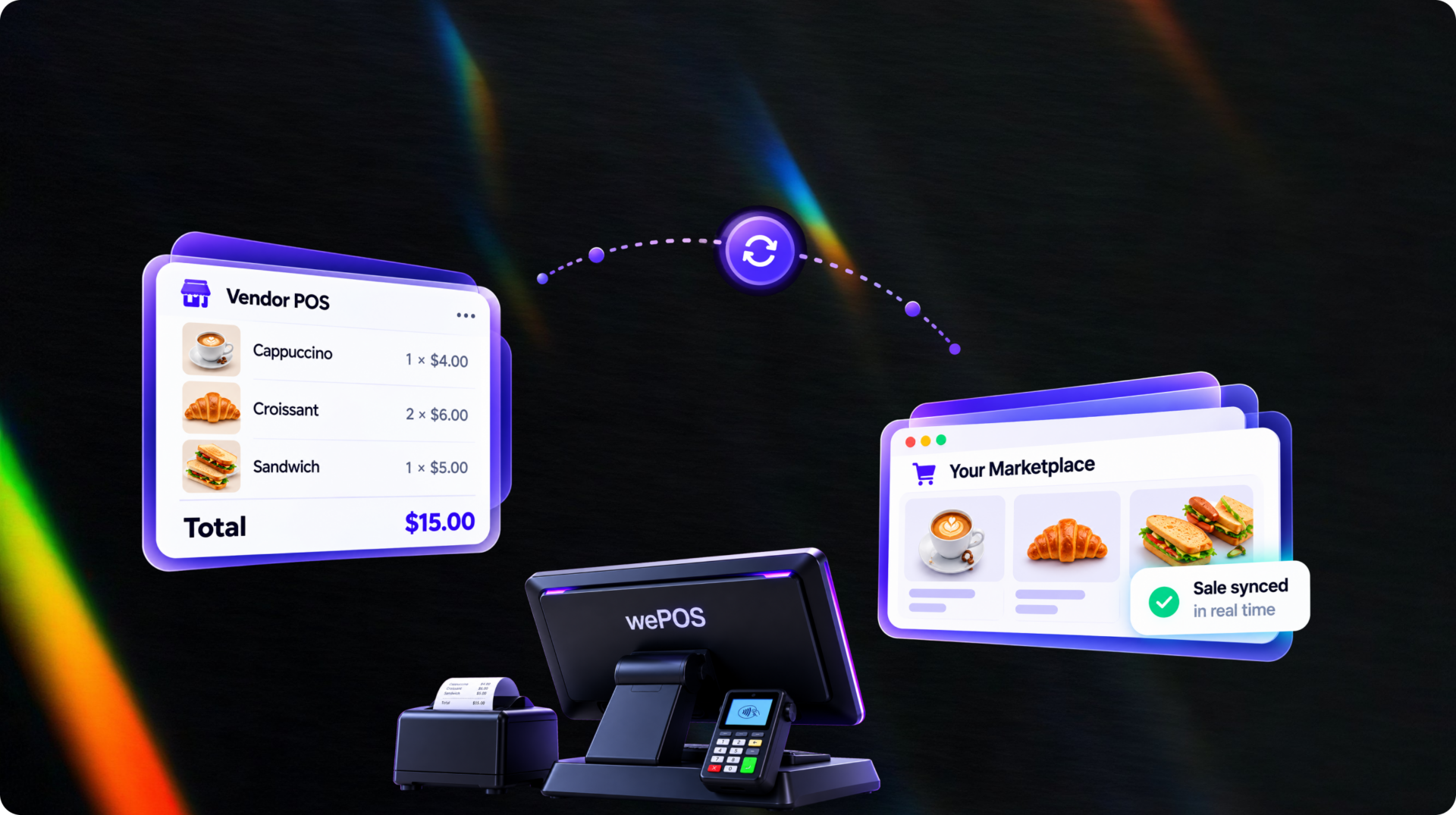
wePOS adds in-store selling to your WooCommerce marketplace. Each vendor runs their own POS, and every sale syncs with your store in real time.

One-time payment
14-day money-back guarantee

What changes when
your vendors get wePOS
With wePOS
Without wePOS


A POS for every vendor
Each vendor rings up in-store sales from their own POS, instead of a separate till or paper.

Separate tills


Real-time stock sync
Every counter sale updates WooCommerce stock instantly, so online and in-store stock always match.


Cashier role & staff permissions
A dedicated cashier role, and vendor staff inherit the permissions you already set in Dokan.
Shared logins


Receipts for every vendor
Each vendor customizes their own receipt instead of handing out generic or handwritten ones.
Generic


Per-vendor tax & currency
Set tax and currency for each vendor, not one setup for everyone.
One setup


In-store sales reports
A sales dashboard you can filter by date, cashier, outlet and status.


Outlets linked to vendors
Assign each physical outlet to the vendor who runs it.


Control at every counter
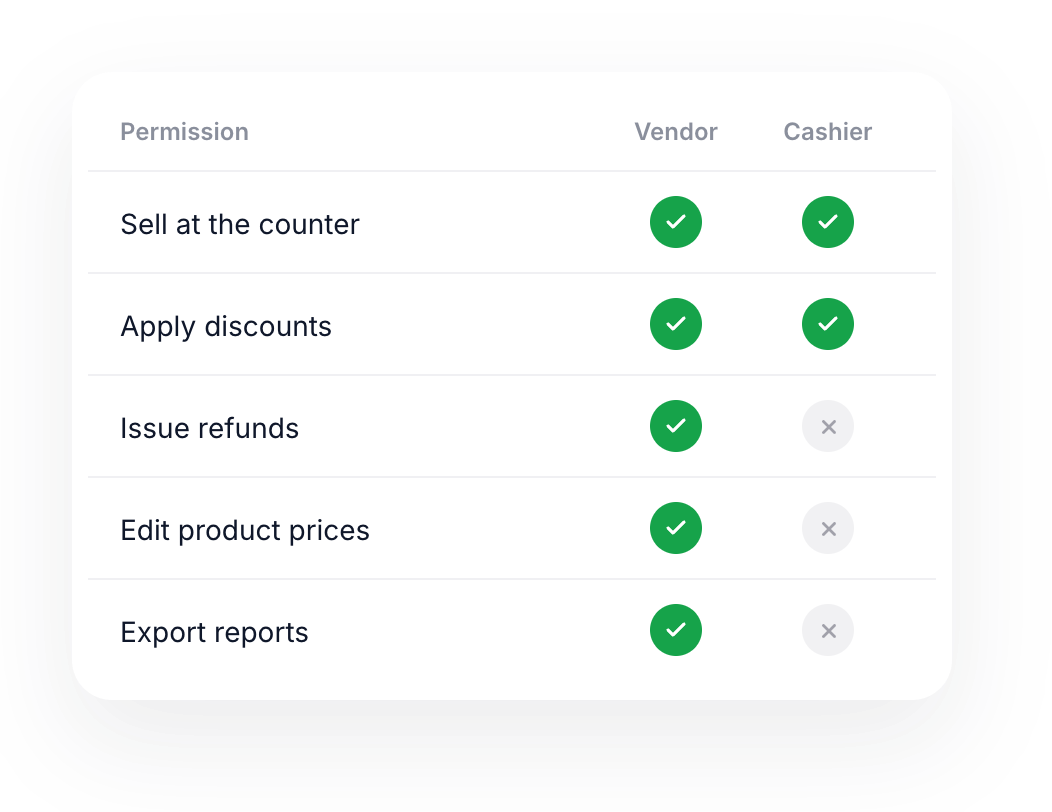
One access matrix for what vendors and cashiers can do, enforced on the server.
Dokan integration
Built for Dokan
Powered Marketplaces
wePOS works with Dokan out of the box. Vendors get their own counter, and you keep one store behind it all.

A POS for every vendor
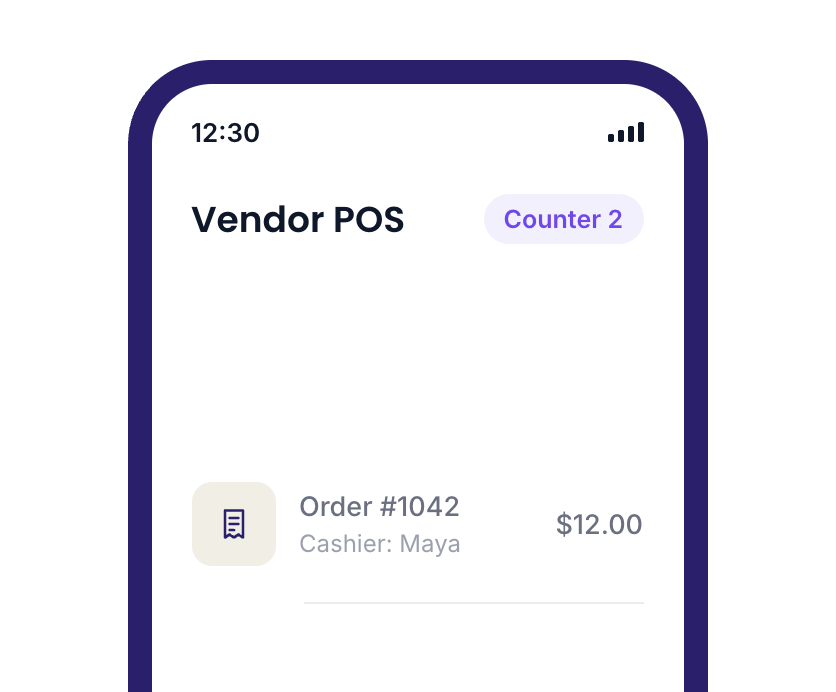
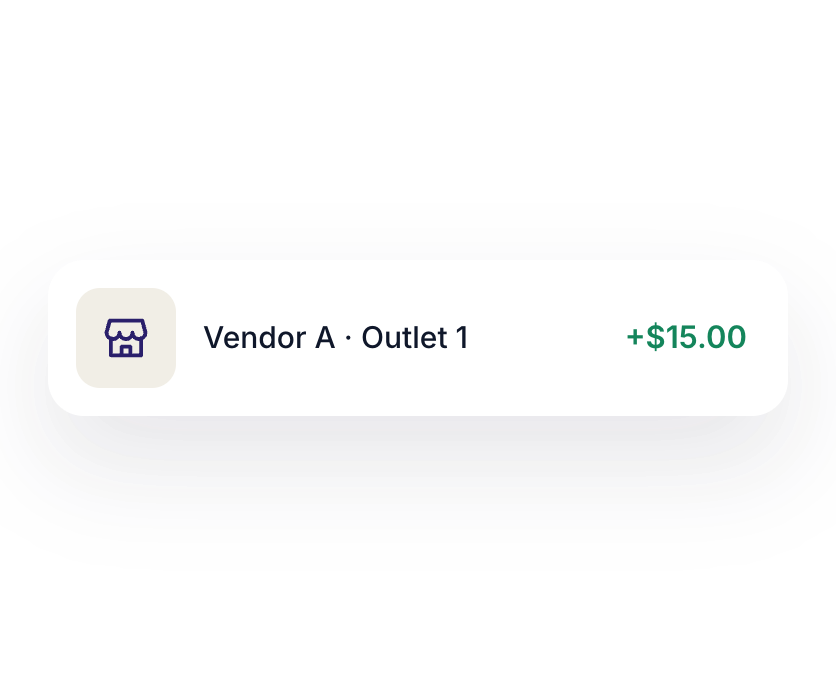
Each Dokan vendor runs their own point of sale, and outlets stay with the vendors who run them.

Vendor admin dashboard
Vendors see their own reports, orders and settings in one place, without asking the marketplace owner.

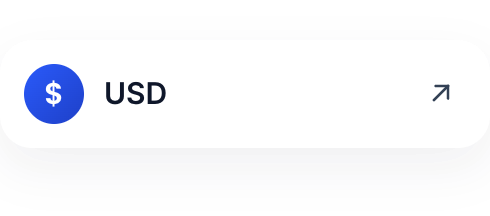
Local tax and currency for each vendor
Set tax and currency for each vendor instead of one setup for the whole marketplace.

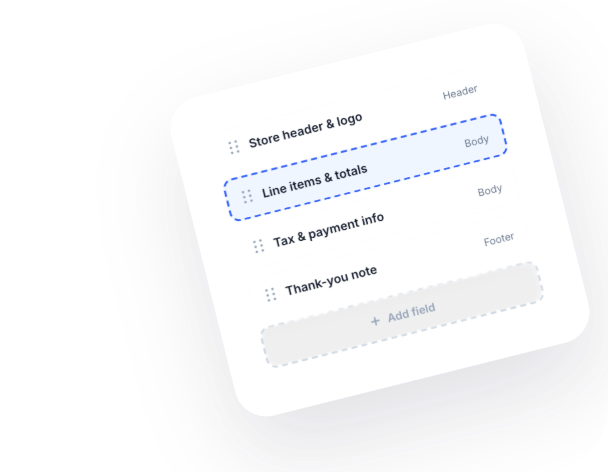
Receipts in each vendor’s name
Every vendor customizes their own receipt, from the store header to the thank-you note.

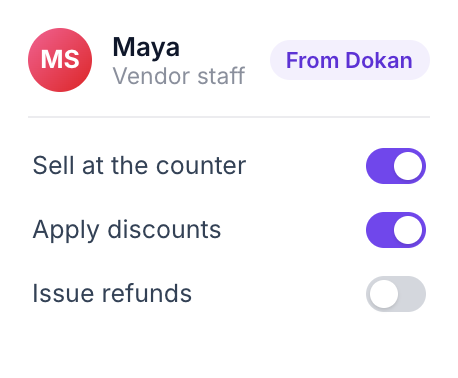
Staff permissions carry over
Vendor staff inherit the permissions you already set in Dokan.
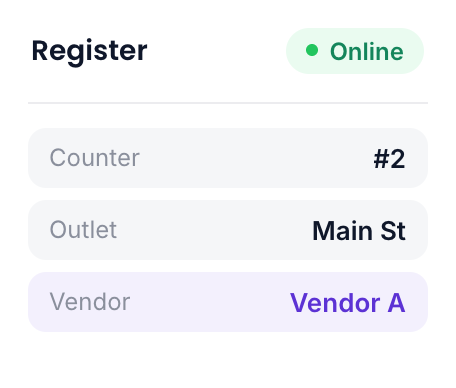
Clear at the counter
The POS header shows the counter, outlet and vendor at a glance.
How it works
Live at your vendors’
counters in three steps

01
Install wePOS

Add wePOS to your Dokan Powered Marketplace and activate your lifetime license.
02
Set up outlets
and cashiers

Assign outlets to vendors and give staff a cashier login.
03
Start selling

Vendors ring up sales at the counter, and stock updates across your store.

Your marketplace, your rules
Vendors get their own POS. You still decide who can use it and what they can do.
Access matrix
One access matrix
for every vendor
Set what vendors can see and do in the POS from a single screen. Permissions are enforced on the server, so the rules hold even if someone tries to work around the screen.
One screen for all vendors
Enforced on the server
Holds outside the screen
Vendor teams
Vendors manage
their own team
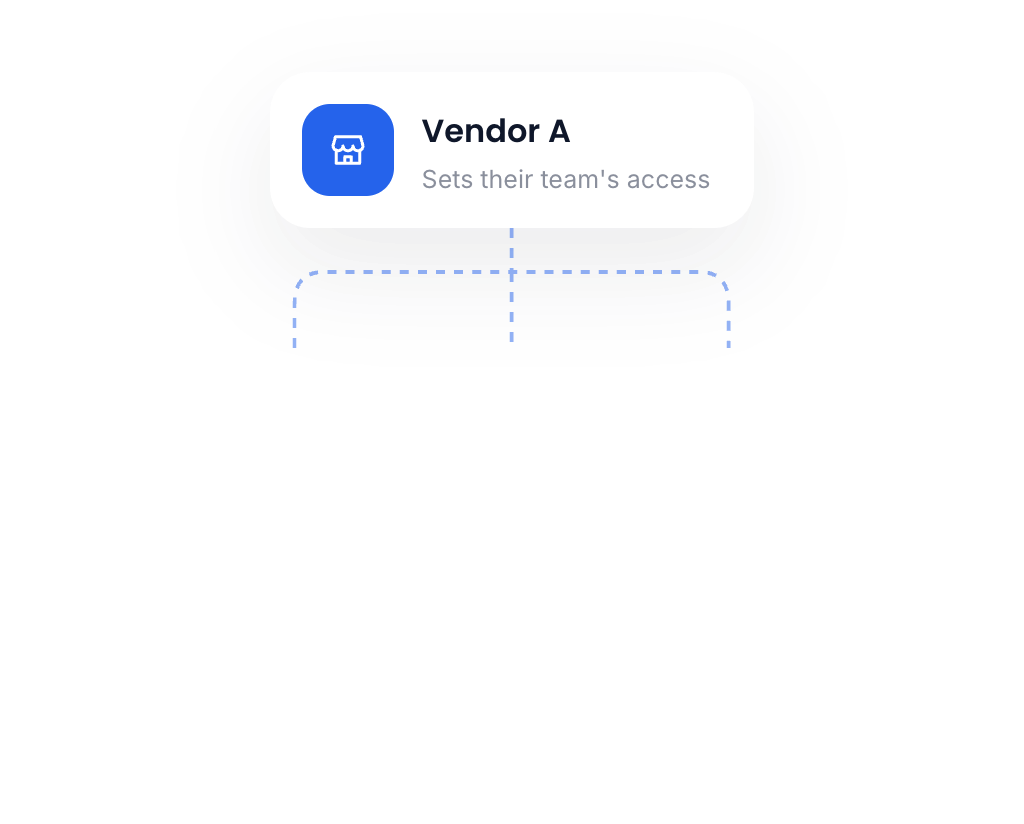
Each vendor sets permissions for their own cashiers and staff, and can never grant more than they have.
Vendor-managed staff
Permissions per team member
Never more than the vendor has

Outlets
Outlets stay with
their owner
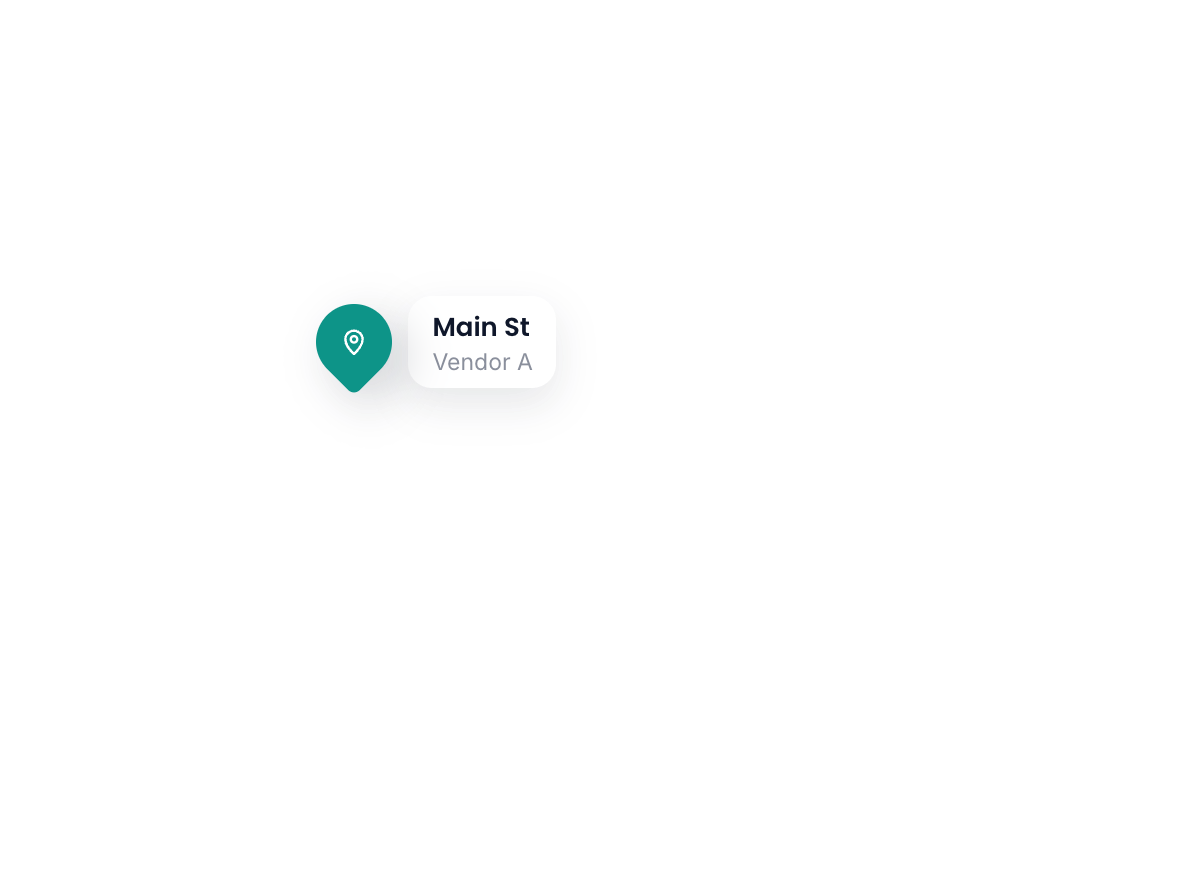
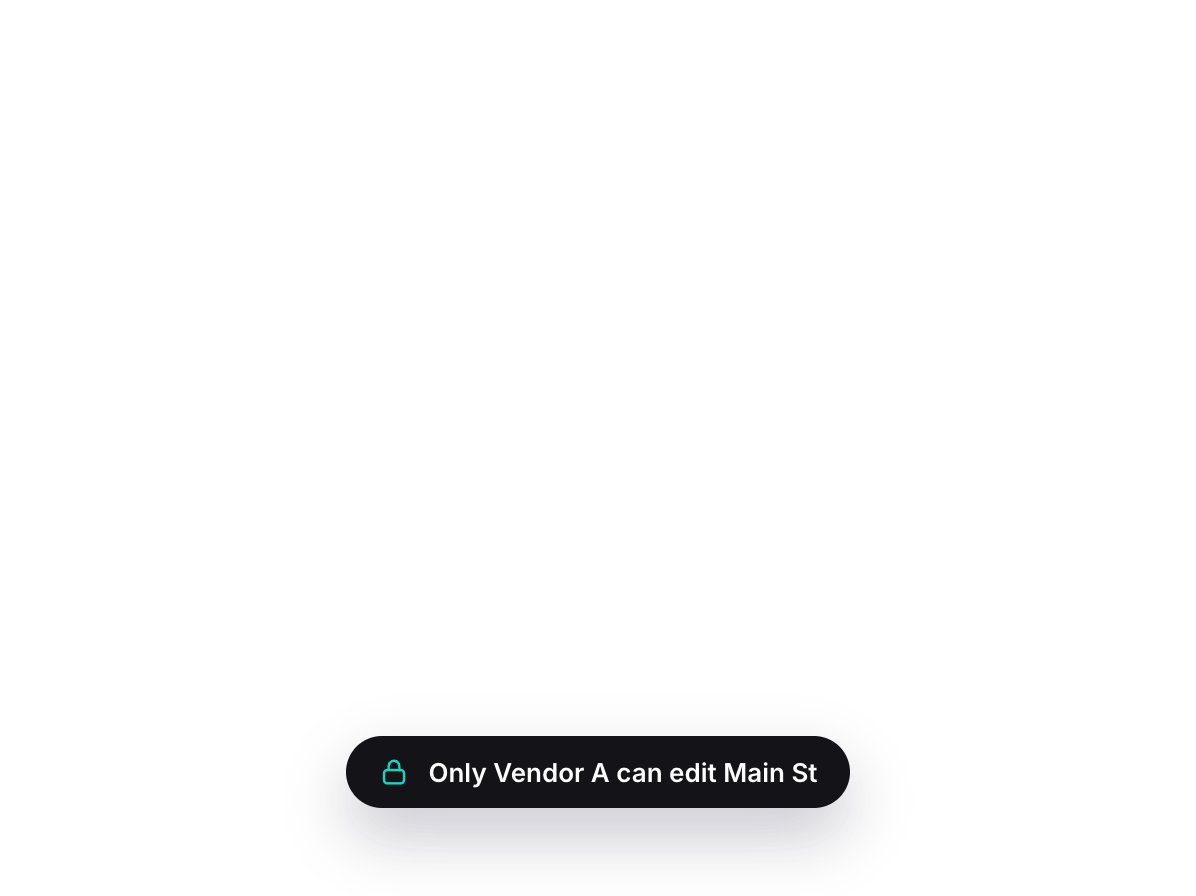
Every physical outlet belongs to the vendor who runs it. Vendors can only edit and staff their own outlets.
Outlets assigned to vendors
Edit only your own outlets
Staff only your own outlets
Cashiers
A dedicated
cashier role
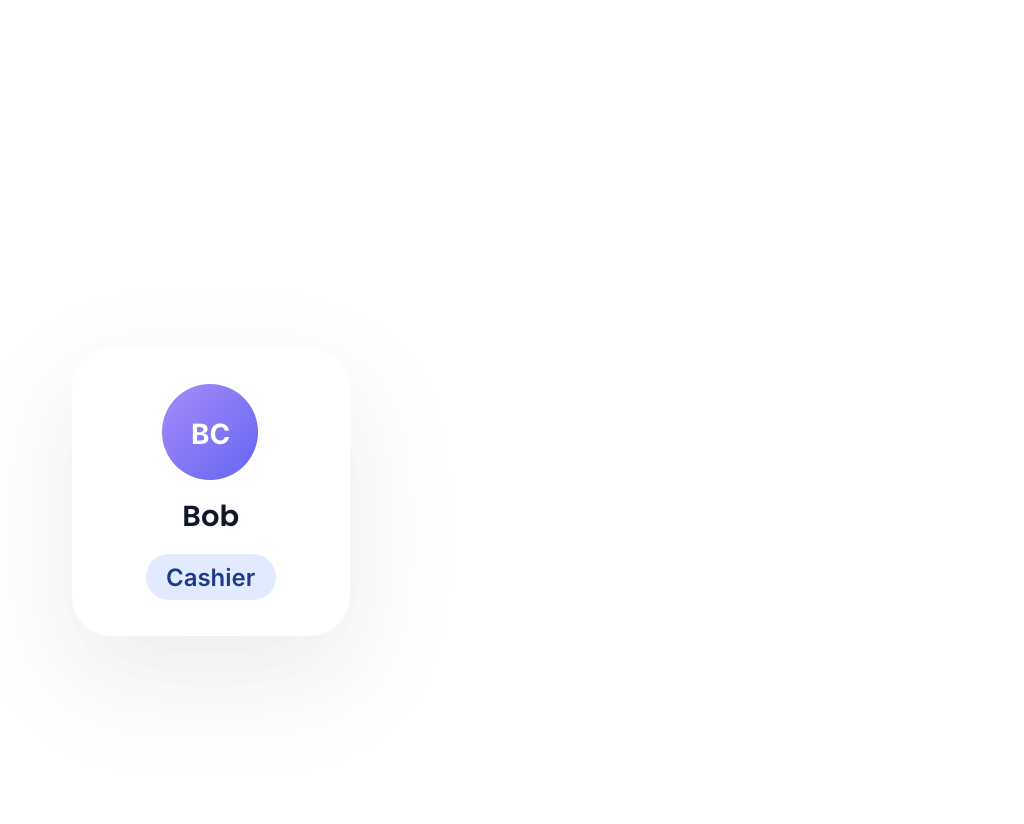
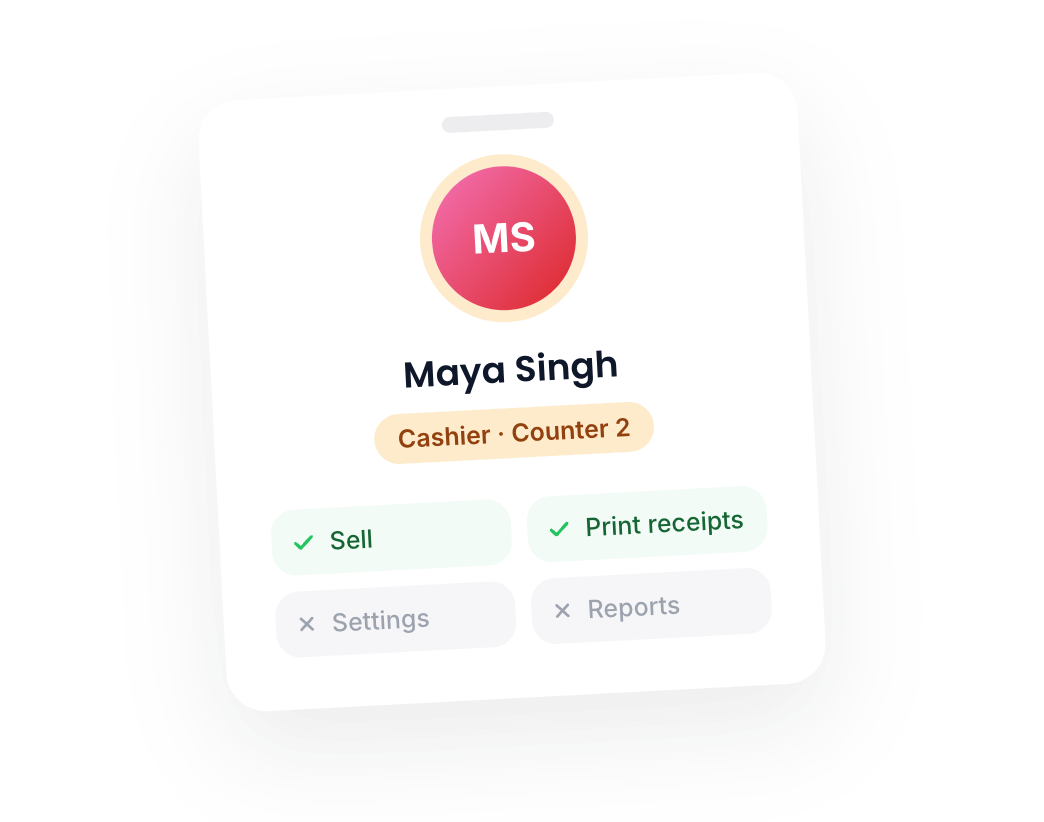
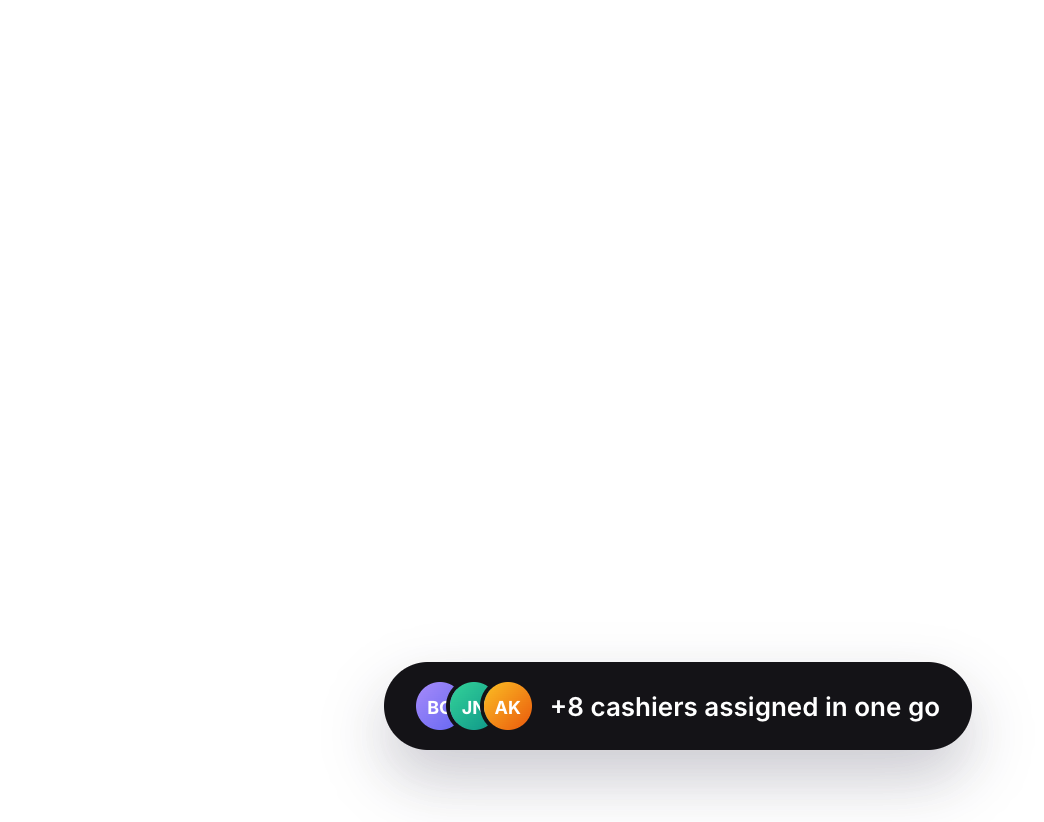
Give counter staff only what they need to sell, and set up a whole team in one go with bulk cashier assignment.
Cashier-only POS access
Bulk cashier assignment
Login per outlet and counter
A full WooCommerce POS behind every counter
Products, customers, orders and stock all come from your WooCommerce store, synced in real time.

Fast checkout
Barcode scanning
Multiple live carts
Carts saved across devices
Sell by weight
Coupons and discounts

Payments
Cash payments
Card and WooCommerce gateways
Automatic tax calculation
POS fee tax

Outlets and staff
Unlimited outlets
Unlimited counters and cashiers
Login with outlet and counter selection

Stock
Low and out-of-stock alerts
Out-of-stock protection
Quick Edit for stock, price, categories and tags

Reports
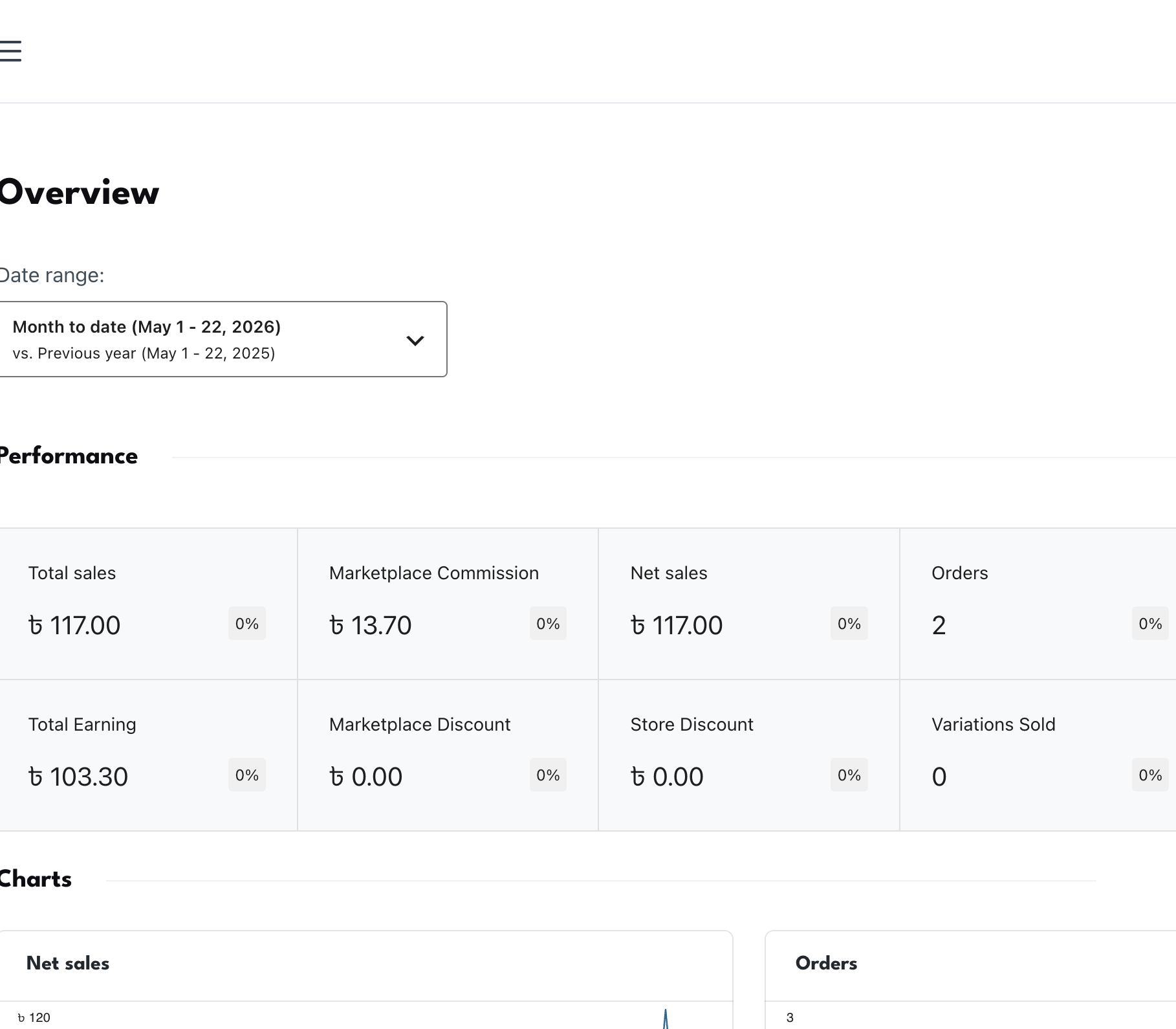
Sales dashboard with charts
Payment summaries
Filter by date, cashier, outlet and status
Printable reports and CSV export

Receipts and orders
Advanced receipt builder
One-click print from order tables
Detailed order view
Conditional refunds

Included on every plan
Unlimited products
Unlimited customers
HPOS support
Light, dark or system mode
Pay once. Run your counters for life.
Every lifetime plan includes every feature. Pick by how many sites you run.
Starter
1 site
$149
one-time
$599
75% OFF
Most Popular
Professional
3 sites
$199
one-time
$799
75% OFF
Best Valued
Business
10 sites
$299
one-time
$1,199
75% OFF
All plans include

Dokan vendor POS
Outlets
Cashiers
Reports
Barcode tools
Ticket support
14
DAYS
Try it for 14 days, risk free
If wePOS isn’t right for your marketplace, ask for a refund within 14 days. No questions asked.
Have Questions?
We’re here to help you understand every part of wePOS for Dokan. Reach out to us, and let’s talk about how it fits your marketplace’s needs.
No. wePOS runs on any WooCommerce store. With Dokan, each vendor also gets their own POS.
Yes. You pay once for your license, with no yearly renewal.
Only the number of sites. Starter covers 1, Professional 3 and Business 10. Every feature is in every plan.
Yes. Each Dokan vendor gets their own POS, receipts, and tax and currency settings, and vendor staff keep their Dokan permissions.
Yes. You can scan products at the counter and manage scanner settings from wePOS.
As many as you need. Outlets, counters and cashiers are unlimited on every lifetime plan.
You get a full refund within 14 days, no questions asked.
Bring Your Marketplace To The Counter
Give every Dokan vendor a POS that syncs with your store. Pay once and keep it for life.
 Coupons

 English
 العربية
 Français
 Español
 Deutsch