



Writing code isn’t the hard part anymore. Autocomplete finishes your thoughts. Agents handle the pull requests. App builders turn a half-formed idea into a full backend before you’ve finished your coffee. At some point you have to wonder if you’re a developer or a very picky editor.
The hard part now? Figuring out which AI tool is actually worth having next to you while you do it.
Because there are a lot of them. GitHub Copilot, Cursor, Claude Code, Devin, Lovable, Bolt – and a dozen more that dropped while you were reading that sentence. Some of them genuinely change how you work. Others look great in a demo and fall apart the moment you point them at a real codebase.
That’s what this guide is for.
We handpicked 50+ of the best AI tools for coding, organized them into 7 categories, and broke down what each one does – so you can quickly find what fits your workflow.
Let’s get into it.
How to Choose the Right AI Coding Tools
The “best AI tools for coding” is genuinely subjective. What works brilliantly for a solo developer building a side project can be completely wrong for an enterprise team working in a million-line monorepo.
So before picking anything, here are the questions that actually matter.
- Where do you work? If you live in JetBrains IDEs, tools like Junie, JetBrains AI Assistant, and Augment Code fit naturally. If you’re a VS Code user, Cursor, Cline, and Copilot are built for you. A great tool that doesn’t fit your environment is a tool you won’t use.
- Do you want an agent or an assistant? This is the biggest distinction in this whole list. Agents complete tasks on their own. Assistants help as you type. Most developers need both, but at different moments. Know which problem you’re solving before you start comparing features.
- How much of your codebase does it see? Some tools can understand your entire codebase – connecting context across files, folders, and services. Others are limited to the file you have open. Once your project grows beyond a small size, that difference starts to matter a lot.
- Are you building apps or writing code? If you want to go from an idea to a live, deployed product without setting up infrastructure, that’s a different category. If you’re writing production code in an existing codebase, you want a different kind of tool entirely.
- Does your stack and cloud matter? It often does. AWS teams get genuinely more out of Amazon Q Developer. GitLab shops benefit most from GitLab Duo. The best tool is often just the one that already speaks your stack’s language.
- How sensitive is your code? If your team works on proprietary code and can’t send it to external servers, that narrows the list fast. Tabnine, Tabby, Void Editor, and Refact.ai all offer self-hosted or local model options. It’s the first thing to check for regulated industries.
- What does it cost per seat? Free tiers vary wildly. Some are genuinely useful starting points. Others are just enough to frustrate you into upgrading. Always check what’s in each tier before signing a team up for anything.
💡 Pro tip: Most of these tools offer a free trial or a genuinely useful free tier. Before committing to anything, spend at least a week with it on a real project. That’s the only honest test. What feels impressive in a demo often feels different when it’s fighting with your actual codebase at 11 PM.
50+ Best AI Tools for Coding to Improve Productivity
Here are the 50+ best AI coding tools in 2026, broken down by category. Find your fit and get back to building:
- AI Coding Agents
- AI-Powered IDEs & Editors
- AI Code Completion
- AI App & UI Builders
- AI Code Review & Quality
- AI Chat for Coding
- IDE Plugins & Extensions
Category 01: AI Coding Agents
These tools do a lot more than suggest snippets of code. They can understand your project, plan tasks across multiple files, run tests, fix issues, and even create pull requests on their own.
Think of them as AI teammates that take care of repetitive development work so you can spend more time on product decisions, architecture, and problem-solving.
1. Claude Code
Claude Code is an AI coding agent from Anthropic that can understand your entire codebase, not just the file you currently have open. It is designed to work like a highly capable engineering assistant that can plan, code, test, and ship features with very little manual effort.
It works inside your terminal, Visual Studio Code, JetBrains IDEs, Cursor, Windsurf, and even Slack.
- Understands your full project structure and context
- Can write code, run tests, fix failures, and open pull requests
- Supports Remote Control for CI pipelines and server workflows
- Includes reusable Routines for automating repeated tasks
- Uses CLAUDE.md to remember coding standards and project rules
- Can run parallel subagents for multiple tasks at once
2. Devin
Devin is one of the first fully autonomous AI software engineers built for professional development teams. You can assign it a ticket, leave it running, and come back later to review the completed pull request.
It is especially useful for teams handling large projects, refactors, and ongoing engineering work.
- Connects directly with tools like Linear, Jira, and Slack
- Writes code, runs tests, handles CI failures, and updates pull requests
- Works especially well on large-scale refactors
- Supports playbooks so it can learn team-specific workflows
- Can run multiple agents in parallel for complex projects
- Uses ACU-based pricing, which can become expensive for bigger tasks
3. Codex
Codex is OpenAI’s AI coding agent designed to understand codebases and perform real development tasks. It can write, edit, and test code across multiple files and is often used for automating engineering workflows.
- AI coding agent for full-stack development tasks
- Understands and works across entire codebases
- Can write, refactor, and test multi-file changes
- Automates debugging and engineering workflows
- Works across CLI, cloud, and IDE integrations
4. Cline
Cline is an open-source coding agent built directly into Visual Studio Code. It is designed for developers who want more transparency and control over what the AI is doing.
Unlike more autonomous tools, Cline asks for approval before editing files or running commands.
- Runs entirely inside VS Code
- Requests permission before every major action
- Works with Claude, GPT, Gemini, and local models
- Supports MCP for advanced integrations and extensions
- Has a very active open-source community with nearly 60,000 GitHub stars
- Offers enterprise features like SSO and audit trails
5. Aider
Aider is a terminal-based AI pair programmer designed for developers who spend most of their time in the command line. It focuses on making code edits fast, traceable, and easy to manage.
Its Git integration makes it especially useful for developers who want to keep a clean history of every change.
- Automatically commits code changes to Git
- Can edit multiple files from a single instruction
- Includes Architect mode for planning before coding
- Works with Claude, GPT, and local models
- Has over 4 million installs and a strong developer community
6. OpenHands
OpenHands is an open-source platform for building and running AI coding agents. Rather than being a single tool, it acts more like a full framework for developers and teams.
It is a good option for people who want more flexibility and control over how their AI agents work.
- Supports sandboxed execution for safer testing
- Includes a CLI, GUI, REST API, and SDK
- Works with Claude, GPT, and other language models
- Uses a CodeAct architecture for more advanced automation
- Has more than 65,000 GitHub stars and an MIT license
- Offers enterprise support for larger teams
7. Kilo Code
Kilo Code is an all-in-one coding agent platform built for teams that want a polished and collaborative experience. It combines features from tools like Cline and RooCode into a more structured workflow.
It is still relatively new, but it has gained attention for its wide model support and deployment features.
- Supports more than 500 AI models
- Can run multiple agents in parallel
- Includes one-click deployment tools
- Built with teams and collaboration in mind
- Backed by major startup funding and experienced founders
8. Sweep
Sweep is a GitHub-focused coding agent that turns issues into pull requests automatically. It is designed for smaller tasks that are clearly defined and easy to automate.
It works especially well for bugs, documentation updates, and minor features.
- Reads GitHub issues and converts them into PRs
- Fits easily into existing GitHub workflows
- Best for smaller tasks rather than major architecture work
- Free for public repositories
- Works well alongside larger coding agents like Claude Code
9. Factory AI
Factory AI is an enterprise-focused AI software engineering platform designed for larger teams. Instead of relying on one agent, it uses specialized “Droids” for different stages of the development lifecycle.
It is best suited for companies that want to automate parts of their engineering process at scale.
- Uses separate agents for development, code review, and incident response
- Connects with GitHub, Jira, Slack, and other team tools
- Built mainly for mid-sized and large engineering teams
- Focuses on workflow automation across the entire development process
- Offers custom pricing for enterprise customers
10. Manus Code
Manus Code is one of the newest AI coding agents gaining attention in 2026. It is designed to handle complex, multi-step development tasks with very little supervision.
Although it is still in limited access, many developers see it as one of the most promising new tools in the category.
- Can browse the web, write code, run scripts, and manage files
- Handles long and complex workflows with minimal input
- One of the first major coding agents from China to gain global attention
- Currently available through limited or waitlist access
- Seen as one of the most promising AI coding tools to watch
11. Gemini CLI
Gemini CLI is Google’s open-source terminal-based coding assistant. It combines a huge context window with live Google Search grounding, making it especially useful for developers working across large codebases or researching unfamiliar technologies while coding.
It feels more like an AI developer living inside your terminal than a standard chatbot.
- Can understand very large repositories with up to a 1 million token context window
- Uses Google Search grounding to verify answers against live documentation
- Can read files, suggest edits, and apply changes after approval
- Offers 1,000 free requests per day with only a Google account required
- Has grown quickly with more than 90,000 GitHub stars
- Works especially well for monorepos and larger engineering projects
12. Junie
Junie is JetBrains’ autonomous coding agent built into its IDE ecosystem. Unlike the standard JetBrains AI Assistant, Junie is designed to take on larger development tasks by planning, writing, testing, and refining code with minimal manual involvement.
It is best suited for teams that already rely heavily on IntelliJ, PyCharm, WebStorm, or other JetBrains tools.
- Works directly inside JetBrains IDEs like IntelliJ, PyCharm, and WebStorm
- Can plan features, write code, run tests, and iterate on failures
- Uses JetBrains’ deep static analysis for stronger code understanding
- Supports configurable human approval levels for more control
- Best for developers already invested in the JetBrains ecosystem
- Included as part of JetBrains AI subscriptions
13. Cosine Genie
Cosine Genie is a CLI-based coding agent built for developers who want an AI assistant that can understand full repositories and execute tasks with precision. It runs inside the terminal but behaves more like an autonomous software engineer than a simple assistant.
It is designed for developers who want to delegate coding tasks without leaving their existing workflow.
- Understands repository structure and project-wide context
- Can plan tasks, modify files, run commands, and validate output
- Works directly inside the terminal through a lightweight CLI experience
- Focuses on precise execution rather than only code suggestions
- Designed to handle multi-step engineering tasks with minimal supervision
- Available across terminal, desktop, and cloud workflows
Category 02 – AI-Powered IDEs & Editors
These are full coding environments rebuilt around AI from the ground up. Instead of adding AI as an afterthought, they make it part of how you write, navigate, and ship code every day.
They feel less like “tools inside an editor” and more like “editors that think with you.”
14. Cursor
Cursor is one of the most widely adopted AI IDEs in 2026, and for good reason. It’s built on a VS Code foundation, so switching feels familiar, but the experience is completely reworked around AI-driven development.
Its Composer feature lets you describe changes in plain English and apply them across multiple files instantly. Instead of manually jumping around your project, you just explain what you want, and Cursor handles the rest.
- Composer applies multi-file changes from natural language prompts
- Background agents run tasks while you keep working
- Supports GPT, Claude, Gemini, and Grok models
- Tab autocomplete suggests full edits, not just words
- Enterprise-ready with privacy mode and SOC 2 compliance
- Free tier available; Pro at $20/month
15. Windsurf
Windsurf (from Codeium, now part of OpenAI) takes a more proactive approach to AI coding. Instead of waiting for prompts, its Cascade agent constantly understands what you’re doing inside the editor.
It feels less like “asking an AI” and more like having a context-aware teammate watching your workflow in real time.
- Cascade agent stays aware of your coding context automatically
- Tracks files, terminal output, and editor actions
- Can run terminal commands through Turbo Mode
- Available as IDE and JetBrains/VS Code plugins
- Strong enterprise compliance support
- Can feel heavy on large projects
16. Kiro
Kiro (by Amazon) takes a more structured approach compared to most AI IDEs. Instead of jumping straight into code generation, it first converts your idea into requirements and a clear implementation plan.
It’s slower at the start, but much more controlled for complex features.
- Turns prompts into structured requirements first
- Generates architecture + step-by-step execution plan
- Supports agent hooks for automated workflows
- Built on a VS Code-style environment
- Better suited for complex, multi-step features
17. Zed AI
Zed AI is built into the fast, multiplayer-first Zed editor and is designed for developers who want an AI-native coding experience without the weight of a traditional IDE. It focuses on speed, collaboration, and clean workflows, making it especially appealing to developers who prefer lightweight editors.
It is one of the newer AI coding editors gaining attention for its performance and simplicity.
- Built directly into the Zed editor with no extra plugin setup required
- Supports inline code generation, editing, and AI chat
- Designed around a lightweight and high-performance editor experience
- Includes real-time collaboration features for teams
- Works with multiple AI models depending on setup
- Good option for developers who want an alternative to heavier IDEs
18. CodeSandbox AI
CodeSandbox AI brings AI directly into the CodeSandbox browser environment, making it easier to generate, edit, and debug projects without leaving the browser. It is especially useful for front-end developers who want a fast way to prototype, preview, and share code.
It works best for smaller projects, UI experiments, and collaborative development workflows.
- Built directly into the CodeSandbox browser IDE
- Supports AI-generated code, debugging, and explanations
- Works especially well for frontend projects and rapid prototyping
- Makes it easy to preview and share projects instantly
- Includes collaboration features for team workflows
- Good fit for developers who want a lightweight browser-first setup
19. StackBlitz
StackBlitz is a browser-based development platform that lets developers create and run full-stack applications without local setup. Its WebContainer technology runs Node.js directly in the browser, making the experience feel much closer to a local environment than most online editors.
It is especially popular with front-end developers and teams working on fast prototypes or demos.
- Runs full-stack JavaScript and TypeScript apps directly in the browser
- Uses WebContainer technology for a more local-like coding experience
- Supports frameworks like React, Angular, Vue, and Next.js
- Makes it easy to share live projects with a single link
- Great for demos, prototypes, and collaborative coding
- Popular among frontend developers who want to avoid local setup
20. Firebase Studio
Firebase Studio is Google’s browser-based environment for building apps with Firebase and Gemini. It combines AI-assisted coding with Firebase services like authentication, hosting, databases, and cloud functions, making it easier to move from idea to working app quickly.
It is especially useful for developers already working inside the Google ecosystem.
- Combines AI-assisted coding with Firebase development tools
- Includes built-in hosting, authentication, databases, and cloud functions
- Uses Gemini for code generation, editing, and app-building support
- Runs directly in the browser with no local setup required
- Good for quickly building and deploying Firebase-powered applications
- Best suited for developers already using Google Cloud and Firebase
Category 03 – AI Code Completion
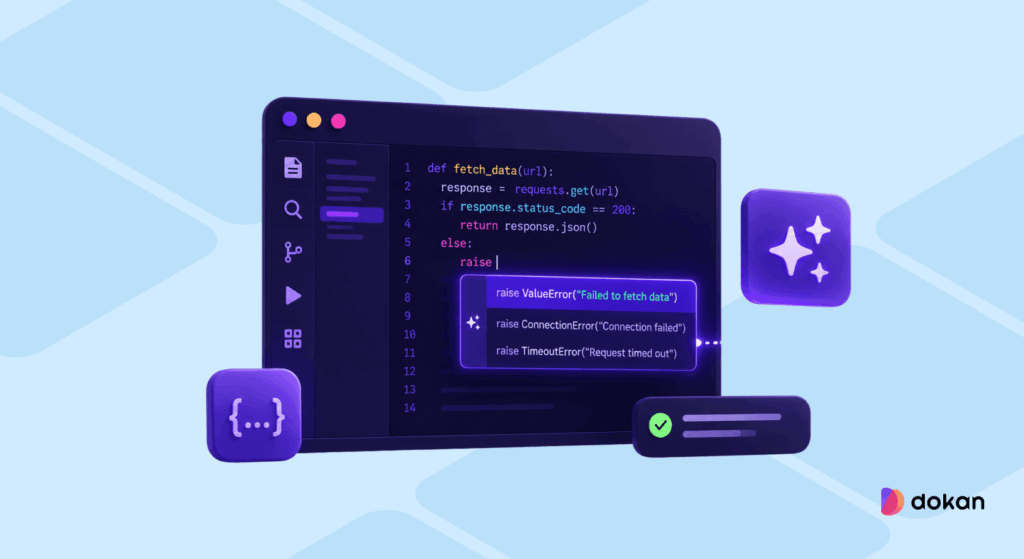
These tools sit quietly inside your editor and predict what you’re about to write next. Unlike AI agents, they don’t plan or execute full tasks — they just keep you in flow by filling in code as you type.
Think of them as “invisible speed boosters” that remove friction without taking control.
21. GitHub Copilot
GitHub Copilot is still the most widely used AI coding assistant in 2026. What started as simple autocomplete has evolved into a much more powerful coding companion with agent-style features and multi-model support.
The biggest strength of Copilot is still the same: it just works everywhere without setup friction.
- Works across VS Code, JetBrains, Neovim, and Xcode
- Supports GPT, Claude, and Gemini models
- Can generate multi-line and multi-file suggestions
- Agent mode can handle GitHub issues and PR workflows
- Free tier includes limited completions and requests
- Deep enterprise integration and compliance support
22. Supermaven
Supermaven focuses on one thing: understanding your entire codebase before suggesting anything. Instead of relying on small context windows, it reads massive amounts of your project to produce more accurate completions.
It’s less about features and more about pure autocomplete quality.
- Uses up to 1M token context for deeper understanding
- Learns project structure, APIs, and naming patterns
- Powers Cursor’s autocomplete engine
- Extremely fast suggestion engine
- Designed specifically for large and complex codebases
- Focused only on completion (no extra feature bloat)
23. Tabnine
Tabnine is one of the earliest AI coding tools, and its main strength is privacy and enterprise control. It’s widely used in regulated industries where code security matters more than anything else.
- Supports full on-premise deployment
- Code never leaves your infrastructure
- Can train on your private codebase
- Works across all major IDEs
- Includes chat, tests, and documentation features
- Strong adoption in enterprise environments
24. Refact.ai
Refact.ai goes beyond simple autocomplete by also focusing on refactoring and improving existing code. It uses a more advanced context method that considers both sides of your cursor.
- Uses fill-in-the-middle context approach
- Improves both completion and refactoring
- Available in cloud and self-hosted versions
- Supports custom models in enterprise setups
- Open-source core with paid enterprise tier
- Designed for code quality, not just speed
Category 04 – AI App & UI Builders

These tools turn plain English into real, working applications. You don’t set up servers, wire databases, or configure deployments manually — you describe what you want, and the system builds the full stack for you.
They’re especially popular with founders, designers, and developers who want to skip setup and go straight to shipping.
25. Lovable
Lovable is one of the most complete AI app builders for turning ideas into production-ready products fast. You describe an app, and it generates a full-stack React + TypeScript project with backend, auth, and payments already wired in.
It feels less like a tool and more like a technical co-founder that builds alongside you.
- Generates full-stack React + TypeScript apps
- Uses Supabase for auth, database, and storage
- Built-in Stripe, OpenAI, and Firebase integrations
- Two-way GitHub sync so you fully own the code
- One-click deployment to a live production URL
- Plan mode generates structure before coding starts
26. Bolt.new
Bolt.new is a fully browser-based app builder that runs a complete development environment directly in your tab. No setup, no installs — just open and start building.
It’s fast, flexible, and surprisingly close to a real dev environment.
- Runs fully in the browser with no installation
- Uses WebContainer to run Node.js in real time
- Supports React, Vue, and Svelte
- Agentic system can auto-fix build errors
- One-click deploy to Netlify or Vercel
- Token-based usage (can scale with complexity)
27. v0 by Vercel
v0 by Vercel is heavily focused on frontend and UI generation. It excels at turning prompts, Figma files, or screenshots into clean React components.
It’s less about full apps and more about production-grade interfaces.
- Generates React + Next.js components
- Uses Tailwind CSS and shadcn/ui by default
- Converts Figma designs and screenshots into code
- One-click deploy to Vercel
- Strong integration with modern web stack tools
- Best for frontend-heavy workflows
28. Replit Ghostwriter
Replit Ghostwriter is Replit’s built-in AI assistant designed for developers who want to build, test, and deploy applications entirely in the browser. It combines coding help with the broader Replit environment, which already includes hosting, databases, authentication, and collaboration tools.
It is one of the most complete browser-based coding environments available today.
- Works entirely inside Replit’s browser-based IDE
- Supports code generation, debugging, explanations, and autocomplete
- Can build full applications with hosting, databases, and deployment included
- Includes multiplayer collaboration features for teams
- Agent capabilities can handle app generation and testing workflows
- Best for developers who want an all-in-one browser coding environment
29. GitHub Spark
Github Spark focuses on building small, lightweight “micro-apps” instead of large production systems. It’s designed for quick internal tools and simple use-case apps.
Think of it as instant app creation for personal or team workflows.
- Builds micro-apps from plain English prompts
- Auto-generates backend, auth, and storage
- Deploys instantly as a PWA
- Syncs directly with GitHub repositories
- Powered by GitHub Copilot ecosystem
- Still in public preview (2026)
30. Locofy.ai
Locofy.ai helps turn Figma and design files into real frontend code. It is designed for designers and frontend developers who want to skip repetitive UI coding and move designs into production faster.
It works especially well for teams already working heavily in Figma.
- Converts Figma designs into React, HTML, CSS, and other frontend code
- Supports frameworks like Next.js, Gatsby, and React Native
- Helps reduce the time spent manually recreating designs in code
- Includes responsive design and component generation support
- Useful for design-to-development workflows
- Best for frontend teams and designers working in Figma
31. FlutterFlow
FlutterFlow is a no-code and low-code platform for building mobile and web applications with Flutter. It gives users a drag-and-drop interface for building apps visually while still allowing access to real Flutter code underneath.
It is especially useful for startups and teams building cross-platform mobile apps quickly.
- Builds Flutter-based mobile and web apps visually
- Supports drag-and-drop UI building with real code export
- Includes Firebase integration for backend, auth, and storage
- Supports API connections, workflows, and custom actions
- Useful for building MVPs and cross-platform products quickly
- Popular among startups, founders, and no-code teams
32. Tempo Labs
Tempo Labs is an AI-powered product development tool focused on turning ideas into production-ready web applications with a strong emphasis on full-stack workflows and rapid iteration. It is designed for developers and teams who want to go from concept to deployed product without manually setting up every layer of the stack.
Instead of just generating UI or snippets, Tempo Labs helps structure the application, generate code, and support end-to-end product building.
- Generates full-stack applications from natural language prompts
- Focuses on React-based modern web development workflows
- Helps structure backend, frontend, and data models together
- Designed for fast MVP development and product iteration
- Supports collaborative workflows for teams and builders
- Optimized for shipping usable products rather than just prototypes
Category 05 – AI Code Review & Quality
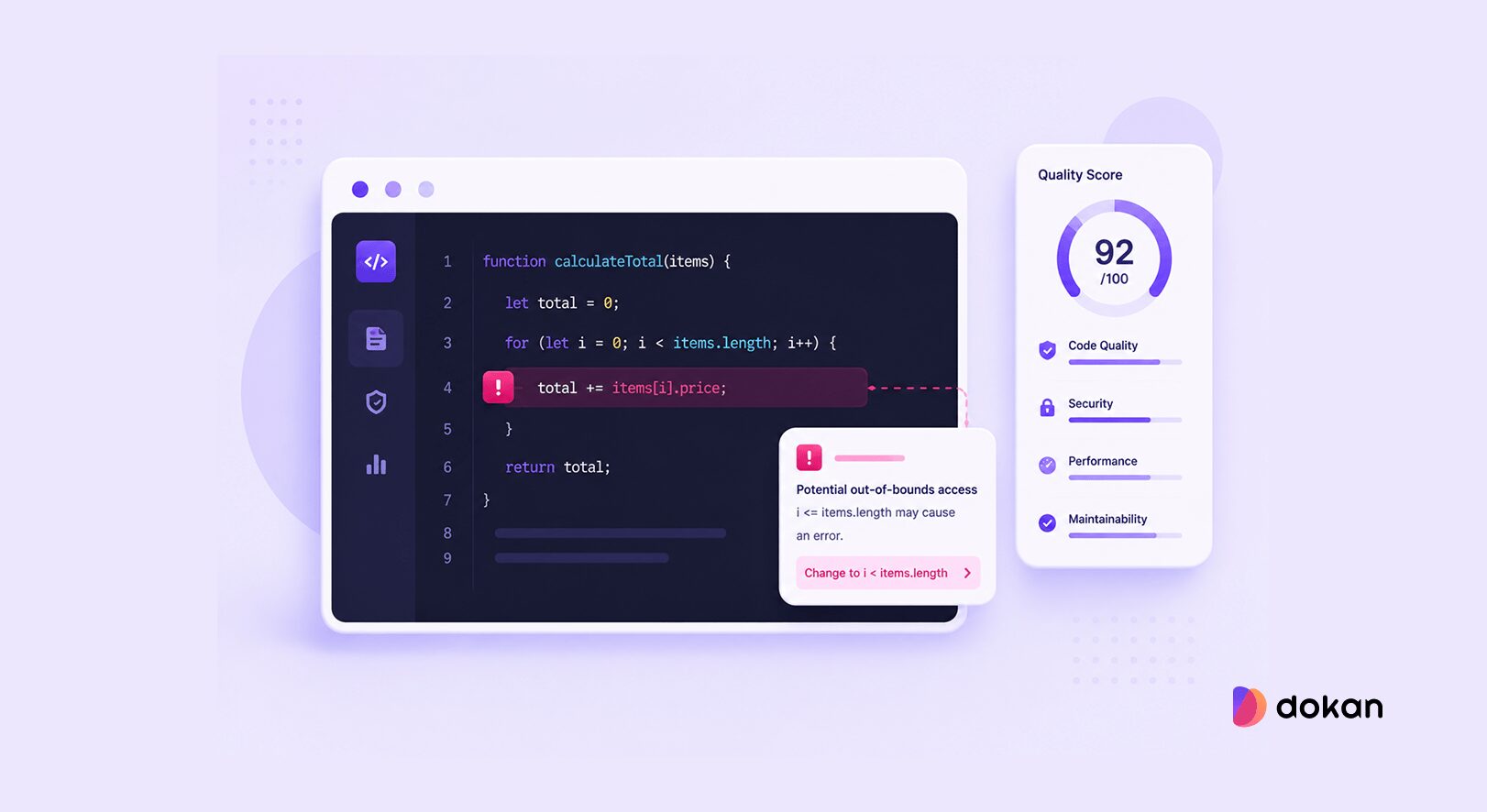
These tools sit directly in your pull request workflow and automatically review code before it gets merged. They don’t replace human reviewers — instead, they handle the repetitive checks like bugs, security issues, and style problems so engineers can focus on logic and architecture.
Think of them as a second pair of eyes that never gets tired.
33. CodeRabbit
CodeRabbit is one of the most widely used AI code review tools in 2026. It integrates directly into your existing Git workflow and starts reviewing pull requests almost instantly after they’re opened.
What makes it powerful is how “human-like” the feedback feels — it comments directly on diffs just like a real reviewer would.
- Works with GitHub, GitLab, Azure DevOps, and Bitbucket
- Provides inline PR comments in seconds
- Combines AI analysis with 40+ traditional linters
- Learns team preferences to reduce noise over time
- Free for open-source repositories
- SOC 2 compliant with no data retention after review
34. Qodo (formerly CodiumAI)
Qodo is positioned more as a full code verification system than just a review tool. Instead of only pointing out issues, it also generates tests to validate the code it reviews.
This makes it especially strong in teams where reliability matters as much as speed.
- Automatically generates unit tests for missing coverage
- Detects cross-repo and integration-level issues
- Strong multi-repository context awareness
- Ranked highly in independent code review benchmarks
- Supports enterprise on-prem deployments
- Free tier includes limited PR reviews per month
35. Snyk Code
Snyk Code is focused specifically on security. Instead of general code quality, it looks for vulnerabilities and unsafe patterns that could lead to real-world exploits.
It’s commonly used as a “security layer” alongside other review tools.
- Detects SQL injection, XSS, and insecure dependencies
- Uses data-flow analysis to trace real vulnerability paths
- Integrates into GitHub, GitLab, and CI/CD pipelines
- Works inside VS Code and JetBrains IDEs
- Strong fit for finance, healthcare, and enterprise teams
- Free tier available for basic usage
36. Sourcery
Sourcery focuses less on bug detection and more on improving code quality and readability. It’s especially strong for Python teams, where clean structure and maintainability matter a lot.
Instead of just flagging issues, it actively suggests better ways to write the same logic.
- Built specifically for Python codebases
- Suggests refactors for cleaner, more idiomatic code
- Helps improve readability and reduce complexity
- Provides learning feedback for junior developers
- Integrates with GitHub, GitLab, and VS Code
- Affordable entry point for code quality tooling
37. Greptile
Greptile is designed to deeply understand your codebase before reviewing it, rather than only looking at the changes in a pull request. It builds a broader picture of how your application works so it can spot issues that simpler diff-based review tools often miss.
It is especially useful for teams working with large repositories, multiple services, or complex architectures.
- Understands the wider codebase instead of only the changed files
- Can catch deeper logic issues and integration problems
- Provides PR feedback with more project-level context
- Works well for larger teams and multi-service environments
- Designed to reduce shallow or low-value review comments
- Strong fit for developers who want deeper repository awareness
38. Ellipsis
Ellipsis is an AI code review tool focused on automatically reviewing pull requests and generating fixes. Instead of only flagging issues, it can often suggest or create the actual code changes needed to resolve them.
It is especially useful for teams that want faster pull request cycles with less manual back-and-forth.
- Reviews pull requests automatically after they are opened
- Can suggest fixes or generate code changes for issues it finds
- Helps reduce repetitive review comments and review delays
- Integrates into existing GitHub-based workflows
- Focuses on speeding up the pull request process
- Good fit for teams that want more action-oriented code reviews
Category 06 – AI Chat for Coding
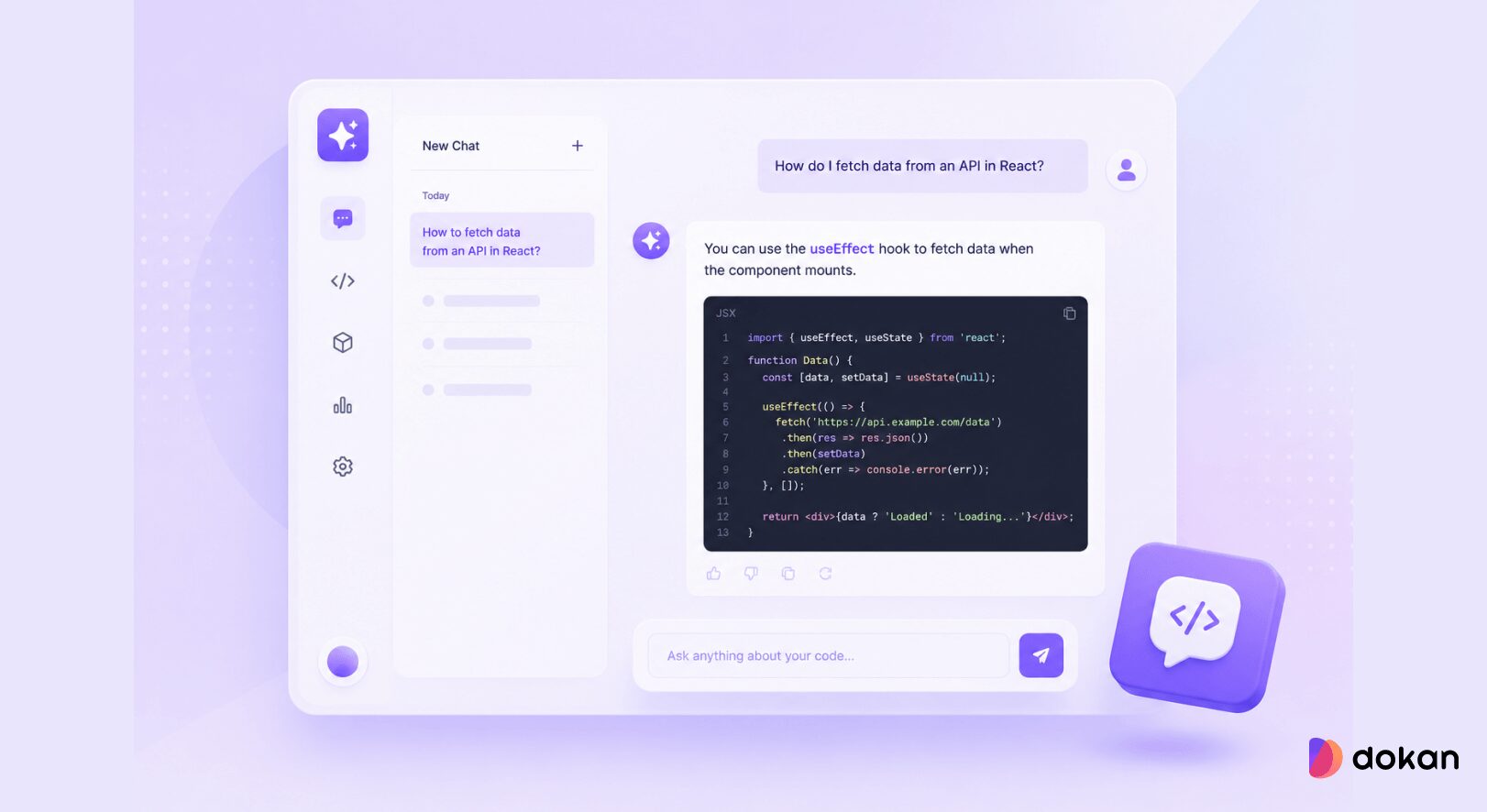
Sometimes you don’t need an agent to take over your codebase — you just need something to talk things through with. These tools help you debug, explain errors, brainstorm solutions, and understand unfamiliar code through natural conversation.
Think of them as your “thinking partner” when you’re stuck.
39. ChatGPT
ChatGPT is still the most widely used AI chat tool among developers. It’s not just a chatbot anymore — it’s a full coding companion that can write, run, and analyze code inside the conversation.
It’s often the first place developers go when something breaks or doesn’t make sense.
- Powered by GPT-5 for deeper reasoning on complex problems
- Built-in code execution and sandbox environment
- Can debug, refactor, and generate full features
- Integrates with GitHub, Slack, and Google Drive
- Canvas mode for collaborative coding workflows
- Free tier available; Plus unlocks advanced tools and models
40. Grok
Grok (from xAI) is a more fast-paced and real-time focused coding assistant. It stands out because it can pull in live data from X, making it useful for tracking trending tech discussions and debugging newly emerging issues.
It feels more “live internet aware” compared to traditional chat tools.
- Powered by Grok 4 with strong coding + reasoning ability
- Real-time access to X for live technical discussions
- Very fast response generation
- Can run code and analyze files in a sandbox
- Voice and mobile-first interaction modes
- Free tier with optional SuperGrok upgrade
41. Blackbox AI
Blackbox AI is a developer-focused chat tool that aggregates multiple AI models into a single interface. Instead of relying on one model, it lets you switch or auto-route between many depending on the task.
It also includes an agent system for more advanced coding workflows.
- Access to 300+ models (GPT, Claude, Gemini, open-source models)
- Auto-routing system selects best model for the query
- CyberCoder agent handles full implementation tasks
- Integrates with VS Code, JetBrains, GitHub, and Slack
- Supports on-prem deployment with zero data retention
- Good for teams that want model flexibility in one place
Category 07 – IDE Plugins & Extensions
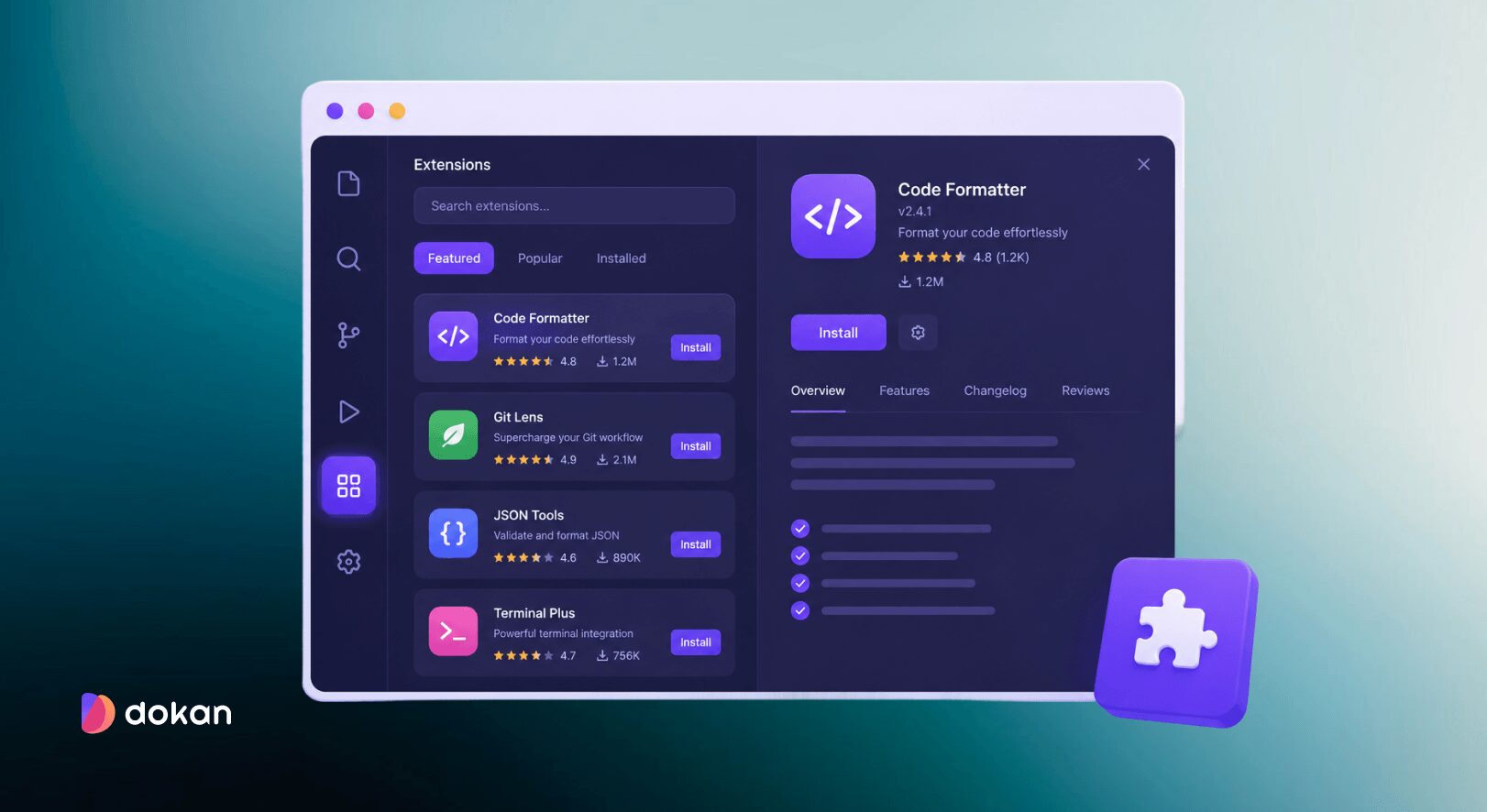
Not everyone wants to switch editors — and honestly, most developers don’t. These tools plug directly into the IDE you already use and quietly upgrade it with AI features.
Instead of replacing your workflow, they enhance it: same editor, same shortcuts, just a lot more intelligence built in.
42. Amazon Q Developer
Amazon Q Developer is AWS’s native AI coding assistant and the go-to choice for teams deeply embedded in the AWS ecosystem. It integrates directly into major IDEs and understands cloud-native development better than most general tools.
Where it really stands out is how naturally it handles infrastructure and backend-heavy workflows.
- Deep AWS integration (Lambda, IAM, CloudFormation, CloudWatch)
- Can read, edit files, run builds, and generate tests
- Agent mode supports multi-step development tasks
- AWS Transform for large-scale code migration
- Works across VS Code, JetBrains, Visual Studio, Eclipse
- Free tier includes limited agent usage per month
43. GitLab Duo
GitLab Duo is tightly embedded inside the GitLab platform, making it ideal for teams already using GitLab for their full DevSecOps lifecycle.
Instead of being a separate tool, it lives inside merge requests, issues, and CI/CD pipelines.
- AI integrated into GitLab UI (MRs, issues, pipelines)
- Can be triggered via issue comments and quick actions
- Built-in security scanning and vulnerability explanations
- CI/CD debugging and pipeline assistance
- Works inside VS Code and JetBrains (beta support)
- Best suited for GitLab-native teams
44. Gemini Code Assist
Gemini Code Assist is Google’s IDE-integrated assistant and stands out mainly for its extremely generous free tier and strong Google Cloud integration.
It fits naturally into Android and cloud-heavy development workflows.
- 6,000 free completions per day
- Works in VS Code, JetBrains, Android Studio
- Integrated with Firebase and Google Cloud tools
- Agent mode can create branches and open PRs
- Strong 1M token context window (practical limits lower)
- Automatic PR review capabilities
45. Augment Code
Augment Code is designed for large-scale, complex codebases where most AI tools start losing context. Instead of treating files individually, it builds a deeper understanding of how everything in your system connects.
This makes it especially strong for backend-heavy or enterprise systems.
- Builds a full semantic graph of your codebase
- Understands cross-service and dependency relationships
- Ranked highly on SWE-Bench Pro benchmarks
- Works in VS Code, JetBrains, and Vim
- Agentic chat + step-by-step change suggestions
- Best suited for large or legacy systems
46. Cody AI (Sourcegraph)
Cody AI is built for one thing most tools struggle with: understanding massive multi-repository codebases.
It uses Sourcegraph’s code graph to trace logic across services, making it especially powerful in microservices environments.
- Cross-repository code intelligence and search
- Understands symbols, dependencies, and relationships
- Provides cited answers across large codebases
- Supports GPT, Claude, and Gemini models
- Batch changes across multiple repositories
- Enterprise-focused; not available for individuals anymore
47. CodeGPT
CodeGPT takes a flexible approach by letting developers bring their own API keys. Instead of locking you into a subscription, it works with your existing model providers.
It’s more customizable than polished, but very cost-efficient.
- Bring-your-own-key (OpenAI, Claude, Gemini, etc.)
- Works with 160+ specialized coding agents
- Supports local models via Ollama
- Runs directly inside VS Code and JetBrains
- Good for developers who want full control over cost and models
- No terminal-first workflow support
48. Pieces for Developers
Pieces for Developers is less about writing code and more about remembering it. It acts as a persistent memory layer across your IDE, browser, and terminal.
Instead of re-searching things repeatedly, it brings context back when you need it.
- Captures snippets, docs, and developer context automatically
- Works across IDE, browser, and terminal
- Local-first design with privacy focus
- 9-month context retention on free plan
- Helps reconnect fragmented workflows
- Teams can share context across developers
49. Continue
Continue is an open-source AI coding assistant that plugs directly into VS Code and JetBrains. Unlike tools that force you into a single model or workflow, Continue lets you mix different models for autocomplete, chat, and agents depending on what you need.
It is especially useful for developers who want more flexibility and control than tools like Copilot.
- Works directly inside VS Code and JetBrains
- Supports different models for chat, autocomplete, and agents
- Integrates with GitHub, Jira, Sentry, and CI/CD workflows
- Supports local models through Ollama for privacy-focused setups
- Fully open-source and highly customizable
- Good fit for developers who want a more flexible alternative to Copilot
50. JetBrains AI Assistant
JetBrains AI Assistant is the built-in AI layer for JetBrains IDEs like IntelliJ, PyCharm, WebStorm, and GoLand. It adds code completion, refactoring help, AI chat, and generation tools directly into the JetBrains environment without requiring developers to change editors.
It is best suited for teams already heavily invested in the JetBrains ecosystem.
- Works directly inside IntelliJ, PyCharm, WebStorm, GoLand, and other JetBrains IDEs
- Supports code generation, refactoring, explanations, and AI chat
- Uses JetBrains’ static analysis for better code understanding
- Requires no migration or workflow changes for JetBrains users
- Integrates naturally with existing JetBrains tooling and shortcuts
- Best for developers already committed to JetBrains IDEs
51. Xcode AI
Xcode AI is Apple’s built-in AI layer inside Xcode that helps developers write, debug, and refactor code more efficiently within the Apple ecosystem. It brings AI assistance directly into Swift and Apple platform development workflows without leaving the IDE.
- Built into Xcode for iOS/macOS development
- Helps generate, refactor, and debug Swift code
- Supports external models like ChatGPT, Claude, and Codex
- Can assist with multi-step coding tasks inside projects
- Works directly within Apple’s development ecosystem
Pick What Fits, Not What’s Popular
You do not need to try all 60+ tools. That is not the point of this guide.
Instead, focus on your workflow:
- If you write code daily in an IDE, start with an AI-powered editor or autocomplete tool.
- If you work on larger systems, add an agent that understands full projects.
- If you build products fast, explore app builders that go from idea to deployment.
- If you work in teams, prioritize code review and collaboration tools.
Start with one tool that solves your biggest bottleneck. Use it on a real project for at least a week. Then add another layer only if something is still missing.
The goal is not to use more AI tools. The goal is to remove friction from your development process so you can focus on building.
Related – The Best AI Image Generation Tools to Turn Words Into Visuals
FAQs
1. What is the best AI coding tool right now?
There is no single best tool. It depends on your workflow. IDE-based tools like Cursor or Copilot work well for daily coding, while agents like Claude Code or Devin are better for larger, multi-step tasks.
2. Do I need more than one AI coding tool?
Yes, in most cases. Developers often combine tools—for example, one for coding, one for autocomplete, and another for code review or debugging.
3. Are AI coding agents replacing developers?
No. They reduce repetitive work and speed up development, but humans still handle architecture, decision-making, and product logic.
4. What is the difference between an AI agent and an AI assistant?
An assistant helps while you write code. An agent can plan and complete tasks across multiple files or steps with less input.
5. Are these tools safe for production code?
It depends on the tool and setup. Some support local or self-hosted environments for sensitive codebases, while others rely on cloud processing.
6. Should beginners use AI coding tools?
Yes, but with caution. They help with learning and speed, but it is still important to understand the code being generated.
Also Check – The Ultimate Guide to WooCommerce Marketplace Analytics
The Real Takeaway
AI coding tools are moving fast, and what you read here will not stay “final” for long. New agents, IDEs, and workflows are launching almost every week, and existing tools are evolving just as quickly.
This guide is not meant to declare a winner or rank tools in a strict order. Instead, it is a map of the current landscape – so you can understand what exists, what category each tool belongs to, and where it fits in a real workflow.
The most important shift is not any single tool. It is how development itself is changing: from writing every line manually to collaborating with systems that understand context, generate code, and even execute tasks across a project.
Use this guide as a starting point, not a final answer.
As someone from a software engineering background, I’ve used several of these tools in real projects, not just demos. In practice, tools like Claude Code and GitHub Copilot stand out for day-to-day work – but even that depends on context. What works best changes with your stack, project size, and how you like to build.





Leave a Reply