
wePOS is a fast and responsive WooCommerce Point of Sales plugin. It lets you take orders and track your inventory using your WooCommerce store. You can physically count your WooCommerce products by scanning Barcodes and add them directly to the customer’s cart for processing the order.
It also works with Dokan Multivendor Marketplace. When you have Dokan installed, your vendors will be able to use wePOS from their vendor dashboard.
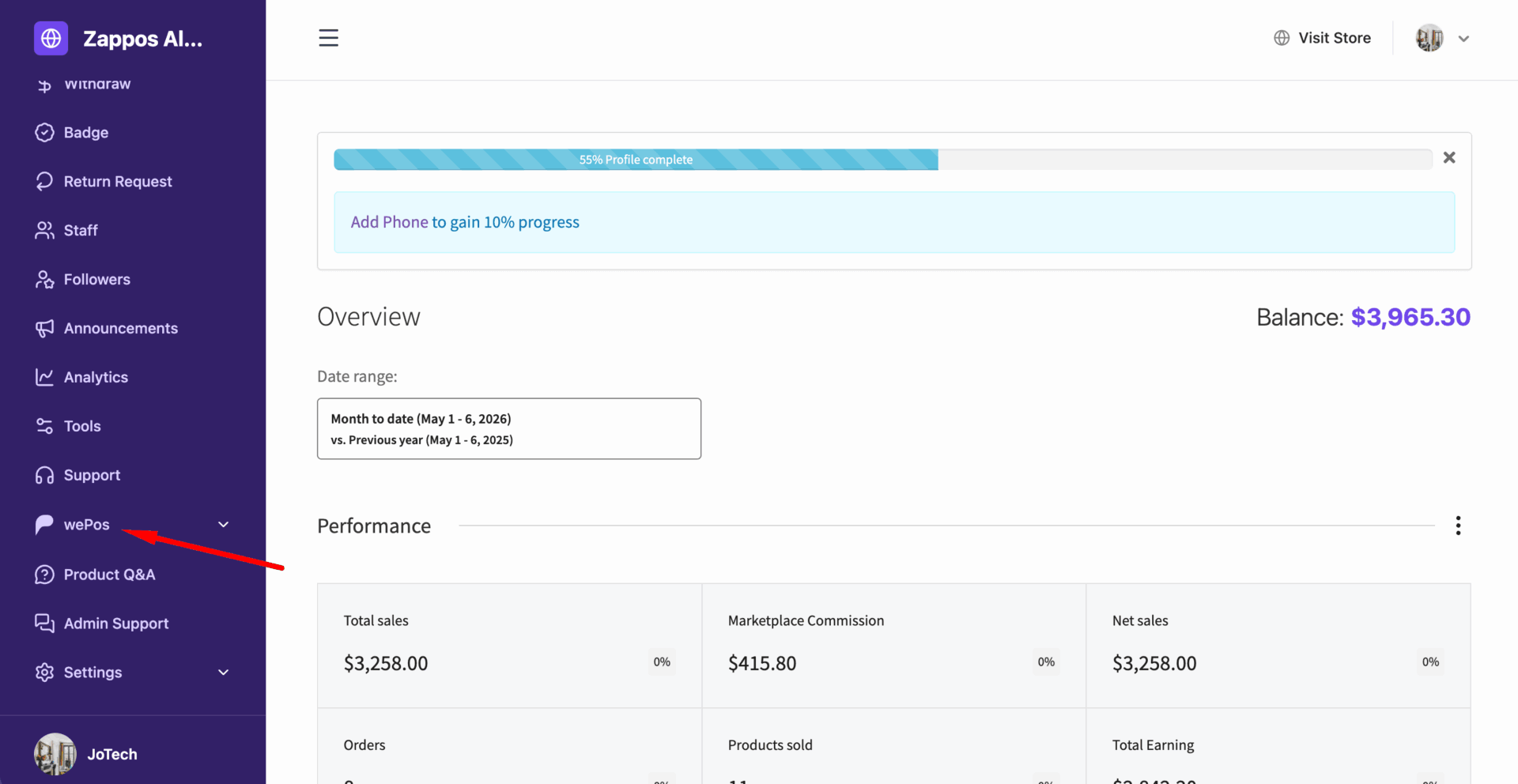
The vendors will get their own wePos dashboard in their vendor dashboard-
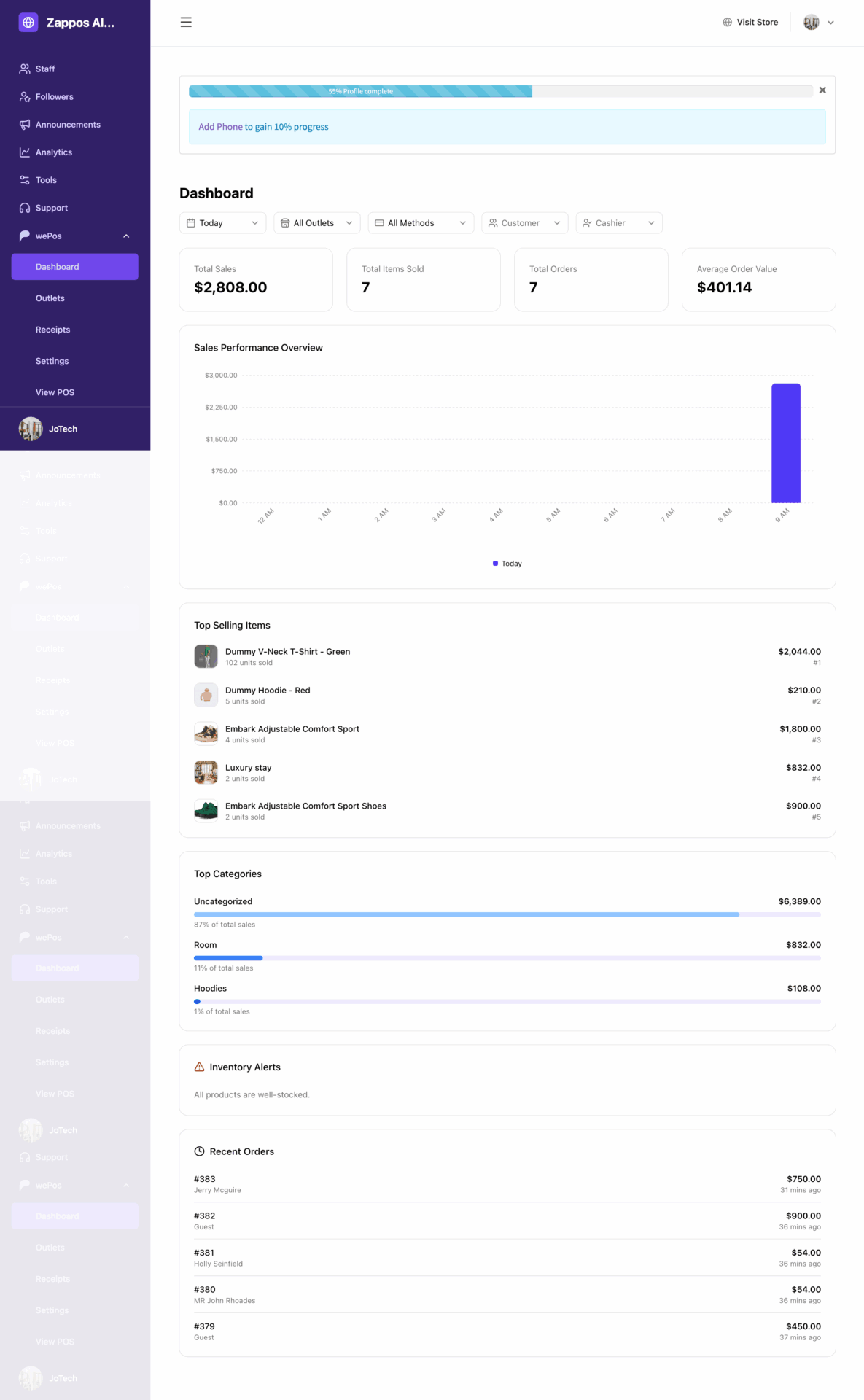
Manage their outlets-
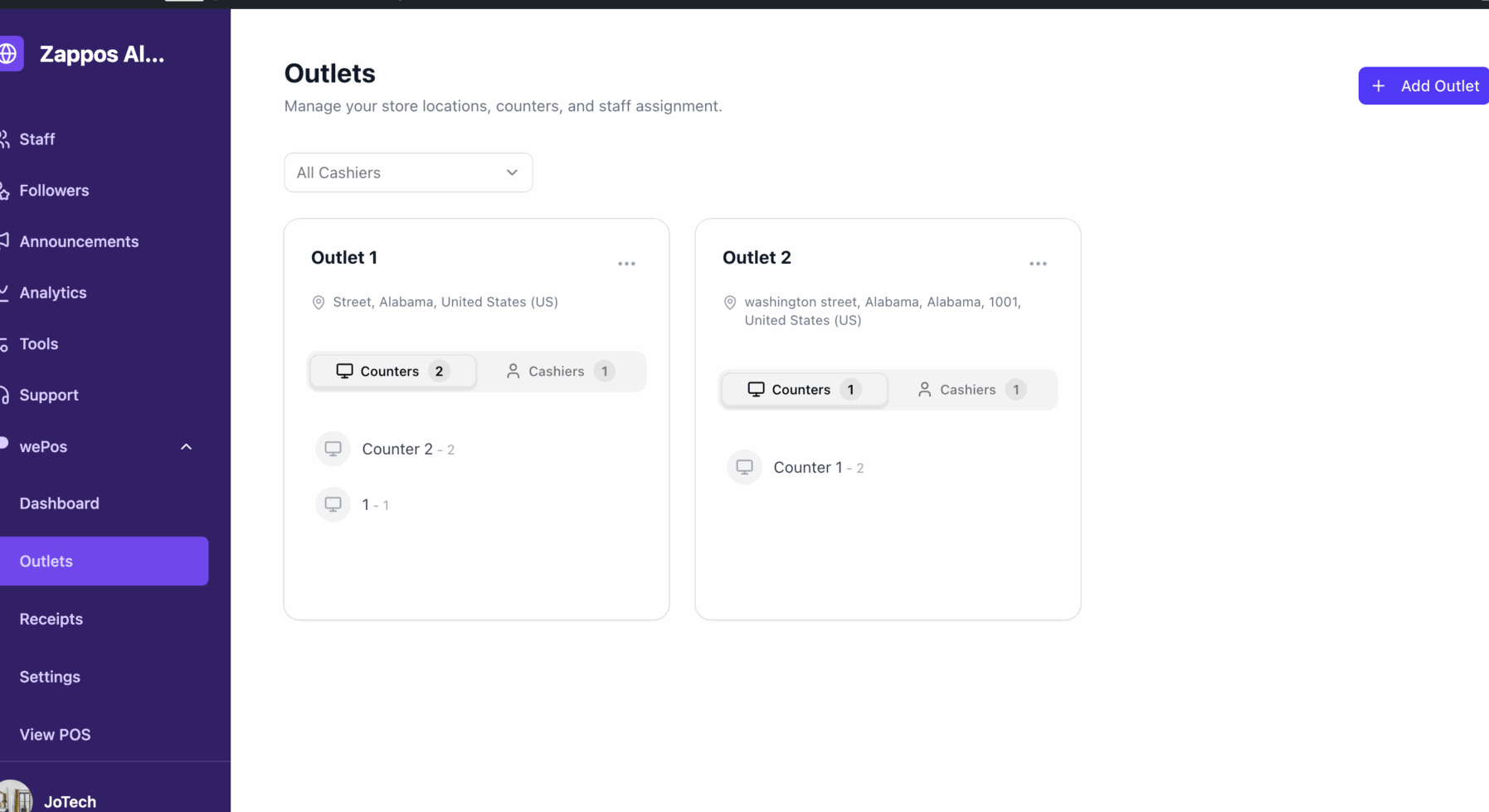
Manage their receipts-
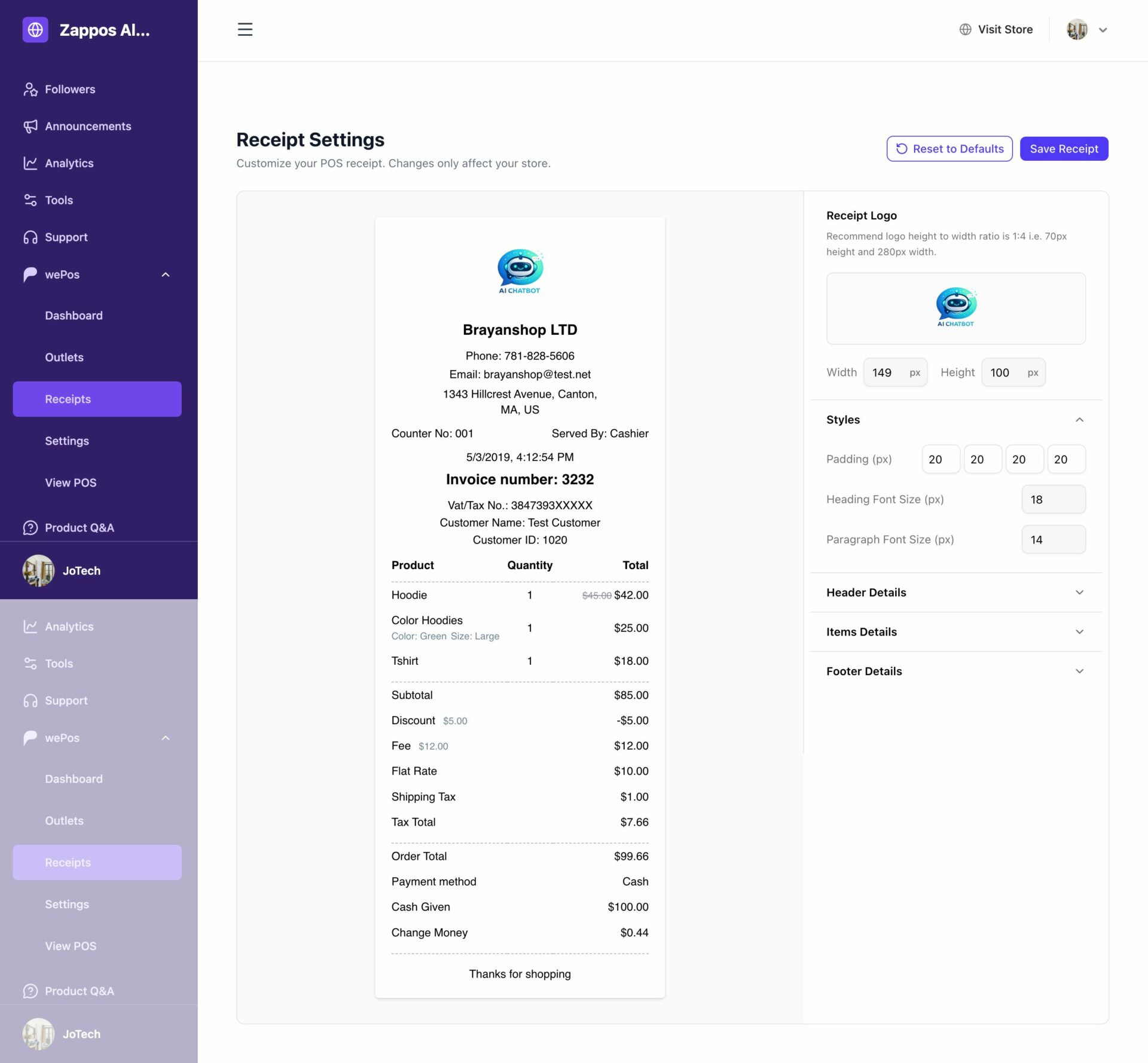
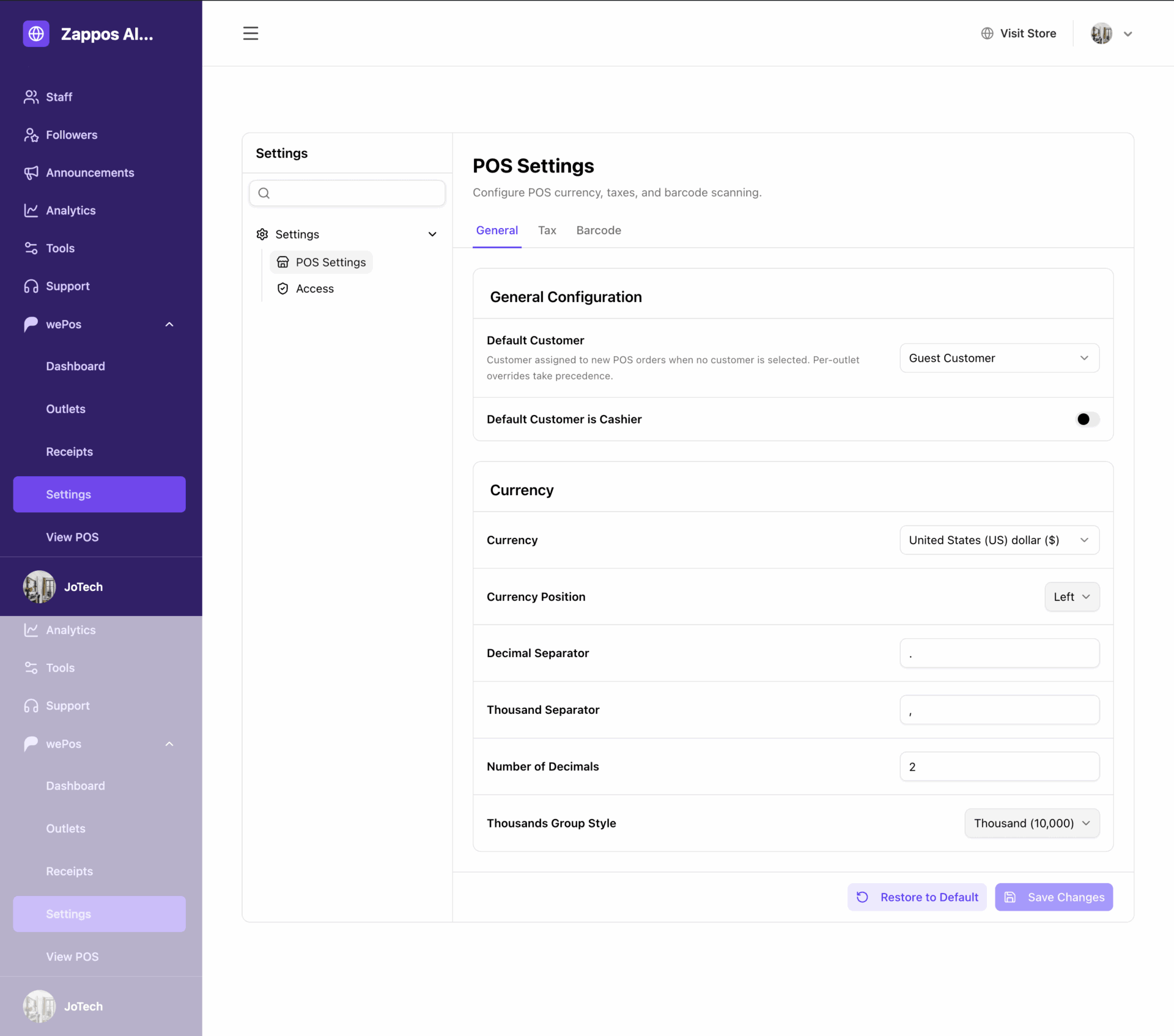
And settings-
Please note that, all your vendors will get their own separate POS system. When the vendors click on the View POS menu, they will find wePOS frontend cart.