


Amazon, Etsy, and eBay have one thing in common: they bring products from multiple sellers into one shopping destination. But each gives buyers and sellers a different reason to join.
If you want to build your own marketplace, these differences are worth studying. Product selection, vendor management, customer trust, and mobile shopping all influence how a marketplace works.
In this article, we’ll explore 15 multivendor marketplace examples serving the USA, explain what you can learn from them, and show where Dokan’s marketplace plugin, mobile apps, and wePOS can support your own business.
What Is a Multivendor Marketplace?
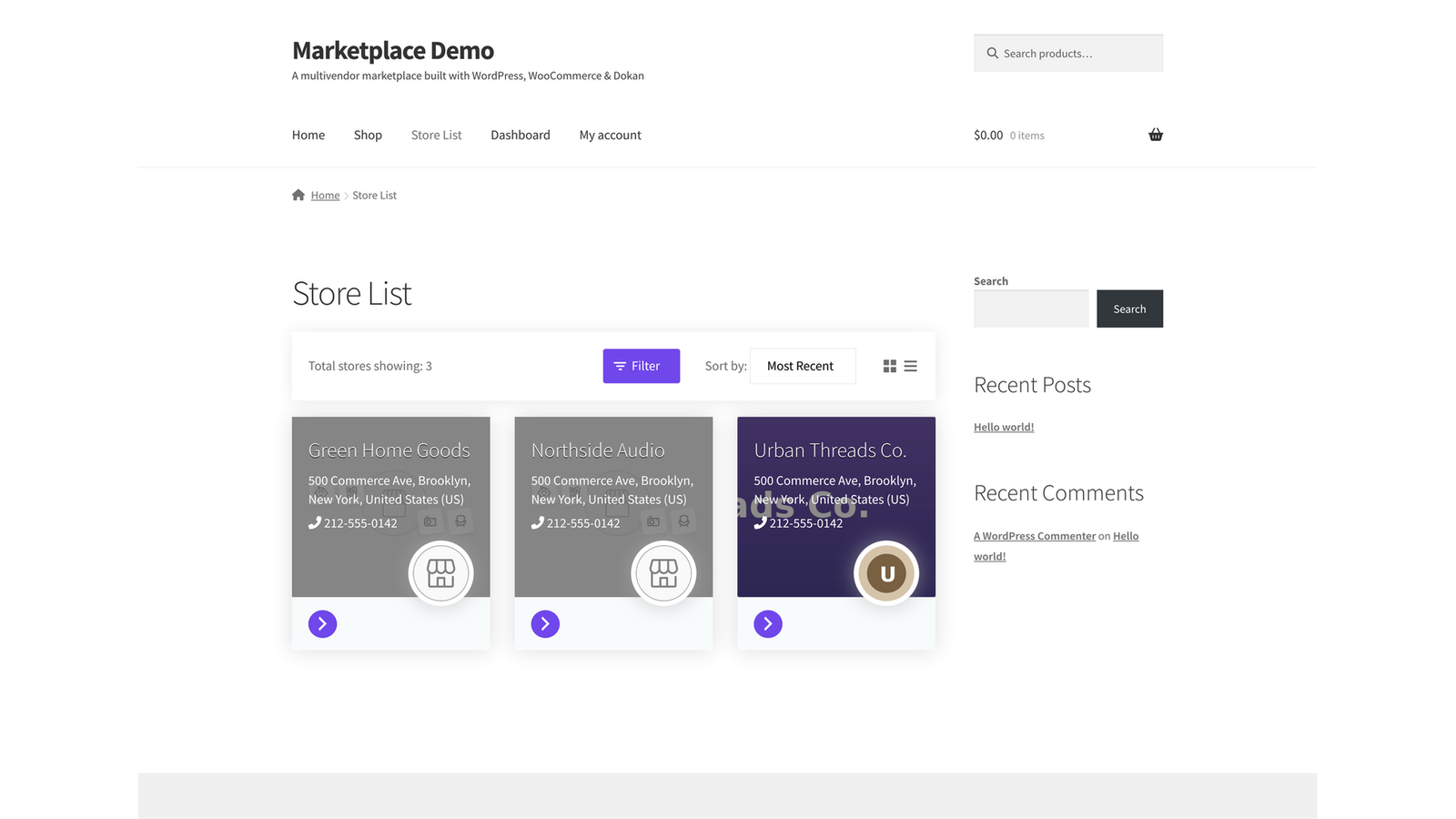
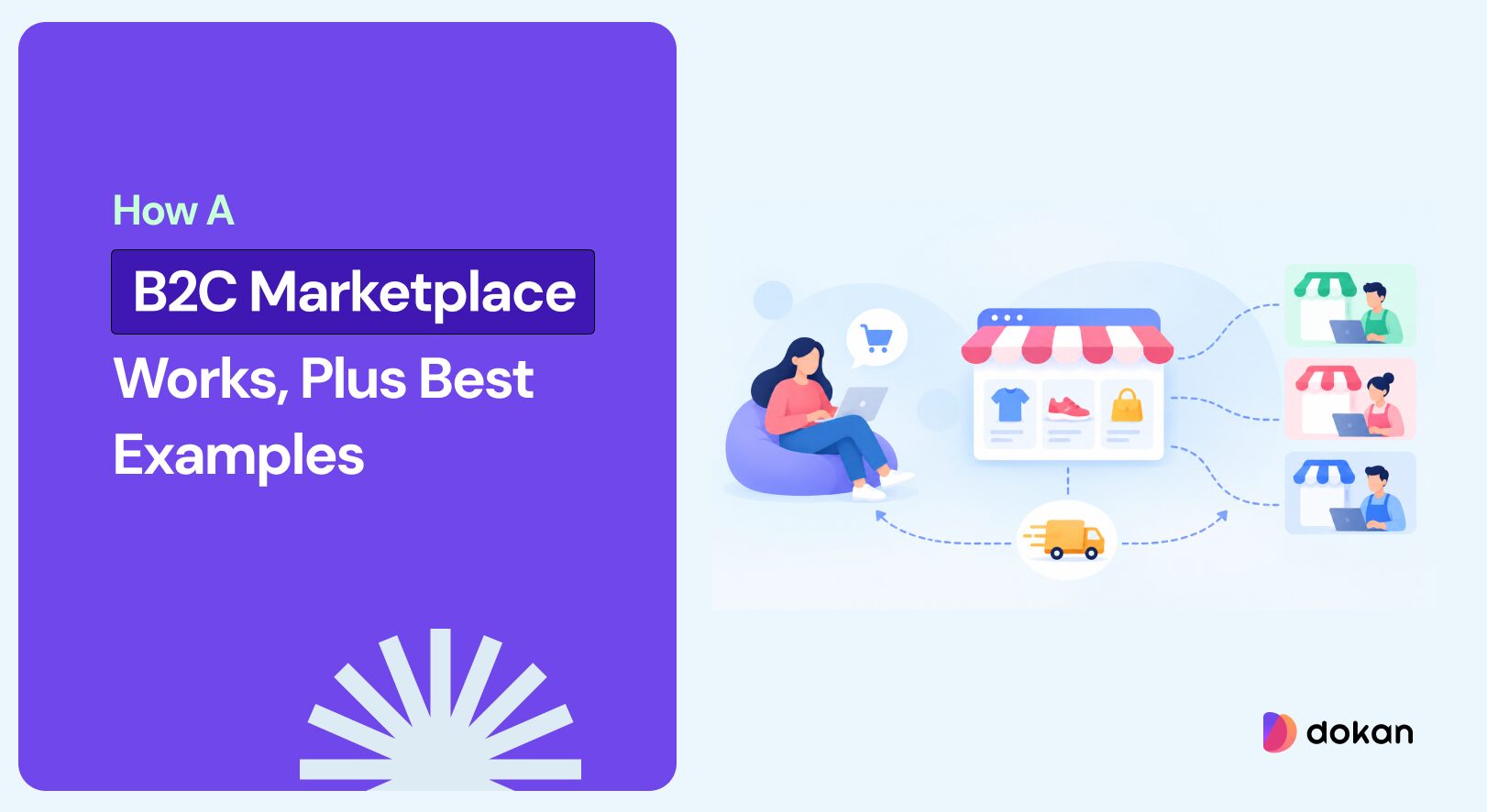
A multivendor marketplace is an eCommerce platform where independent sellers offer products through a shared website or app. The marketplace operator manages the platform and its rules, while vendors manage their businesses within it.
Customers can discover products from different sellers in one place. Depending on the platform, the operator may earn money through commissions, subscriptions, advertising, or other services.
Some marketplaces also sell their own inventory. Amazon and Walmart, for example, combine retail operations with third-party seller marketplaces.
For entrepreneurs, this model creates an opportunity to build a business around connecting buyers and sellers. However, it also requires clear responsibilities for product quality, fulfilment, payments, and customer support.
15 Best Multivendor Marketplace Examples in the USA at a Glance
The following examples cover broad retail, niche products, resale, wholesale, and live shopping. Here, “in the USA” means serving the US market, rather than being exclusively American or headquartered in the country.
The word “Best” reflects the usefulness of each example for learning about marketplace models – not a ranking by revenue or traffic. Here’s a quick snapshot of the marketplaces we are going to discuss.
| Marketplace | Main Focus | Marketplace Model | Main Lesson |
|---|---|---|---|
| Amazon Marketplace | General merchandise | Retail and third-party sellers | Maintain a consistent buying experience |
| Walmart Marketplace | General merchandise | Retail-backed marketplace | Support growth with seller standards |
| eBay | New, used, and collectable products | Fixed-price and auction selling | Match selling formats to products |
| Etsy | Creative products, vintage items, and supplies | Specialized marketplace | Build a recognizable identity |
| Target Plus | Selected brands and products | Curated marketplace | Expand your catalogue selectively |
| Best Buy Marketplace | Technology and a broader product assortment | Retail-backed marketplace | Grow around customer expectations |
| Newegg Marketplace | Technology and related products | Specialist marketplace | Help shoppers compare detailed specifications |
| Poshmark | Fashion and resale | Social marketplace | Encourage discovery through community |
| Mercari | Secondhand and everyday products | Consumer resale marketplace | Make selling approachable |
| StockX | Sneakers, apparel, and collectables | Specialized resale marketplace | Explain verification and condition clearly |
| Reverb | Musical instruments and equipment | Specialist marketplace | Build around category expertise |
| Faire | Wholesale products | Business-to-business marketplace | Design for business purchasing |
| Chairish | Furniture, decor, and art | Design-focused marketplace | Use presentation to support discovery |
| Back Market | Refurbished electronics | Recommerce marketplace | Reduce uncertainty about product quality |
| Whatnot | Collectables and other consumer products | Live-shopping marketplace | Combine shopping with interaction |
Explore These 15 Multivendor Marketplace Examples
The examples below move from the largest general marketplaces to more focused, category-specific ones. Each entry explains what the platform does well and what you can apply to a marketplace of your own.
1. Amazon Marketplace: A Consistent Shopping Experience Across Sellers
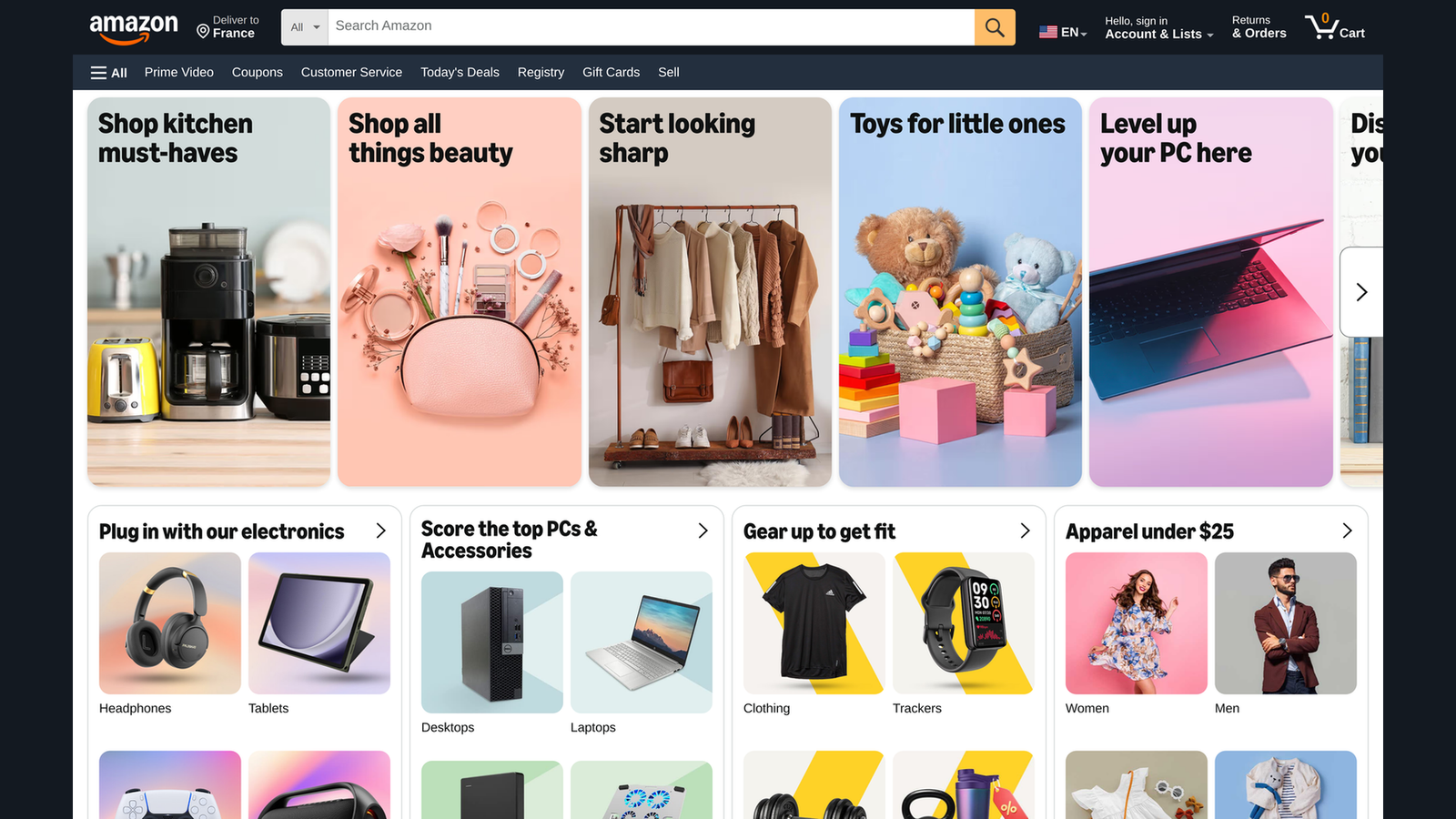
Amazon allows independent businesses to sell through its platform alongside Amazon’s own retail offerings. Sellers can fulfill orders themselves or use services such as Fulfillment by Amazon, subject to the relevant requirements.
What Makes It Worth Studying
Amazon shows why a marketplace needs consistency even when different businesses supply its products.
Customers need to understand what they are buying, who sells it, how it will arrive, and where to get help. Product information and seller details need to fit into a shopping experience that remains familiar across the catalog.
The lesson is especially useful for marketplaces with many vendors and overlapping product categories.
What You Can Apply to Your Own Marketplace
Create product listing guidelines before inviting large numbers of sellers. Define required images, descriptions, shipping information, and customer service responsibilities.
For a WordPress marketplace, Dokan can provide the vendor storefronts and management tools that support this foundation. Your operating rules will determine how consistently vendors use them.
2. Walmart Marketplace: Growth Supported by Seller Standards
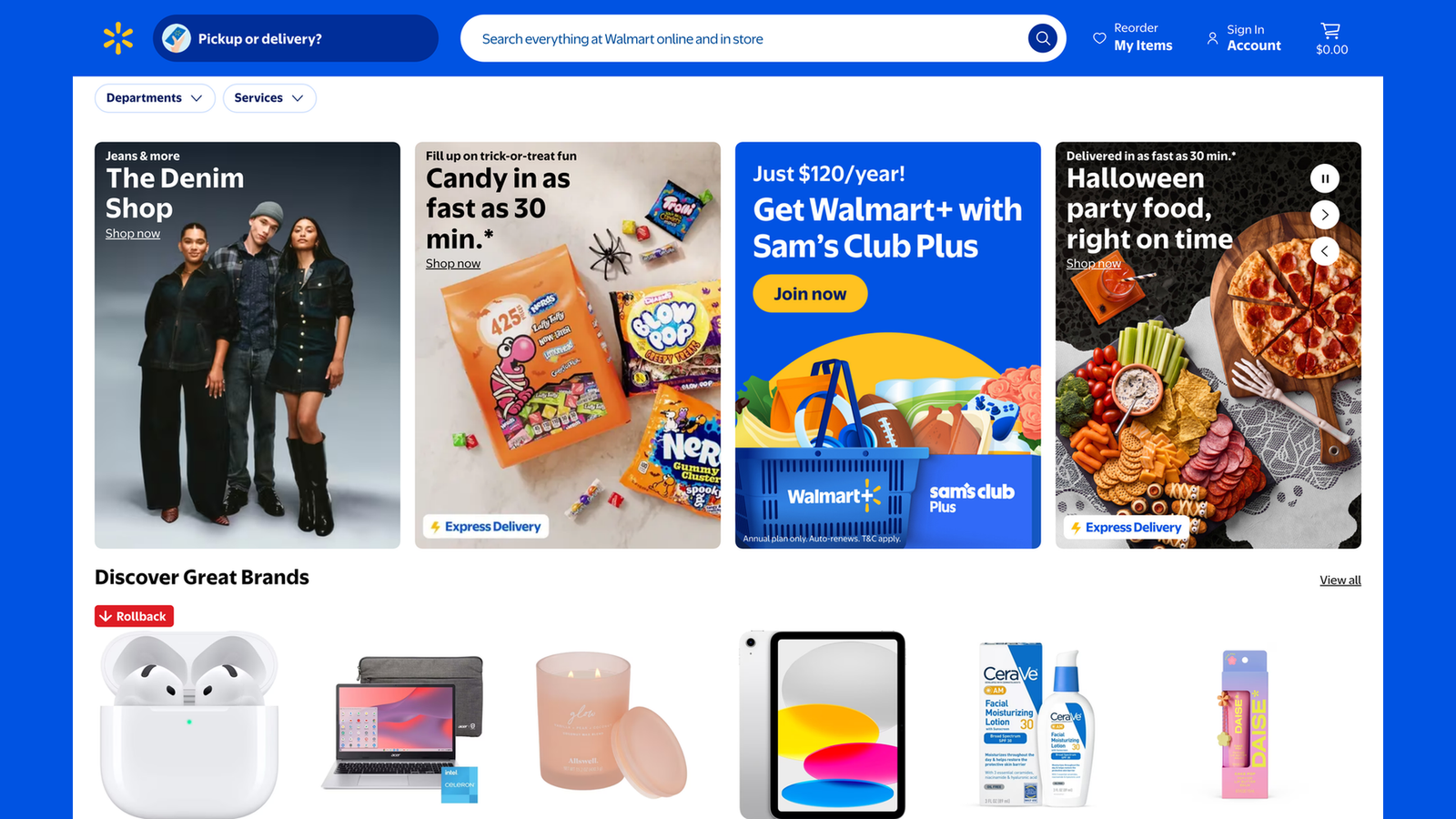
Walmart Marketplace enables third-party sellers to reach customers through Walmart’s online shopping platform. It also offers services such as Walmart Fulfillment Services and advertising options for marketplace businesses.
What Makes It Worth Studying
Walmart illustrates how a familiar retail brand can expand its online assortment through outside sellers.
However, adding vendors also introduces differences in inventory management, fulfillment, and support. A marketplace operator needs processes that help sellers meet customer expectations.
This makes vendor onboarding an operational priority, rather than simply a registration form.
What You Can Apply to Your Own Marketplace
Prepare an onboarding checklist covering business information, product quality, shipping capabilities, and support contacts.
Start with a manageable group of vendors. Review their first listings and orders so you can identify problems before expanding recruitment.
3. eBay: Different Selling Formats for Different Products
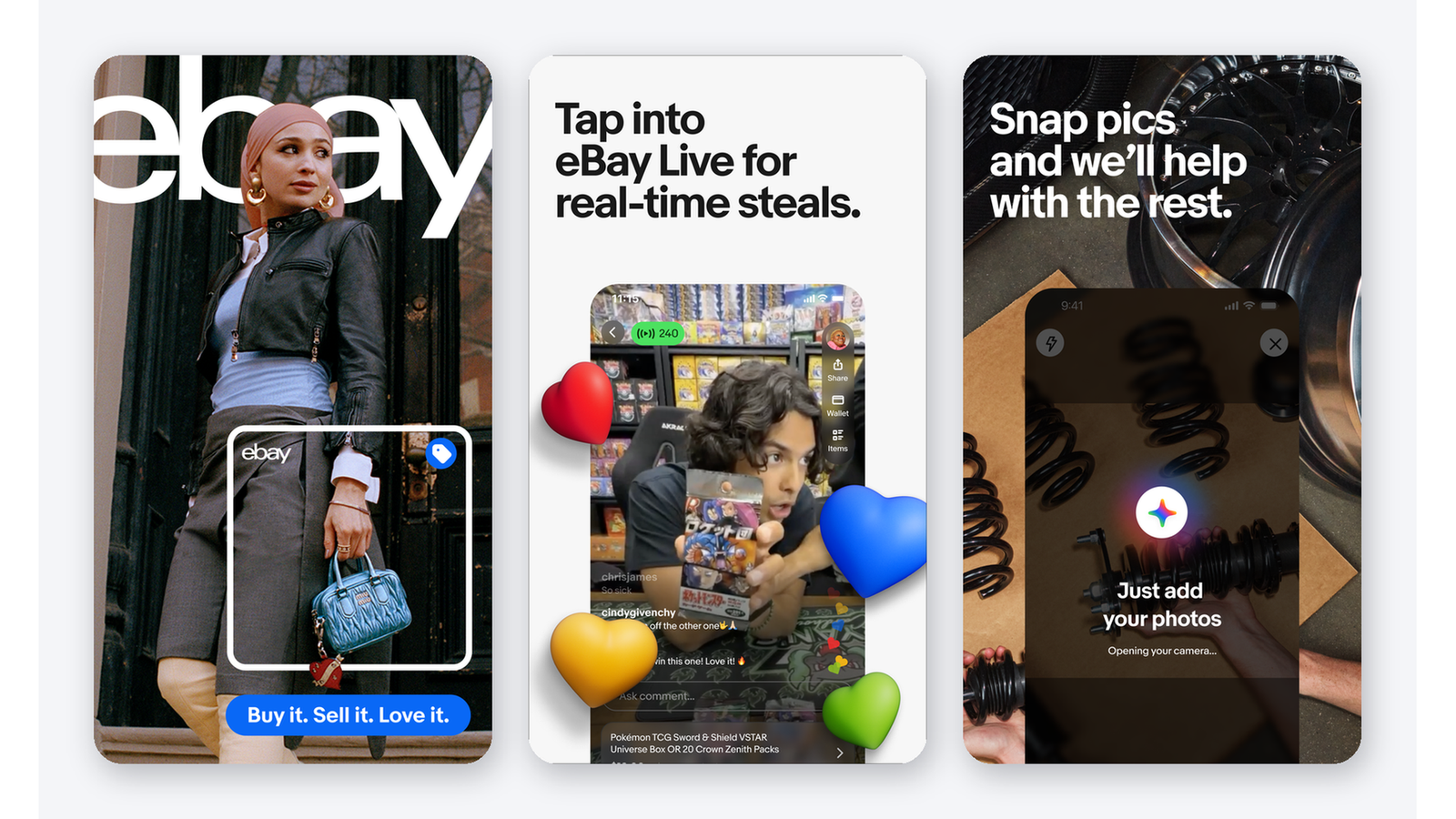
eBay supports auction-style listings and fixed-price selling. These formats give sellers different ways to offer products, from everyday goods to items whose value depends on scarcity or buyer interest.
What Makes It Worth Studying
Not every product benefits from the same selling process.
A customer replacing a common household item may want an immediate purchase. A collector looking for a rare item may be willing to participate in an auction.
eBay is useful for understanding how selling formats can reflect the behavior of a particular audience.
What You Can Apply to Your Own Marketplace
Choose the simplest selling format that suits your niche. Add auctions only when they solve a real problem for your buyers and vendors.
If you plan to introduce auctions on a Dokan marketplace, check the relevant integration, plan requirements, and compatibility. Auction functionality should be evaluated separately from standard product selling.
4. Etsy: A Marketplace with a Clear Identity
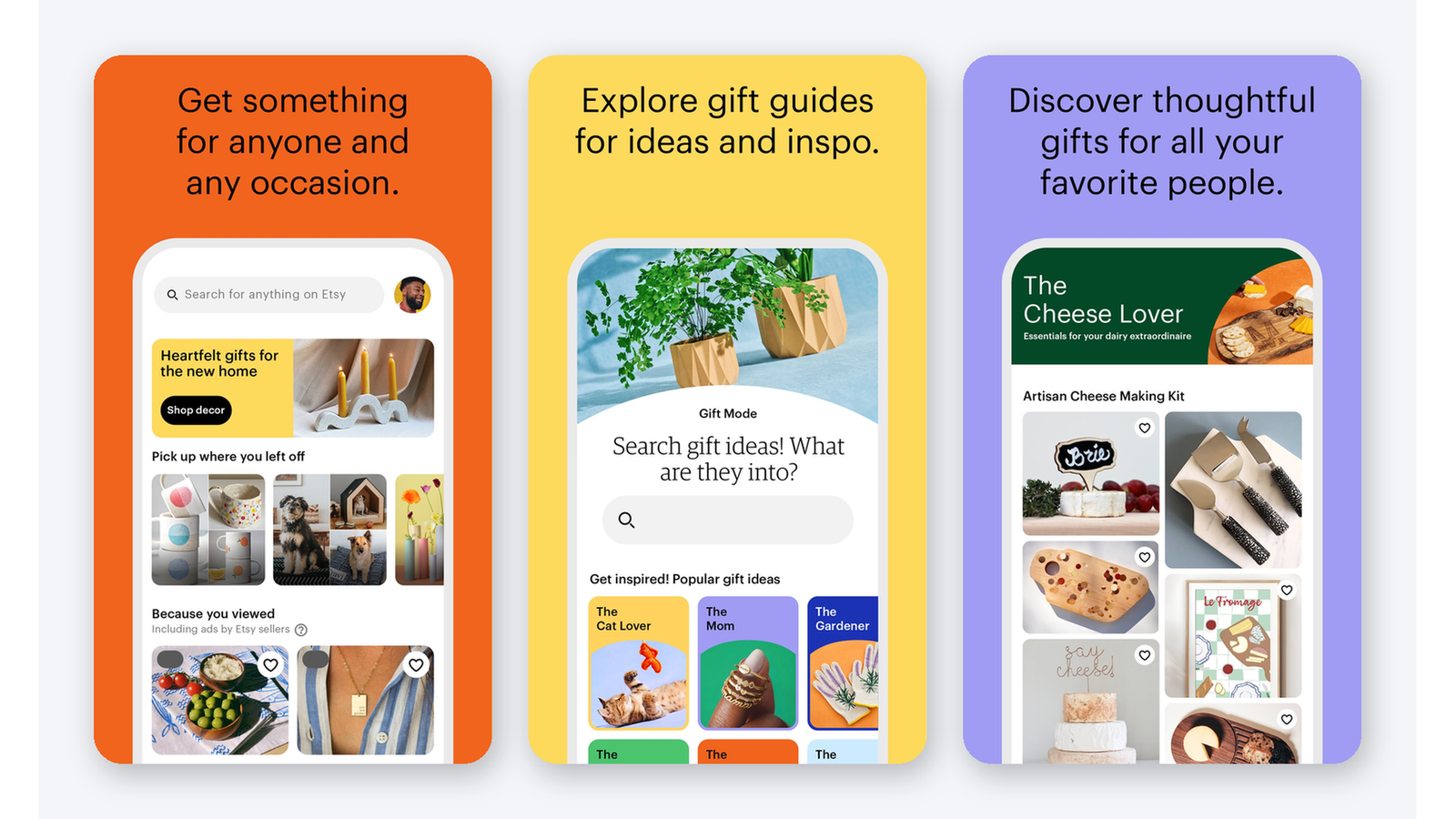
Etsy organizes its marketplace around creative products. Its standards cover items made, designed, handpicked, or sourced by sellers, including qualifying vintage items and creative supplies. It is broader than a marketplace for handmade products alone.
What Makes It Worth Studying
Etsy gives shoppers a clear reason to visit: discovering products associated with creativity, individual expression, and distinctive sellers.
That identity helps connect its product categories. Seller stories and product presentation can become part of the buying decision rather than background information.
For a new marketplace, this is a useful example of how positioning can guide vendor selection.
What You Can Apply to Your Own Marketplace
Write a clear description of what belongs on your platform—and what does not.
Then help vendors communicate their expertise through useful descriptions, strong photography, and informative storefronts. Dokan’s individual vendor stores can support this approach, while your content guidelines help maintain a shared identity.
5. Target Plus: Expanding Through a Curated Assortment
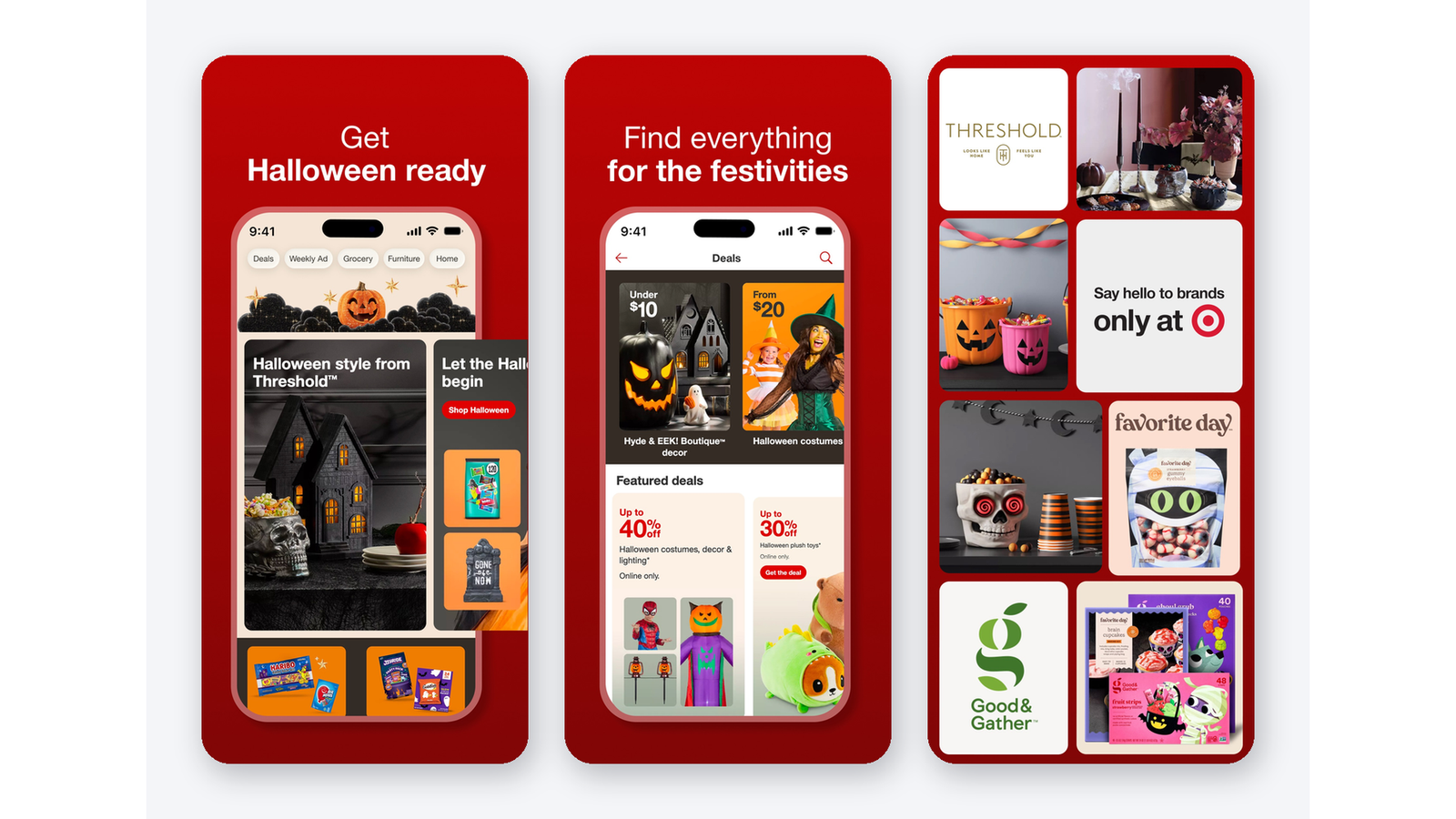
Target Plus is Target’s curated third-party marketplace. It expands the selection available through Target’s digital shopping experience with products from selected marketplace partners.
What Makes It Worth Studying
Target Plus demonstrates that marketplace growth does not have to mean accepting every possible seller.
A curated approach can help maintain a recognizable assortment. The operator evaluates how new brands and products fit customer expectations instead of treating catalog size as the main objective.
This approach is relevant to premium, specialist, and brand-led marketplaces.
What You Can Apply to Your Own Marketplace
Use a vendor application process that evaluates relevance as well as basic eligibility.
For example, a sustainable home marketplace could assess product materials, presentation, and supporting claims before approving a seller. A smaller, coherent selection can make browsing easier than a large collection of loosely related products.
6. Best Buy Marketplace: Expanding Around an Established Audience
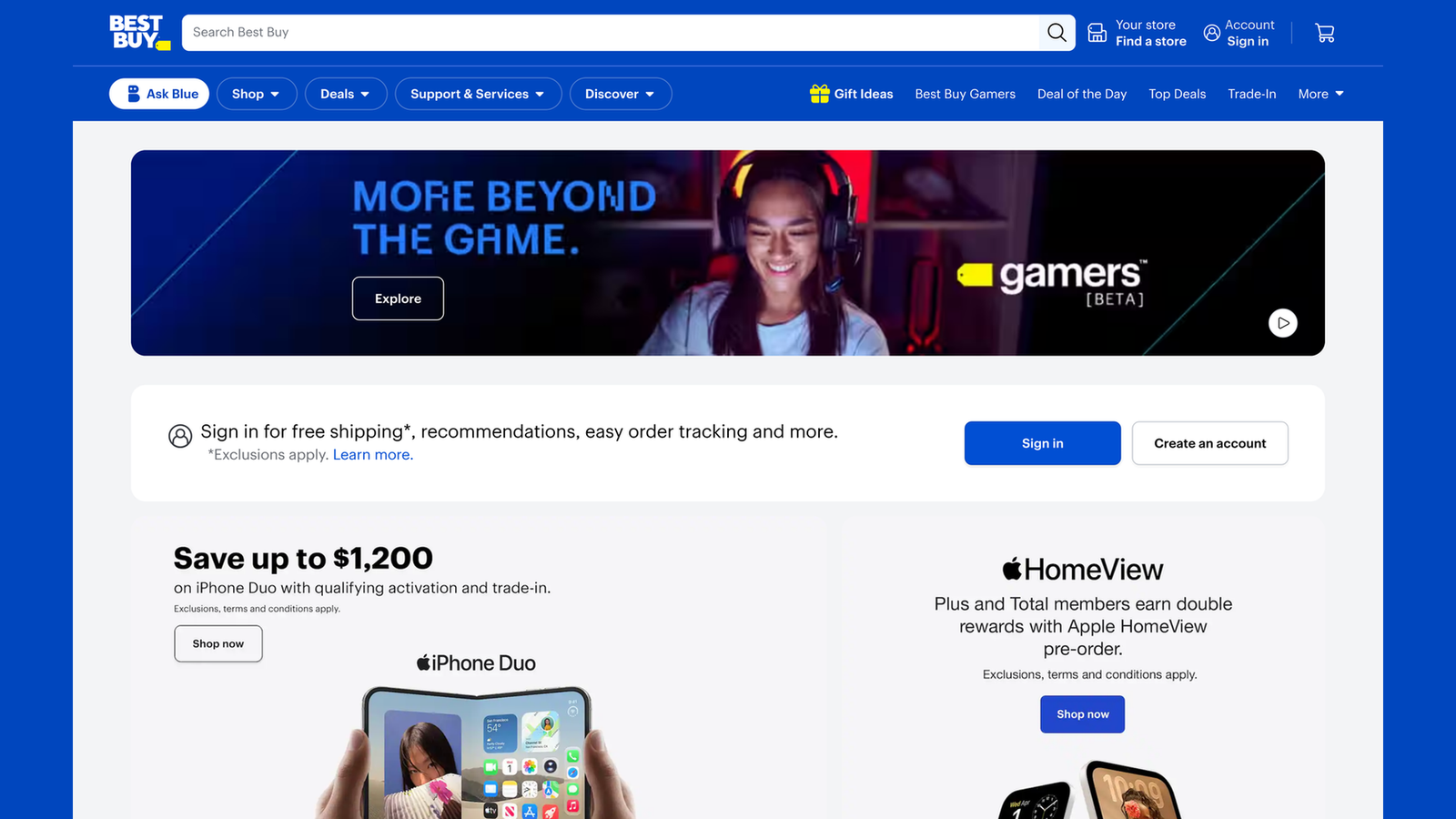
Best Buy operates a US marketplace that allows selected third-party sellers to offer products through its digital platform. Its seller program brings marketplace participation together with opportunities to use Best Buy’s advertising services.
What Makes It Worth Studying
Best Buy is an example of a retailer using a marketplace to broaden its assortment around an existing customer relationship.
For marketplace founders, the useful question is how far to expand beyond the original niche. Additional categories should support a customer’s shopping needs and still make sense within the platform.
What You Can Apply to Your Own Marketplace
Expand by customer need rather than by unrelated product volume.
A photography marketplace, for example, might begin with cameras and lenses, then add lighting, storage, and studio accessories. Each category supports the same audience and gives existing customers another reason to return.
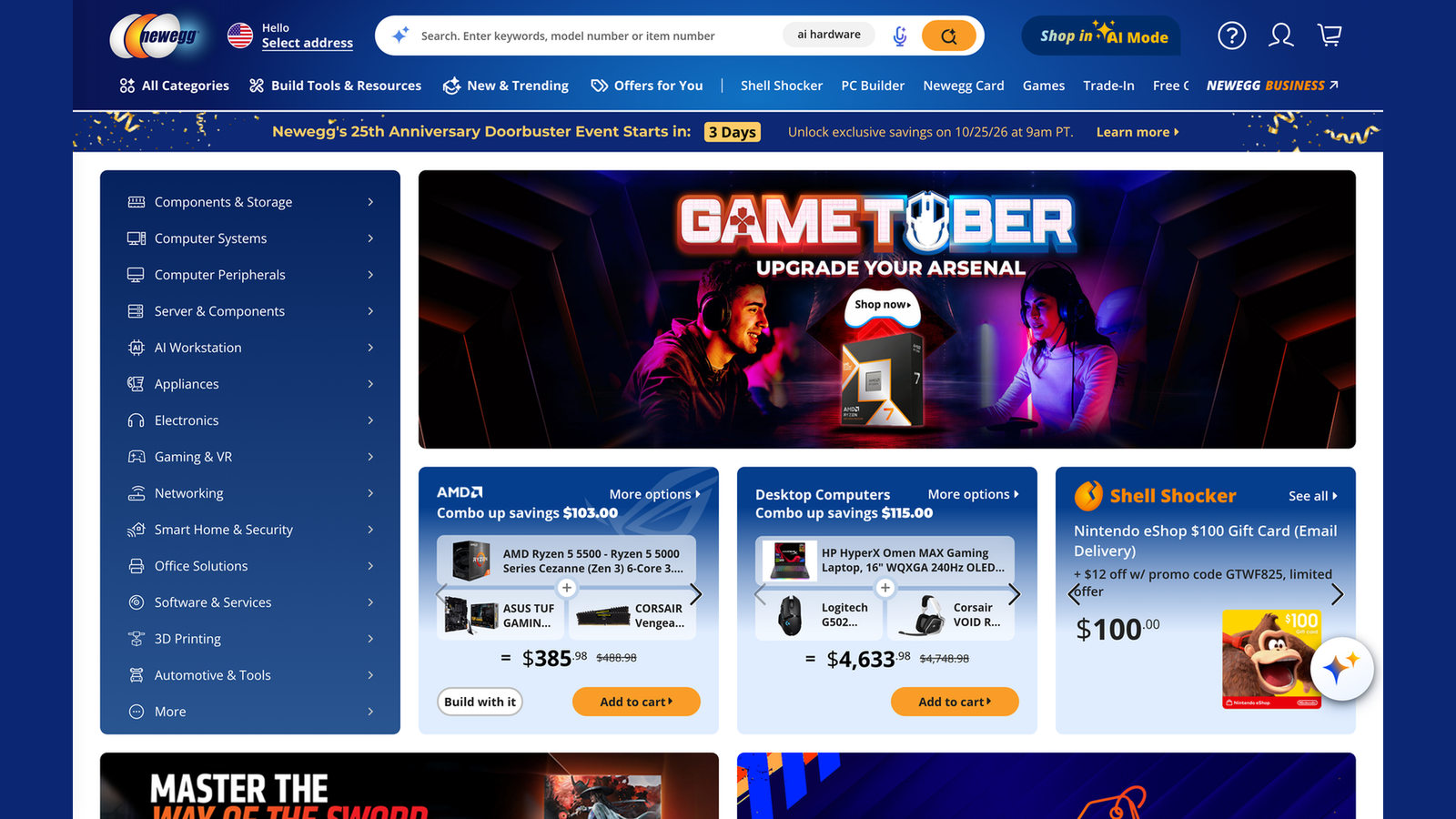
7. Newegg Marketplace: Helping Buyers Navigate Technical Products
Newegg provides a marketplace where third-party sellers can list products, with a strong association with technology, electronics, and computer-related shopping. Its seller program supports joining the platform and uploading a product catalog.
What Makes It Worth Studying
Technical purchases often depend on details that a short product description cannot explain.
Compatibility, capacity, dimensions, and model information can determine whether an item is suitable. A marketplace in this category must help shoppers compare products accurately.
The underlying lesson applies beyond electronics—to automotive parts, specialist tools, and other products with complex specifications.
What You Can Apply to Your Own Marketplace
Define the product attributes that matter before vendors start uploading inventory.
Use consistent terminology and units. Where your theme and extensions support them, add useful filters so shoppers can narrow the catalog by meaningful specifications.
Better product data also reduces repetitive questions for vendors.
8. Poshmark: Bringing Community into Product Discovery
Poshmark is a fashion resale marketplace built around a community of buyers and sellers and social shopping experiences. Its positioning connects product discovery with participation in that community.

What Makes It Worth Studying
Fashion shopping is not always driven by a specific search. People also discover products through taste, inspiration, and other people.
Poshmark provides a useful example of a marketplace where the relationship between users matters alongside the product catalog.
For founders, this suggests that repeat engagement can come from more than discounts.
What You Can Apply to Your Own Marketplace
Consider editorial collections, seller spotlights, and content around your audience’s interests.
If customers frequently browse from their phones, a shopper app may also fit your growth strategy. The Dokan Mobile App provides a customer-facing app option for a Dokan marketplace; social features would need their own assessment.
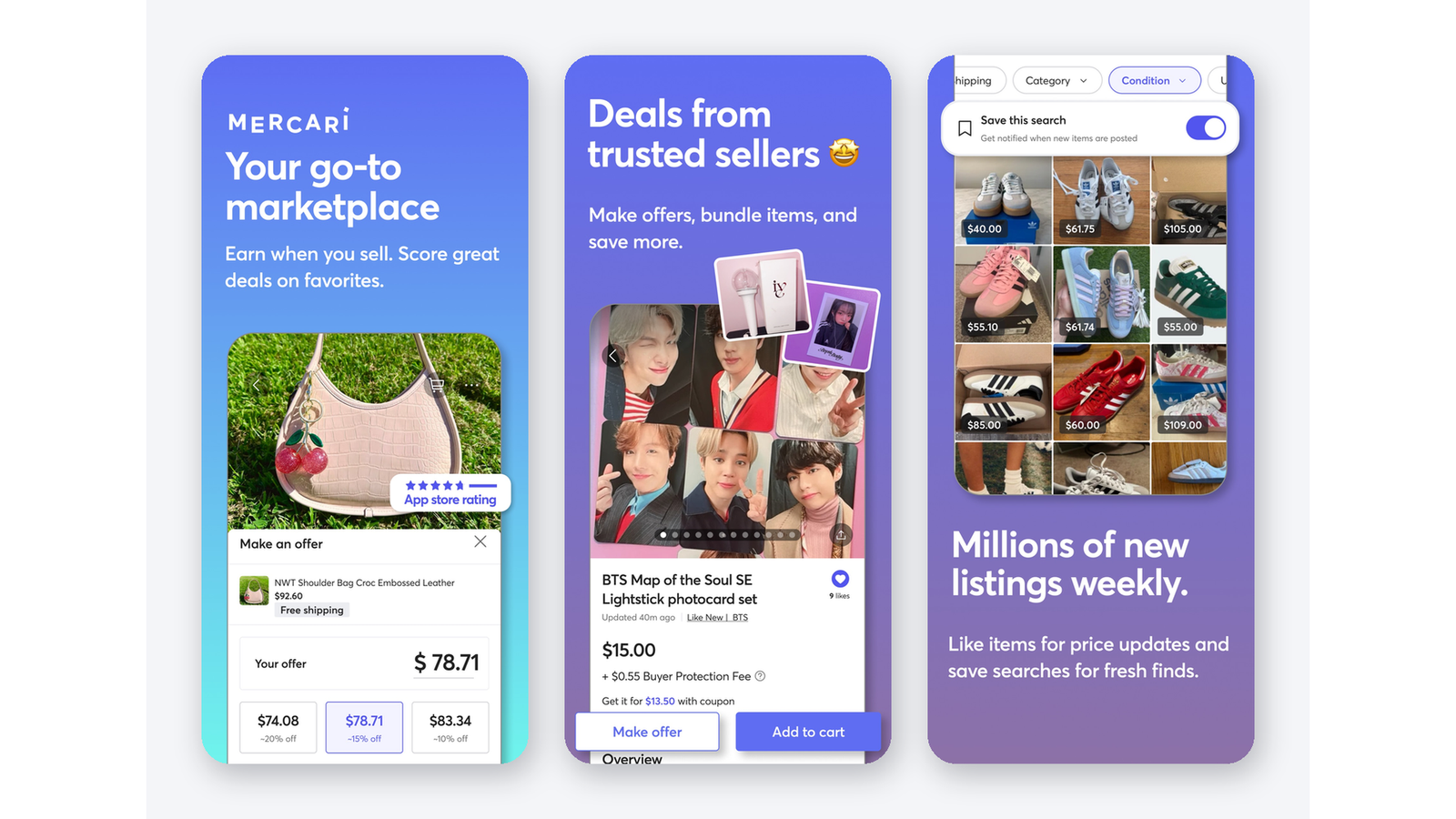
9. Mercari: Making Resale Approachable
Mercari provides a marketplace for buying and selling across categories such as clothing, electronics, collectibles, and everyday secondhand products.
What Makes It Worth Studying
A resale marketplace may attract people who have never operated an online store.
These sellers need to understand how to describe an item, set its price, and complete an order without working through an unnecessarily complicated process.
Mercari is a useful example to study when planning for casual or occasional sellers.
What You Can Apply to Your Own Marketplace
Test onboarding with someone unfamiliar with eCommerce. Ask them to register, create a listing, and explain what they would do after receiving an order.
Use their difficulties to improve instructions and remove unnecessary steps. If your vendors need to work away from a computer, evaluate the Dokan Vendor App as part of their management workflow.
10. StockX: Making Trust Part of the Marketplace Model
StockX distinguishes between its Verified Marketplace and Listings Marketplace. The Verified Marketplace focuses on new, unworn items verified by StockX or shipped by StockX Verified Sellers. The Listings Marketplace offers a separate experience for used or unique items, with verification available for eligible purchases.

What Makes It Worth Studying
StockX highlights the importance of addressing uncertainty in categories where condition and authenticity strongly influence purchasing decisions.
It also shows why buyers need precise explanations of what a verification claim covers. Different purchasing paths can involve different processes.
What You Can Apply to Your Own Marketplace
Define condition labels, seller requirements, and dispute procedures clearly.
If you promise authentication or inspection, build the operational process behind that promise. A plugin can support marketplace transactions, but specialist verification requires qualified people, documented standards, and appropriate logistics.
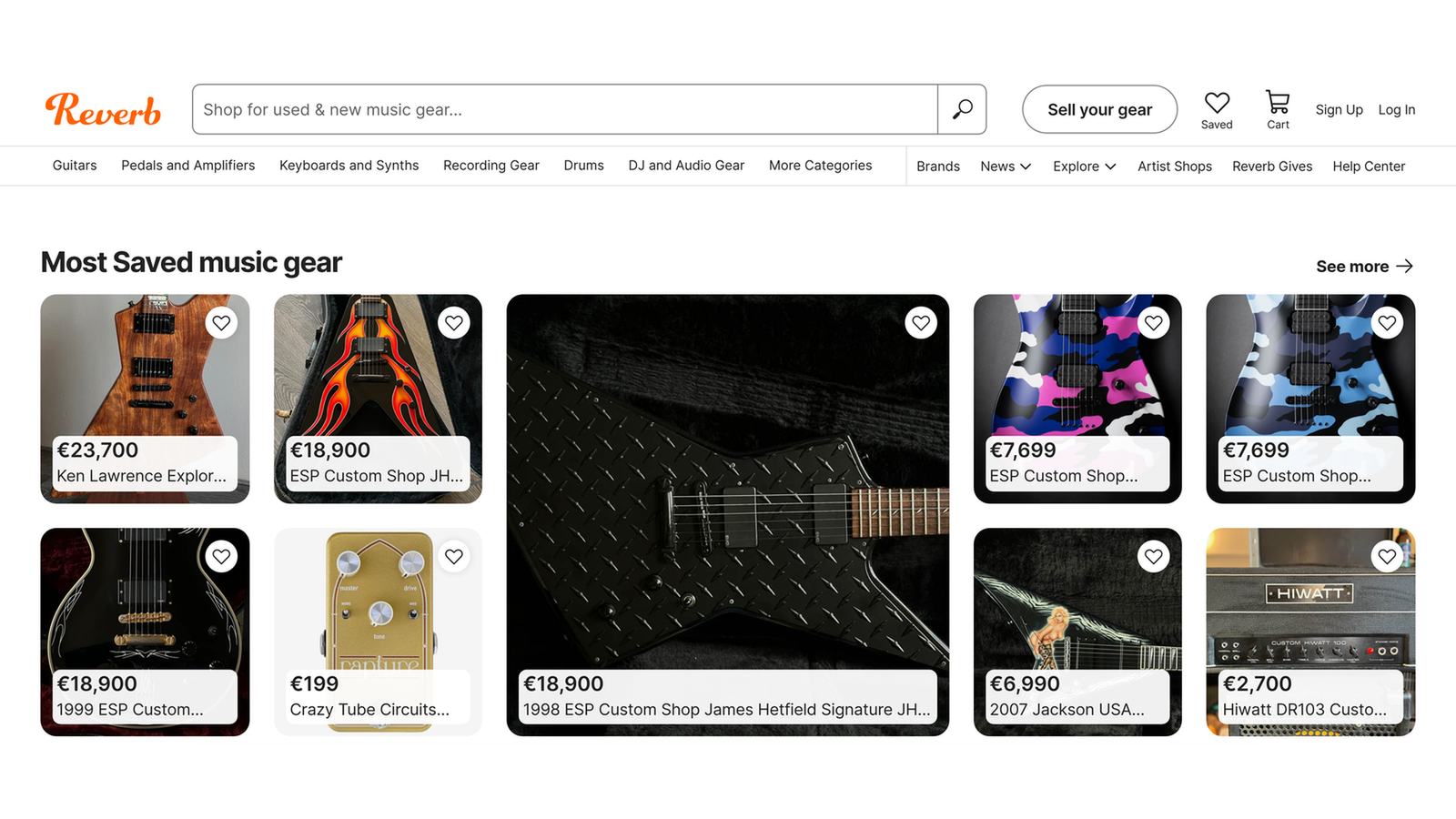
11. Reverb: Building Around Category Expertise
Reverb connects buyers and sellers of new, used, and vintage musical instruments and equipment. Its specialist focus includes instruments, recording equipment, accessories, and other music gear.
What Makes It Worth Studying
Musicians may need information that a general-purpose product listing overlooks.
Condition, modifications, model variations, and included accessories can materially affect whether an instrument is suitable. Reverb illustrates how a marketplace can become more useful by understanding the language and concerns of a particular community.
What You Can Apply to Your Own Marketplace
Build listing requirements around your niche’s buying decisions.
A used camera marketplace might request shutter count and lens condition. A musical equipment marketplace might request repair history and modifications.
Support those listings with buying guides that help customers interpret the information.
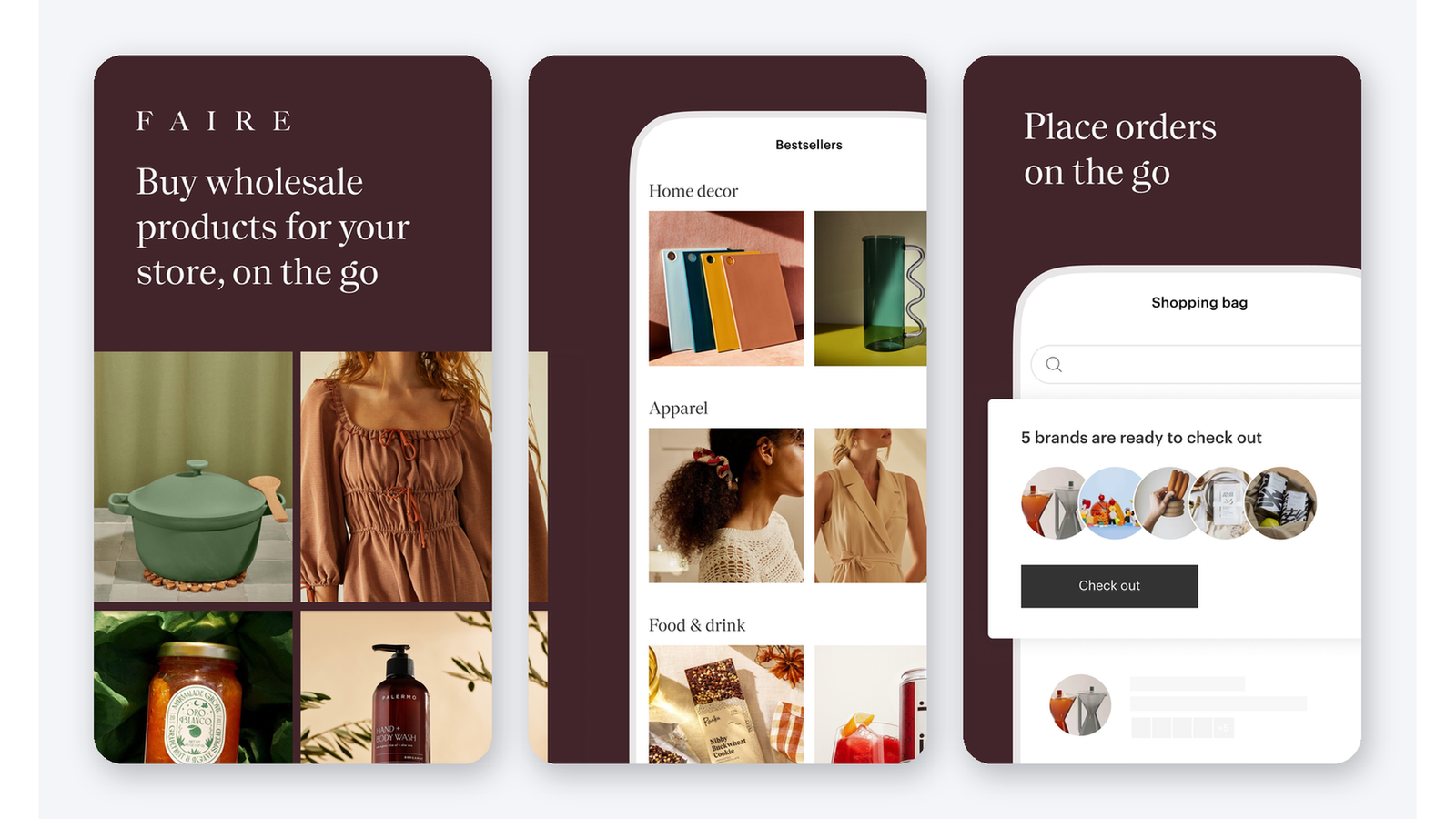
12. Faire: Designing for Wholesale Buyers
Faire is an online wholesale marketplace connecting independent brands with retailers. Its buyers purchase products for their businesses rather than primarily for personal use.
What Makes It Worth Studying
Wholesale buyers have different priorities from retail shoppers.
They may need to evaluate margins, order quantities, replenishment, and how products fit their store’s assortment. A marketplace designed for these needs requires more than a standard consumer shopping experience.
Faire is useful for founders considering a business-to-business marketplace.
What You Can Apply to Your Own Marketplace
Plan your wholesale rules before selecting extensions.
Decide whether you need buyer approval, minimum quantities, wholesale pricing, or restricted product visibility. For a Dokan-based implementation, evaluate the relevant wholesale capabilities and integrations against these requirements instead of assuming every B2B workflow is included.
13. Chairish: Using Presentation to Support Discovery
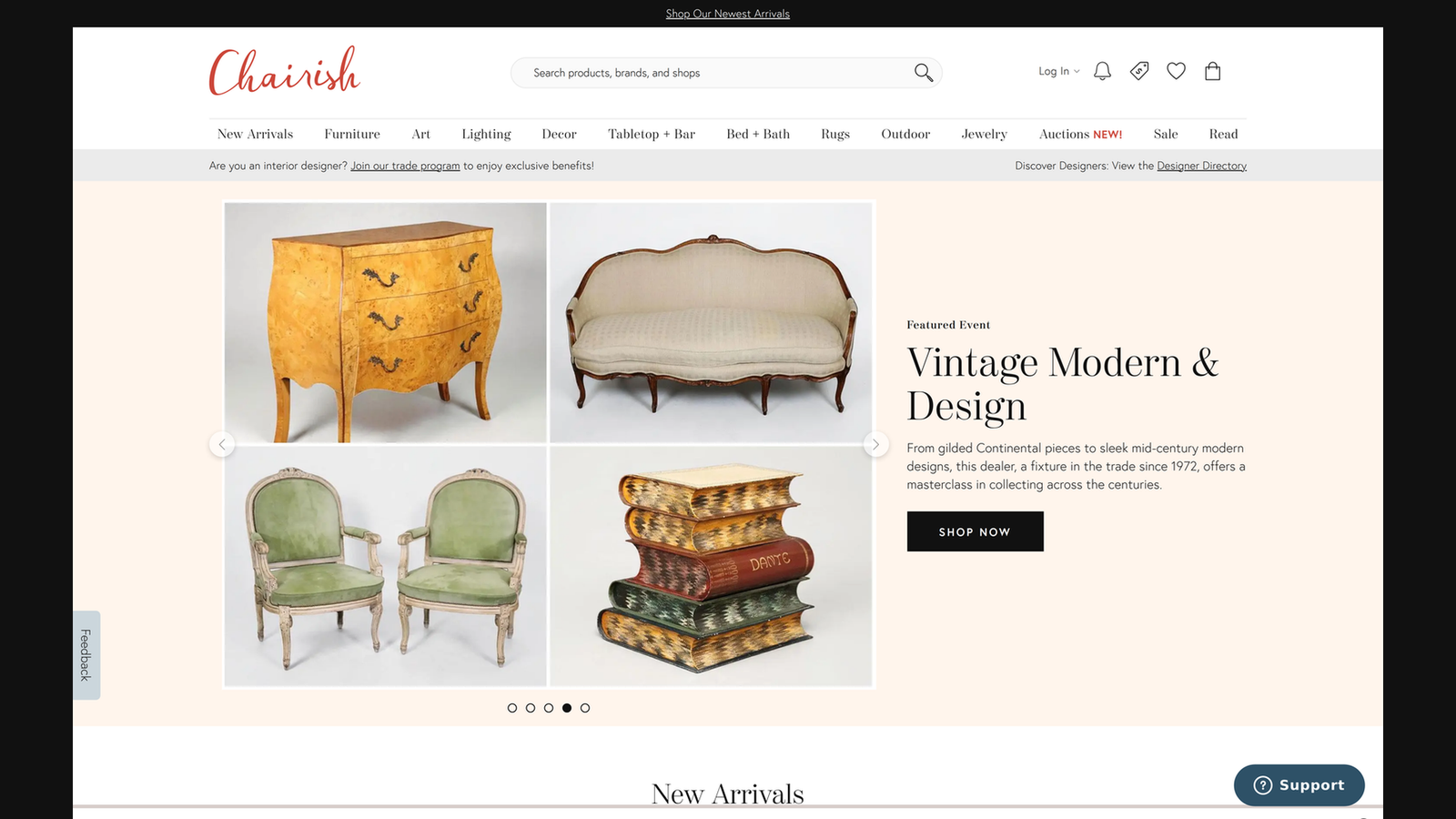
Chairish brings together furniture, decor, art, and related design products, including vintage pieces and contemporary offerings. Its assortment is centered on interiors and design.
What Makes It Worth Studying
Furniture and art involve both practical and visual decisions.
Customers need to assess style, scale, condition, and how a piece might fit into their space. Strong photography helps them discover items, while detailed information helps them decide whether to buy.
Chairish is particularly useful for studying presentation in a visually driven niche.
What You Can Apply to Your Own Marketplace
Set photography guidelines covering clear backgrounds, multiple angles, close-ups, and visible defects.
Require accurate dimensions and shipping information. For large or fragile products, explain delivery arrangements early enough that customers can assess the complete purchase.
14. Back Market: Reducing Uncertainty Around Refurbished Products
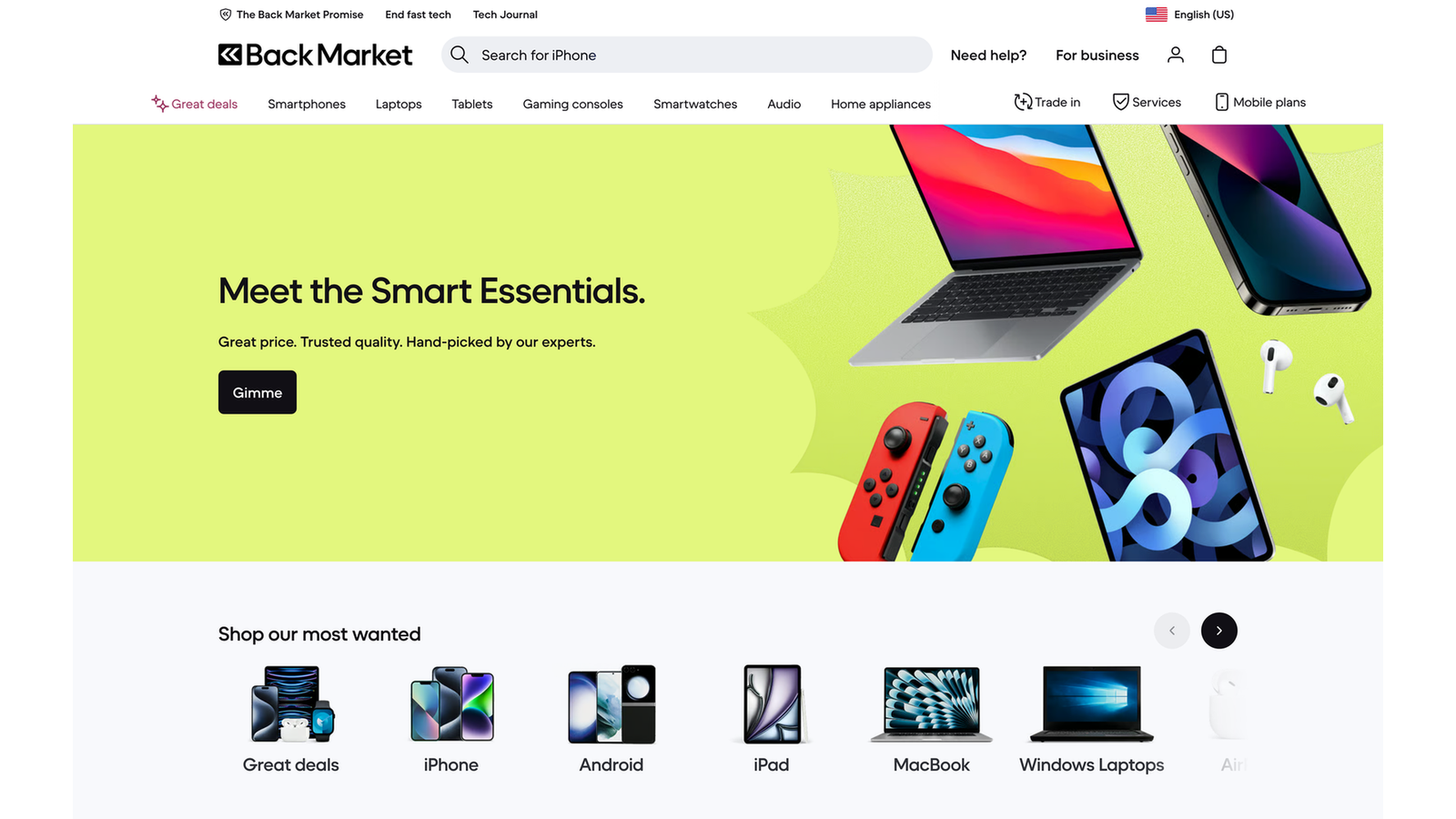
Back Market connects customers with businesses that refurbish or sell refurbished devices. It operates as a third-party marketplace and vets new sellers before they begin selling on the platform.
What Makes It Worth Studying
Refurbished electronics raise predictable questions: Does the device work properly? What condition is it in? Who helps if something goes wrong?
A marketplace in this category needs to answer those questions consistently across sellers.
Back Market demonstrates why quality standards and clear explanations are central to a recommerce business.
What You Can Apply to Your Own Marketplace
Create condition definitions that vendors can apply consistently.
Explain testing requirements, included accessories, and responsibility for after-sales support. For categories involving warranties or refurbishment claims, make sure your written promises match the actual arrangements with sellers.
15. Whatnot: Combining Shopping with Live Interaction
Whatnot combines live shopping with marketplace listings. Sellers can create auction and Buy It Now listings, and products can be sold during live shows or outside them.

What Makes It Worth Studying
Live shopping gives sellers an opportunity to demonstrate products, answer questions, and interact with potential buyers as they browse.
This format can be particularly relevant when enthusiasm, specialist knowledge, or product demonstrations influence purchasing decisions.
It also requires a different operational rhythm from a conventional product catalog.
What You Can Apply to Your Own Marketplace
Start by testing whether your audience responds to scheduled demonstrations or seller-led events.
A complete Whatnot-style experience requires live video, real-time interactions, and suitable transaction workflows. Treat those as additional integration or development requirements when planning a Dokan marketplace.
What These Marketplace Examples Teach You About Building Your Own

These marketplaces differ in size and specialization, but several practical lessons apply to a new business. Let’s now take a look at the points these marketplace examples teach us that you must keep in mind when building yours.
1. Start with a Specific Audience and a Clear Reason to Join
Etsy, Reverb, and Faire each give a particular group a recognizable reason to use the platform. Before building, complete this sentence:
“Our marketplace helps [specific buyers] find [specific products] from [specific sellers].”
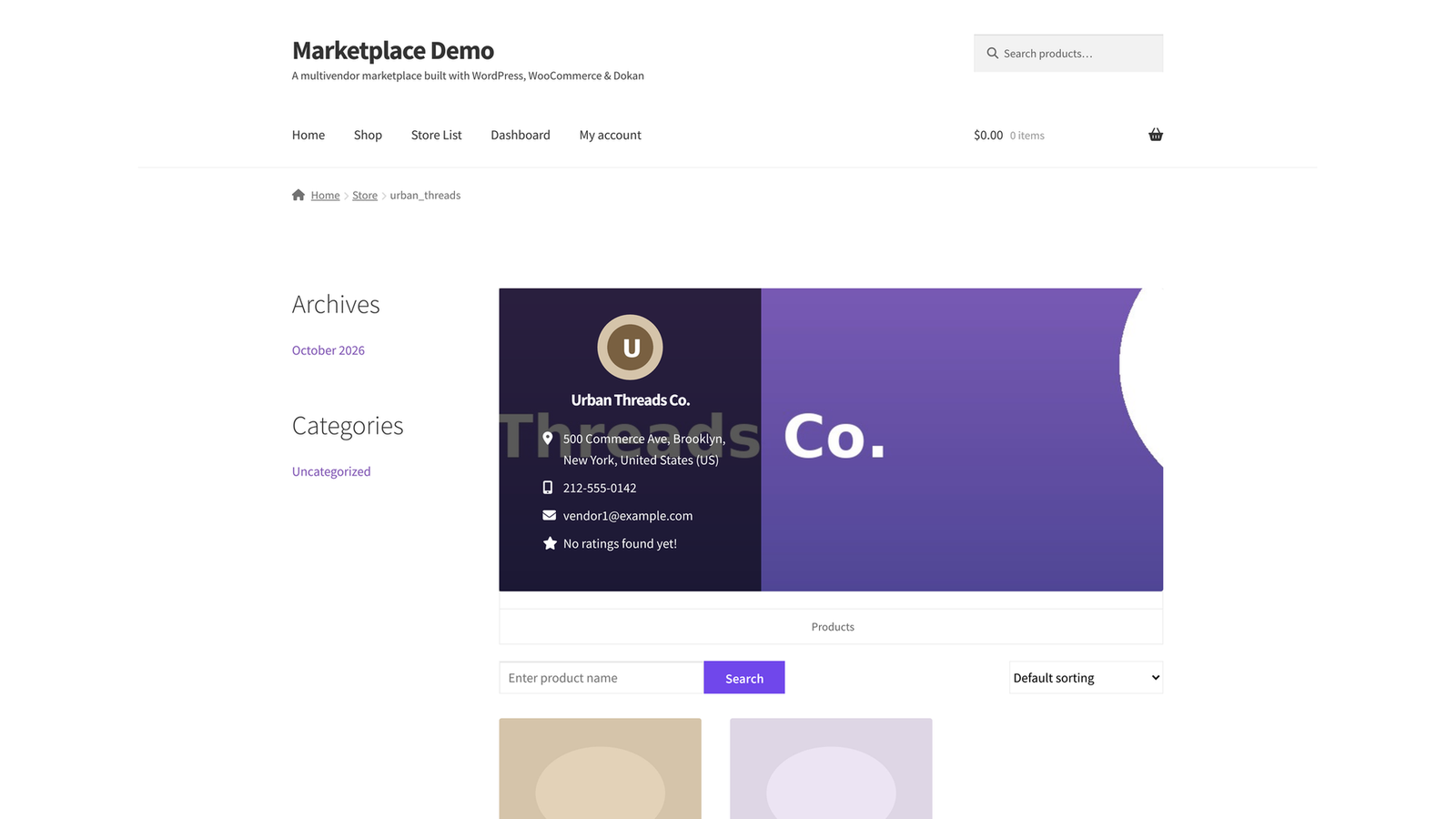
If the answer is too broad, narrow the initial audience. A focused starting point makes vendor recruitment, content creation, and product organization easier.
2. Make Vendor Onboarding Part of Your Product
Your vendors’ experience influences the quality of your marketplace. If sellers struggle to upload products, understand orders, or find support, customers eventually feel the consequences.
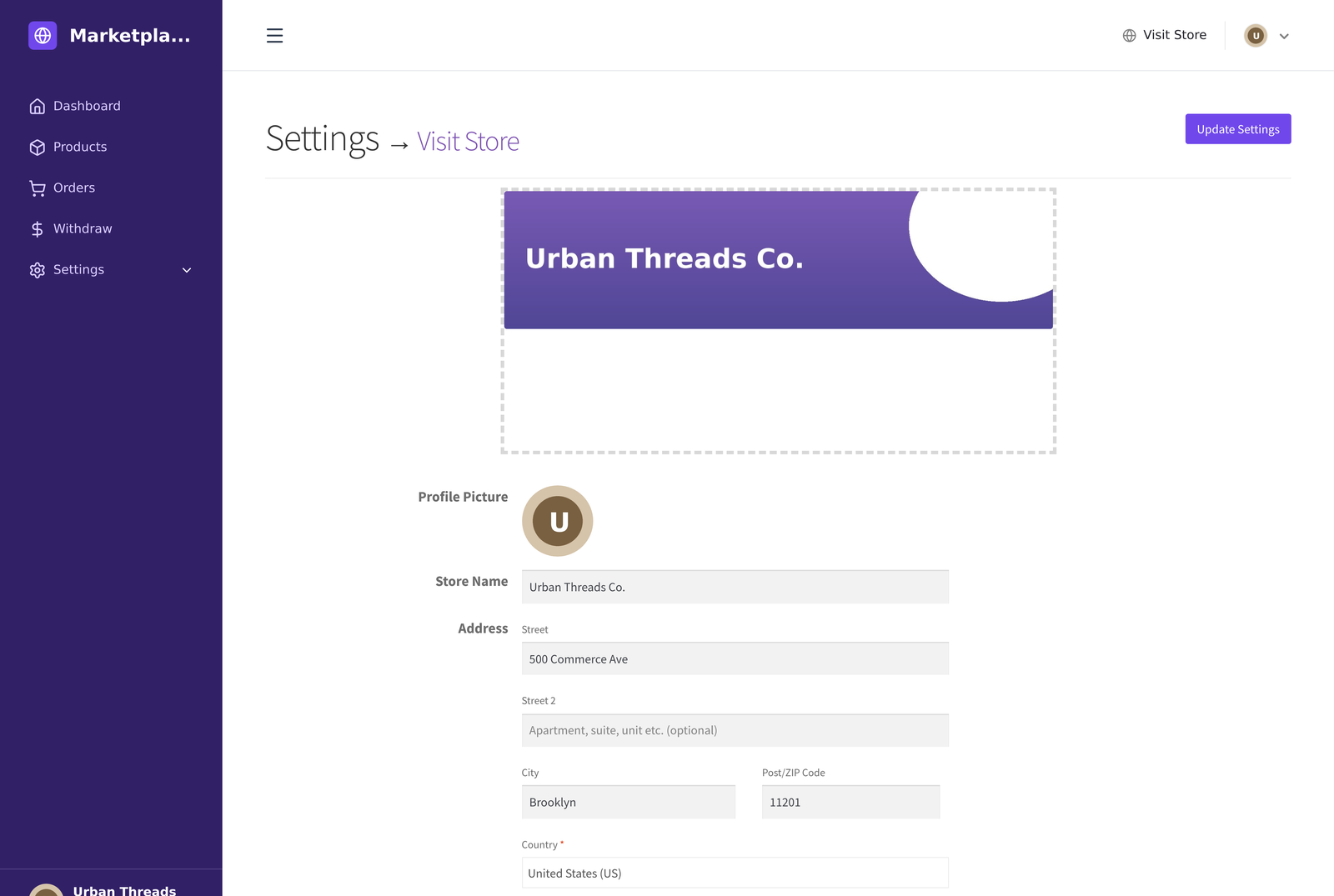
Create an onboarding guide, define listing requirements, and explain how shipping, refunds, commissions, and payouts work. Review the first few transactions closely.
3. Build Trust with Policies You Can Enforce
Reviews and professional design can help, but trust also depends on what happens when an order goes wrong.
Decide who handles damaged items, incomplete deliveries, misleading listings, and payment disputes. Explain those responsibilities in language buyers and vendors can understand.
Your marketplace should make promises its operations can support.
4. Plan Separately for Customers and Vendors on Mobile
Customers and vendors use a marketplace for different purposes. A customer wants to find products, evaluate sellers, and place an order. A vendor needs to manage the business behind those purchases.
This distinction matters when choosing between the Dokan Mobile App for shoppers and the Dokan Vendor App. One supports the buying experience; the other supports seller operations.
5. Connect Online and In-Person Sales When Your Vendors Need It
Some vendors also sell through shops, markets, and events. For these businesses, a point-of-sale workflow may be more useful than another customer-facing feature.
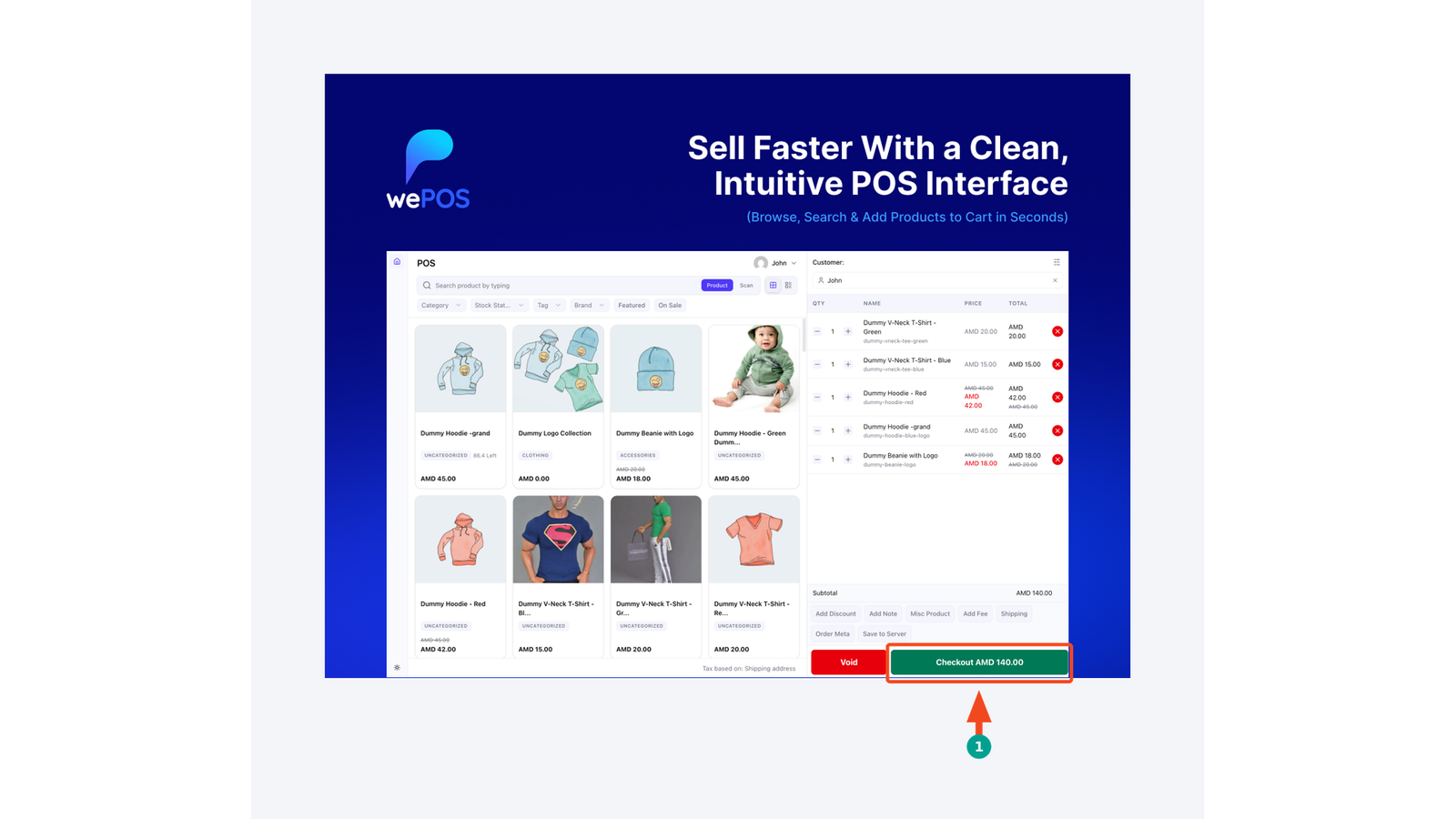
Dokan’s documented wePOS integration allows vendors to access a POS interface from their dashboards, with vendor-specific POS operations. Consider this when your marketplace serves local retailers or businesses with physical outlets.
How to Start Your Own Multivendor Marketplace with Dokan
The examples above can help you choose a model. Your next task is to translate that model into a manageable first version.
Step 1: Choose Your Niche and Marketplace Rules
Define your initial product categories, target buyers, and ideal vendors. Then decide the following points:
- Which sellers and products you will approve.
- How you will earn revenue.
- Who will fulfill orders and handle returns.
- How you will manage customer complaints.
- What information every product listing must include.
These decisions guide your technical setup and vendor agreements.
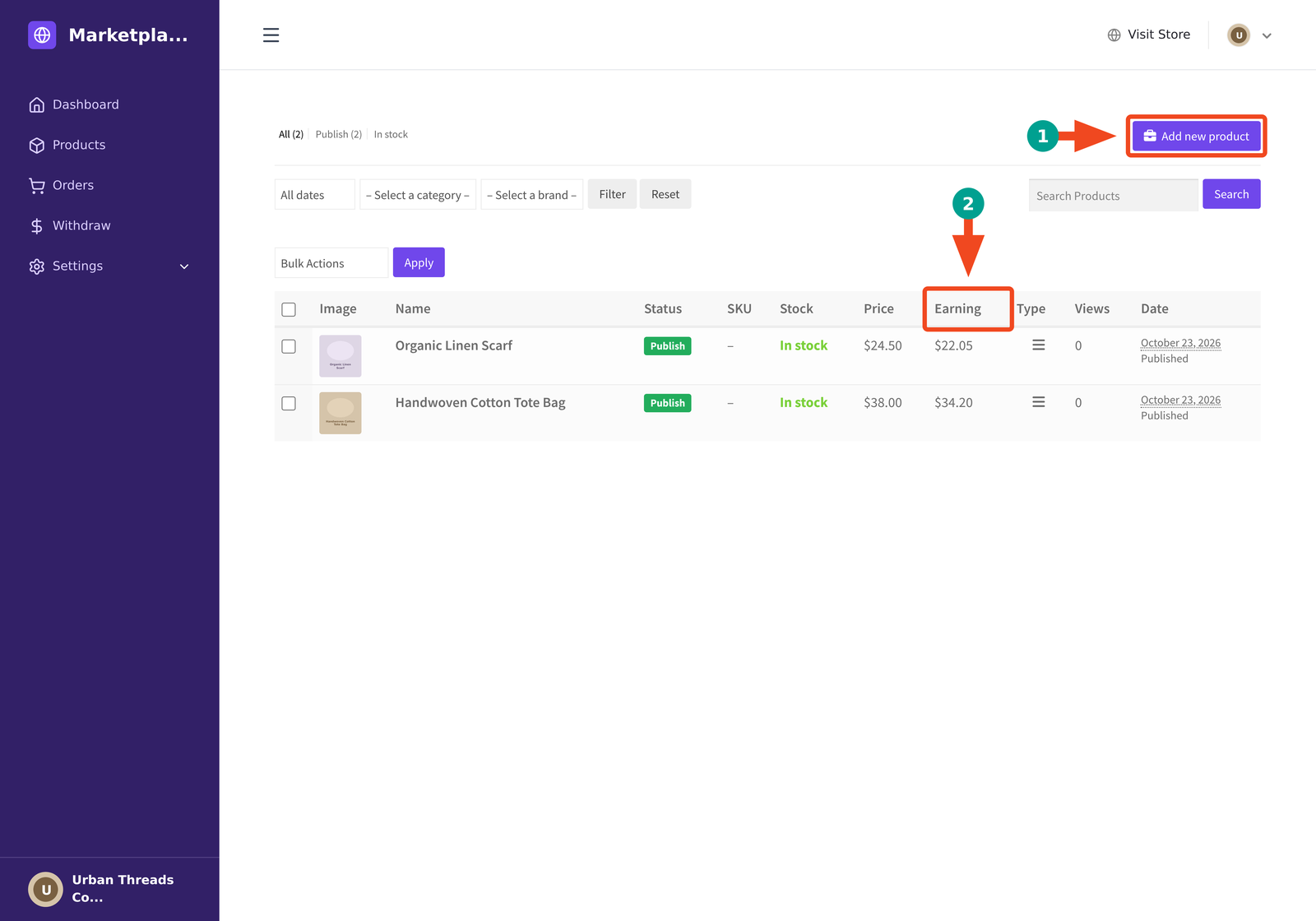
Step 2: Build Your Foundation with WooCommerce and Dokan
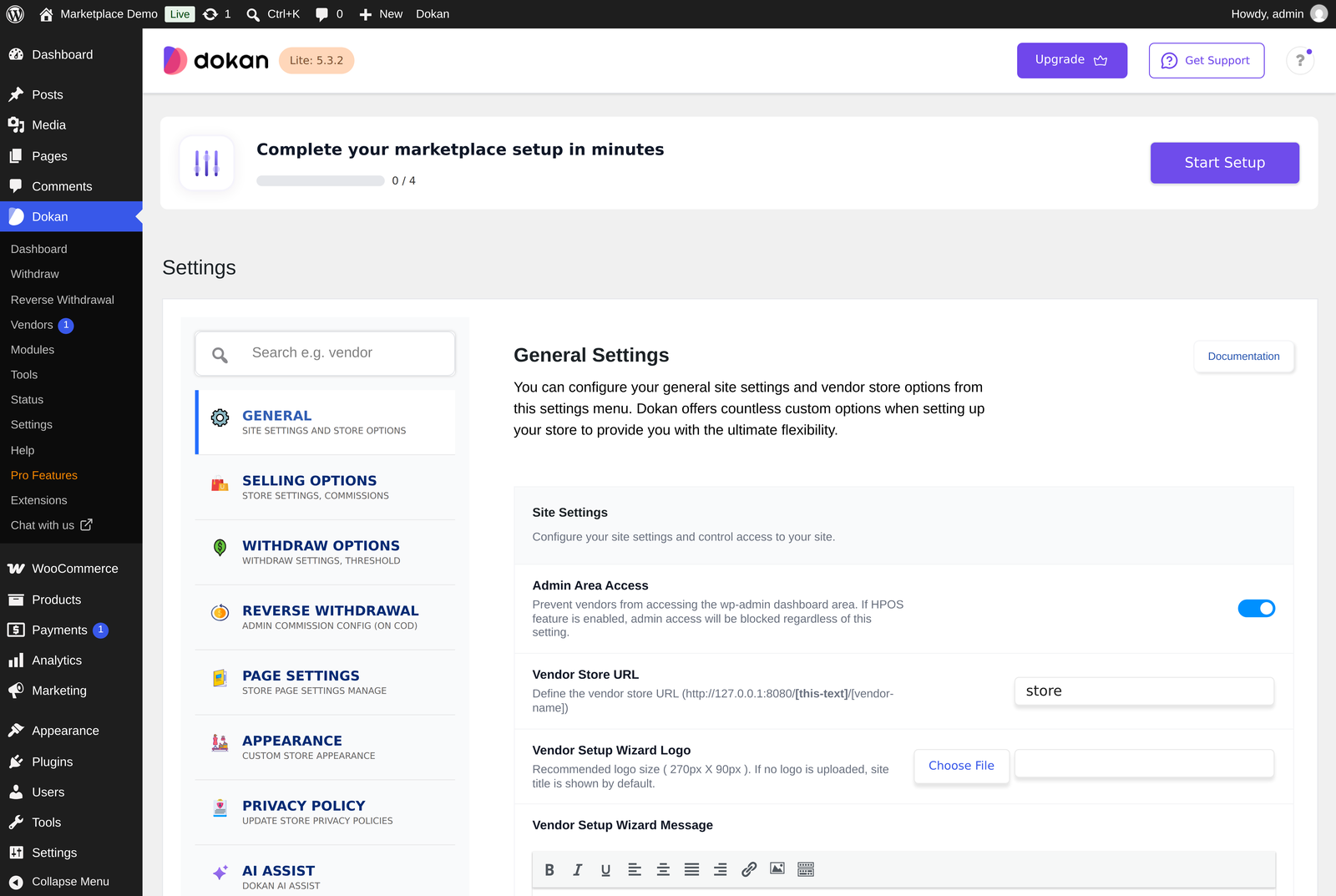
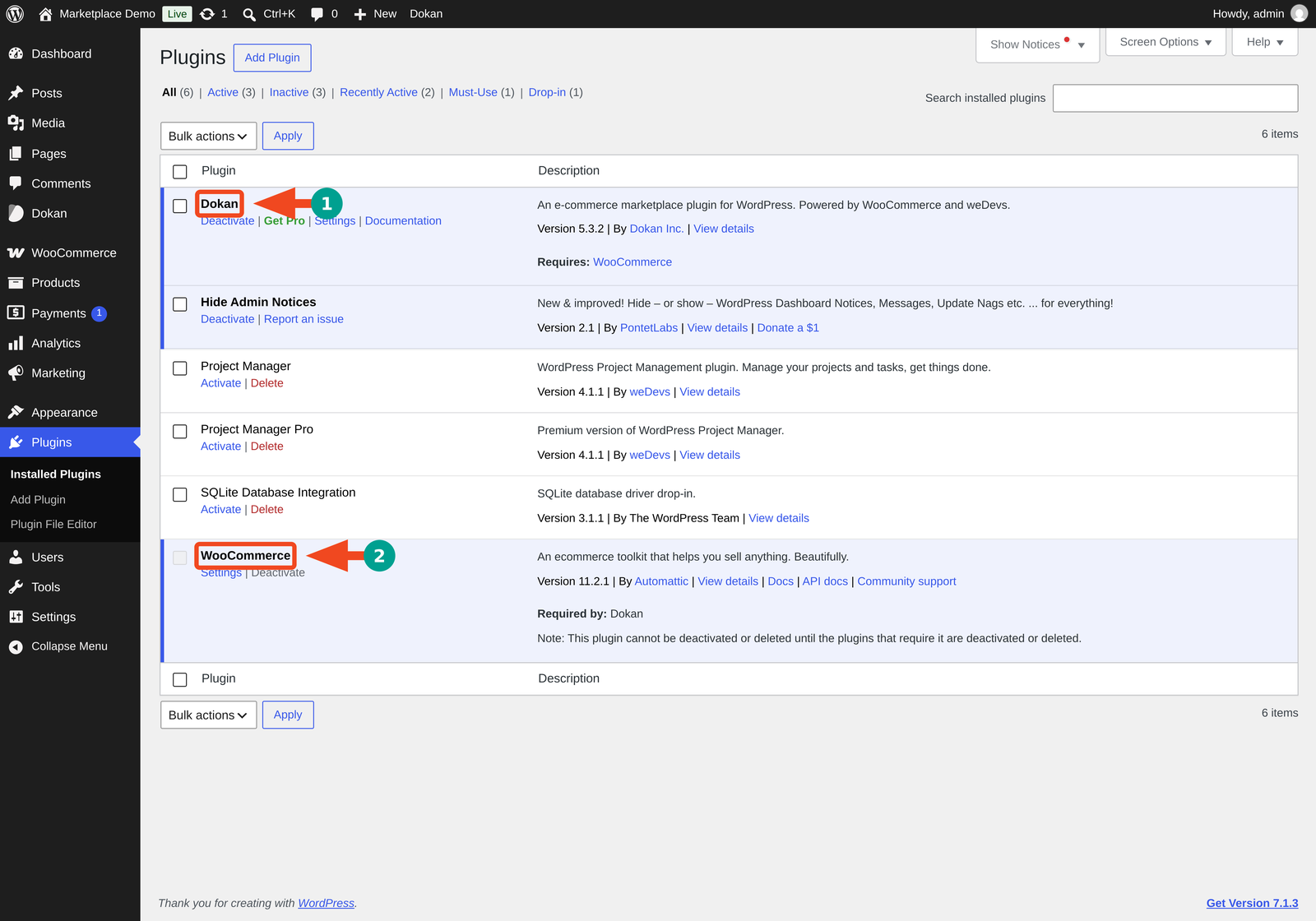
WooCommerce provides the underlying store functionality. The Dokan Multivendor Marketplace Builder Plugin adds marketplace capabilities, including vendor storefronts and tools for managing sellers and their sales. Feature availability depends on the version and plan you choose.
Start with the features your initial business model requires. Add more specialized capabilities after you have tested the basic buying and selling process.
You can explore the available options on the Dokan WordPress marketplace page.
Step 3: Test Complete Buyer and Vendor Journeys
Create a test vendor and customer account. Follow the entire process: vendor registration, product submission, approval, purchase, fulfillment, refund, and payout.
Pay particular attention to your chosen payment gateway, commission calculations, withdrawal settings, and shipping configuration. These should work together under the rules you have established.
Invite a small pilot group of vendors before opening registration widely.
Step 4: Add a Shopper App When Mobile Demand Supports It
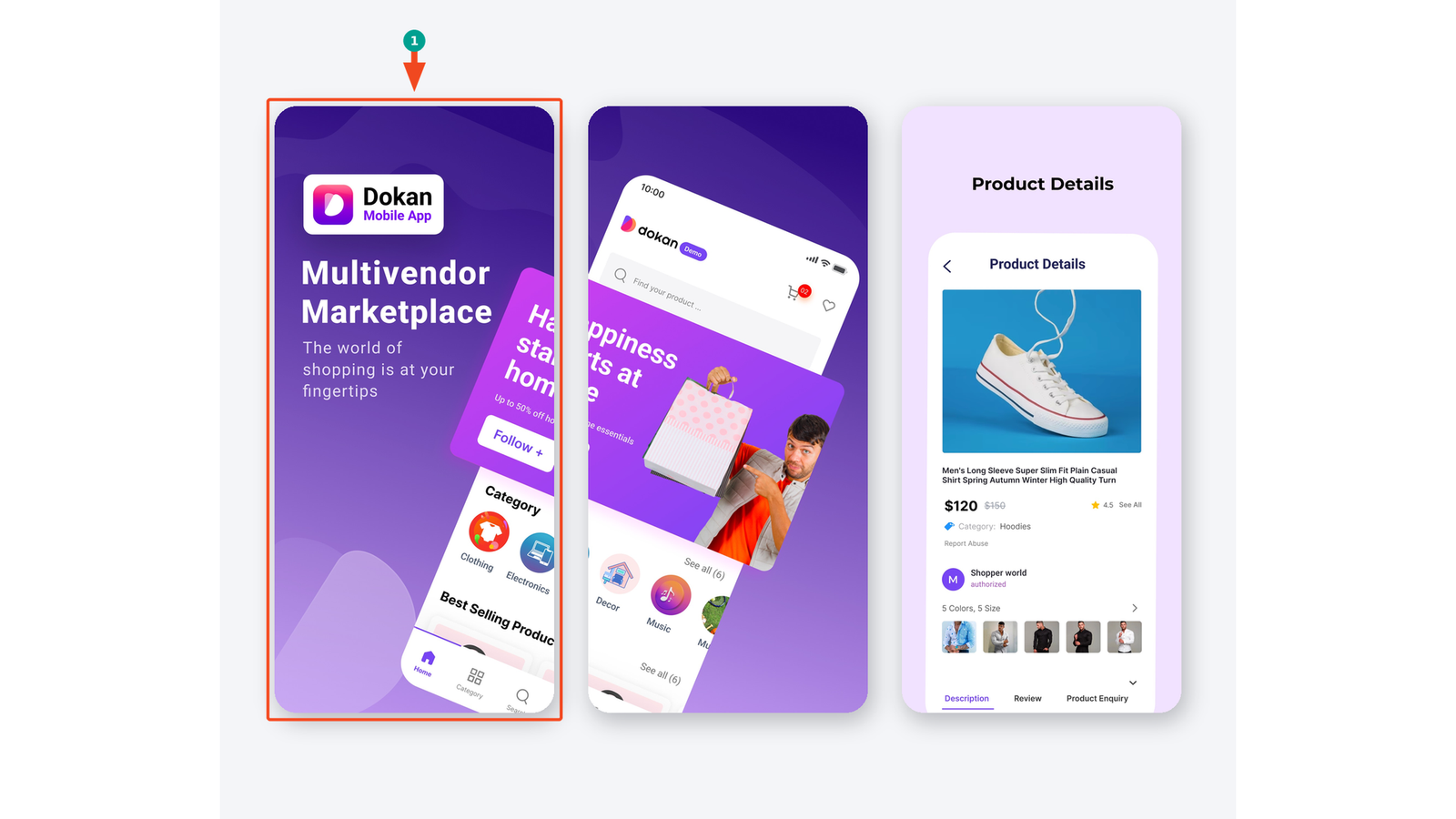
The Dokan Mobile App provides a branded shopping app option for a Dokan marketplace on iOS and Android. Its documented features include customer-facing shopping functions such as product browsing, a multivendor cart, and push notifications.
An app becomes more relevant when customers have a reason to return regularly.
First, make sure your website works well on mobile. Then evaluate whether an app will improve discovery, repeat purchasing, or customer communication.
Step 5: Help Sellers Work from Their Phones
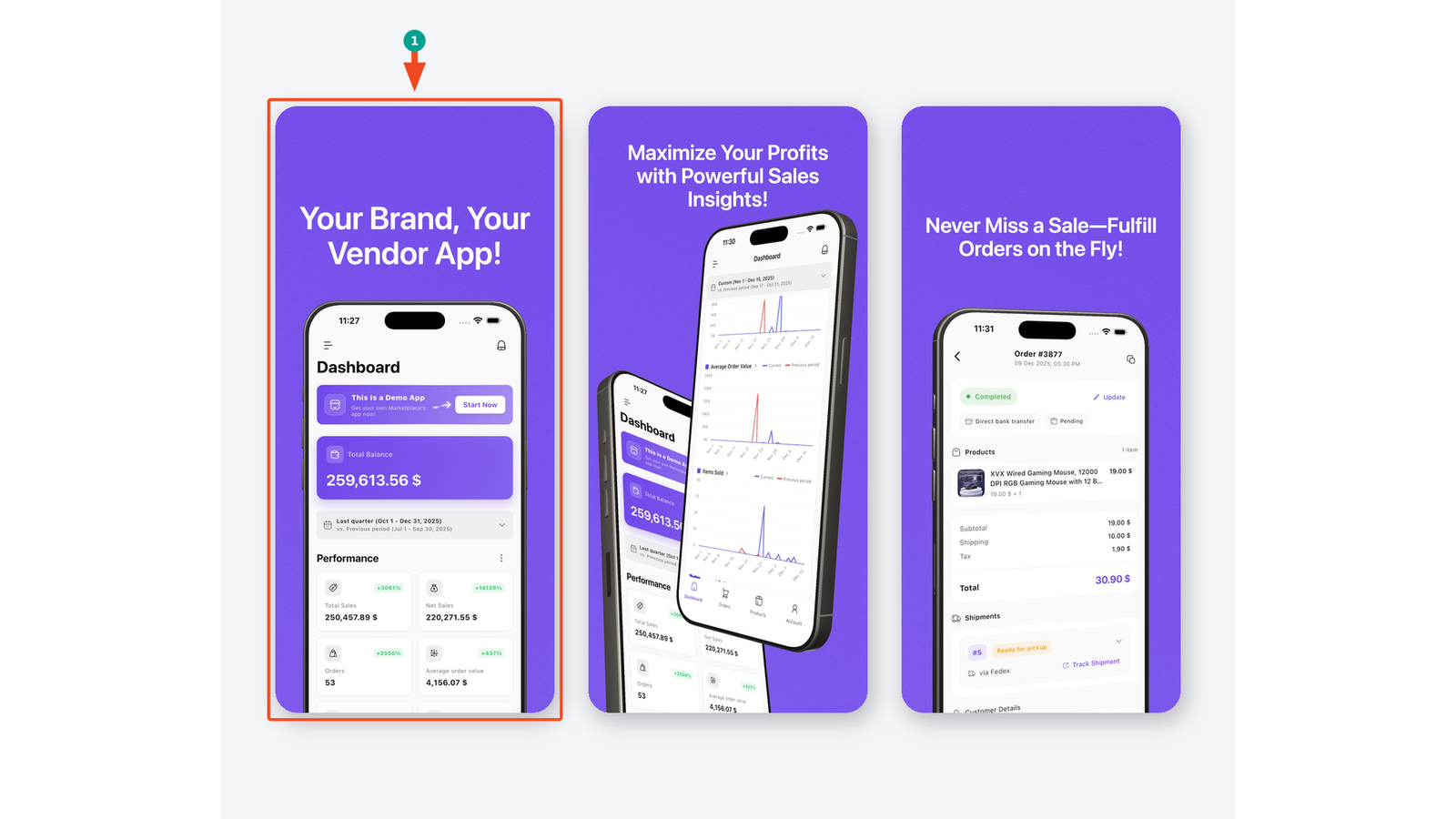
The Dokan Vendor App focuses on marketplace sellers and their store management tasks. Its documented capabilities support handling store operations from mobile devices.
This can be useful for vendors who move between a stockroom, shop floor, workshop, and delivery counter. Review the app’s current features against your vendors’ actual workflow before adding it to your launch plan.
Step 6: Introduce wePOS for In-Person Selling
If your vendors also sell face to face, evaluate wePOS.
The documented Dokan integration includes vendor access to a POS interface and workflows involving products, outlets, and receipts. Check the current installation and integration requirements before configuring it for your sellers.
Test an in-person sale alongside an online order to confirm that your inventory and order processes behave as expected.
The product choices become clearer when matched to a specific need:
| Your Business Need | Product to Evaluate | Main Role |
|---|---|---|
| Operate a multivendor website on WordPress | Dokan Multivendor Marketplace Builder Plugin | Marketplace foundation and vendor management |
| Offer customers a branded mobile shopping experience | Dokan Mobile App | Customer browsing and purchasing |
| Help vendors manage their businesses from mobile devices | Dokan Vendor App | Seller operations |
| Support sales at physical counters or events | wePOS | In-person point of sale |
Frequently Asked Questions About Multivendor Marketplaces
These answers address the questions people ask most often when they compare these marketplaces or start planning one of their own.

Turn Marketplace Inspiration into Your Own Business
These multivendor marketplace examples show several ways to build a useful shopping destination. Some focus on broad selection, while others stand out through specialization, careful vendor selection, product expertise, or community.
Choose the lessons that fit your audience. Begin with a clear niche, reliable sellers, and a buying experience you can support consistently. Let customer and vendor feedback guide your next investment.
When you’re ready to build, explore Dokan’s marketplace solution as your WordPress foundation. Add the shopper app, vendor app, or wePOS where they solve a specific need for the people using your marketplace.



Leave a Reply