

You want to launch a multi-vendor marketplace, and you have found two products from the same parent company pointing in different directions. One is a WordPress plugin you install yourself. The other is a hosted platform you log into. This post shows you which one fits your situation, using real prices and one cost most comparisons skip.
TL;DR
Compare Dokan and FlyCommerce at a Glance
Here is the practical split between the two products. All prices were checked on the live pricing pages on 31 August 2026.
| Dokan | FlyCommerce | |
|---|---|---|
| What it is | WordPress plugin for WooCommerce | Hosted cloud platform |
| Free tier | Dokan Lite, free forever, unlimited vendors | 14-day trial, no permanent free tier |
| Entry price | $149 per year, Starter | $48 per month – billed annually, Basic |
| Top tier | $999 per year, Enterprise | $279 per month – billed annually, Scale |
| Lifetime option | Yes, $745 to $3,996 | No |
| Cut of your sales | None | 0.5% to 1% of total sales |
| Hosting | You arrange it | Included |
| Vendor limit | Unlimited on every tier | 100, 250, or unlimited by tier |
| Extensibility | 42+ modules, plus the WordPress plugin ecosystem | Built-in features only |
| Who maintains it | You | weDevs |
Two columns decide most purchases. The cut of your sales row and the hosting row. Everything else tends to even out.
See What Dokan Gives You That FlyCommerce Cannot
Four things exist on the Dokan side and have no equivalent on the hosted platform.
- The whole WordPress plugin ecosystem
- Modules for auctions, bookings, wholesale, and quotes
- Lifetime licensing and a permanent free tier
- Mobile apps for you, your vendors, and your drivers
1. Pair It With Any WordPress Plugin
Dokan sits inside WordPress, so anything built for WordPress works alongside it. That covers your email tool, your membership plugin, your booking system, and the analytics you already trust. FlyCommerce has no plugin directory, so its feature set is the limit.
Dokan also works with more than 200 compatible themes. Your current design can stay.
2. Run Business Models the Hosted Platform Skips
Some marketplace models only exist on the plugin side. Auctions, bookings, wholesale pricing, quote requests, Printful, ShipStation, and geolocation search all ship as Dokan modules. You get them on the Business and Enterprise tiers.
So if you are building a rental site, a B2B quote-driven marketplace, or an auction site, the plugin is your only route through weDevs today.
3. Buy Once With a Lifetime License
Dokan sells lifetime plans from $745 to $3,996. FlyCommerce has no lifetime option, because a subscription cannot work that way. Over five years, that gap gets wider.
Dokan Lite also stays free forever with unlimited vendors, so you can run a real marketplace at zero license cost while you find your footing.
4. Give Vendors and Drivers a Mobile App
Dokan ships three mobile apps. One is for the marketplace owner, one for vendors, and one for delivery drivers. FlyCommerce documents no mobile app at all. For grocery, food, or any marketplace with its own drivers, that gap can decide the whole question.
See What FlyCommerce Gives You That Dokan Cannot
Three things come with the hosted platform and cannot be bought as a Dokan add-on.
- Every feature on every plan, with no module tiers
- Servers, updates, security, and backups handled for you
- A page builder, themes, and marketing tools already turned on
1. Get Every Feature on the Cheapest Plan
FlyCommerce gates on scale, not on features. Its pricing page says all plans include every feature. Plans differ only by user limits and revenue share. So the $48 Basic plan can do what the $279 Scale plan does.
Dokan works the other way. Starter carries 3 modules, and Business carries 42+, so one feature can push you up two tiers. It depends on which module you need.
2. Skip Server Work Entirely
Hosting, updates, security patches, and backups all come included. There is no second bill, no PHP version to watch, and no plugin clash to fix after an update.
Dokan cannot match this at any price, because self-hosting means someone hosts it. You can hire that out, but then you pay a person instead of a platform.
3. Start With the Tools Already Switched On
FlyCommerce includes a drag-and-drop page builder with presets, header and footer editing, and custom HTML and CSS. Themes come bundled. So do SEO settings, Google Analytics 4, Mailchimp, Twilio SMS, and live chat on Messenger and WhatsApp.
You can build all of that on WordPress, and many people do. Here it arrives ready, which saves a first-time founder days of setup.
Calculate the Cost Nobody Shows You
FlyCommerce charges a percentage of your total sales. That fee applies to everything sold on your marketplace, not to the commission you keep. Most comparisons mention the fee and move on. The gap between those two numbers is where the real decision sits.
Worked example. Your marketplace does $50,000 in monthly sales and you take 15% commission. Your actual revenue is $7,500. A 1% platform fee on total sales costs you $500. That is 6.7% of what you earned, not 1%.
Now run the same math against a fixed license. Dokan Business costs $499 per year. Add solid managed hosting at roughly $30 per month and you land near $860 for year one.
FlyCommerce Basic costs $576 per year plus 1% of sales. Those two totals meet at about $28,000 in annual sales, or around $2,400 per month. Below that line the hosted platform costs less. Above it, the plugin costs less, and the gap widens every month you grow.
That crossover point is lower than most founders expect. A marketplace doing $10,000 a month in sales pays FlyCommerce roughly $1,776 a year, while the same marketplace on Dokan pays about $860 and keeps paying $860 whether sales double or triple.
None of this makes the subscription wrong. You are buying something real, since servers, security patches, and updates all cost money and time. The question is whether you would rather pay that cost as a flat fee or as a share of your growth. Our guide to marketplace build costs walks through the rest of the budget.
Choose Dokan When You Want Control and Fixed Costs
Dokan suits four situations in particular.
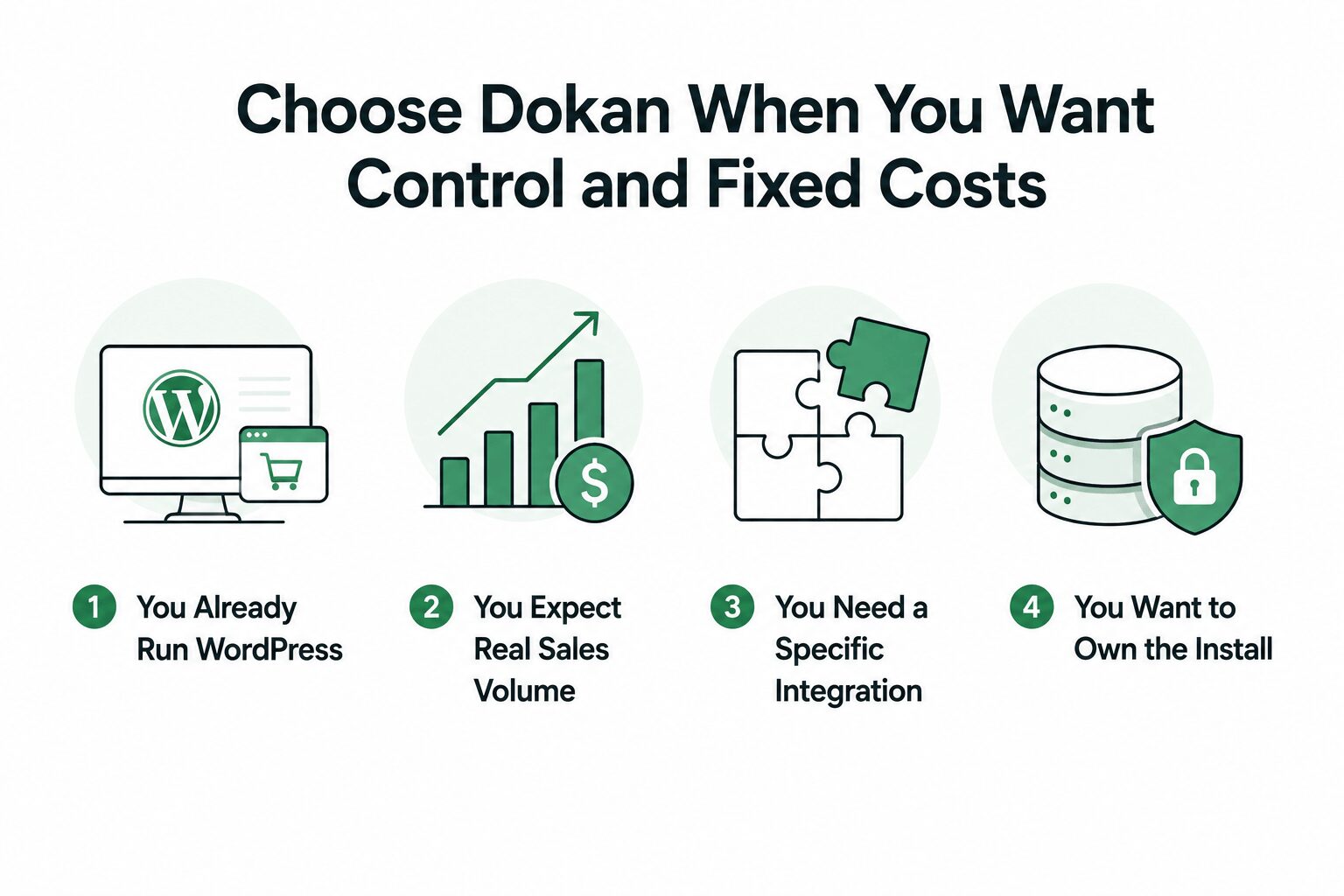
1. You Already Run WordPress
Dokan turns an existing WooCommerce store into a marketplace without a rebuild. Your theme stays, your content stays, and your URLs stay. If you have already invested years in a WordPress site, moving to a hosted platform means rebuilding all of it.
So the switch costs you a plugin install rather than a rebuild. Download Dokan Lite and run a pilot with three vendors on the site you already have.
2. You Expect Real Sales Volume
Fixed licensing rewards growth. Once you pass that $28,000 annual sales mark, every extra dollar you sell costs you nothing extra in platform fees. Thin-margin categories feel this most. In groceries and electronics, a cut of total sales can eat much of what the operator keeps.
3. You Need a Specific Integration
Check the module library against your own list first. One missing piece settles the question faster than any cost model.
4. You Want to Own the Install
With Dokan, the database is yours, sitting on hosting you chose. You can export it, move it, or hand it to a developer at any time. That matters more than founders expect. It matters most if you handle regulated data, or if you plan to sell the business one day.
Choose FlyCommerce When You Want Someone Else to Run It
FlyCommerce fits three situations.
- You have no developer and no plan to hire one
- You are validating an idea and want speed over control
- You want one predictable bill instead of several
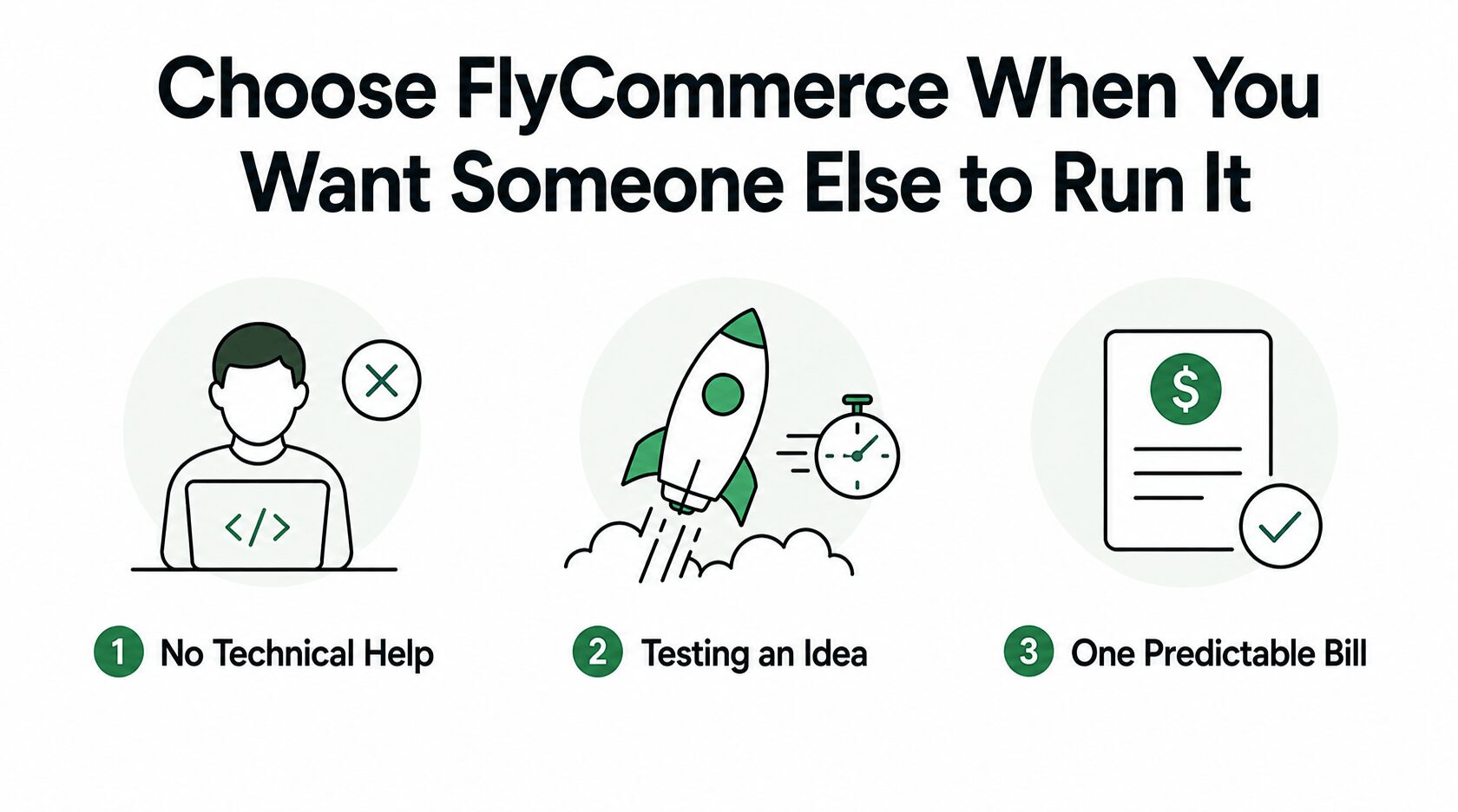
1. You Have No Technical Help
A WordPress marketplace needs someone to update plugins, renew certificates, and take backups. That person also fixes the layout when an update breaks it. FlyCommerce removes that job entirely. If nobody on your team wants it, this is the honest answer, and the subscription buys back real hours.
2. You Are Testing an Idea
Early on, the math favors the subscription. A marketplace doing $2,000 a month pays a small fee and skips the setup work. You can find out whether vendors will actually list before you commit to infrastructure.
3. You Want One Predictable Bill
Hosting, updates, and security arrive as a single line item. There is no separate hosting invoice and no surprise renewal. Some finance teams simply prefer this, and that preference is legitimate.
Work Through These Five Questions
Answer these in order, and the choice usually settles itself.
Question two carries the most weight, and most founders answer it too optimistically. Use your realistic number, not your pitch deck number. Our marketplace buying checklist covers what to check next.
Browse Dokan’s Full Feature Set
Dokan offers a free marketplace foundation, while its paid plans add more advanced tools through modules. The main differences between paid tiers are module access and site limits.
Pricing and feature availability checked on 31 August 2026.
Start Free With Dokan Lite
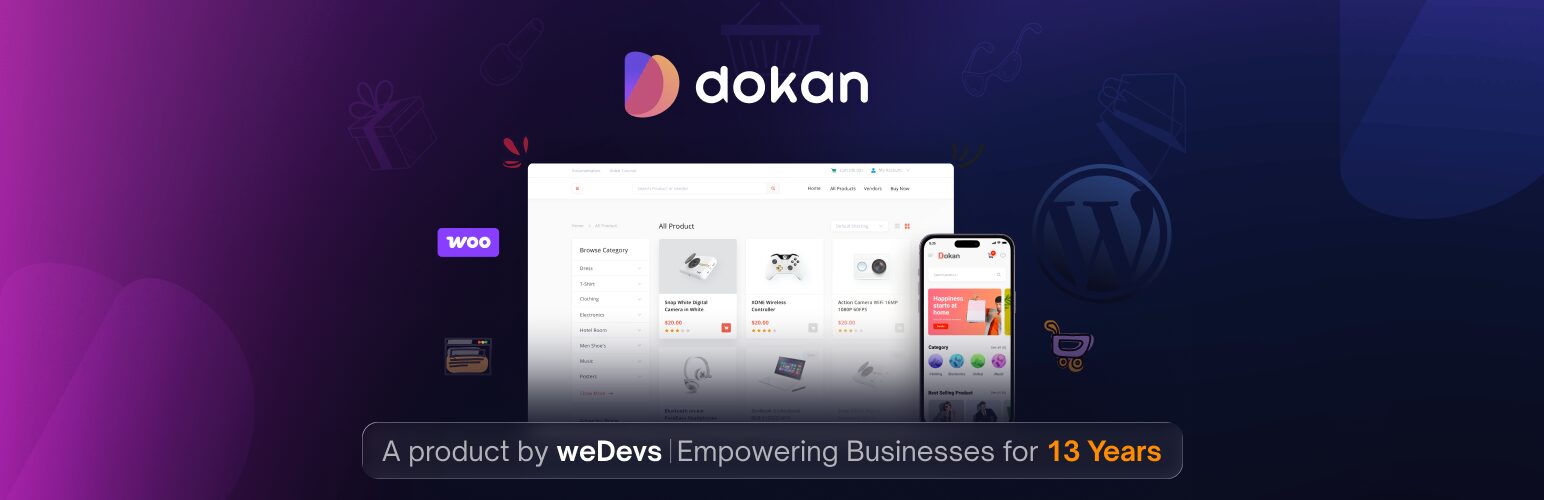
Dokan Lite lets you run a working marketplace without a Pro license, with unlimited vendors. It includes frontend vendor dashboards, individual vendor stores, order management, vendor withdrawals, and frontend product submission.
That makes it a practical option for testing a marketplace before investing in a paid plan.
What the Paid Plans Add
Paid plans add tools for more advanced marketplace operations, including:
How Dokan’s Modules Split Across Tiers
The modules are where the paid plans differ most.
| Plan | Main Additions | Best For |
|---|---|---|
| Starter | Vendor support, delivery time, EU compliance, color customization | Smaller marketplaces |
| Professional | Payment gateways, subscriptions, seller verification, reviews, SEO, advanced shipping, product add-ons, Elementor | Growing marketplaces |
| Business | Bookings, auctions, wholesale, RFQs, advanced integrations, analytics, geolocation, live chat | Complex marketplaces |
| Enterprise | Business-level modules plus priority support and service assistance | Larger businesses |
Some modules, including WPML integration, PDF invoices, product duplication, and the WC Vendors migrator, are available across all tiers.
Browse FlyCommerce’s Full Feature Set
FlyCommerce takes a simpler approach: every plan includes the full feature set. Your plan mainly determines vendor limits and revenue share.
Admin and Vendor Management
FlyCommerce includes a unified dashboard for earnings, orders, customers, and refunds, along with team roles, custom domains, guided setup, reporting, and product performance data.
Vendor tools cover subscription plans, commission rules, product limits, seller verification, team permissions, store hours, and multiple store locations.
Products, Orders, and Payments
The platform supports unlimited products, CSV import/export, product variations, digital goods, multicart checkout, custom order statuses, tracking, and partial or full refunds.
It also includes 10 documented payment gateways, plus manual and automatic vendor payouts, configurable payout schedules, thresholds, and payout reporting.
Shipping and Tax
Shipping tools cover location- and weight-based rates, free shipping rules, real-time estimates, handling times, order cutoffs, and regional tax policies.
Design and Marketing
FlyCommerce also bundles a drag-and-drop page builder, themes, SEO tools, Google Analytics 4, Mailchimp, Twilio, Messenger, WhatsApp, and coupon management.
This reduces the need to assemble the same toolkit from separate plugins or services.
Know What Neither Product Does Well
Both products share one honest limitation. Neither one is built for huge marketplaces with tens of thousands of vendors and custom logistics. At that scale, you are looking at Mirakl or a custom build, and any comparison that pretends otherwise is selling you something.
Dokan also hides a real cost behind the license price. Someone has to maintain WordPress. That is a job, and if you do not have a person for it, the cheaper license is not actually cheaper.
FlyCommerce has the opposite cost. You sit on someone else’s platform, so your changes stop where the feature set stops. There is no plugin directory to reach into when you need something unusual.
Frequently Asked Questions – Dokan vs FlyCommerce
Can I move from Dokan to FlyCommerce later, or the other way around?
Moving from the Dokan plugin to FlyCommerce is supported through the FlyCommerce Migrator, at no extra cost. Moving the other direction is harder and needs manual export, so treat the hosted platform as a decision you commit to rather than a stop along the way.
What happens to my marketplace if I stop paying?
With Dokan, your site keeps running. The license controls updates and support, not the plugin itself, so an expired license means no new versions rather than a dark storefront. With FlyCommerce, your shop stays live until the billing period ends, then access stops.
Does the Dokan discount apply when I renew?
No. weDevs applies launch discounts to first purchases only, so budget for the full list price from year two onward. The lifetime plans avoid this entirely.
Do I need a separate license for a staging site?
Site limits count activations, so a staging copy uses one. Dokan Starter allows one site, Professional allows three, and Business allows five. So Professional is the practical floor if you test changes before pushing them live.
Is WordPress actually too slow for a big marketplace?
Not inherently. Slow WordPress marketplaces are almost always the result of cheap shared hosting and too many plugins, not the platform itself. Marketplaces with thousands of products run fine on the right server. So treat hosting as a real design choice, not a bill to cut.
Can I run both a single store and a marketplace?
Yes, on either product. Dokan sits on top of WooCommerce, so your own products and vendor products coexist. FlyCommerce sells Shop and Marketplace as separate plan families, so check which one covers your model before you subscribe.
Make the Call
The Dokan versus FlyCommerce choice comes down to one honest question. Would you rather pay a fixed fee and do the maintenance, or pay a share of your sales and skip it?
Most marketplace operators with any WordPress experience should start with Dokan Lite, prove the model with real vendors, then upgrade when the free tier runs out of room. It costs nothing to find out.
Download Dokan Lite and launch your first vendor store this week.
Subscribe to
Dokan blog
We send weekly newsletters, no spam for sure!




Leave a Reply