

WooCommerce doesn’t support multiple sellers out of the box. Every store ships with one admin, one product catalog, and one payout destination. So turning it into an Amazon, Etsy, or Fiverr-style marketplace where independent vendors manage their own storefronts requires a dedicated multi-vendor plugin.
That plugin becomes the backbone of your business, which makes the decision harder than it looks. The pricing pages contradict each other, feature lists overlap heavily, and switching later is expensive.
To help you make an informed decision, we reviewed the leading WooCommerce multi-vendor plugins available today. Read on to know your best fit.
A note on methodology: pricing and feature details below were checked directly against each vendor’s official pricing page in July 2026, cross-referenced against Capterra, G2, and WordPress.org reviews.
This is a research-based comparison rather than hands-on testing of all seven – treat specific UX claims (dashboard speed, setup friction) as reported by verified users rather than firsthand observation, and always confirm current pricing before buying, since these vendors run frequent promotional discounts off inflated list prices.
Quick Recommendations
If you’re short on time, use the recommendations below to quickly find the best fit for your project.
| If you want… | Choose… | Why |
|---|---|---|
| Best overall | Dokan | Largest ecosystem, most polished setup, ~30,000+ active installs |
| Best free tier | WCFM Marketplace | Most generous feature set without paying |
| Best for beginners | Dokan | Setup wizard, guided onboarding, familiar dashboard |
| Best low-cost Pro plan | WC Vendors | Cheapest paid entry point, clean codebase |
| Best for niche models (auctions, rentals, bookings) | MultiVendorX | Purpose-built modules for non-standard monetization |
| Best if you’re already in the YITH ecosystem | YITH Multi Vendor | Consistent interface across YITH’s plugin family |
| Best for à la carte, developer-driven builds | Webkul | Modular add-on architecture, deep customization |

At-a-Glance Comparison of the Best WooCommerce Multi-Vendor Plugins
The table below gives you a quick side-by-side comparison of the best WooCommerce multi-vendor plugins based on their ideal use case, pricing, licensing, and free plan availability.
| Plugin | Best For | Free Version? | Entry Price (annual) | Site License |
|---|---|---|---|---|
| Dokan | General-purpose, fast setup | Yes | $149/yr (Starter) | 1 site |
| WC Vendors | Simple, affordable marketplaces | Yes | ~$99.50/yr (Pro, intro rate) | 1 site |
| WCFM Marketplace | Budget-conscious, feature-dense free tier | Yes | ~$49–$168/yr depending on module bundle | Varies by add-on |
| YITH Multi Vendor | Beginners already using YITH plugins | Yes (limited) | ~$119/yr | 1 site |
| MultiVendorX | Niche/non-standard marketplace models | Yes (core plugin) | $299/yr (Pro, 1 site) | 1 site |
| Product Vendors | Simple backend-only vendor split | No | $79/yr | 1 site |
| Webkul Multi Vendor | Custom, modular, developer-led builds | No (paid core) | Core plugin + à la carte modules | Varies |
Pricing checked July 2026. Every vendor here runs frequent limited-time discounts off these list prices – confirm current rates before purchasing.
The 7 Best WooCommerce Multi-Vendor Plugins
Now it’s time for a closer look at each plugin. Whether you’re launching your first marketplace or scaling an existing one, these reviews will help you choose the plugin that best fits your needs.
1. Dokan
Best for: General-purpose marketplaces that want the fastest path from install to launch.

Dokan is the most widely deployed WooCommerce marketplace plugin. Its free version is generous enough to launch a basic marketplace, and a five-tier Pro ladder – Starter, Professional, Business, Enterprise.
Pro plans unlock Stripe/PayPal split payments, seller verification, subscriptions, and dozens of premium modules as you move up. Its biggest strength is the frontend vendor dashboard. Reviews consistently rate it the cleanest and most Amazon-like of any option in this comparison, with built-in analytics, product bulk actions, and an onboarding wizard that walks new admins through initial setup.
Pricing
| Tier | Price | Sites |
|---|---|---|
| Free | $0 | — |
| Starter | $149/yr | 1 |
| Professional | $249/yr | 3 |
| Business | $499/yr | 5 |
| Enterprise | $999/yr | 20 (includes live chat support + installation assistance) |
Pros
Cons
Who Should Skip It
Anyone on a tight budget who only needs core marketplace functionality, Dokan’s free tier will do the job for less.
Bottom Line
The safest default choice for most WooCommerce marketplace builders, especially first-timers who value guided setup over raw cost savings.
2. WC Vendors
Best for: Simple, affordable marketplaces that don’t need bells and whistles.
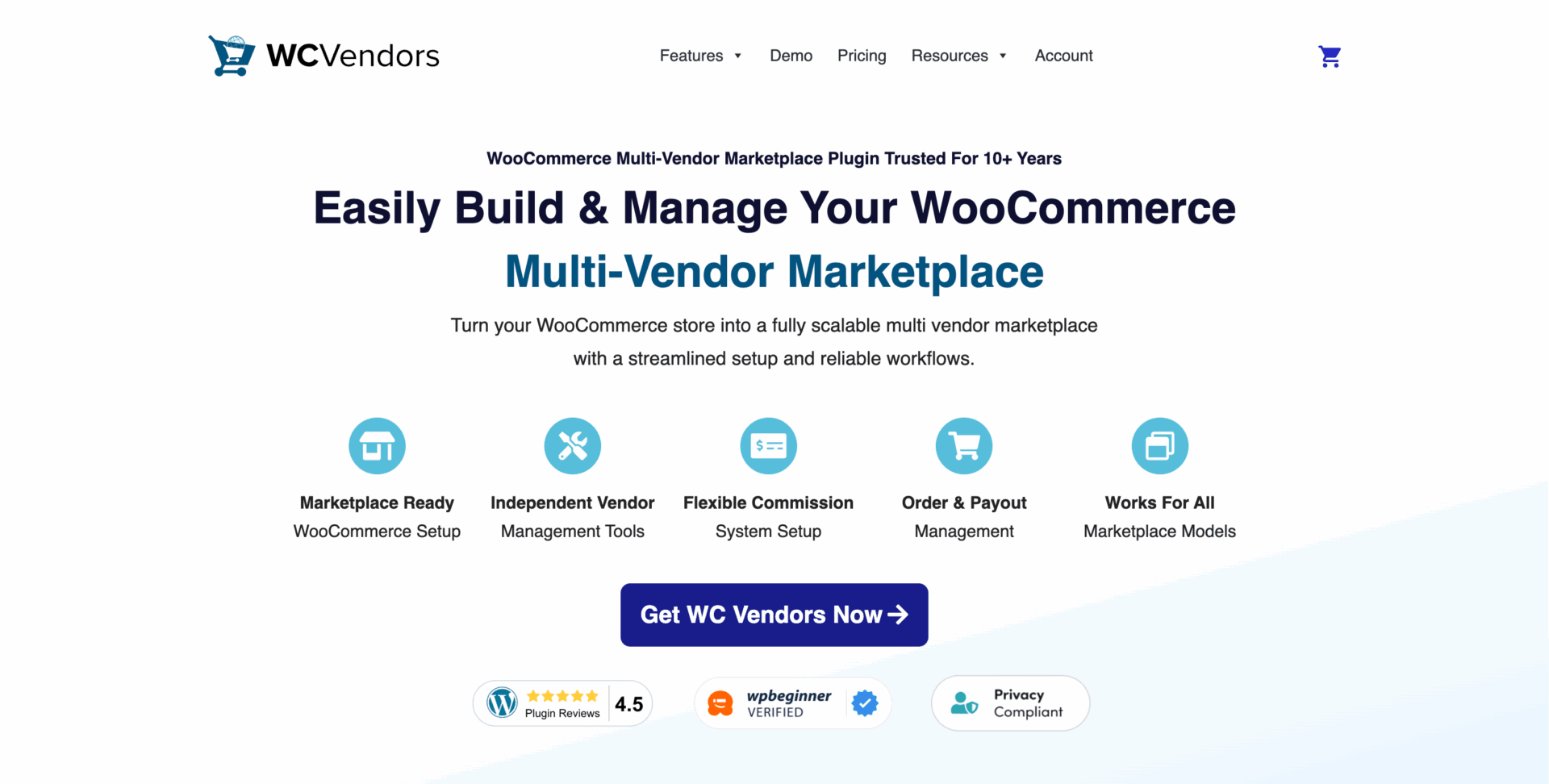
WC Vendors has been in the WordPress ecosystem since 2014 and built its reputation on a lightweight, developer-friendly codebase that does the essentials well. It supports flexible commission structures (percentage, fixed, fixed+fee, tiered), native Stripe Connect payouts, and both flat-rate and table-rate shipping.
Three paid tiers – Pro, Growth, Business – layer on subscriptions, vendor memberships, bookings, and auction support (the latter two via third-party plugin integrations) as you go up.
Pricing
| Tier | Price | Notes |
|---|---|---|
| Free | $0 | — |
| Pro | ~$99.50/yr intro (normally $199) | 1 site |
| Growth | ~$199.50/yr intro (normally $399) | 1 site |
| Business | ~$299.50/yr intro (normally $599) | 1 site |
All licenses are single-domain – no multisite support at any tier.
Pros
Cons
Who Should Skip It
Marketplaces that need advanced vendor tiering or complex non-standard product types without cobbling together extra plugins.
Bottom Line
The best value pick if you want a capable marketplace without paying for features you’ll never touch.
3. WCFM Marketplace (WCLover)
Best for: Anyone who wants the deepest free feature set before spending a dollar.

WCFM (formerly WC Multivendor Marketplace) consistently gets singled out in reviews for shipping more marketplace functionality in its free tier than any competitor, including vendor dashboards, commission rules, coupon management, and a ledger-style transaction log.
The tradeoff is architecture: a full-featured WCFM setup typically requires three separate plugins – WCFM Core, WCFM Marketplace, and WCFM Ultimate – which adds management overhead compared to Dokan or WC Vendors’ single-plugin model.
Pricing
Free core plugin. WCFM Ultimate (the paid membership/analytics/chat layer) runs roughly $49/yr for limited sites, up to ~$168/yr for broader licensing. Pricing is bundled per add-on rather than in flat tiers, so check the current module matrix before buying.
Pros
Cons
Who Should Skip It
Non-technical admins who want a single plugin to install and forget, the multi-plugin setup will frustrate that use case.
Bottom Line
The strongest choice if budget matters more than turnkey simplicity.
4. YITH WooCommerce Multi Vendor
Best for: Smaller marketplaces, especially stores already using other YITH plugins.
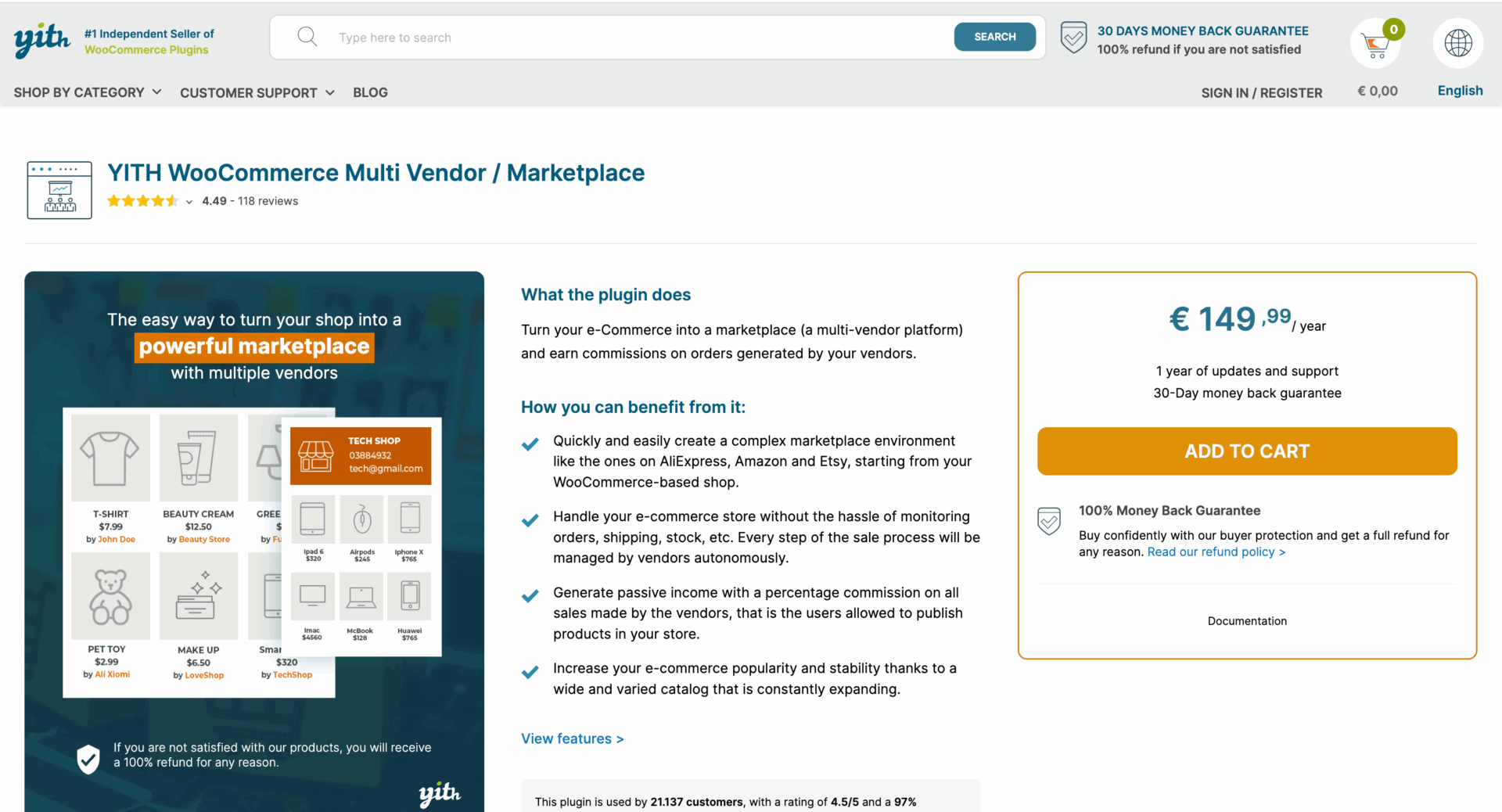
YITH is one of the more prolific WooCommerce extension developers, and YITH’s multi-vendor plugin follows the same house style as the rest of its catalogue: consistent interface, solid core functionality, straightforward documentation.
Commission management covers the standard cases – by vendor, product, or category – plus a detail most competitors handle less clearly: you can choose whether commissions are calculated before or after coupon discounts, and whether tax goes to the admin, the vendor, or is split.
Native payment support is comparatively thin, however. YITH’s core plugin leans on PayPal, with Stripe Connect and other payout automation sold as separate add-on purchases.
Pricing
Roughly $119/yr for the core plugin on a single site (multi-site bundles cost more). Stripe Connect and other payout integrations are separate purchases.
Pros
Cons
Who Should Skip It
Marketplaces planning to scale past a handful of vendors, or anyone who needs Stripe Connect payouts without extra add-on spend.
Bottom Line
A solid, low-friction choice for small, simple marketplaces, less compelling once you tally the cost of the add-ons most stores will actually need.
5. MultiVendorX
Best for: Niche and non-standard marketplace models, auctions, rentals, bookings, subscriptions.
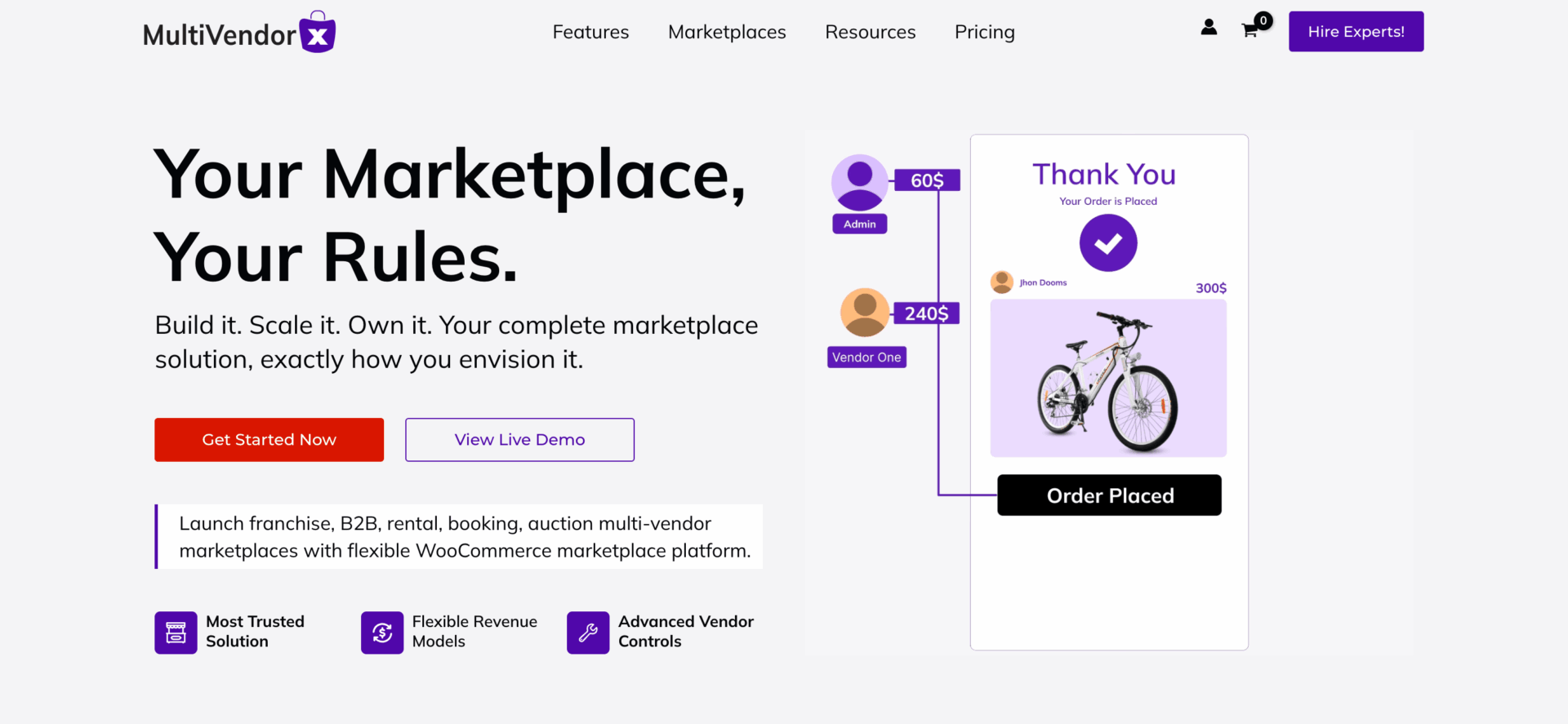
MultiVendorX (formerly Multivendor, in the WC Lovers/WCFM Marketplace competitor lineage) is the plugin built specifically for marketplace types other tools bolt on as afterthoughts. Its module list covers rental marketplaces, appointment/booking marketplaces, auction integration, subscription commissions, gift cards.
It also has a “Single Product Multiple Vendor” mode that replicates Amazon’s buy-box-style listing, where several sellers compete on the same product page. The free version is capable – 24 modules and one marketplace type – but the real value is in Pro, which unlocks 59+ modules and all 12 supported marketplace types.
Pricing
| Tier | Price | Sites |
|---|---|---|
| Free | $0 | — |
| Pro | $299/yr | 1 |
| Pro | $399/yr | 3 |
| Pro | $499/yr | 10 |
All Pro tiers include the identical feature set, differing only in site count.
Pros
Cons
Who Should Skip It
Standard product marketplaces with straightforward needs, you’ll be paying for capability you won’t use.
Bottom Line
The clear pick if your marketplace concept doesn’t fit the standard “browse and buy” mold.
6. Product Vendors (WooCommerce.com)
Best for: Store owners who only need a lightweight commission split and are comfortable with backend-only management.
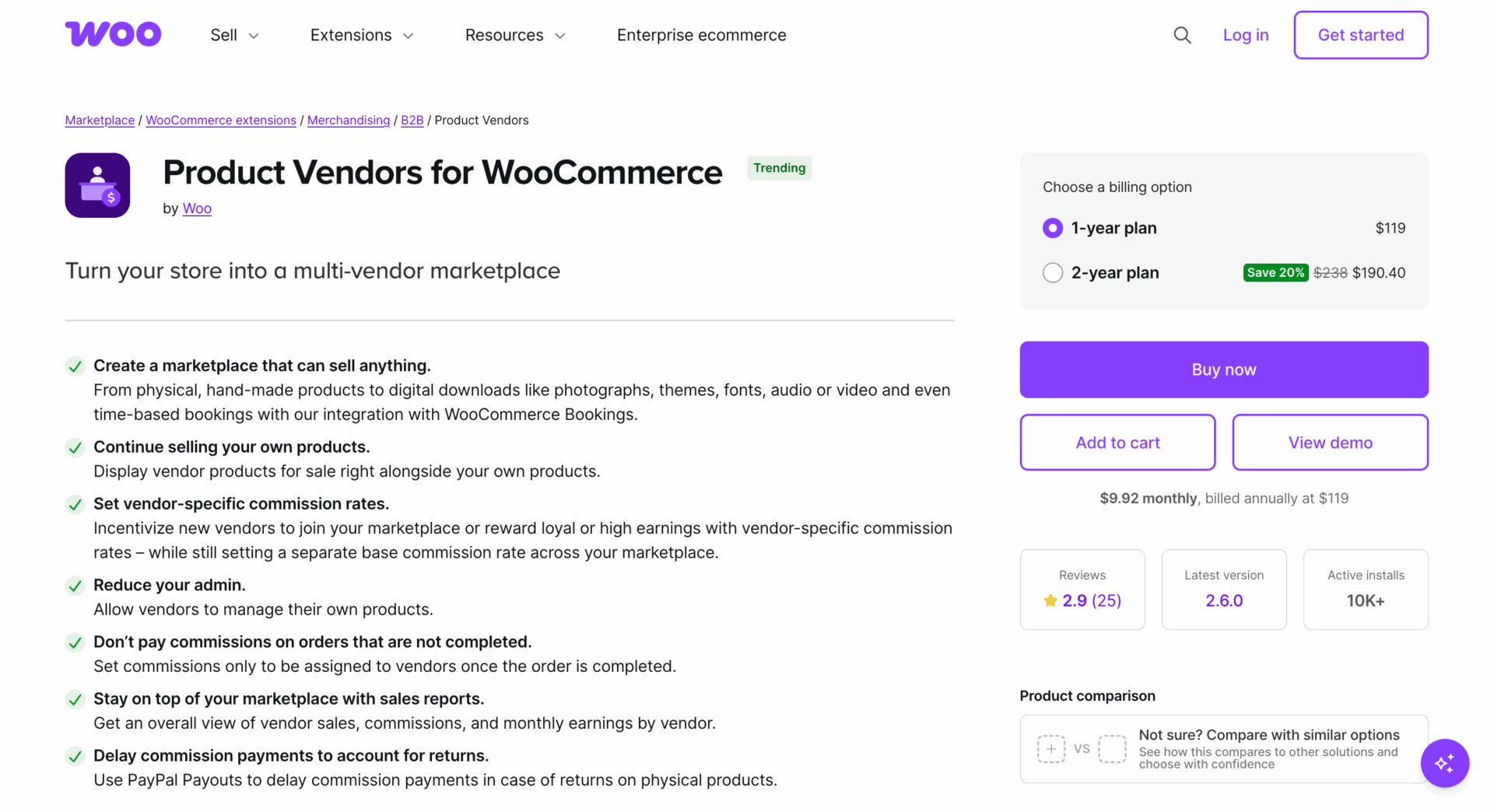
Product Vendors is WooCommerce.com’s own official extension, and it shows in both directions: tight integration with core WooCommerce, but a noticeably thinner feature set than the dedicated marketplace plugins above.
Critically, it’s backend-oriented – only the admin can create or update products by default, and vendors don’t get a true frontend storefront without additional customization. Recent user reviews on the WooCommerce Marketplace also flag real reliability concerns, including incomplete HPOS (High-Performance Order Storage) compatibility despite marketing claims, and reports.
Pricing
$79/yr, single site, no free tier.
Pros
Cons
Who Should Skip It
Anyone who wants vendors to self-manage their own storefront, this is fundamentally an admin-managed tool wearing a multi-vendor label.
Bottom Line
Only worth considering for very small, admin-controlled catalogs where “multi-vendor” really just means tracking which supplier owns which SKU.
7. Webkul WooCommerce Multi Vendor Marketplace
Best for: Developer-led builds that need deep customization and an à la carte add-on catalogue.
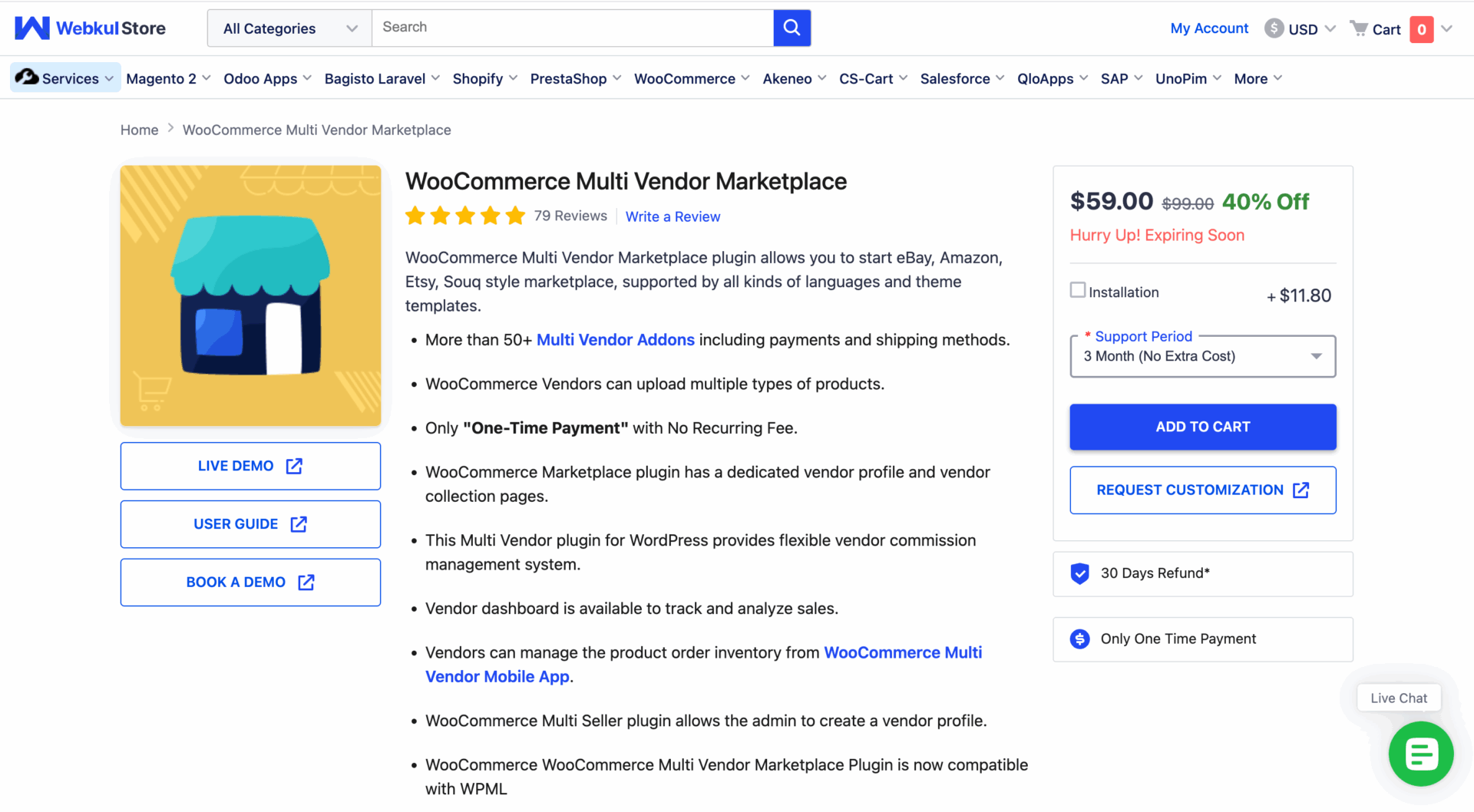
Webkul takes a modular approach. A core marketplace plugin handles the essentials, seller profiles, commission rules, a frontend dashboard, and a long list of separately sold add-ons layers on everything from Stripe Connect payouts to B2B wholesale pricing, price-comparison (multiple vendors selling the same product, Amazon-buy-box style), and marketplace point-of-sale.
This is the plugin most likely to require developer involvement to configure well, but it also offers the widest ceiling for a fully custom marketplace, since Webkul builds and maintains dozens of interoperable modules rather than one monolithic feature list.
Pricing
Core plugin plus individually priced add-ons, typical individual modules run in the tens to low hundreds of dollars each. Genuinely “free” isn’t realistic once you assemble a working commission-plus-payout stack; budget for the core plugin and at least one or two payment/shipping add-ons before comparing total cost to competitors’ bundled tiers.
Pros
Cons
Who Should Skip It
Non-developers who want a predictable, fixed annual cost and a guided setup wizard.
Bottom Line
The right tool if your marketplace concept is unusual enough that you’d be fighting a monolithic plugin’s assumptions anyway.
Feature Comparison Matrix
| Feature | Dokan | WC Vendors | WCFM | YITH | MultiVendorX | Product Vendors | Webkul |
|---|---|---|---|---|---|---|---|
| Frontend vendor dashboard | Yes | Yes | Yes | Yes | Yes | No (backend-only) | Yes |
| Native Stripe Connect | Pro tier+ | Pro tier+ | Add-on | Add-on | Pro tier | No | Add-on |
| Native PayPal payouts | Yes | Add-on | Yes | Yes | Yes | Yes (PayPal Payouts) | Add-on |
| Booking support | Add-on | Add-on (via WC Bookings) | Add-on | Add-on | Built into Pro | No | Add-on |
| Auction support | Add-on | Add-on (via Simple Auctions) | Limited | No | Built into Pro | No | Add-on |
| Subscription/membership tiers | Business tier+ | Growth tier+ | Ultimate module | Add-on | Built into Pro | No | Add-on |
| Multisite/multi-domain license | Business tier+ | Not supported | Varies by module | Multi-site bundle | 3 or 10-site tiers | Not supported | Varies |
| HPOS compatibility | Yes | Yes | Yes | Yes | Yes | Reported issues | Yes |
Verify every cell against current documentation before relying on it for a purchase decision, plugin roadmaps and pricing tiers shift often, and this snapshot reflects July 2026.
What to Look for Before Choosing a Multi-Vendor Plugin

Commission flexibility matters more than it seems at first, a marketplace that only supports flat-percentage commissions will box you in the moment you want tiered rates by vendor performance or product category.
Payment split automation is the difference between manually reconciling payouts every week and letting Stripe Connect or PayPal Payouts route money automatically. If a plugin only supports manual payouts natively, factor in either the add-on cost or the ongoing admin time.
Hidden and recurring costs are the single biggest surprise for first-time marketplace builders. “Free” plugins like Webkul’s core often assume you’ll purchase several add-ons to reach parity with a competitor’s single Pro tier, total cost of ownership, not sticker price, is the number that matters.
Extension ecosystem maturity determines how far you can push the plugin before hitting custom-development territory. Dokan and WCFM have the largest third-party module libraries; Product Vendors has the smallest.
Can You Switch Plugins Later?
Migrating between multi-vendor plugins is possible but genuinely painful, and most comparison posts skip this entirely.
Vendor accounts, product-to-vendor assignments, commission history, and payout records are all stored in plugin-specific database structures; there’s no universal export format between Dokan, WCFM, and WC Vendors. Some data is portable (product catalogs, customer orders, since those live in WooCommerce’s own tables); vendor-specific metadata generally isn’t.
Before committing to a plugin, back up your full database and take the time to test the plugin on a staging site with a handful of dummy vendors – the cost of getting this decision wrong is measured in weeks of manual data cleanup, not a quick reinstall.
FAQs – Best WooCommerce Multi-Vendor Plugins
Does WooCommerce support multiple vendors by default?
No. WooCommerce is a single-seller platform out of the box; multi-vendor functionality always requires a dedicated plugin.
What’s the best WooCommerce multi-vendor plugin overall? Dokan is the strongest all-around choice for most stores due to its polish and ecosystem size, though WC Vendors and WCFM are better value if budget is the priority.
Can I build a marketplace for free?
Yes — Dokan, WC Vendors, WCFM, and MultiVendorX all offer capable free tiers, though payment automation and advanced vendor tools are typically gated behind paid plans.
Do vendors need their own Stripe or PayPal account?
In most setups, yes — automated payout systems like Stripe Connect require each vendor to connect their own account so commissions route directly to them.
Which plugin is easiest for beginners?
Dokan, thanks to its setup wizard and guided onboarding flow.
Can I switch plugins later without losing data?
Not cleanly. Core WooCommerce data (products, orders) generally survives; vendor-specific data (commission history, payout records) usually doesn’t transfer automatically.
Will a multi-vendor plugin slow down my site?
Any of these plugins adds database queries and dashboard overhead versus a standard WooCommerce store; the practical impact depends far more on your hosting and vendor/product volume than on which plugin you pick, with one notable exception, several current Product Vendors reviews report a specific, significant admin-dashboard performance hit.
Do I need coding skills to set this up?
Not for Dokan, WC Vendors, WCFM, YITH, or MultiVendorX at a basic level. Webkul’s modular, à la carte architecture is the one most likely to benefit from developer involvement.
Final Verdict
For most WooCommerce stores building a general-purpose marketplace, Dokan remains the safest choice in 2026, the ecosystem, setup experience, and dashboard polish justify its higher price for anyone not counting every dollar.
If budget is the deciding factor, WC Vendors or WCFM’s free tier deliver real marketplace functionality without the spend. If your business model doesn’t fit the standard product-marketplace mold – auctions, rentals, bookings, subscriptions – MultiVendorX is worth its premium. See the Quick Recommendations table above for the rest of the field.
Subscribe to
Dokan blog
We send weekly newsletters, no spam for sure!





Leave a Reply