


Full disclosure before anything else. wePOS is made by weDevs, the company that publishes this blog. So the list below is ordered by WordPress.org active installations, a public number, not by our opinion, and we name where every rival beats wePOS.
If you run a boutique, a multi-brand shop, or a growing clothing label, the best WooCommerce POS for fashion and clothing stores is the one that keeps every size and color accurate at the counter and online at the same second. That one detail decides most of these tools.
TLDR
- A clothing shirt is rarely one product. It is 30 or more variations once you count size and color, so variation-level stock accuracy matters more than any other feature.
- Ranked by WordPress.org active installations, the field runs WCPOS (5,000), PayPal POS (4,000), wePOS (2,000), Vitepos (1,000), Oliver POS (700), FooSales (700), Jovvie (100), OpenPOS Lite (70), and ConnectPOS (50).
- WCPOS and OpenPOS Lite give you a full register for free or for one payment. FooSales and Oliver POS offer native tablet apps. wePOS is free to start and gives each Dokan vendor their own POS.
- Pick on three things. Does it track stock per size and color, does it sell fast at a busy counter, and does it handle returns and exchanges without a mess.
How We Checked These WooCommerce POS Plugins
We verified two facts for every tool. First, the active installation count, pulled from the WordPress.org plugins API on October 14, 2026. Second, the pricing and the headline features, read from each plugin’s own live page on the same day. We did not run all nine inside a working clothing store, so treat the fashion notes as a guide to what each tool advertises, not a lab test. Where a number could not be traced to a primary source, we left it out.
One more note on fairness. We ordered the list by installations because that is a neutral figure anyone can check. We did not rank by “best,” and wePOS sits third on that count, exactly where the data puts it. For background on how these tools fit a store, this guide on what a WooCommerce POS system is covers the basics.
The One Thing Most Fashion POS Lists Miss
Variation-level stock accuracy is the feature that makes or breaks a clothing POS, and most roundups skip it. Here is the problem. A single design becomes many sellable items once you add sizes and colors. A 100-piece collection can turn into 3,000 individual SKUs, a point WooCommerce’s own variation docs make clear.
Now picture a Saturday. A customer buys the last Medium in black at your counter. If your POS only tracks the shirt as one lump, your website still shows that Medium in stock, and someone orders it online an hour later. You just oversold, and now you cancel a sale and lose a shopper. A good fashion POS subtracts that exact size and color the moment it sells, across every channel and outlet. So when you read the entries below, the first question is always the same. Does it count stock per variation, not per product.
What to Look for in a WooCommerce POS for Fashion and Clothing Stores
Fashion retail asks for a few things a generic shop does not. Check these before you check price.
- Per-variation stock. Each size and color tracked and synced on its own, not rolled up into one count.
- A fast variation picker. Staff should pick size and color in two taps, not scroll a long list at the register.
- Barcode and SKU support. Each variant needs its own barcode so a scan drops the right item in the cart.
- Returns and exchanges. Fashion lives on swaps. A wrong size comes back often, so refunds and exchanges must be quick.
- Multi-outlet stock. If you run more than one shop, each location needs its own live count.
Keep that list in mind. Deeper guidance on running the storefront side sits in this walkthrough on how to start an online clothing store.
WooCommerce POS Plugins for Fashion, Ranked by Active Installations
Nine tools, ordered by the number of live sites running them on WordPress.org. The count sits in each heading so you can see the order is the data, not a sales pitch. We call out what each one does well for a clothing store, and where it falls short.
| Plugin | Active Installations | Best For | Price | Our Pick |
|---|---|---|---|---|
| WCPOS | 5,000 | Free register with a fast size and color picker | Free core, Pro $129/yr or $399 lifetime | Top free pick for variation-heavy shops |
| PayPal POS for WooCommerce | 4,000 | Keeping Woo stock in step with PayPal Zettle readers | Free plugin, Zettle hardware sold separately | Only if you already sell on Zettle |
| wePOS | 2,000 | A Dokan marketplace where each clothing vendor needs a register | Free to start, paid from $99/yr | Best fit for multi-brand fashion on Dokan |
| Vitepos | 1,000 | Offline selling with variation handling, no monthly fee | Free lite, Pro from $79/yr | Strong value for an offline boutique |
| Oliver POS | 700 | A polished tablet or phone register with card payments | Free plan, paid $89 to $489/yr | Pick for an app-first boutique |
| FooSales | 700 | True tablet apps with offline mode in every plan | No free tier, $19 to $38/mo billed yearly | Best native apps if you accept a monthly fee |
| Jovvie | 100 | Tap to Pay plus gift cards and loyalty for a clothing brand | 25 orders free, then $29 to $49/mo | For loyalty-led shops, not stock-led ones |
| OpenPOS Lite | 70 | Paying once to move stock across several shops | Free lite, full version $50 one-time | Best one-time buy for multi-location |
| ConnectPOS | 50 | A larger apparel chain on a managed cloud platform | Free trial, $39 to $99/mo per register | Only worth it at chain scale |
WooCommerce POS plugins for fashion, ranked by active installations.
1. WCPOS, 5,000 Active Installations
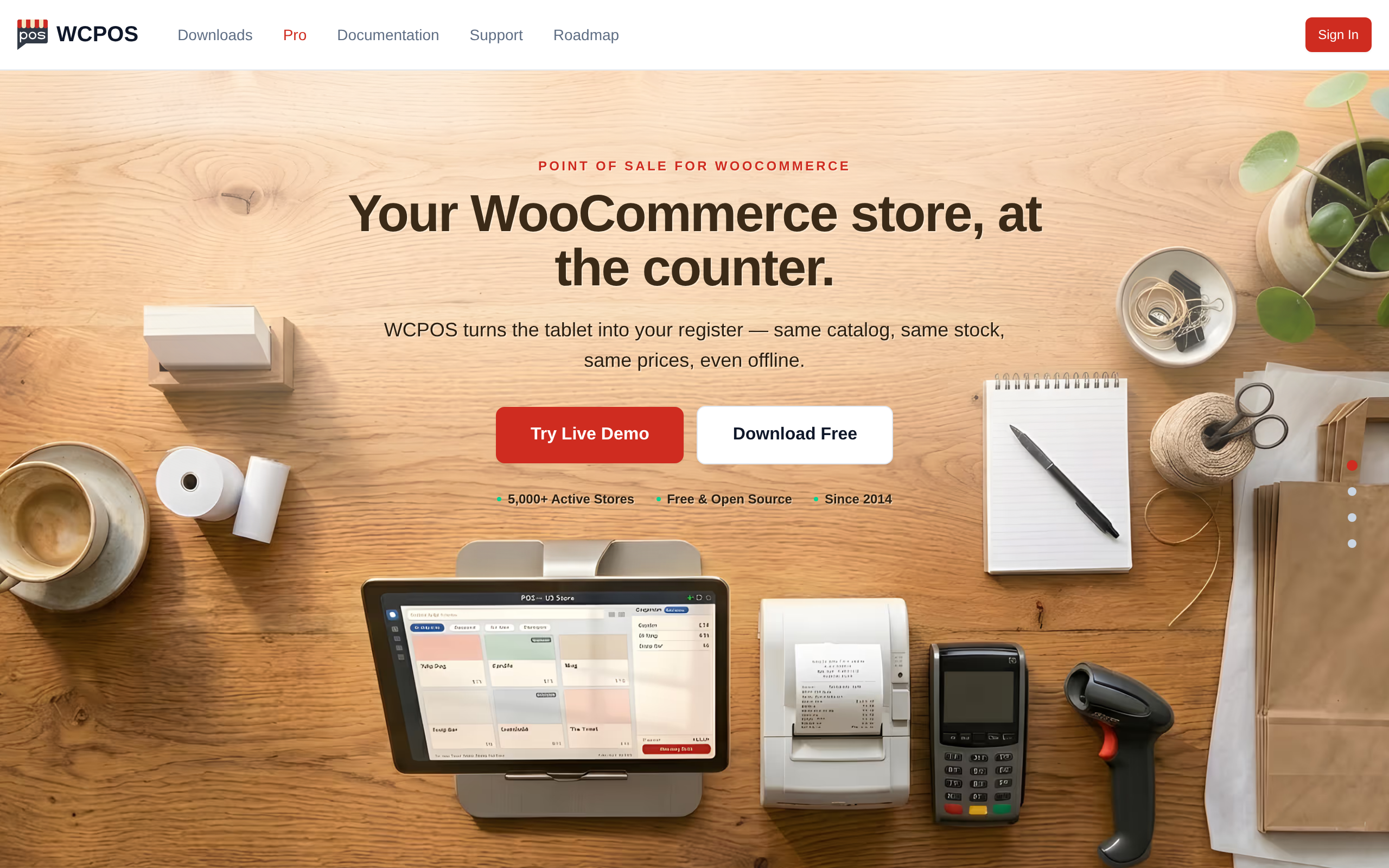
WCPOS is the most installed option, and the core plugin is free with no transaction fees and no per-register charge. It stores products locally, so the register keeps building carts and saving orders during a connection drop. For fashion, the useful part is its variation picker, which lets staff choose a size and color fast. It scans barcodes straight into the cart too. A Pro tier at wcpos.com/pro, $129 a year or $399 for a lifetime license, adds payment terminals, till-side stock and price editing, and end-of-day reports. Best for a shop that wants a free, no-limits register and a clean variation flow.
Features
- Free core register with unlimited products, orders, and customers, and no transaction fees.
- Variation picker, so staff choose a size and color in a couple of taps.
- Barcode scanning that drops the right variant straight into the cart.
- Local product storage, so the till keeps building carts during a connection drop.
- Pro tier adds payment terminals, till-side stock and price editing, and end-of-day reports.
Pros and Cons
Pros
- Costs nothing to run a full register.
- Handles size and color variations without an add-on.
- Keeps selling when the internet wobbles.
Cons
- Runs in the browser, so there is no dedicated tablet app.
- Some register tools, like till-side stock edits, sit behind the $129 a year Pro tier.
- Support leans on community forums rather than a phone line.
Our Verdict
WCPOS fits a boutique that wants a real register for free and sells a lot of sized, colored stock. The variation picker and offline behavior cover the two jobs clothing retail cares about most. Budget for Pro only if you need terminal payments or till-side stock edits.
2. PayPal POS for WooCommerce, 4,000 Active Installations
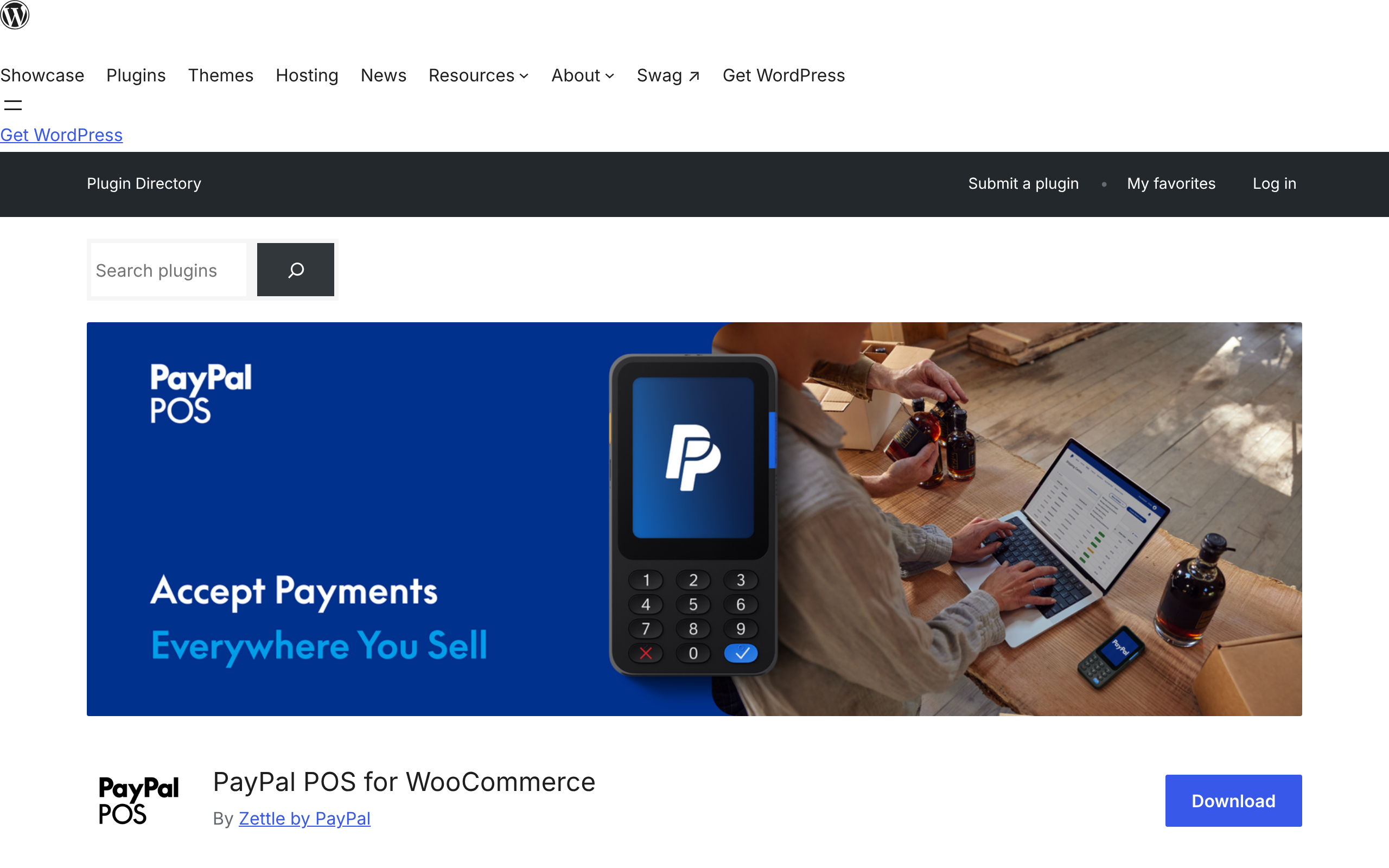
This one works differently, and honesty matters here. The free plugin, built by Zettle by PayPal, connects your store to a PayPal Zettle account. It syncs product names, prices, SKUs, barcodes, and images, and it keeps stock levels matched in both directions. It does not process payments itself and it is not a register screen you run from WooCommerce. The selling happens on PayPal Zettle’s own hardware and app. It is available in 13 countries including the US, UK, Germany, and Brazil. Best for a clothing shop already using PayPal Zettle readers that wants stock to stay in step with Woo.
Features
- Free plugin that links WooCommerce to a PayPal Zettle account.
- Two-way stock sync, so a counter sale lowers the online count.
- Syncs product names, prices, SKUs, barcodes, and images.
- Works in 13 countries, including the US, UK, Germany, and Brazil.
Pros and Cons
Pros
- Free to install.
- Keeps shop-floor and online stock matched both ways.
- Uses Zettle card hardware many shops already own.
Cons
- Not a register screen inside WooCommerce, so selling happens on Zettle’s app.
- You need a PayPal Zettle account and its hardware to ring anything up.
- Limited to the 13 countries Zettle serves.
Our Verdict
This suits a clothing shop already on PayPal Zettle that wants stock to stay honest across the counter and the website. It is a sync bridge, not a till, so it only makes sense with Zettle hardware in hand. Shops without Zettle should look elsewhere on this list.
3. wePOS, 2,000 Active Installations
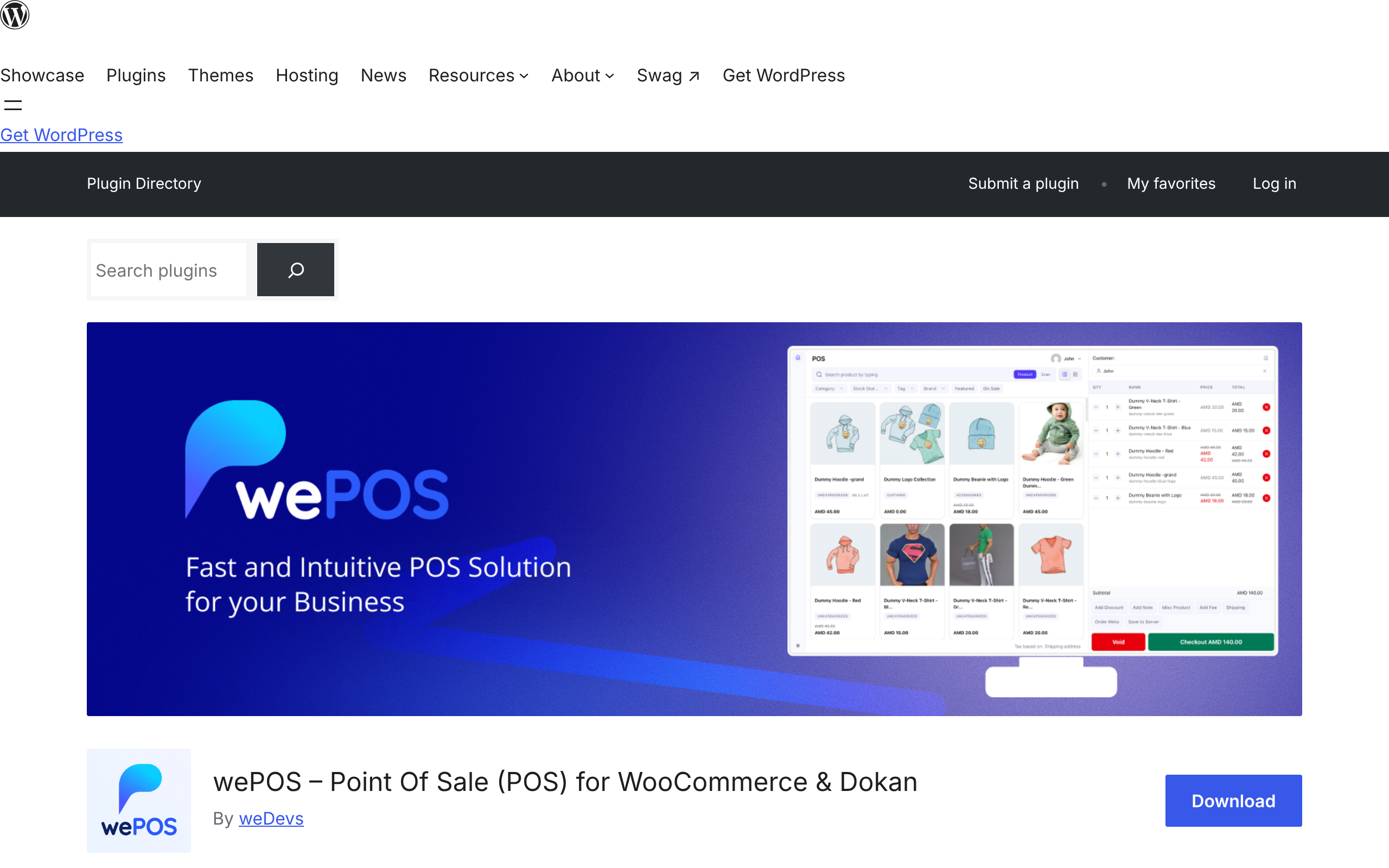
wePOS is free to start, and its paid plans run $99 a year for one site, $104 a year for three sites, and $139 a year for ten, with lifetime licenses from $209. It handles product variations, as its own demo shows a cart of sized and colored shirts, and it supports barcode scanning and unlimited outlets and counters at once. The feature few rivals match is Dokan support. If you run a multi-brand fashion marketplace, every vendor gets their own independent POS. Where it trails others, it does not advertise an offline mode, so a steady connection helps. Best for a single boutique on a budget, or a multi-vendor clothing marketplace built on Dokan.
Features
- Free to start, with paid plans from $99 a year and lifetime licenses from $209.
- Product variation support, shown in its own demo ringing up sized and colored shirts.
- Barcode scanning at the counter.
- Unlimited outlets and counters running at once.
- Dokan support, giving every marketplace vendor their own register.
Pros and Cons
Pros
- Low entry cost, with a free tier and a cheap first paid plan.
- Runs a separate POS for each Dokan vendor, which rivals rarely match.
- No cap on outlets or counters.
Cons
- Does not advertise an offline mode, so a steady connection matters.
- No native tablet or phone app.
- Built around Dokan, so a single shop uses only part of its strength.
Our Verdict
wePOS is the pick for a multi-brand clothing marketplace on Dokan, where each label needs its own till. A single boutique on a budget can start free too. Just plan for a reliable connection, since offline selling is not listed.
4. Vitepos, 1,000 Active Installations
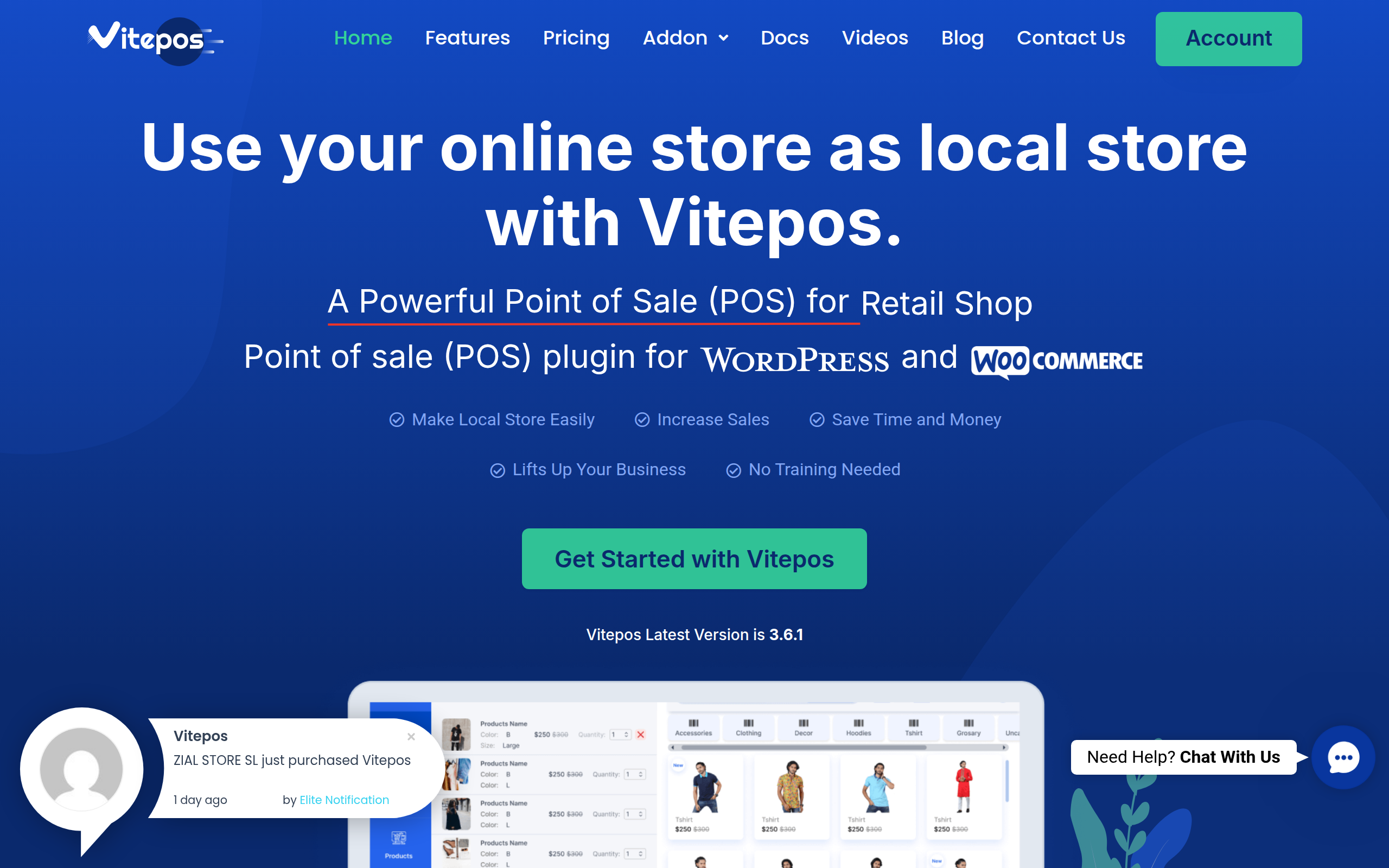
Vitepos carries the highest user rating in this group, 94 out of 100 across 54 reviews. It adds products with their variations and lets you manage those properties at the till. It runs offline by storing data locally, and it supports unlimited outlets and counters. You scan a barcode with a phone camera or a dedicated scanner. A free lite build lives on WordPress.org, with a premium version for the full feature set. Best for a clothing store that wants offline selling and variation handling without a monthly platform fee.
Features
- Free lite build on WordPress.org, with Pro from $79 a year or $299 for a lifetime license.
- Product attribute support for handling sizes and colors at the till.
- Offline selling that stores data locally and syncs later.
- Unlimited outlets and counters.
- Barcode scanning with a phone camera or a dedicated scanner.
Pros and Cons
Pros
- Highest user rating in this group, 94 out of 100 across 54 reviews.
- Sells offline without a monthly platform fee.
- Handles variations and multiple outlets.
Cons
- The full feature set needs the paid Pro version.
- Smaller user base than the top plugins, so fewer community answers.
- The interface feels less polished than the app-first rivals.
Our Verdict
Vitepos works for a boutique that wants offline selling and variation handling without a recurring platform charge. Its rating suggests happy users, and the one-time-friendly pricing helps. Expect to buy Pro for the complete set.
5. Oliver POS, 700 Active Installations
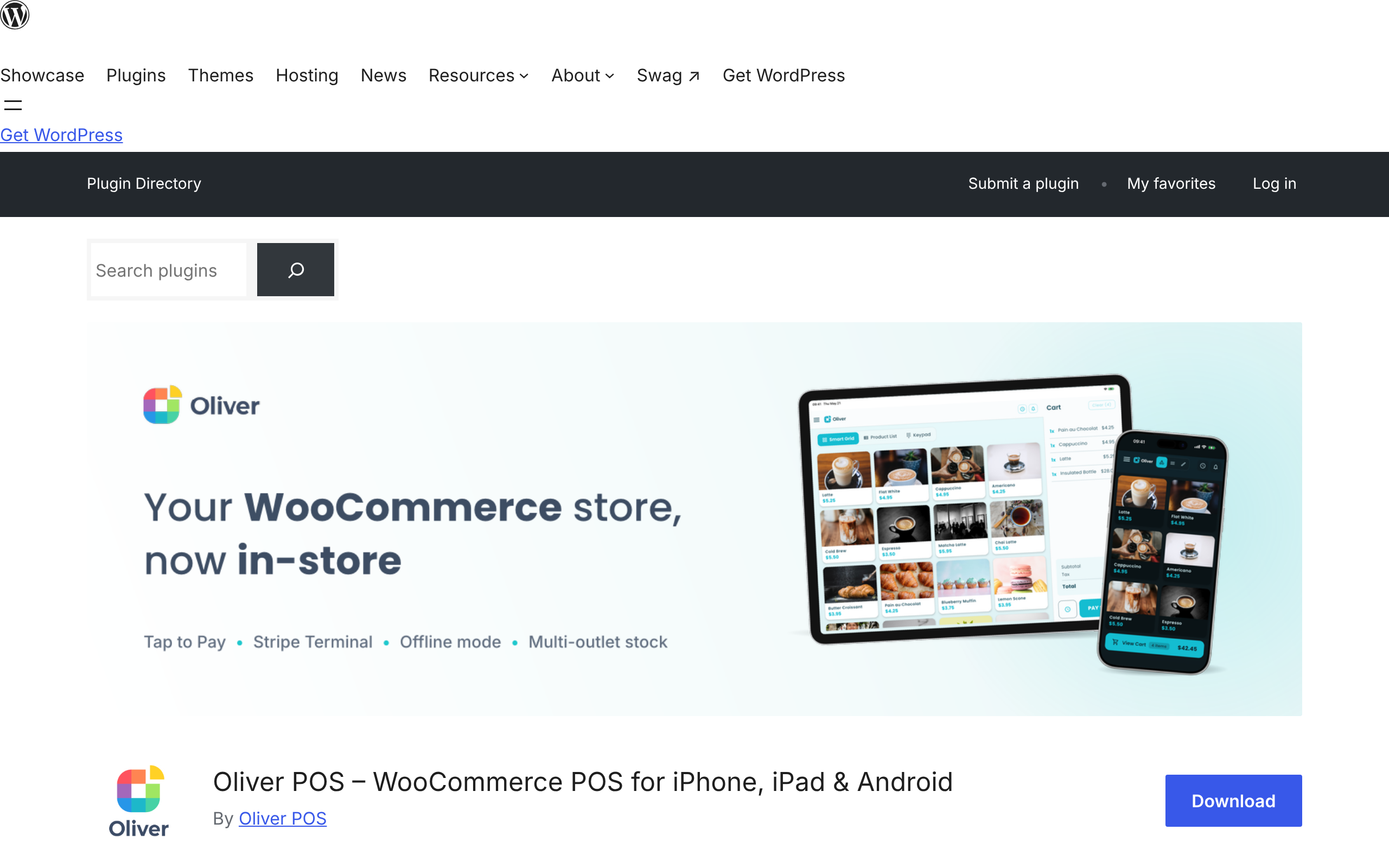
Oliver POS and FooSales both report about 700 active installations, so they tie on the count. Oliver runs on iPhone, iPad, and Android, and it publishes a dedicated apparel page, so fashion is clearly in its sights. The free plan covers one outlet, one station, 20 products, and 50 transactions a month, which suits a tiny shop or a trial. Paid plans run $89, $289, and $489 a year, with monthly and lifetime options. It advertises Tap to Pay, Stripe Terminal, offline mode, and multi-outlet stock. Best for a boutique that wants a polished tablet or phone register and card payments in one place.
Features
- Native apps for iPhone, iPad, and Android.
- A dedicated apparel page, so clothing is a stated focus.
- Free plan covering 1 outlet, 1 station, 20 products, and 50 transactions a month.
- Paid plans at $89, $289, and $489 a year, with monthly and lifetime options.
- Tap to Pay, Stripe Terminal, offline mode, and multi-outlet stock.
Pros and Cons
Pros
- Polished register on phones and tablets.
- Card payments built in through Tap to Pay and Stripe.
- A free plan to trial the flow.
Cons
- The free plan caps you at 20 products and 50 sales a month.
- Multi-outlet stock needs the Pro plan at $289 a year.
- Tap to Pay starts only on paid tiers.
Our Verdict
Oliver POS suits a boutique that wants a clean tablet or phone register with payments in one place. The free plan is really a trial given its limits, so a growing shop lands on a paid tier fast. Worth it if the app experience matters to your staff.
6. FooSales, 700 Active Installations
FooSales also sits at about 700 installs. It offers native iOS and Android apps plus a web app, and offline mode is in every plan. Its own copy names clothing as a core use case. There is no free tier, only a 7-day trial, then Core at $19 a month and Plus at $38 a month, each billed annually per store. The Plus plan adds Square, Stripe, and Tap to Pay. Best for a fashion retailer that wants true tablet apps and does not mind a monthly fee.
Features
- Native iOS and Android apps plus a web app.
- Offline mode included in every plan.
- Clothing named among its core use cases.
- Core at $19 a month and Plus at $38 a month, each billed annually per store.
- Plus plan adds Square, Stripe, and Tap to Pay.
Pros and Cons
Pros
- True tablet apps, not just a browser screen.
- Offline selling on every plan, even the cheapest.
- Straightforward two-tier pricing.
Cons
- No free tier, only a 7-day trial.
- Billing is per store, so several shops cost more.
- Card payment integrations sit on the pricier Plus plan.
Our Verdict
FooSales fits a fashion retailer that wants genuine tablet apps and reliable offline checkout, and does not mind a monthly bill. The app quality is the draw. Factor in the per-store cost if you run more than one boutique.
7. Jovvie, 100 Active Installations
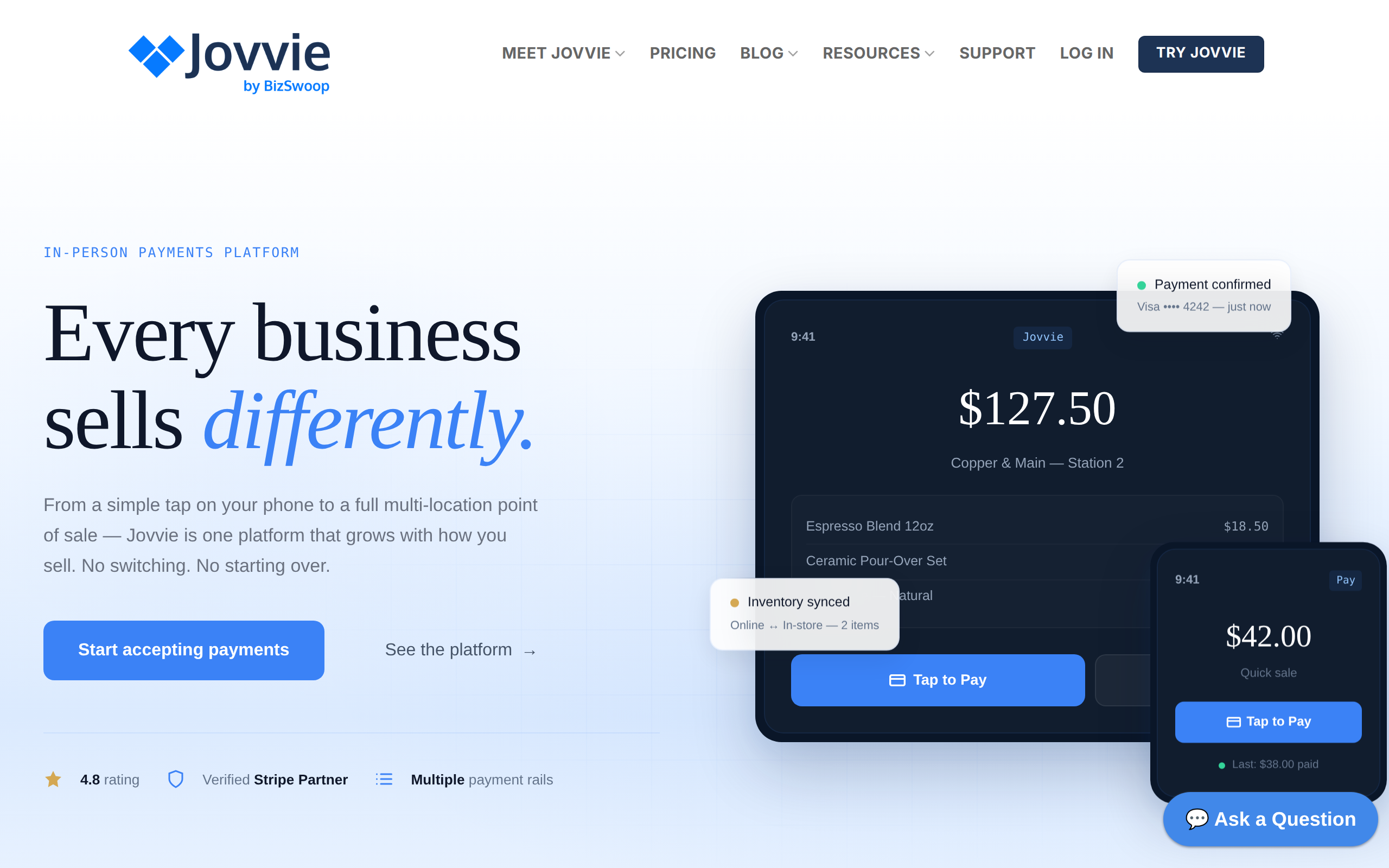
Jovvie, by BizSwoop, leans on payments and loyalty. It starts with a trial where your first 25 orders are free, then Basic at $29 a month and Pro at $49 a month, plus a platform fee on card transactions. It includes gift cards and a points and rewards system, which can suit a fashion brand that runs a loyalty program. It works standalone or with WooCommerce, and it runs self-hosted or in the cloud. Best for a clothing shop that cares about Tap to Pay and customer rewards first.
Features
- Free trial covering your first 25 orders.
- Basic at $29 a month and Pro at $49 a month, plus a 0.5 to 2.5 percent card fee.
- Gift cards and a points and rewards loyalty system.
- Runs standalone or with WooCommerce, self-hosted or in the cloud.
- Tap to Pay support for card payments.
Pros and Cons
Pros
- Built-in loyalty and gift cards, handy for a repeat-buy clothing brand.
- Flexible setup, cloud or self-hosted.
- A generous 25-order trial before you pay.
Cons
- A platform fee applies to every card sale.
- Monthly pricing on top of the card fee.
- Loyalty focus can be more than a simple shop needs.
Our Verdict
Jovvie fits a clothing brand that leads with Tap to Pay and customer rewards rather than deep stock control. The gift card and points tools are its real edge. Watch the card fee if your margins are thin.
8. OpenPOS Lite, 70 Active Installations
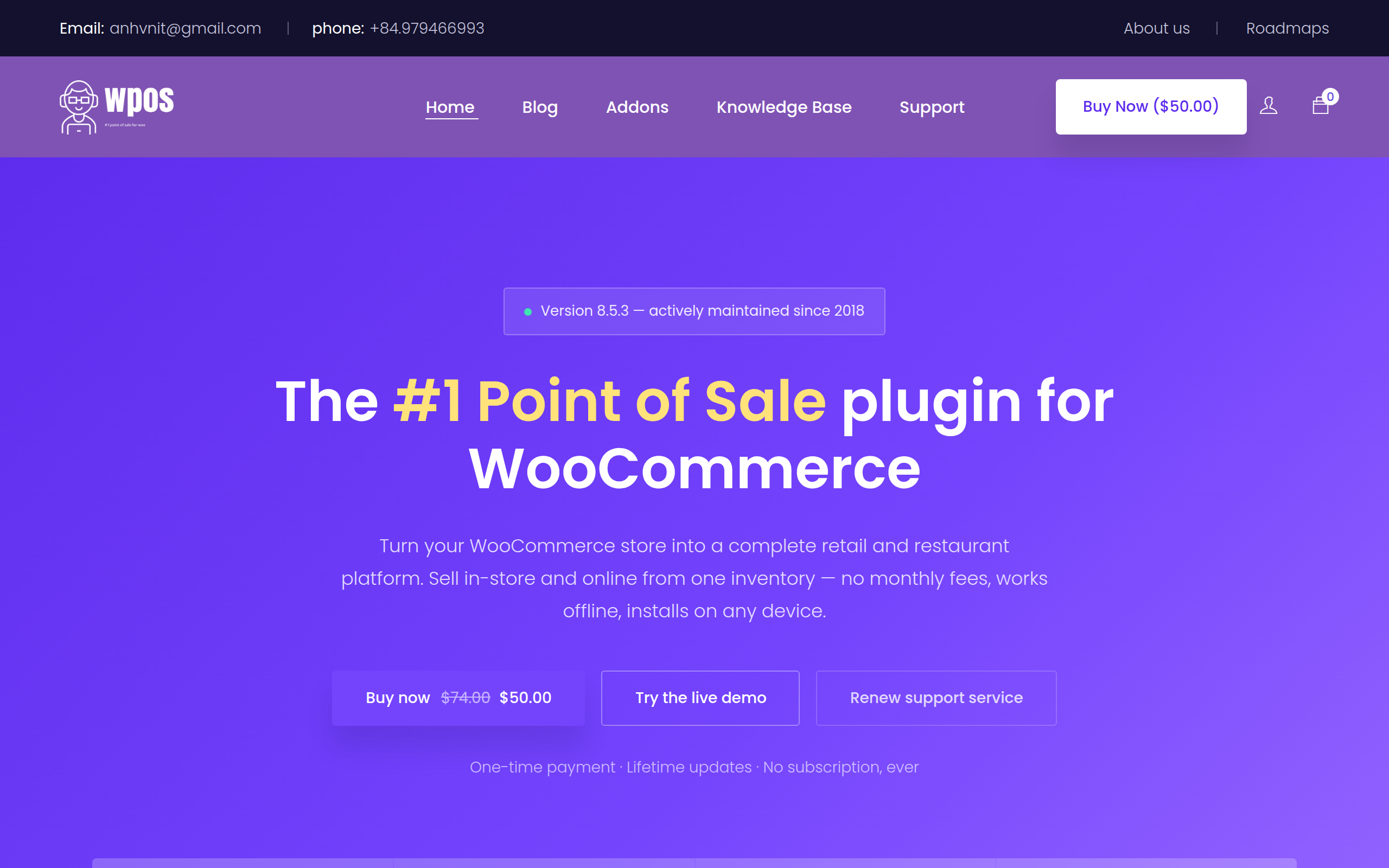
OpenPOS has a free Lite build on WordPress.org, and the full version is a one-time $50 per site with lifetime updates, so there is no subscription. It keeps selling without internet and syncs when the connection returns. It scans barcodes and QR codes with a device camera, and it auto-detects hardware scanners. It also runs several outlets and warehouses with stock transfers between them. Best for a multi-location clothing store that wants to pay once and move stock between shops.
Features
- Free Lite build on WordPress.org, with the full version a one-time $50 per site and lifetime updates.
- Offline selling that syncs when the connection returns.
- Barcode and QR scanning with a device camera, plus auto-detection of hardware scanners.
- Several outlets and warehouses with stock transfers between them.
- No subscription on the full version.
Pros and Cons
Pros
- Pay once, with no recurring fee.
- Moves stock between multiple shops.
- Keeps selling offline.
Cons
- Small install base, so a thinner community.
- Setup is more technical than the app-first tools.
- Some capabilities come through separate add-ons.
Our Verdict
OpenPOS Lite is the value pick for a multi-location clothing store that would rather pay once than monthly. Stock transfers between shops are the standout for a small chain. Be ready for a slightly more hands-on setup.
9. ConnectPOS, 50 Active Installations
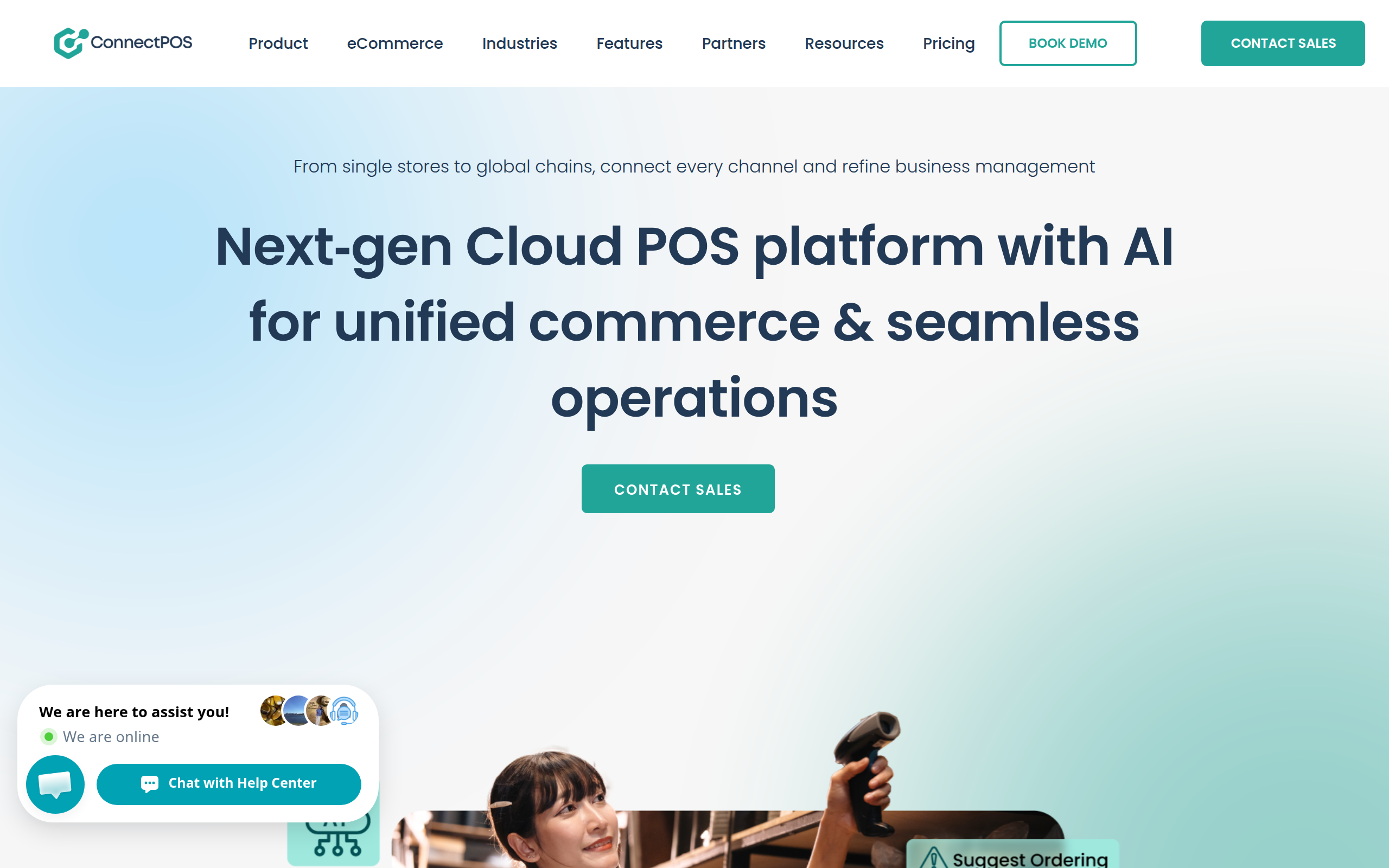
ConnectPOS has the fewest installs here, yet it markets hard to fashion with a named apparel POS product. It is a cloud system that says it serves more than 12,000 customers across 50-plus industries. Pricing is per register, from $39 to $99 a month depending on tier, with a custom enterprise plan, and a free trial. It advertises offline capability and real-time sync. Best for a larger apparel chain that wants a cloud platform and does not mind per-register billing.
Features
- Cloud platform with a named apparel POS product.
- Per-register pricing from $39 to $99 a month, plus a custom enterprise plan and a free trial.
- Offline capability and real-time sync.
- Markets to more than 12,000 customers across 50-plus industries.
- Multi-store management for larger operations.
Pros and Cons
Pros
- Apparel-specific product and positioning.
- Managed cloud, so less self-hosting to maintain.
- Scales to many stores.
Cons
- Per-register billing adds up across counters.
- Cloud dependency, so you rely on their uptime.
- Overkill and pricey for a single small boutique.
Our Verdict
ConnectPOS fits a larger apparel chain that wants a managed cloud platform and does not mind per-register billing. The dedicated apparel product shows real focus on clothing. For a single boutique, the cost is hard to justify against the free options above.
How to Choose Your Fashion POS in Four Questions
Run your shortlist through these in order. The first yes that fits your budget is usually your answer.
- Does it track stock per size and color. If a tool cannot subtract one variation on sale, cross it off for clothing.
- How do you want to pay. Free forever points to WCPOS or OpenPOS Lite. A yearly fee with apps points to Oliver POS or FooSales.
- Do you run one shop or many. Multi-outlet stock narrows it to WCPOS Pro, wePOS, Vitepos, OpenPOS, or ConnectPOS.
- Is this a marketplace. If vendors sell under your roof on Dokan, wePOS gives each one their own register.
Still weighing a plugin against a standalone till system? This comparison of a WooCommerce POS versus a standalone POS lays out the trade-offs.
Frequently Asked Questions
Can a WooCommerce POS handle clothing sizes and colors at the register?
Yes, if the plugin supports variable products at the till. WCPOS, Vitepos, and wePOS all let staff pick a size and color from a product’s variations, and they track each variant’s stock on its own rather than as one lump.
Do I need a barcode scanner for a clothing shop?
No, but it speeds up a busy counter and cuts ring-up mistakes. Most of these tools scan with a phone or tablet camera, so you can start without buying hardware and add a dedicated scanner later.
What happens to the register when the internet drops?
It depends on the tool. WCPOS, Vitepos, FooSales, Oliver POS, and OpenPOS advertise an offline mode that keeps you selling and syncs once you reconnect. wePOS does not list offline support, so a steady connection is safer there.
How do returns and exchanges work in a WooCommerce POS?
Most of these plugins process refunds from the same screen as a sale. Exchanges matter more in fashion than in most trades, so test the swap flow on a trial before you commit, because the number of taps varies a lot between tools.
Is a free WooCommerce POS enough for a small boutique?
Often, yes. The free WCPOS core and the free Oliver POS plan can run a single small shop, though Oliver’s free tier caps you at 20 products. A one-time $50 for OpenPOS also avoids any monthly fee.
The Bottom Line
The best WooCommerce POS for fashion and clothing stores is the one that keeps every size and color accurate, sells fast, and handles the swaps that come with apparel. Start with the variation question, then match the price model to your shop.
If you also run a grocery or convenience side, the buying rules shift to weight and speed, which we cover in our guide to the best WooCommerce POS for grocery stores. Download a free tier, ring up a few real variants, and see which register your staff actually enjoys using.
Subscribe to
Dokan blog
We send weekly newsletters, no spam for sure!



Leave a Reply