


A line is building at your register, and you can watch it happen in real time. One shopper sets their basket on a shelf, another turns their cart around, and both walk out the door.
That walkout is the true cost of a slow line, and the fix is almost never one single thing.
Today we will show you how to fix slow checkout lines by finding the real bottleneck first, then matching the right change to the problem you actually have.
TLDR
- Slow lines usually come from one main bottleneck, not a dozen small ones. Find it before you spend any money.
- The four common causes are too few open registers, a clumsy point-of-sale system, limited payment options, and complex tasks like returns clogging the main line.
- Mobile checkout and self-checkout pull transactions away from the single counter so the line keeps moving.
- A faster POS trims seconds off every sale, and those seconds stack up fast during peak hours.
- Track your average checkout time before and after any change, so you know the fix actually worked.
What Causes Slow Checkout Lines
Most slow checkout lines trace back to one main bottleneck, not many small problems at once. Store owners often treat a long line as a busy day and move on, but a busy day only exposes a weakness that was always there.
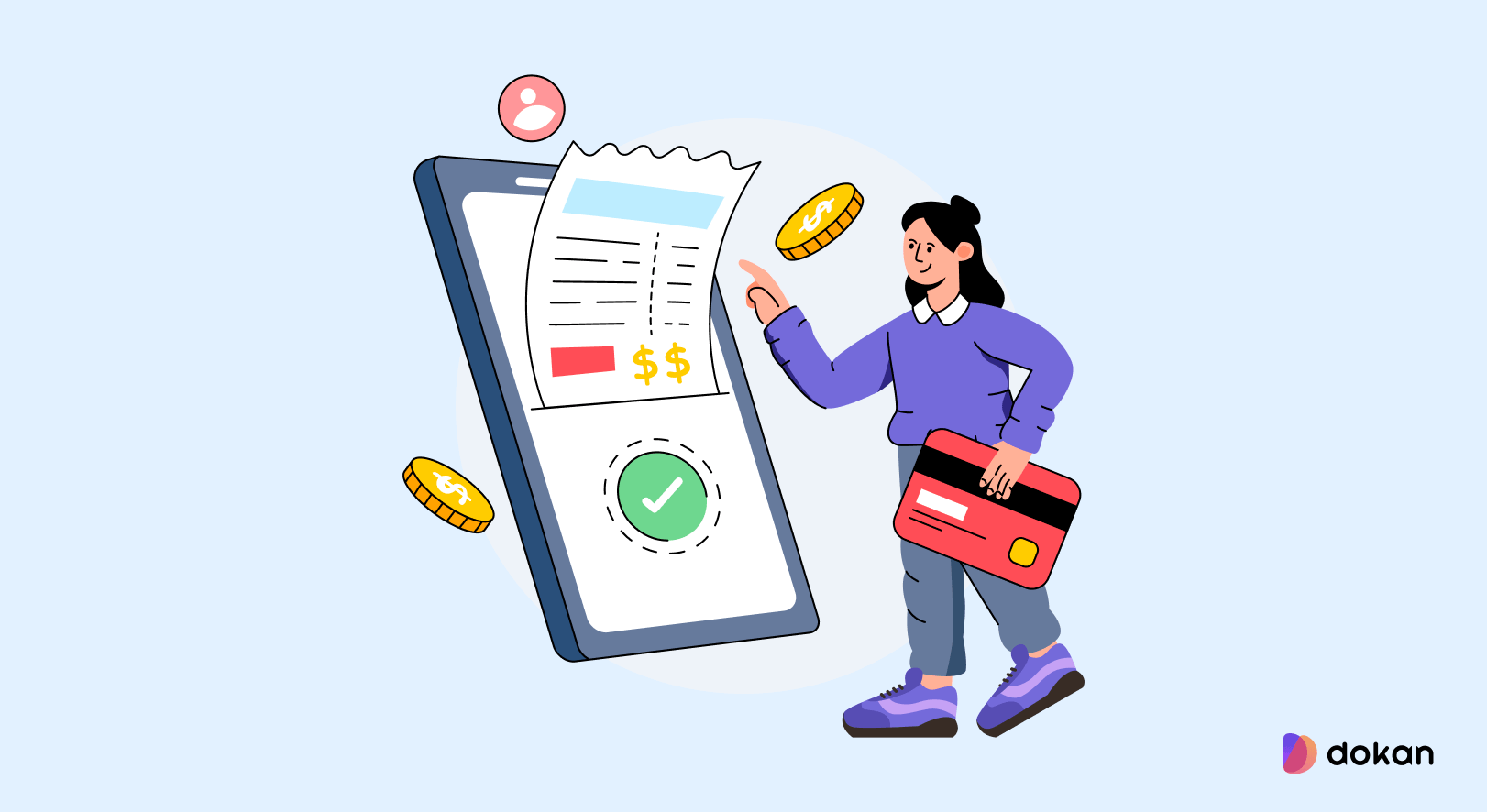
Before you buy anything or add staff, watch your counter for a full peak hour and find which of these four causes is slowing you down.
- Too few open registers when the rush hits
- A point-of-sale system that fights the cashier on every sale
- Too few ways to pay
- Returns and price checks stuck in the main line
Too Few Open Registers at Peak Hours
A single open register during a rush is the most common cause of a slow line. One cashier can only move so many people per minute, and once two or three shoppers stack up, every new arrival sees the wait and decides whether to stay. The problem is not always a lack of registers. Often the second register sits closed because nobody noticed the line forming.
A Point-of-Sale System That Fights the Cashier
A clumsy POS adds seconds to every sale, and those seconds are the quiet killer. If your cashier hunts through menus, retypes prices, or waits for a slow screen, each customer takes longer than they should.
Multiply a ten-second delay across forty customers in an hour and you have lost more than six minutes of counter time for no reason.
Our guide on what a WooCommerce POS system is shows what a fast in-store setup should look like.
Too Few Ways to Pay
Limited payment options slow the line when a shopper reaches the counter and cannot pay the way they expected.

A customer digging for cash because your card reader is down, or one who wanted to tap and could not, holds up everyone behind them. Payment friction at the very last step wastes all the speed you built everywhere else.
Returns and Price Checks Stuck in the Main Line
Returns, exchanges, and price checks take far longer than a normal sale, and they freeze the whole line when they happen at the main counter.
One refund can take three or four minutes while a queue of quick purchases waits behind it. These tasks are not the problem. Their place in the line is the problem.
In Lightspeed’s FY26 Retail Consumer Survey, 51.5 percent of shoppers named long waits as the top reason for a bad in-store experience, and 56.4 percent said a quick checkout is what makes a visit memorable.
How to Fix Slow Checkout Lines, Step by Step
Fix slow checkout lines by working from the cheapest change to the most expensive, and stop as soon as the line clears. Y
ou rarely need every step below. Start with the one that matches the bottleneck you found, measure the result, and only move on if the line is still slow.
Here is the order that costs the least and solves the most first.
- Open a register based on line length, not the clock
- Speed up your POS or replace it
- Add mobile checkout to move the line
- Give people more ways to pay
- Move returns and complex tasks off the main line
- Use a single queue feeding several registers
1. Open a Register Based on Line Length, Not the Clock
Set a simple rule that a second register opens the moment a third person joins the line. This costs nothing and fixes the most common cause on its own.
Many stores open extra lanes by the clock, at noon or at five, but lines do not follow a clock. Give one staff member the job of watching the counter and calling backup before the line grows, the same way a good cash wrap is managed in larger stores.
2. Speed Up Your POS or Replace It
Test how many clicks and screens one plain sale takes, because that number sets your ceiling on speed. If a single item needs more than a few taps, your software is the bottleneck and no amount of staff will fix it.
A modern POS keeps product lookup, discounts, and payment on one fast screen. If you run a WooCommerce store, a dedicated register tool like wePOS turns the same catalog you already sell online into a quick in-store counter, so you are not retyping prices or chasing stock numbers mid sale.
3. Add Mobile Checkout to Move the Line
Mobile checkout lets a staff member take payment anywhere in the store, so the line stops depending on one fixed counter.
A tablet or phone with your POS on it becomes a second register you can carry into the aisle during a rush.
This tactic, often called line busting, is why grocery and convenience stores with the longest peak lines lean so hard on fast handheld scanning.
4. Give People More Ways to Pay
Accept tap, chip, digital wallets, and cash so no customer stalls at the final step. Payment is the last thing that happens before a shopper leaves, and a dead end there undoes every other fix.
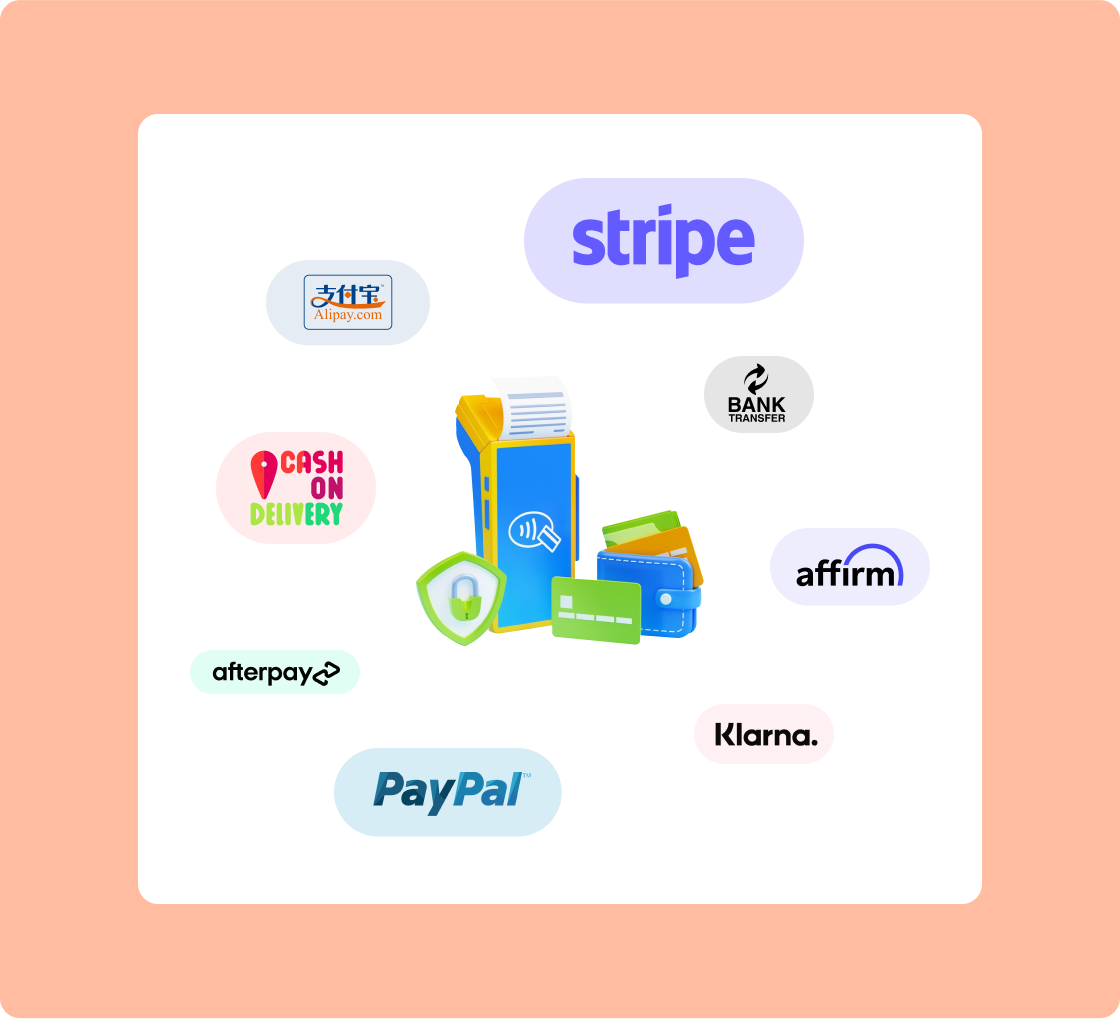
More payment choices also shorten the moment itself, since a tap clears in a second while fumbling for exact change does not. Adding options here is one of the cheapest ways to cut your average wait time at the register.
5. Move Returns and Complex Tasks Off the Main Line
Set up one station away from the main counter for returns, exchanges, and anything that takes longer than a normal sale. This keeps a single slow task from freezing a line of quick buyers. A customer service desk, or even a mobile device carried to a side counter, does the job. Clothing shops feel this most, since removing security tags adds seconds to every garment.
6. Use a Single Queue Feeding Several Registers
Form one line that feeds every open register instead of a separate line per lane. A single queue moves faster and feels fairer, because nobody gets stuck behind the one slow transaction while the next lane flies. Banks and airports use this shape for a reason.
Mark the floor, add a short rope or a sign, and send the next person to the first free cashier.
Use a WooCommerce-Native POS Built for Speed
If step two points you toward replacing your register and you already run WooCommerce, a native tool saves you from running two systems side by side. wePOS is a point of sale plugin that lives inside your existing WooCommerce store, so the counter sells from the same catalog and the same stock you already manage online.
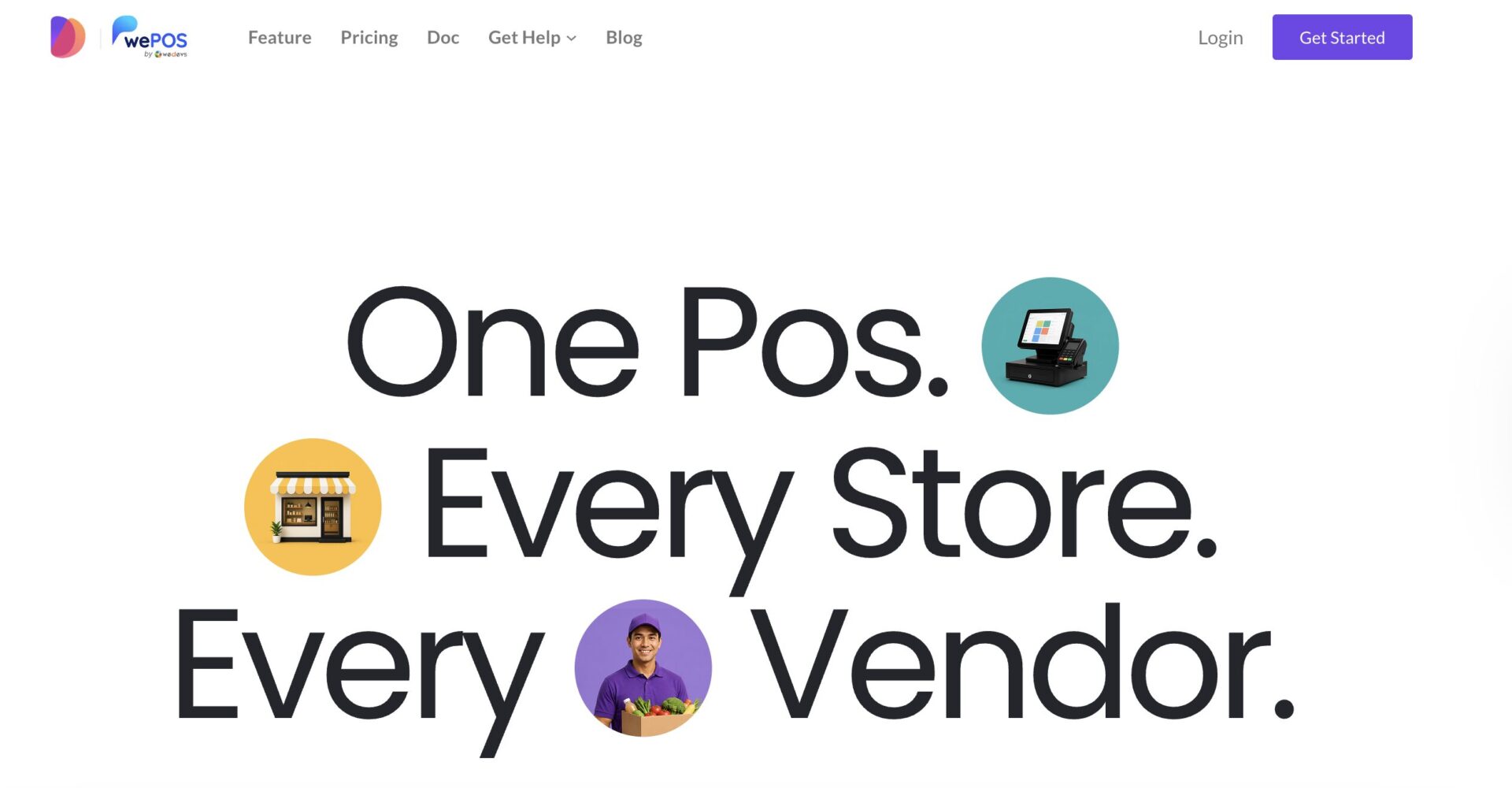
That single link is what takes the retyping and the stock guesswork out of every sale.
Its rebuilt cashier screen loads as one fast page, which matters when seconds per sale set your peak hour speed.
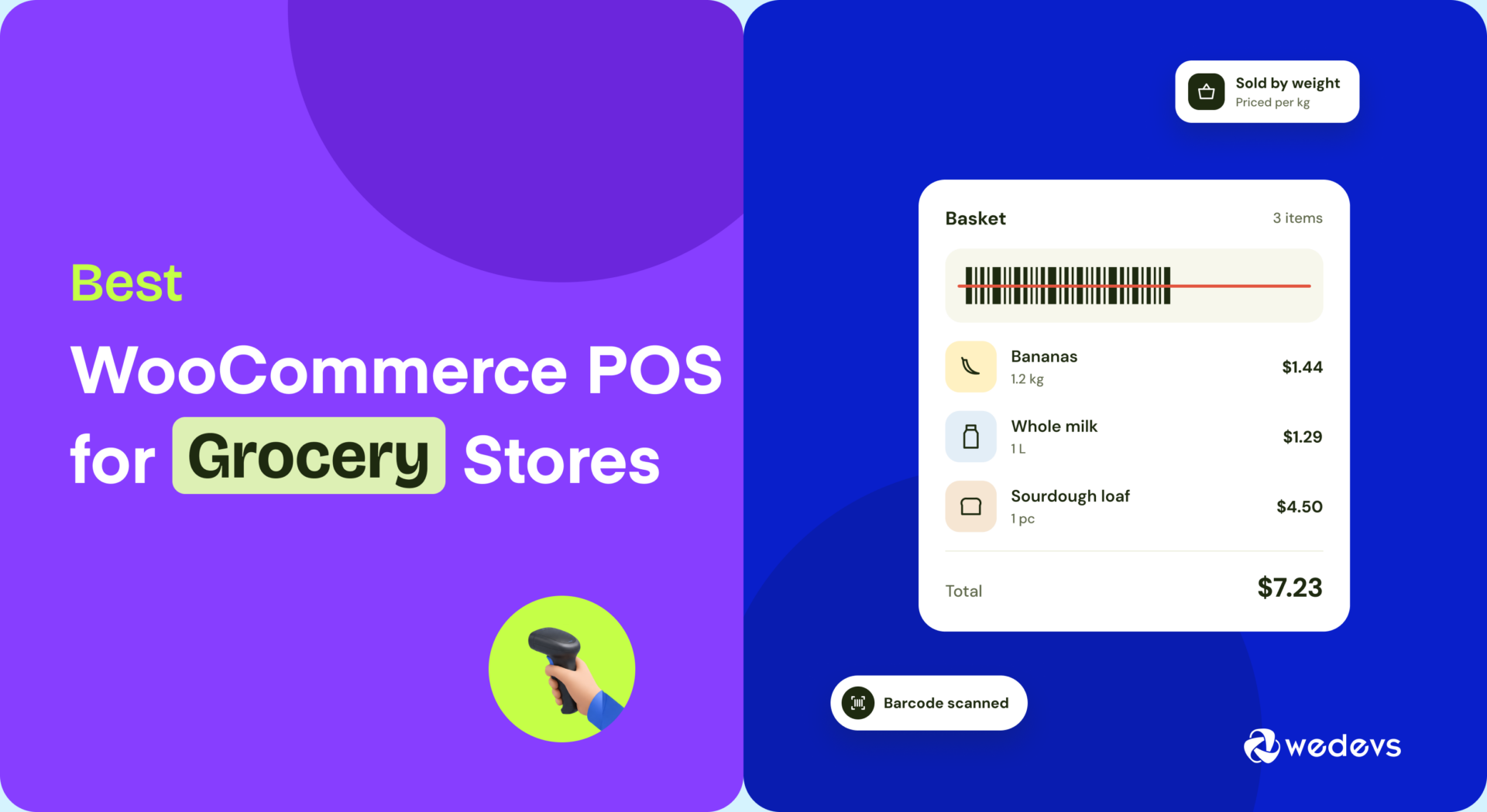
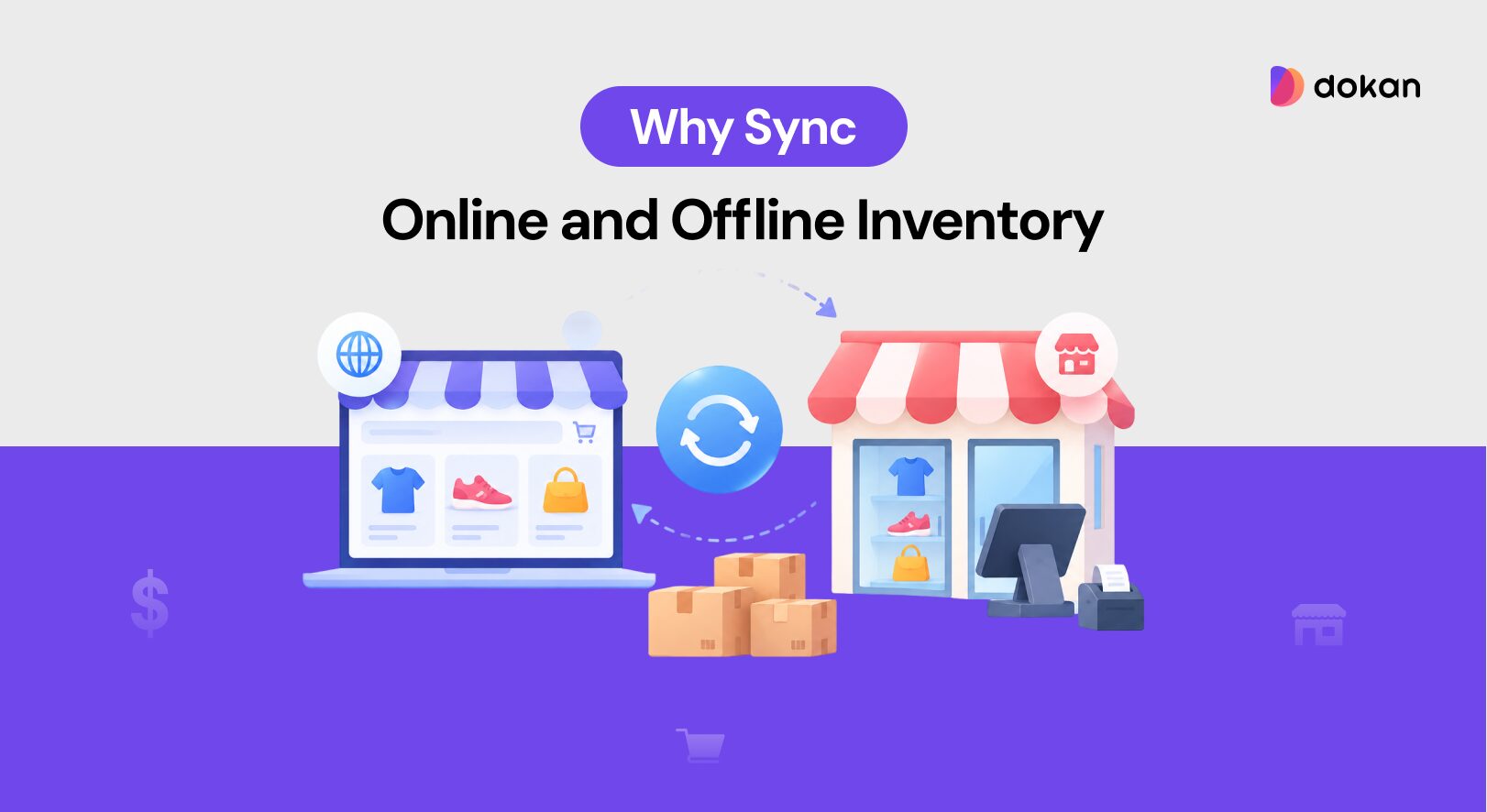
A cashier finds items with instant product search or a barcode scanner, adds or looks up a customer right at the counter, applies a discount, takes payment, and prints a receipt without ever leaving that screen. Every sale writes straight back to WooCommerce, so your in-store and online stock stay in step in real time.
For a shop with more than one till, wePOS runs unlimited outlets and counters at once and lets you assign a dedicated cashier to each.
And if you sell through a Dokan marketplace, every vendor gets their own independent register. It is free to start, so you can test whether a faster screen clears your slow checkout lines before you spend a thing.

Measure Whether Your Checkout Lines Got Faster
Track three numbers before and after any change, or you are guessing instead of fixing. A line can feel better on a quiet afternoon and still fail at peak, so measure the peak. The three numbers worth watching are average checkout time per customer, the count of people who leave without buying, and sales made per hour during your busiest window.
Time ten sales with a phone stopwatch to get your average, and count walkouts by hand for one week. Then make one change and measure the same window again.
A good POS does some of this for you, since reporting tools like those in wePOS 2.0 show per order and daily sales you can compare week to week. One change at a time is the rule, because two at once hides which one worked.
Waitwhile’s State of Waiting in Line 2025 report, based on a survey of 1,000 US shoppers, found that 84 percent of consumers actively avoid businesses where they can see a wait.
Frequently Asked Questions
Is self-checkout worth it for a small shop?
For most small shops, mobile checkout beats self-checkout as the first move. Self-checkout kiosks cost more upfront and still need a staff member nearby to approve age checks and fix errors. A kiosk earns its place once you have steady, heavy foot traffic and the floor space to spare, not before.
How many registers do I really need?
There is no fixed number, since it depends on your busiest fifteen minutes, not your daily total. Count the most customers you ever have waiting at once, then make sure you can open enough lanes to keep that group under a three person wait. Many stores need a second register only for two short rush windows a day.
Will a faster POS fix long lines on its own?
A faster POS helps every sale, but it will not save you if only one register is open during a rush. Software speed and staffing work together. Fix the open register rule first, since it is free, then let a quicker system multiply the gain across every transaction.
Does mobile checkout need strong wifi to work?
Yes, mobile checkout depends on a steady connection, so weak wifi near your entrance or back aisles will stall it. Test the signal at the exact spots where you plan to take payment before you rely on it. A cheap access point or a cellular backup on the device removes most of the risk.
How do I handle a sudden rush with only one person working?
When you are alone and a line forms, switch to the fastest possible sale and drop everything optional. Skip the receipt prompt, pause loyalty signups, and wave simple card taps through first. Post a small sign asking that returns come back after the rush, so one refund does not freeze ten quick buyers.
Is it cheaper to hire more cashiers or buy technology?
Technology usually wins over the long run, because a one time cost beats a wage you pay every hour forever. A faster POS or a second mobile device pays for itself in months if it saves one part time shift a week. Extra staff still makes sense for true all day volume, but for short rush windows, the hardware is the cheaper answer.
Fix the Bottleneck, But Not Everything at Once
You now know how to fix slow checkout lines without throwing money at the wrong problem. Watch your counter for one peak hour this week, find the single bottleneck costing you the most, and make one change to address it.
Then measure, and only move to the next step if the line is still slow.
Subscribe to
Dokan blog
We send weekly newsletters, no spam for sure!




Leave a Reply