



WooCommerce gives you the tools to sell online. But running a marketplace needs more. You must register vendors, manage their products, calculate commissions, and decide how each seller gets paid.
A marketplace plugin adds these functions. The challenge is choosing one that matches your business without paying for features you do not need.
In this guide, we compare seven WooCommerce marketplace plugins. You will find their main strengths, pricing, limitations, and suitable use cases to help you build a practical shortlist.
This comparison is based on official product pages and documentation checked in October 2026. It is not a hands-on performance test. Promotional prices are identified separately from regular prices.
Quick Snapshot of the Comparison
Before diving deep into the post, let’s have a few minutes to have a quick snapshot of the plugins that we are going to compare in the following parts of the post. Let’s check them now in the table below.
| Plugin | Free Starting Option | Paid Pricing Checked | Cost Detail to Remember |
|---|---|---|---|
| Dokan | Yes | Starter: $149/year regular; $119 promotional price displayed | Higher plans unlock additional modules |
| WC Vendors | Yes | Pro: $99.50 introductory year; $199 regular annual price | Renewals are at full price |
| WCFM Marketplace | Yes | Optional Ultimate add-on: $59/year for up to two sites | Other extensions may cost extra |
| YITH Multi Vendor | Evaluate the current premium product | Check the current checkout price | Frontend Manager and listed integrations are separate purchases |
| MultiVendorX | Yes | Pro: $299/year for one site | Monthly and multiple-site options are available |
| Product Vendors | No free edition listed | €107 for one year on the page checked | Currency and regional checkout pricing may differ |
| Webkul | Paid core | $99 regular one-time price; $59 offer displayed | Add-ons, installation, and support options can add costs |
These figures come from the vendors’ pricing and product pages. The YITH page did not expose a reliable price during this review, so an older figure has not been substituted.
Hosting, domain registration, payment processing, taxes, and third-party extensions are separate considerations.

The 7 Best WooCommerce Marketplace Plugins
The seven plugins below are ordered from the most complete multivendor solutions to the more specialized options. Each entry covers what the plugin does, how it is priced, and the type of store it suits best.
1. Dokan

Best for: Businesses that want frontend vendor management and several options for expanding their marketplace.
Dokan adds a multivendor system to WooCommerce. Sellers receive their own stores and management tools, while the marketplace owner controls vendor access and commissions.
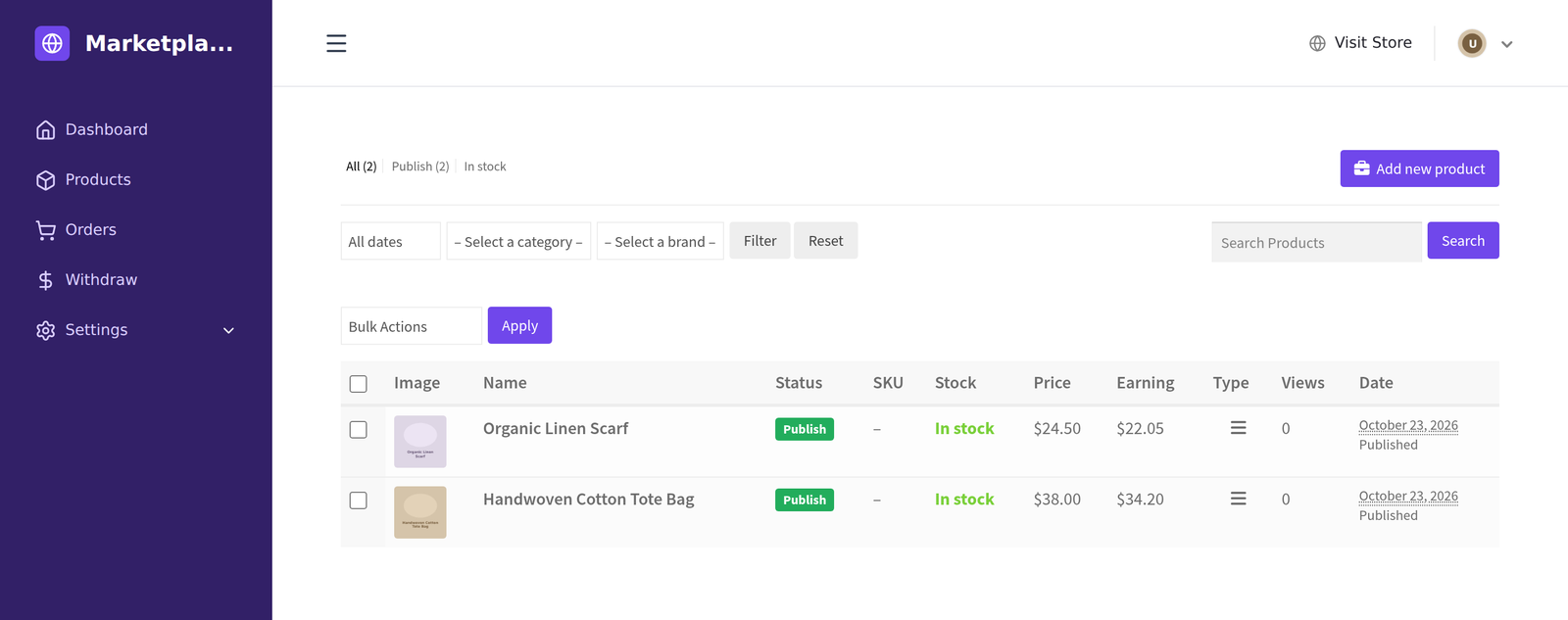
Its main appeal is the path from a basic marketplace to a more developed business. You can begin with the free version and choose a paid plan when you need specific modules.
The feature range includes reporting, vendor communication, commission controls, and additional selling tools. Availability differs by plan, so match your requirements to the feature table before purchasing.
Dokan also offers products for different users. The Dokan Mobile App serves shoppers. The Dokan Vendor App supports sellers. For businesses with physical sales, wePOS has a documented Dokan integration. These are related products, not features to assume are included with every plugin license.
Pricing
| Annual Plan | Regular Price | Number of Sites |
|---|---|---|
| Starter | $149 | 1 |
| Professional | $249 | 3 |
| Business | $499 | 5 |
| Enterprise | $999 | 20 |
A free version and lifetime options are also available. Promotional prices may reduce the initial purchase cost.
Pros
- Frontend tools help vendors manage their businesses.
- Several commission options support different business arrangements.
- Paid modules provide room to expand.
- Related shopper, vendor, and POS products address different needs.
Cons
- Required modules may sit above the entry-level plan.
- Apps and third-party integrations can increase the full project cost.
Who Should Consider Dokan?
If you only need to track a few suppliers’ products and commissions, compare a smaller setup before buying an advanced plan.
Our recommendation: Start with Dokan when your plans include independent vendor stores and a growing set of marketplace features. Select the plan around essential modules.
2. WC Vendors
Best for: Product marketplaces that want a paid package covering seller management, shipping, and Stripe payments.
WC Vendors offers a free starting point and three paid plans. Its Pro product lets vendors create and edit listings through a frontend dashboard.
The published Pro package includes shipping tools, order management, vendor coupons, reporting, and Stripe Connect integration. That makes it worth comparing when these are your main launch requirements.
Growth adds further capabilities, including vendor memberships and subscription integration. Business includes booking and auction integrations. Check the underlying third-party plugin requirements when budgeting for those models.
Pricing
| Plan | Introductory Annual Price | Regular Annual Price |
|---|---|---|
| Pro | $99.50 | $199 |
| Growth | $199.50 | $399 |
| Business | $299.50 | $599 |
The pricing page states that renewals use the full price. Licenses cover one domain and up to three staging sites.
Pros
- A free version is available.
- Pro combines several common marketplace requirements.
- Higher plans support additional business models.
Cons
- Introductory pricing is lower than renewal pricing.
- Booking and auction setups can require additional purchases.
- Paid licenses are for a single domain.
Who Should Consider WC Vendors?
Agencies launching several independent marketplaces should compare the combined license cost with multiple-site alternatives.
Our recommendation: Shortlist WC Vendors for a conventional product marketplace. Compare its second-year cost as carefully as its first-year offer.
3. WCFM Marketplace

Best for: Owners who want to explore a free marketplace setup before buying advanced extensions.
WCFM Marketplace works with WCFM Frontend Manager to provide seller management tools. Its ecosystem includes free companion plugins and paid extensions.
The published feature range covers commissions, withdrawals, vendor shipping, and store management. Some capabilities belong to additional components, so review the exact combination your project needs.
WCFM Ultimate extends the frontend manager with more tools and integrations. Its documentation clearly states that advanced product types, such as bookings and rentals, require the relevant third-party plugins.
Pricing
The marketplace plugin is free. Published Ultimate options include:
| Ultimate License | Price |
|---|---|
| Up to 2 sites, 1 year | $59 |
| Up to 5 sites, 1 year | $99 |
| Up to 2 sites, lifetime | $199 |
| Unlimited sites, lifetime | $299 |
These are prices for Ultimate, not an all-inclusive bundle of every WCFM extension.
Pros
- Free components provide a starting point.
- Multiple extension and license choices.
- Support for several specialized integrations.
Cons
- You must manage the required companion plugins.
- Advanced product types may involve extra purchases.
Who Should Consider WCFM?
If you prefer choosing one package with a clearly defined feature list, compare the complete WCFM setup with bundled alternatives.
Our recommendation: Evaluate WCFM for a budget-conscious project, then price the complete configuration before committing.
4. YITH WooCommerce Multi Vendor / Marketplace

Best for: Stores already using YITH products and wanting related marketplace integrations.
YITH Multi Vendor includes vendor registration, approval controls, commission management, and vendor store layouts.
Its catalog connections are a reason to consider it. However, compatibility does not mean another YITH plugin is included in the purchase.
This distinction matters for the dashboard. Vendors can manage products from their reserved backend area. Frontend management requires the separate YITH Frontend Manager integration.
Pricing
Check YITH’s current checkout price. Its product page confirms one year of updates and support, but a reliable purchase amount was not available in the retrieved page. Budget separately for the paid integrations you need.
Pros
- Customizable registration and approval rules.
- Controls over vendor permissions.
- Integrations with other YITH products.
Cons
- Frontend management requires another plugin.
- Several integrations can increase the total cost.
Who Should Consider YITH Marketplace?
If a frontend vendor dashboard must be included in your initial marketplace purchase, compare bundled alternatives.
Our recommendation: Consider YITH when your existing store already relies on its products, and the combined setup meets your requirements.
5. MultiVendorX
Best for: Marketplaces considering shared product listings or more specialized selling models.
MultiVendorX supports marketplace management, vendor dashboards, commissions, and shipping controls. One feature worth examining is Single Product Multiple Vendors. It allows several sellers to offer the same product.
This can suit a marketplace where buyers need to compare seller offers instead of finding separate, duplicated listings.
MultiVendorX also promotes booking, rental, auction, and subscription marketplace options. For each model, confirm which functions come from MultiVendorX and which need another plugin. WordPress.org
Pricing
| Pro Annual License | Price |
|---|---|
| 1 site | $299 |
| 3 sites | $399 |
| 10 sites | $499 |
A free version is available. The pricing page also lists a $39 monthly option for one site.
Pros
- Shared product listings are worth evaluating for comparison-based shopping.
- Several marketplace models are supported.
- Annual licenses offer different site allowances.
Cons
- The paid starting price can be unnecessary for a simple pilot.
- Specialized workflows need careful dependency checks.
Who Should Consider MultiVendorX?
If you need only a basic catalog and straightforward commissions, test free options before paying for a broader setup.
Our recommendation: Shortlist MultiVendorX when your selling model has requirements beyond a standard product catalog.
6. Product Vendors for WooCommerce
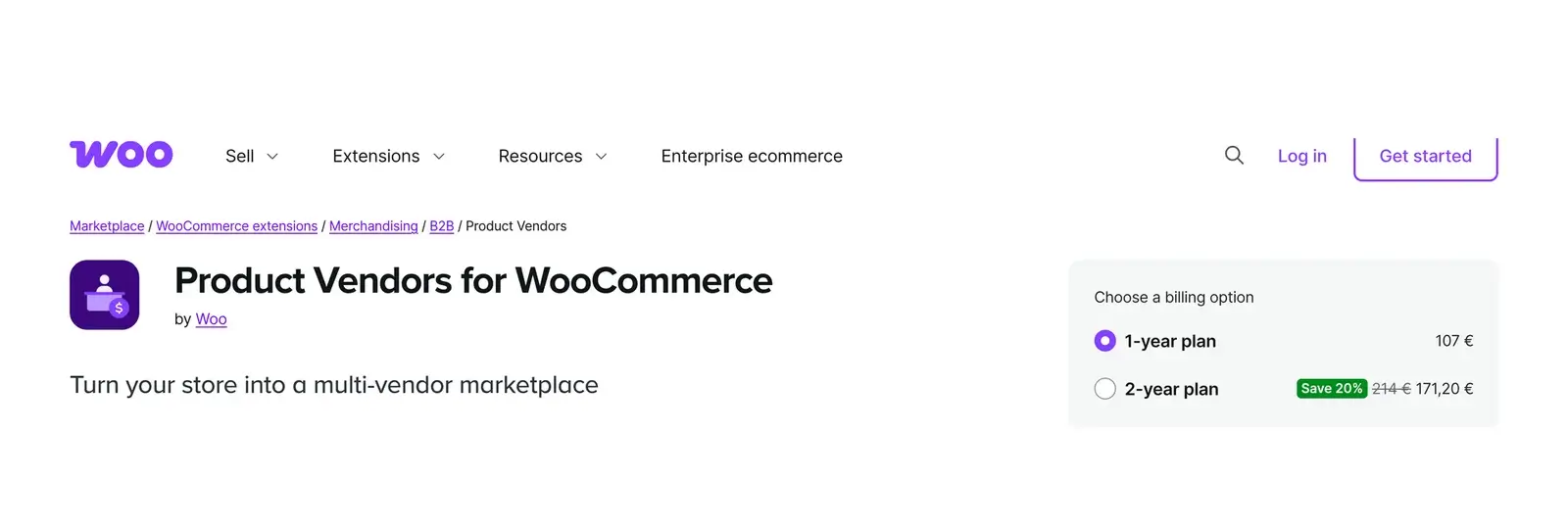
Best for: Stores comfortable with vendor management through the WordPress admin interface.
Product Vendors is an extension by Woo. It lets you sell your own products alongside products from independent vendors.
Vendors can manage products, view orders, and access reports. They also receive dedicated public pages. This is more than a tool for assigning suppliers to products.
Its management experience is backend-oriented. That can suit sellers familiar with WordPress, but it deserves a demo if you want a separate frontend interface.
Another distinction is checkout versus payouts. Customers use the store’s normal payment gateways. Automated vendor payouts use PayPal Payouts, which requires the appropriate approval; manual payouts remain possible.
Pricing
The official page displayed €107 for a one-year plan during this review. Confirm your local currency price at checkout.
Pros
- Developed by Woo.
- Vendor product management and commission controls.
- Integration with WooCommerce Bookings.
Cons
- Backend-oriented vendor management.
- Automated payouts depend on PayPal Payouts requirements.
- No free edition is listed.
Who Should Consider Product Vendors for WooCommerce?
Choose another option if a dedicated frontend vendor dashboard is essential without extra customization.
Our recommendation: Consider Product Vendors for a store whose sellers are comfortable working within WordPress.
7. Webkul WooCommerce Multi Vendor Marketplace
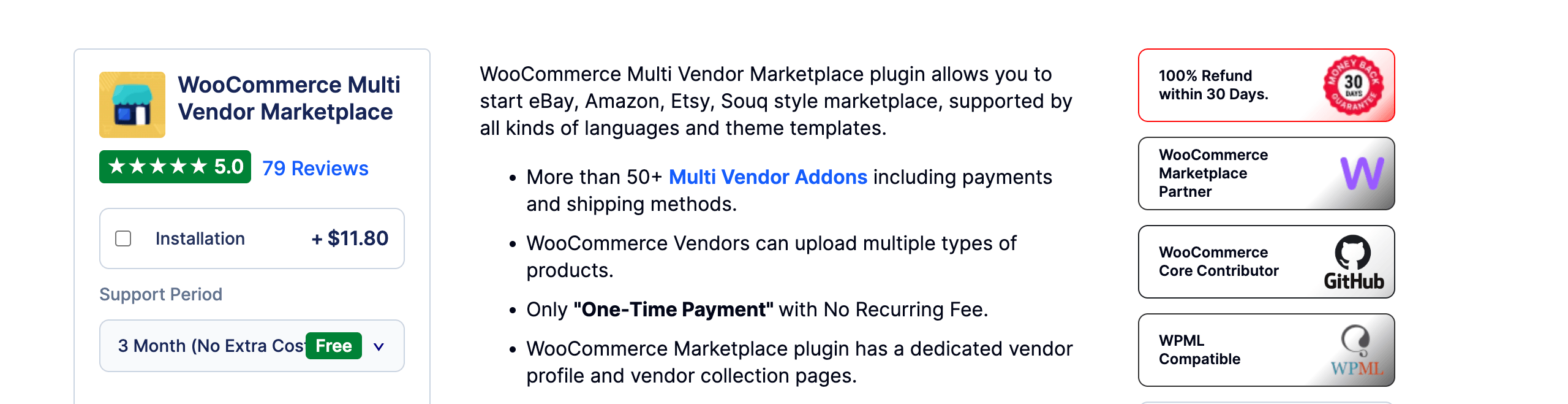
Best for: Businesses that want to select specialized marketplace extensions individually.
Webkul’s marketplace plugin provides vendor profiles, product management, commission controls, and a vendor dashboard.
Its separately available add-ons are a major part of the offering. You can evaluate extensions for particular payment, shipping, and other marketplace requirements.
This approach makes the feature checklist especially important. A low core-plugin price is useful only when you know what else your business requires.
Pricing
The official page lists a $99 regular one-time price, with a $59 promotional price displayed during this review.
Installation, support choices, and additional extensions can change the total.
Pros
- One-time core-plugin pricing.
- Vendor management functions in the core product.
- A range of separately available add-ons.
Cons
- The final cost depends on the required extensions.
- A larger configuration needs more compatibility testing.
Who Should Consider Webkul Marketplace?
If you want a single package covering a fixed list of requirements, compare its full extension cost with bundled plans.
Our recommendation: Consider Webkul after mapping the exact modules your marketplace needs.
Feature Comparison: What Changes Between These Plugins?
A simple “yes” can hide an extra purchase. This table focuses on what to check when comparing your final configurations.
| Plugin | Vendor Management | Main Purchasing Check |
|---|---|---|
| Dokan | Frontend dashboard | Which plan includes your required modules? |
| WC Vendors | Frontend product management in Pro | Which integrations and renewal costs apply? |
| WCFM Marketplace | Frontend through its companion setup | Which free and paid components are required? |
| YITH Multi Vendor | Backend; frontend through another YITH plugin | What is the cost of the full YITH combination? |
| MultiVendorX | Vendor dashboard and marketplace tools | Which features and dependencies suit your selling model? |
| Product Vendors | Backend-oriented management | Does the dashboard and payout process suit your vendors? |
| Webkul | Vendor panel and dashboard | Which extensions, support, and setup services are needed? |
Do not assume a supported payment gateway automatically splits payments among vendors. Likewise, a booking integration does not necessarily include the booking plugin itself.
What to Check Before Choosing a WooCommerce Marketplace Plugin
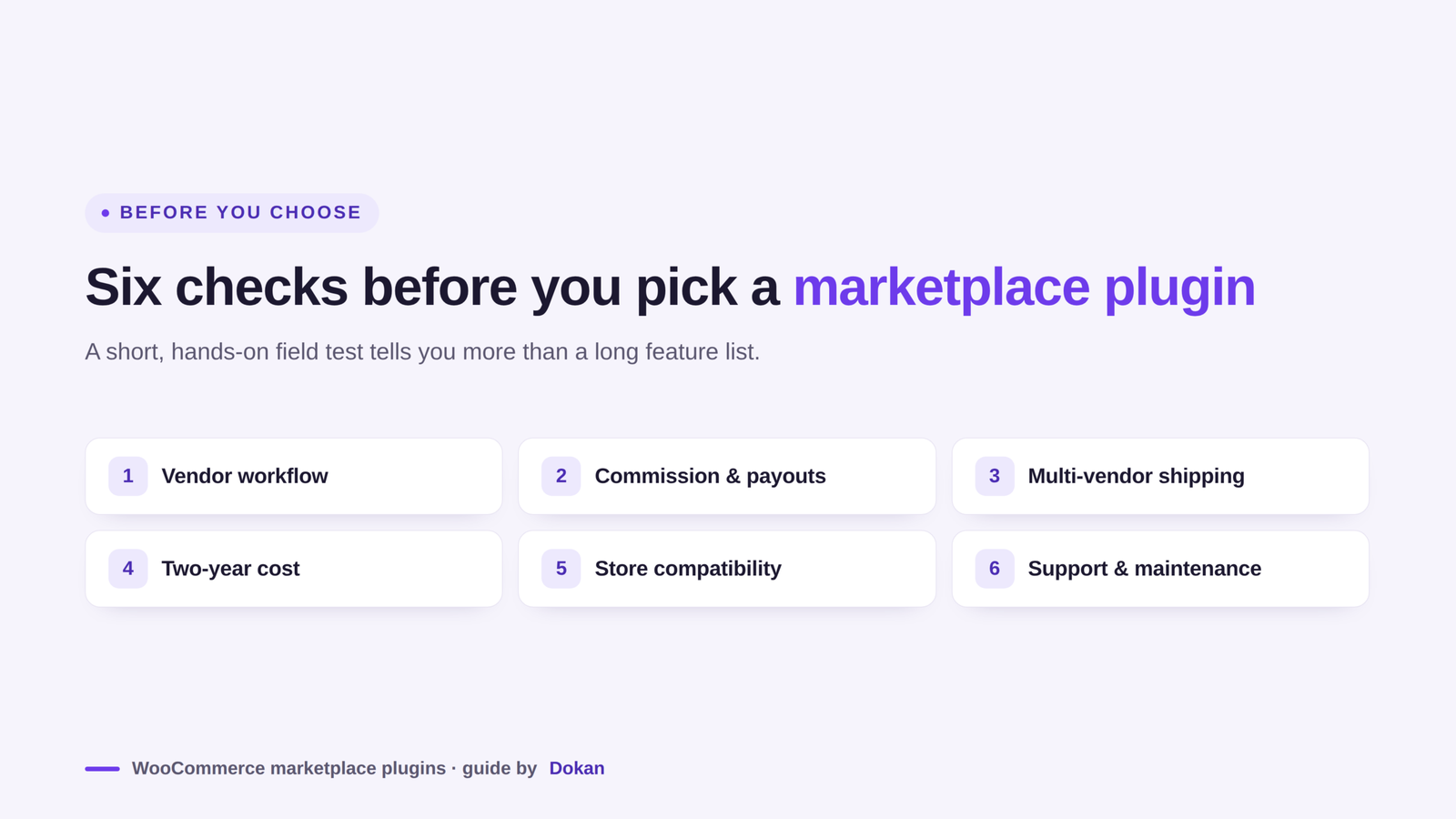
Before you commit to any one plugin, it helps to weigh a few practical factors. The checks below focus on the day-to-day realities of running a marketplace, from vendor workflows to long-term cost.
1. The Tasks Your Vendors Must Complete
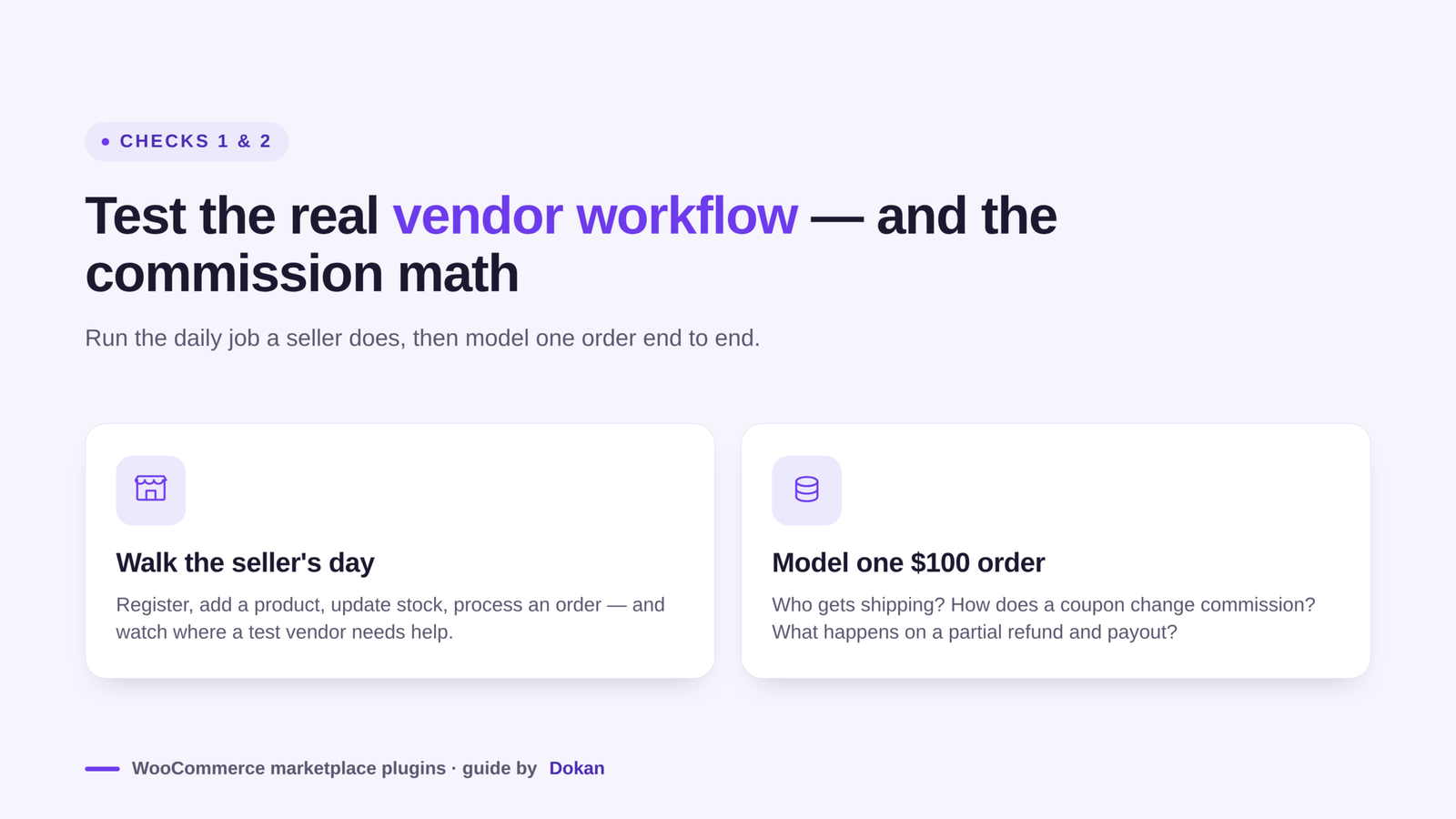
Ask a test seller to register, add a product, update stock, and process an order.
Watch where they need help. A dashboard with many features is only useful when your vendors can complete their daily work.
For example, sellers uploading hundreds of products may need import tools. A local craft seller with ten products may care more about a simple product form and clear order notifications.
2. Commission and Payout Rules
Write down a sample order before configuring the plugin.
For a $100 product, who receives shipping charges? How does a coupon affect commission? What changes if the customer receives a partial refund?
Test these situations using the exact payment integration you plan to use. Checkout collection and vendor disbursement are separate parts of the workflow.
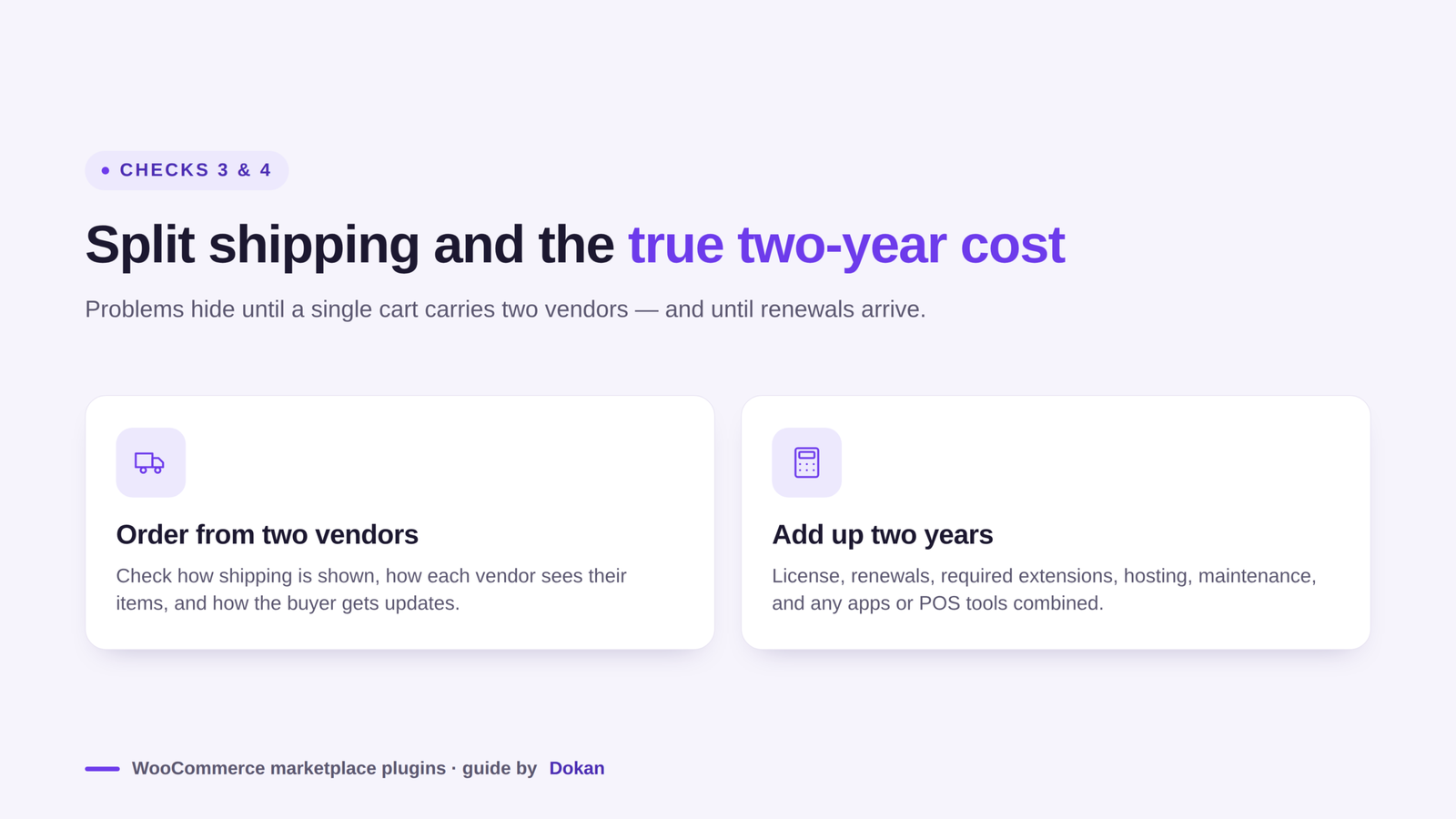
3. Shipping from Different Vendors
Place an order containing products from two vendors.
Check how shipping appears, how each vendor sees their items, and how the customer receives updates. Include local pickup or other delivery options if your business requires them.
This test can reveal problems that remain hidden when you purchase from only one seller.
4. The Full Cost Over Two Years
Compare the marketplace license, renewals, required extensions, hosting, maintenance, and payment processing fees.
If mobile apps or POS tools are part of your plan, include their setup and ongoing costs. A lower entry price may not produce the lowest overall budget.
A simple worksheet can help:
| Expense | First Year | Second Year |
|---|---|---|
| Marketplace plugin | Purchase price | Renewal price |
| Required extensions | Initial licenses | Renewals |
| Hosting and domain | Initial costs | Renewal costs |
| Setup and customization | Estimated work | Maintenance allowance |
| Apps or POS tools | Setup and subscription | Ongoing costs |
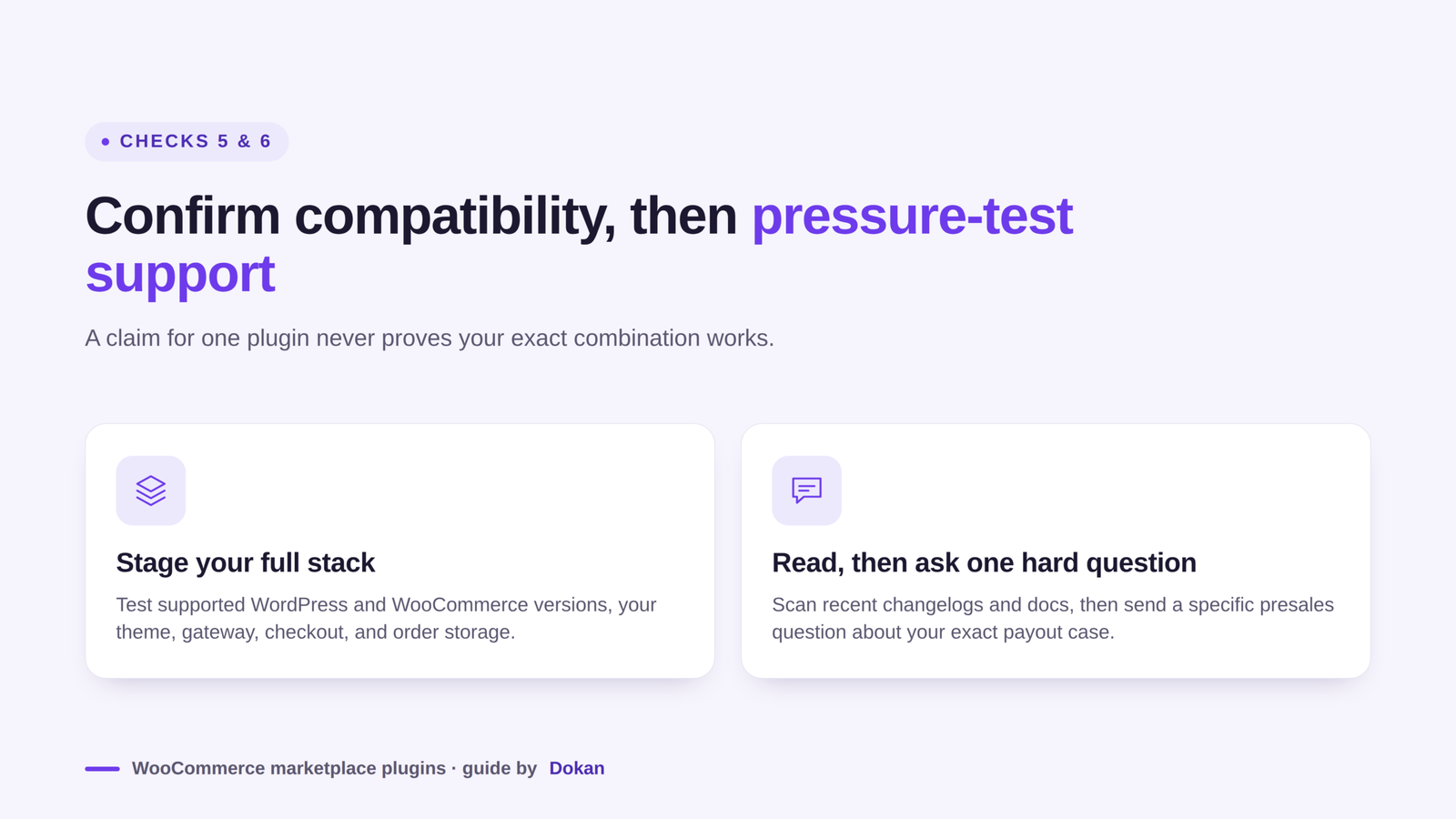
5. Compatibility with Your Store
Check the supported WordPress and WooCommerce versions. Confirm compatibility with your theme, payment gateway, checkout setup, and order storage configuration.
Use a staging copy to test your complete setup. A compatibility claim for one plugin does not confirm every combination of extensions.
6. Support and Maintenance
Read recent changelogs and support discussions. Look for clear documentation about the functions your marketplace will use.
Send a specific presales question. For example: “Can vendors in these countries receive payouts through this gateway under this plan?”
The answer is more useful than a general feature count.
Can You Switch Marketplace Plugins Later?
Switching may be possible, but treat it as a migration project.
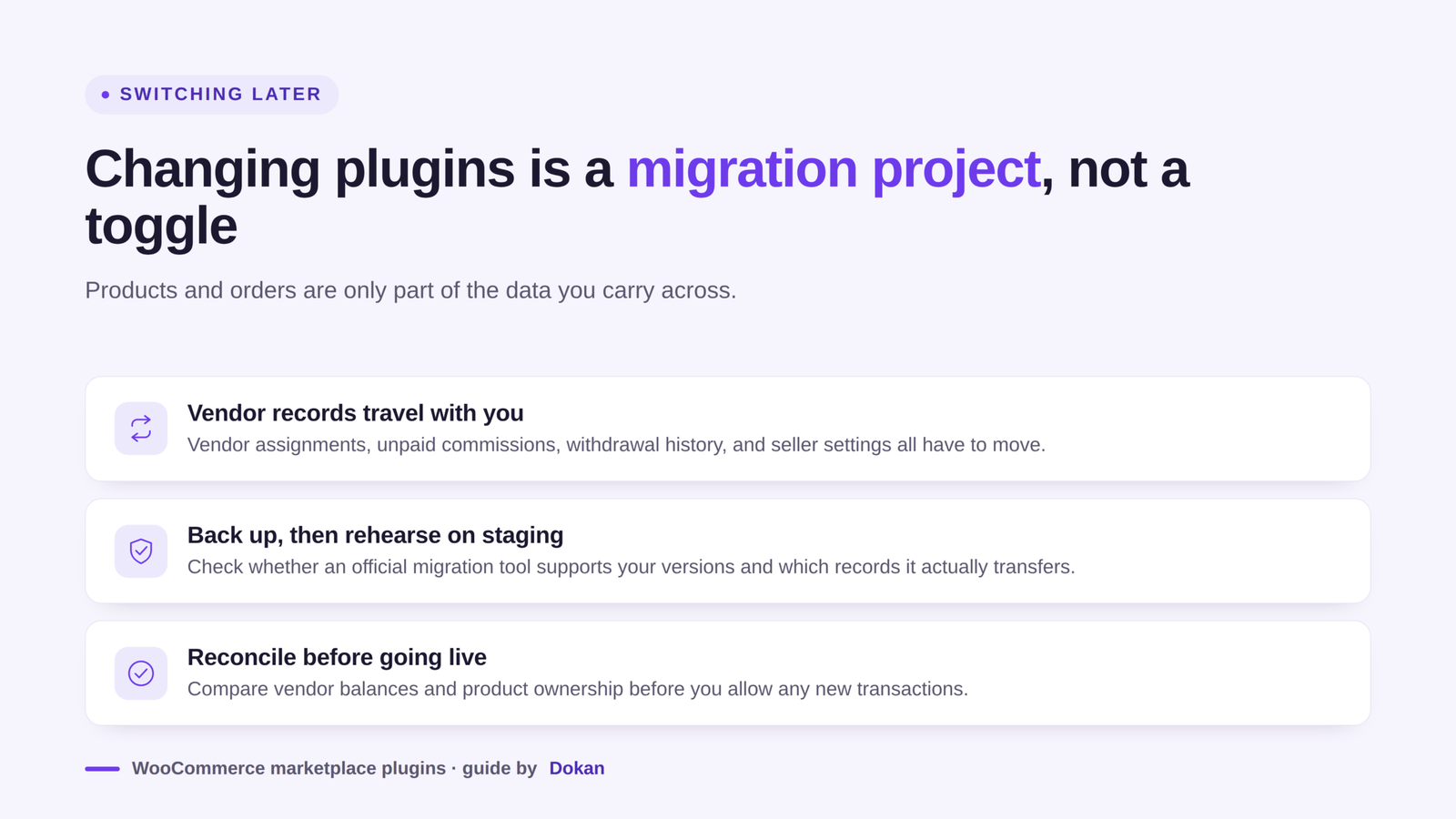
Your products and orders are only part of the data. Vendor assignments, unpaid commissions, withdrawal records, and seller settings also matter.
Before switching, create a full backup and test the destination plugin on a staging site. Check whether an official migration tool supports your current versions and which records it transfers.
Compare vendor balances and product ownership before allowing new transactions. Do not assume that activating a replacement plugin will transfer everything automatically.
FAQs About WooCommerce Marketplace Plugins
The questions below come up most often when store owners first compare marketplace plugins. Short, practical answers follow each one.
Which WooCommerce Marketplace Plugin Should You Choose?
Begin with the workflow your business needs. A product marketplace, booking marketplace, and wholesale marketplace may require different tools.
Dokan is our first recommendation to evaluate for a general-purpose marketplace. WC Vendors is worth comparing for its paid product-selling package. WCFM offers a free starting point, while YITH, MultiVendorX, Product Vendors, and Webkul each suit particular requirements.
Shortlist two options, test the same buyer and seller tasks, and calculate the complete cost. If Dokan matches your plan, explore its features and choose the modules you need for launch.






Leave a Reply