



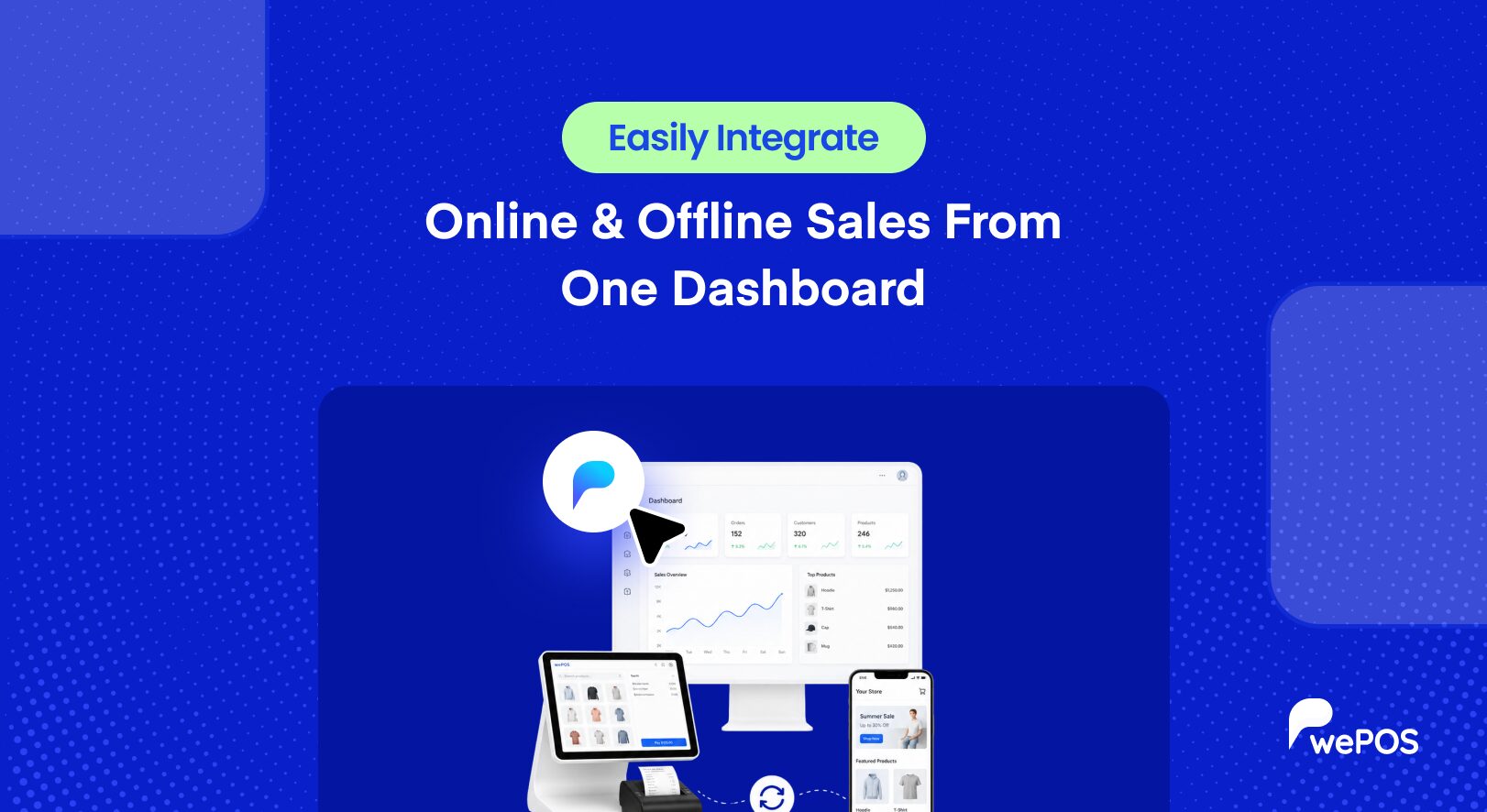
Big news for marketplace owners. wePOS now supports Dokan. So if you run a multivendor marketplace, your vendors can finally sell in person and online from one place. No more separate registers. No more guesswork about stock. Just one clean system that keeps everything in sync.
Here’s the news in one line. wePOS now works with Dokan, which means every vendor in your marketplace gets their own POS, their own orders, and their own data. You, the marketplace owner, keep full control of it all. Some of it is free. The deeper vendor tools come with wePOS Pro.
Let’s walk through what this Dokan POS support actually does for you.
Bring In-Person Selling to Your Marketplace
First, let’s talk about why this matters so much. Dokan lets many vendors sell online under one roof. Think of it like a digital mall. But here’s the thing. Plenty of those vendors also sell in person, at shops, fairs, and pop-up stalls.
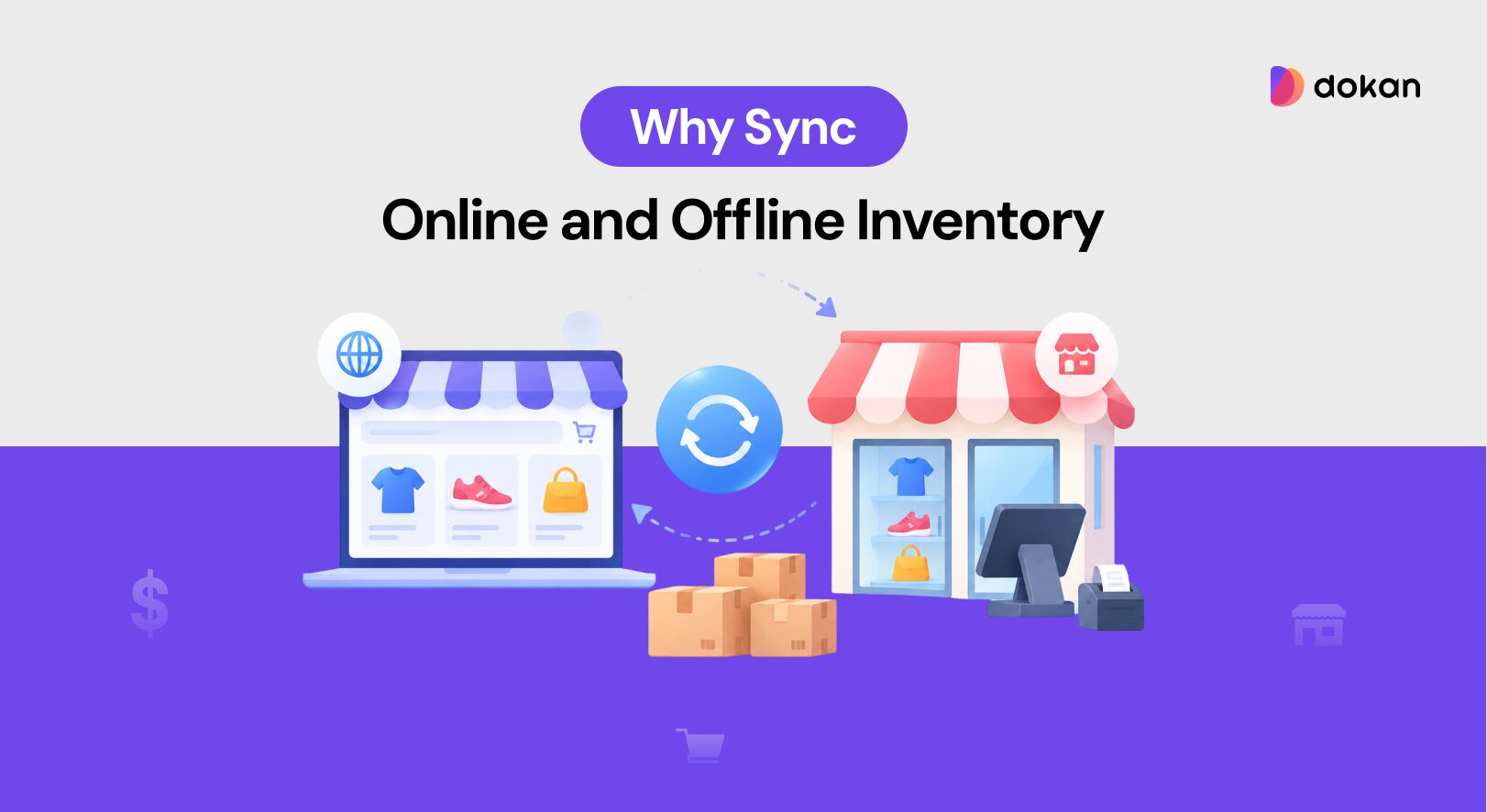
Until now, those offline sales lived outside your marketplace. So stock counts drifted apart. A vendor might sell the last item at a fair, while your site still showed it as available. That leads to oversells, refunds, and grumpy buyers.
wePOS closes that gap. Now each vendor rings up in-person sales right inside your Dokan marketplace. One inventory. One system. No drift. And this is no small crowd. Dokan powers more than 40,000 live marketplaces around the world, and weDevs, the team behind both tools, is trusted by over 1 million users. So this update reaches a lot of sellers.
See What wePOS and Dokan Do Together
So what do you actually get when you pair the two? Quite a lot. Let’s go through it piece by piece.
Give Each Vendor Their Own POS
Every Dokan vendor gets their very own POS dashboard. They see their own products, their own orders, and their own customers. Nothing else clutters their screen.
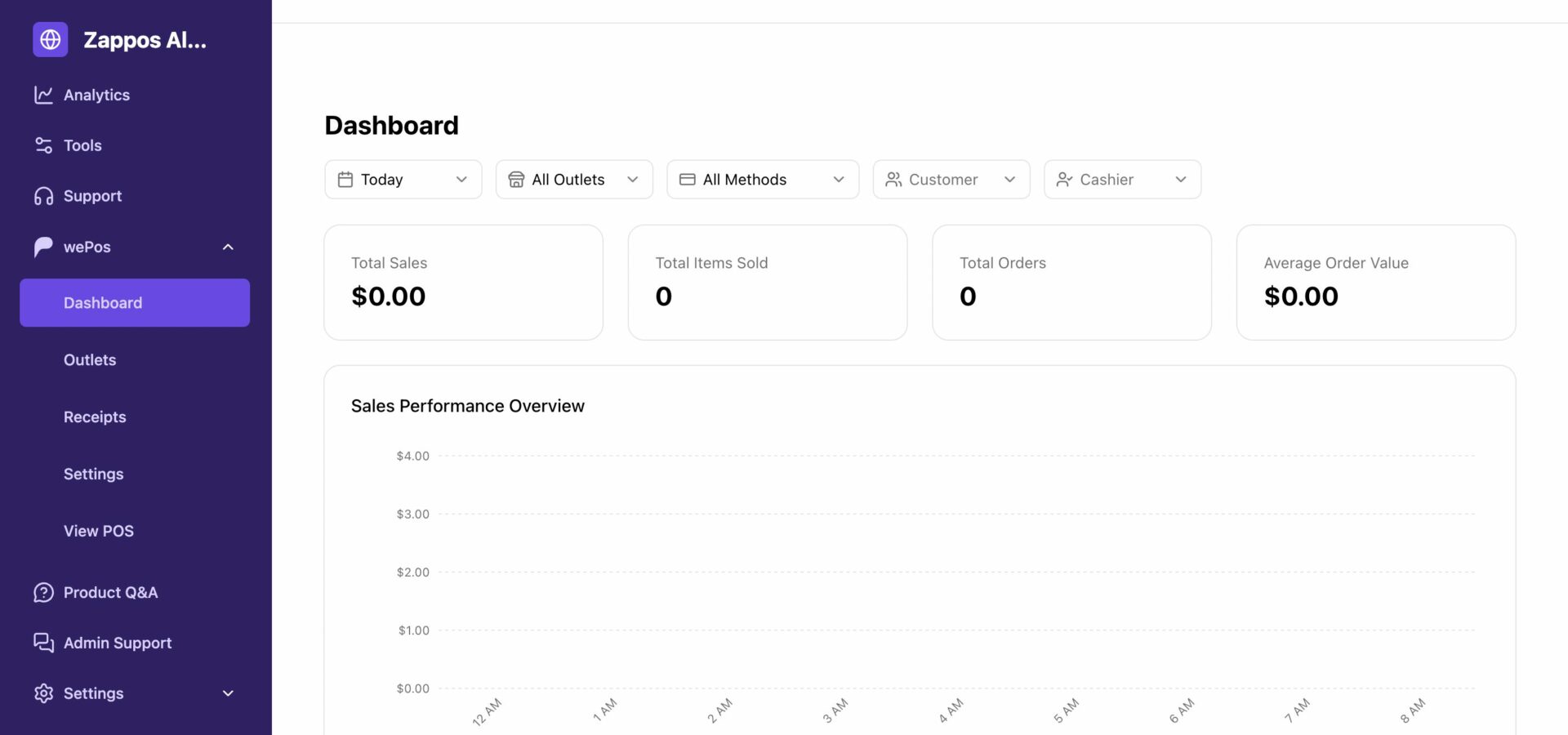
So a vendor logs in and gets straight to work. They ring up sales, manage their cart, and print receipts, all without needing you for daily tasks. It feels like their own little shop counter, even though it lives inside your marketplace. This core vendor POS comes free.
Keep Every Vendor’s Data Private
Privacy matters in a marketplace. One vendor should never peek at another’s numbers. wePOS handles that for you.
When a vendor or their staff signs in, they only see their own orders, payments, and reports. Another vendor’s data stays locked away. So everyone trusts the system, and you avoid awkward mix-ups. Data isolation like this is built in from the start, and it’s free.
Let Vendor Staff Work the Counter
Vendors rarely run the counter alone. They hire helpers. wePOS makes that simple too.
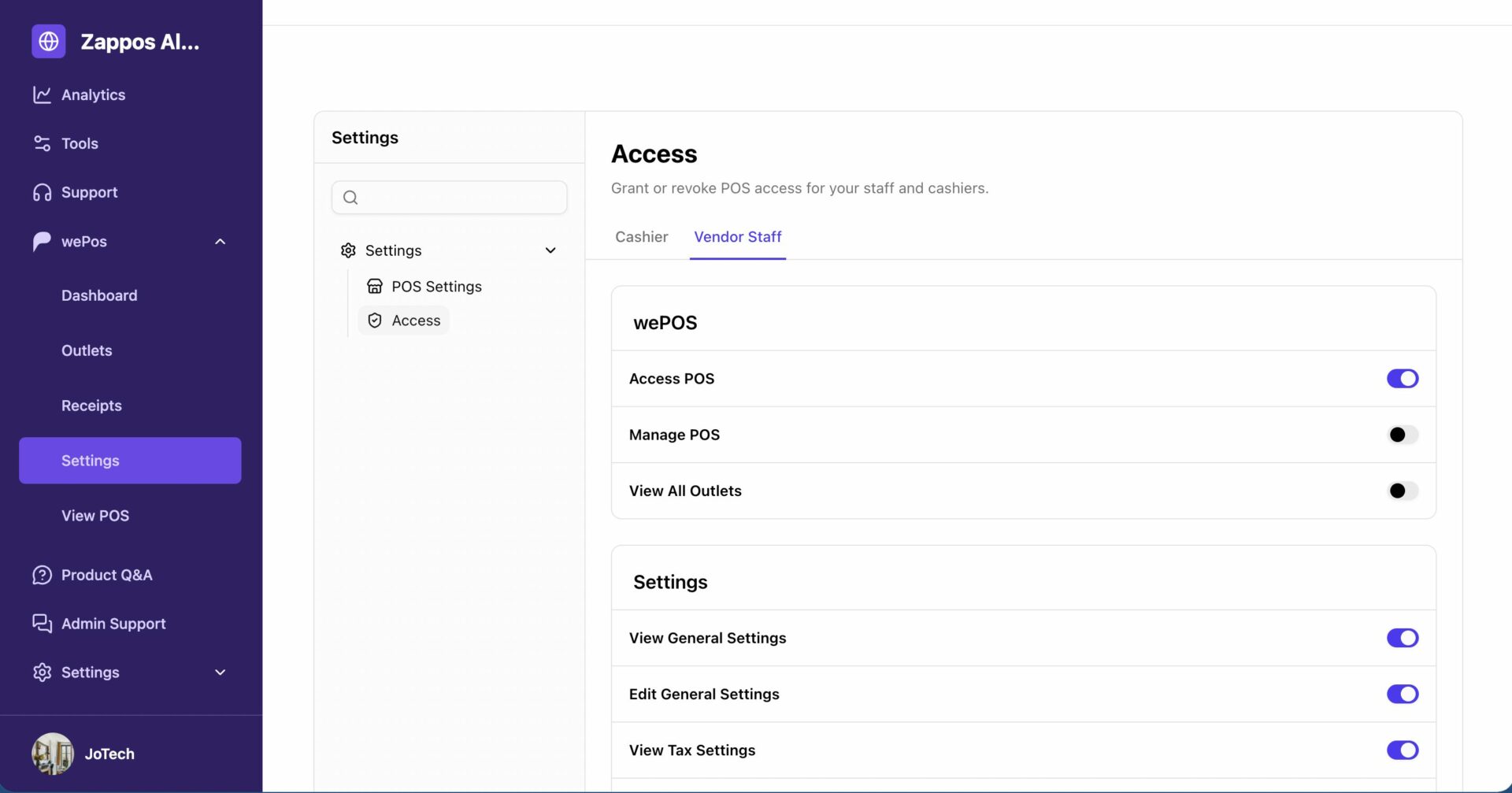
Vendor staff can sit at the POS and start selling right away. They automatically get the right access from their vendor, so you skip the one-by-one setup. Imagine a clothing vendor with two shop assistants. Both can ring up sales in minutes, with zero fuss. This staff support is part of the free version.
Hand Vendors Their Own Reports
Want to give vendors real insight? wePOS Pro gives each one their own reports page. So they track their own sales, spot their best days, and watch their numbers grow.
They can also export their own data to a file whenever they like. No need to ask you for a thing. Vendors love this kind of independence, and it keeps your inbox clear.
Let Vendors Brand Their Own Receipts
Receipts are a small touch that makes vendors feel like real businesses. With wePOS Pro, each vendor customizes their own receipt header, footer, and the fields they show.
So one vendor adds a thank-you note, while another lists their return policy. Each receipt fits each shop. Little details like that build a more professional marketplace.
Give Vendors Control of Their Own Settings
Different vendors run different shops. So they need different settings. wePOS Pro lets each vendor manage their own tax, currency, and general POS options. They can even change settings per outlet, without touching anyone else’s setup.
This keeps vendors happy and self-reliant. Meanwhile, you stay out of the weeds.
Read: How to Set up wePOS with Dokan
Stay in Charge as the Marketplace Admin
Here’s the part that keeps you in the driver’s seat. As the site admin, you decide exactly which POS sections each vendor and their staff can see. Want to hide a feature from a certain vendor? Done. Need to undo your changes? One click resets a vendor to the defaults.
Permissions also flow in a clean line, from admin to vendor to cashier. So adding new people stays fast and safe. This advanced control comes with wePOS Pro.
Know What’s Free and What’s Pro
Let’s make the split crystal clear, so you know what you get where.
The free version covers the basics of Dokan POS. Each vendor runs their own POS with their own products, customers, and orders. Vendor staff can work the counter. And every vendor’s data stays private.
The Pro version unlocks the deeper tools. That means per-vendor reports and data export, receipt customisation, vendor-level settings, outlet assignment, and full admin access control. So if you run a serious marketplace, Pro is where the real power lives.
Set Up wePOS With Dokan in a Few Steps
Getting started is easier than you might think. Here’s the short path:
- Install and activate wePOS on your WordPress site.
- Make sure Dokan and WooCommerce are active too.
- Set up your POS settings and create your outlets.
- Assign an outlet to each vendor from the outlet form.
- Add vendor staff as cashiers, and let them start selling.
That’s it. Your vendors can ring up in-person sales the same day.
FAQs on wePOS Supports Dokan
What is Dokan POS support in wePOS?
It means wePOS now works with the Dokan multivendor plugin. Each vendor in your marketplace gets their own point of sale to manage in-store and online sales, while you keep full control as the admin.
Is Dokan POS support free?
The basics are free. Each vendor can run their own POS with their own products, customers, and orders. Advanced tools like per-vendor reports, receipt customization, and access control come with wePOS Pro.
Can vendors see each other’s data?
No. Each vendor and their staff only see their own orders, payments, and reports. wePOS keeps every vendor’s data private and separate.
Do I need WooCommerce and Dokan to use this?
Yes. wePOS runs on WooCommerce, and the multivendor features need the Dokan plugin active. Once both are in place, you turn on the POS for your vendors.
How much control do I have as the marketplace owner?
Full control. With wePOS Pro, you decide which POS sections each vendor and their staff can see, and you can reset any vendor to the defaults with one click.
Start Selling In Person With Dokan Today
Let’s sum it up. wePOS and Dokan now work hand in hand. So your vendors sell online and in person from one system, your inventory stays in sync, and every vendor’s data stays private. You get the basics free, and Pro unlocks the advanced vendor tools.
Ready to bring the counter into your marketplace? Update wePOS, turn on Dokan support, and let your vendors start ringing up sales. Want the full toolkit, with vendor reports, receipts, and access control? Upgrade to wePOS Pro and run a smarter marketplace today.
Subscribe to
Dokan blog
We send weekly newsletters, no spam for sure!



Leave a Reply