

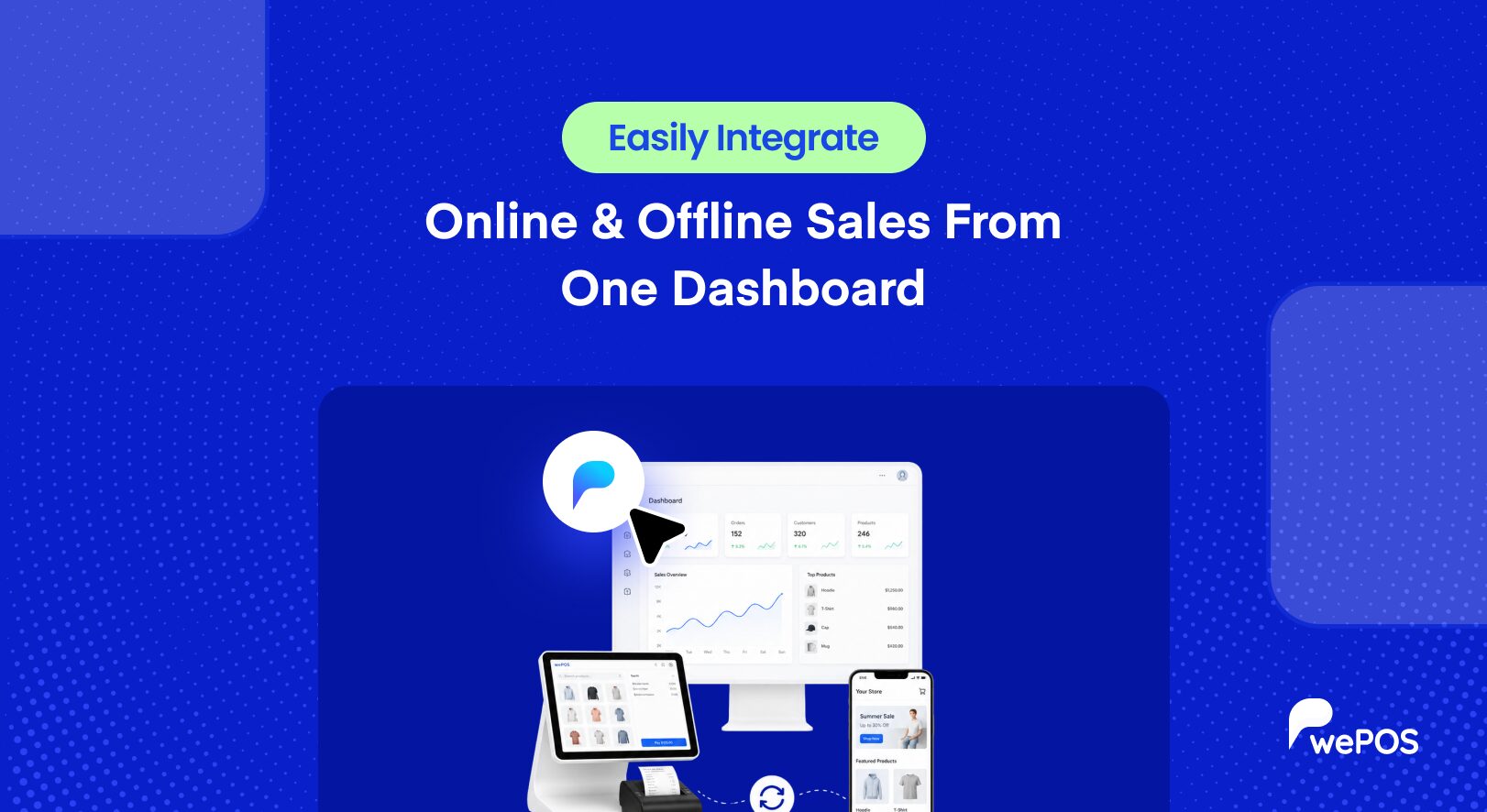
Picture this. A customer buys the last blue jacket in your shop at 2 pm. An hour later, someone orders that same jacket on your website. You sold stock you no longer had, and now you have an unhappy buyer, an awkward apology, and a refund to process.
This is what happens when your online store and your physical counter run as two separate systems. And it is far more common than you think. Most store owners start online, add a shop later, or start with a shop and add a website, and end up managing two sets of numbers that never quite agree. Two stock counts. Two order lists. Two versions of the same customer.
The fix is to integrate online and offline sales so both run from one dashboard. When you do, the double work disappears, the numbers finally match, and you get a single, honest view of your whole business. In this guide, I will walk you through exactly how to do it, step by step, with practical tips you can start using today.
Quick takeaway: Customers who shop both online and in-store spend three to four times more than single-channel shoppers. Connecting your two sales channels is not just tidier, it directly grows revenue.
What It Means to Integrate Online and Offline Sales
Let me start with the basics, because the words get thrown around a lot.
To integrate online and offline sales means to connect your online store and your physical shop so they run as one system instead of two. Your inventory, your orders, and your customer records all stay in sync across both channels.
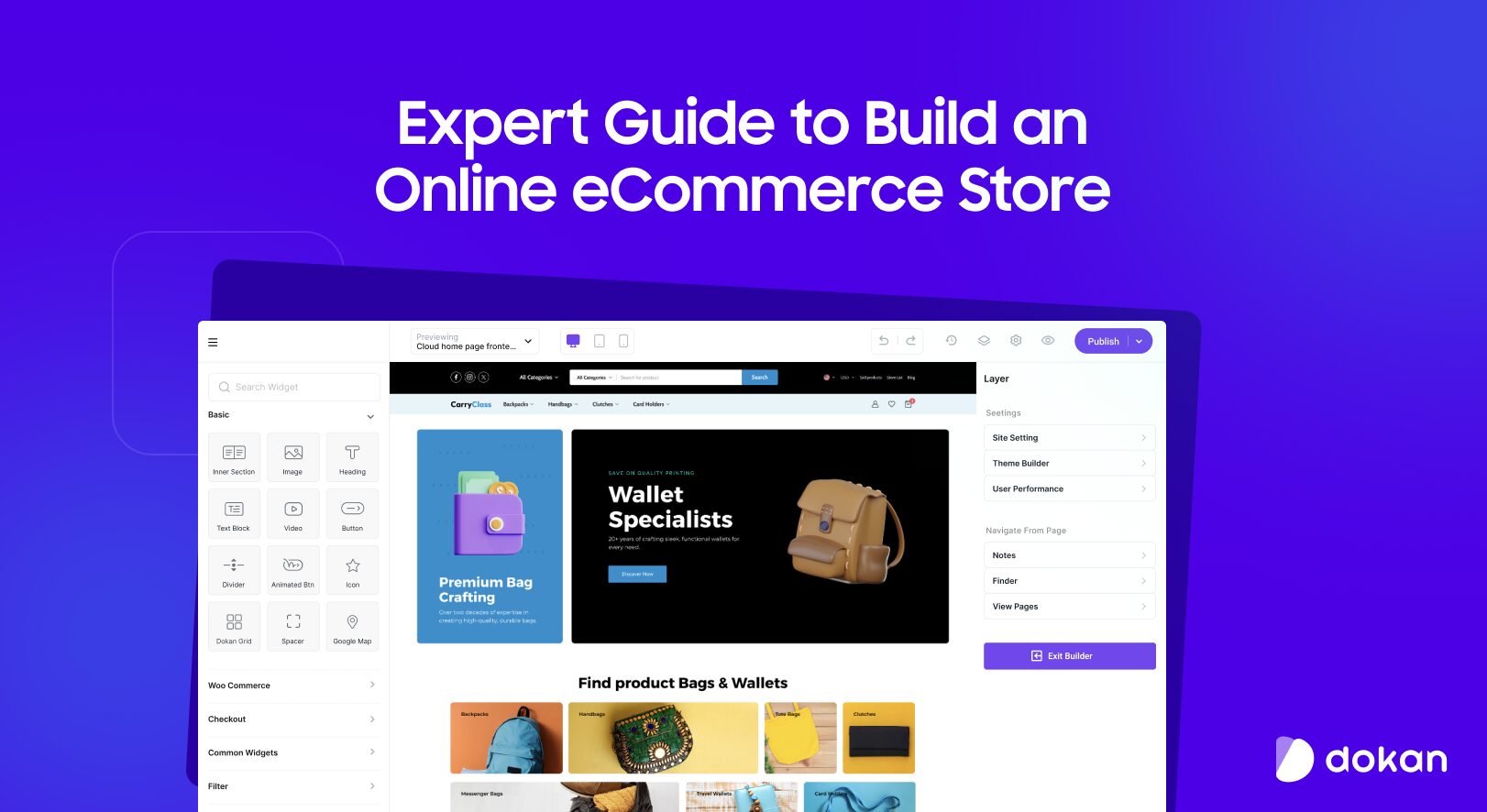
A sale in one place updates the other automatically. Instead of switching between screens and reconciling numbers by hand, you manage everything from a single dashboard.
There is a useful distinction here. Running a website and a shop at the same time is not the same as integrating them. If the two never share data, you have two separate businesses under one name, with all the extra work that implies. True integration means the channels feed each other. That is the difference between simply having multiple channels and running them as one connected operation.
You do not need to be a big retailer to do this. The tools that used to be enterprise-only are now within reach of any small or mid-sized store, which is exactly why this is worth setting up now.
Why You Should Integrate Online and Offline Sales
Before the how, here is the why. When your sales channels talk to each other, several good things happen at once.
- You stop overselling. Stock updates in real time across both channels, so you never sell what you no longer have.
- You understand your customers. Their online and in-store activity sits in one profile, so you see the whole person, not half of them.
- You make faster, better decisions. All your numbers live in one place, so you spend less time reconciling and more time acting.
- You save hours of manual work. No more entering the same sale twice or updating stock by hand at the end of the day.
- You look more professional. Consistent stock, pricing, and service across channels builds the trust that turns first-time buyers into regulars.
The trend backs this up. In one 2026 benchmark, only 7% of retailers had reached true unified commerce, while a third were still stuck at the most basic level. That gap is your opportunity. The store owners who connect their channels now win the customers that everyone else keeps frustrating with wrong stock counts and clumsy service.
There is a bigger shift behind this too. Shoppers no longer see online and offline as separate. They check stock on their phone before visiting, buy online and return in store, or browse in person and order later at home.
When your systems are joined up, you meet them smoothly at every step. When they are not, the cracks show, and customers notice.
Centralize Your Inventory Across Both Channels
This is the foundation, so start here. If you fix nothing else, fix this one thing, because almost every other problem traces back to it.
The core problem is simple. Your website thinks you have ten units. Your shop drawer knows you have three. Neither number stays right for long, because every sale in one place should change the count in the other, and usually it does not. So you oversell online, or you play it safe and mark things out of stock when you still have them, losing sales either way.
To centralize inventory for online and offline sales, you need a single stock pool that both channels read from and write to. When you sell one unit at the counter, your website should show one less, instantly. When an online order comes in, your shelf count should drop too. One pool, updated by both.
Here is what to put in place:
- One source of truth for stock. Pick one system that holds the real count, and make every channel report to it. No more separate spreadsheets that drift apart by lunchtime.
- Real-time sync, not end-of-day updates. A count that updates once a night still lets you oversell all day. You want each sale to register the moment it happens.
- Low-stock alerts. Get warned before a product runs out, so you can reorder before you disappoint anyone.
- Regular stock checks. Even a synced system drifts if the physical count is wrong. Count your fast-moving products often so the digital number matches the shelf.
Real-time stock visibility across channels is what prevents overselling in the first place, and it can cut fulfillment costs by 20 to 30%. This is exactly the job a good point of sale should handle for you.
A tool like wePOS, for example, sits on top of your WooCommerce store, so an in-store sale and an online order draw from the same inventory automatically. No double entry, no drift, no 2 pm jacket problem.
Worth knowing: Do not turn on features like in-store pickup until your stock accuracy is above 95%. One wrong “ready for pickup” message for an item you do not actually have breaks trust faster than having no pickup option at all.
Manage Every Order From One Dashboard
Once your stock is unified, your orders should be too. This is where a sales dashboard that tracks online and offline sales together earns its keep.
Think about how orders reach you now. Website orders land in one place. Counter sales get rung up somewhere else. Maybe a few trickle in through Facebook or WhatsApp. If you check three or four screens to know what sold today, you are working far too hard for a number that should take one glance.
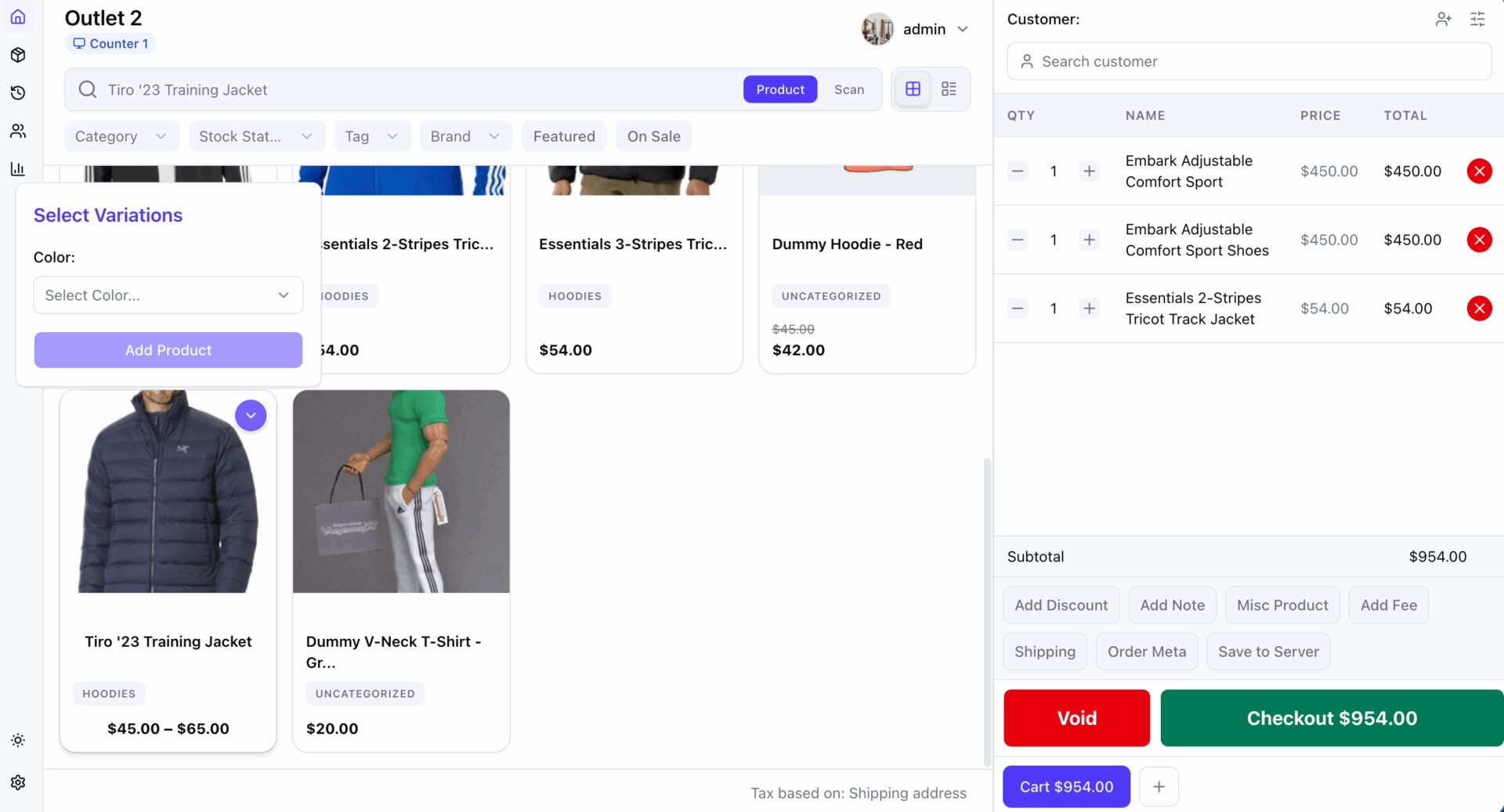
A single dashboard pulls every order, online and in person, into one view. You see what sold, where, and when, without switching tabs. Your daily total is just there, correct, waiting for you.
Here is what running orders from one dashboard gives you:
- One order list. Every sale, from every channel, in a single place you can trust.
- Accurate daily totals. No adding up separate systems and hoping you did not miss one.
- Faster fulfillment. When online and in-store orders sit together, your team processes them from one queue instead of hopping between tools.
- Cleaner reporting. Because every order lives in one system, your sales reports actually reflect the whole business.
When you connect your point of sale to your online store, in-store sales flow into the same order list as your website sales.
With wePOS running on WooCommerce, a sale at the counter becomes a WooCommerce order like any other, so your reports, customers, and stock all update from one system. That is the whole point of running online and offline sales from one dashboard, one screen that tells you the truth about your day.
Keep One Profile for Every Customer
Your customers do not think of themselves as an “online customer” or an “in-store customer.” They are just your customer. Your system should see them the same way.
When someone buys from you in the shop and later online, those purchases should belong to one record, not two strangers who happen to share a name. A unified customer profile ties both together, so you know their full history no matter where they bought.
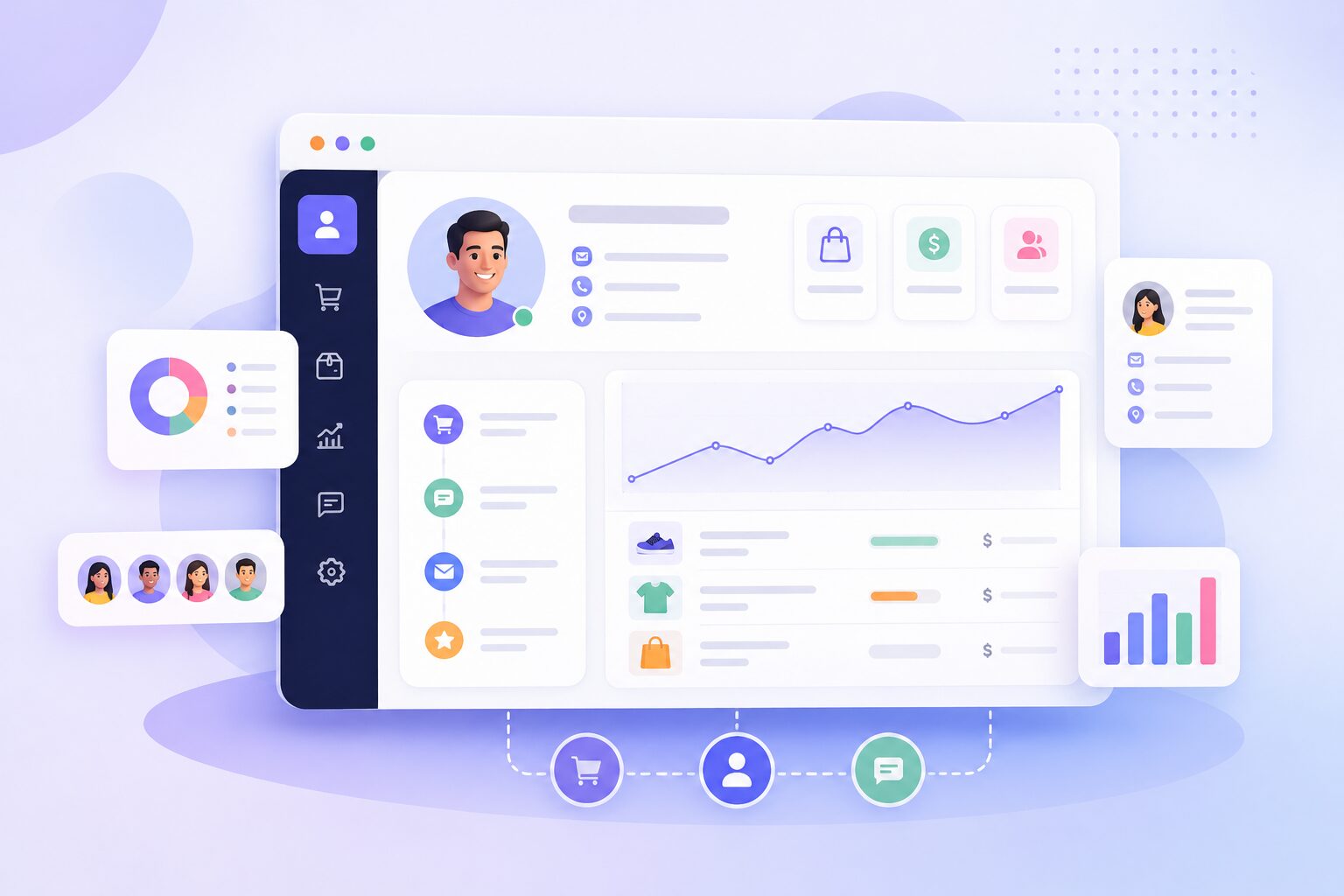
This matters more than it sounds. Retailers with a single customer view see 15 to 25% higher customer lifetime value, because they can actually recognize and reward their best buyers. You cannot personalize anything for a customer you only half-remember, and you cannot spot a loyal regular if half their purchases are invisible to you.
To build a consistent customer experience across online and offline sales:
- Capture contact details at both points. Ask for an email or phone at the counter, the same way your website does at checkout.
- Match repeat buyers to one record. Use that email or phone to link their in-store and online purchases into a single profile.
- Use the full history. Once you can see everything someone has bought, your offers, follow-ups, and recommendations get far more relevant.
- Reward loyalty across channels. Let a customer earn and spend rewards whether they buy online or in person. Splitting loyalty by channel just annoys the people you most want to keep.
Keep Pricing and Promotions Consistent
Nothing annoys a shopper faster than seeing one price online and another at the till. Consistency builds trust, so your default should be the same price everywhere.
That said, consistent does not mean identical forever. It is perfectly fine to run an in-store-only discount to drive foot traffic, or an online flash sale to move slow stock. The rule is that these should be deliberate choices, not accidents caused by two systems that never synced.
When your prices live in one place and both channels read from it, a price change updates everywhere at once. You set a new price, and your website and your counter agree instantly. You decide when channels differ, instead of finding out from a confused customer holding a screenshot.
A few pointers for getting this right:
- Set prices in one system. Let both channels pull from the same source, so there is only ever one number to change.
- Make channel-specific deals on purpose. An in-store weekend discount or an online-only bundle is fine, as long as you chose it.
- Honor promotions everywhere they should apply. If a customer sees an offer online, make sure your counter staff can honor it too, or you undo all the trust you built.
Connect Your Payments and Receipts
Sales are not just stock and orders. They are money and proof of purchase, and these should connect across channels too.
When your point of sale ties into your online store, payments and receipts stop being a separate headache. A sale at the counter records the same way an online order does, with the payment logged and a receipt issued, so your books reflect every sale from both channels in one place.
At tax time, or when you are simply trying to understand your cash flow, this single record saves you hours of piecing things together.
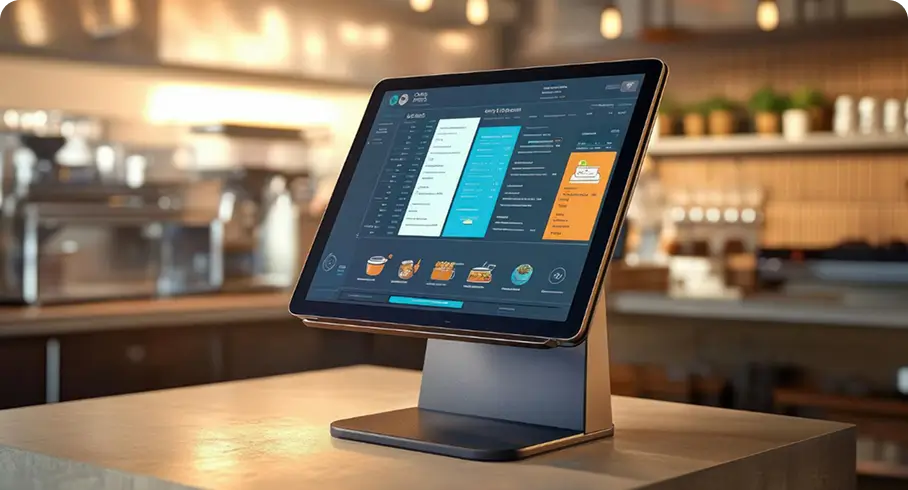
It also helps your customers. Someone who bought in-store can be found in the same system if they come back online for a return or a question. The receipt, the order, and the customer are all connected, so you can help them quickly instead of asking them to prove what they bought.
Use Your Combined Data to Make Better Decisions
Here is the payoff for all this work. Once online and offline sales run through one system, your data finally tells the truth.
You can see which products sell well in the shop but poorly online, and the other way around. You can spot your real best-sellers across both channels, not just one. You can see which customers buy in both places, and how much more they are worth.
You can plan stock, staffing, and promotions around how customers actually shop, instead of guessing from half the picture.
Think about what that unlocks:
- Smarter buying. Order more of what truly sells across the whole business, and less of what only looked popular in one channel.
- Better promotions. Run offers based on real combined demand, not a hunch from one screen.
- Clearer growth. When you can measure everything together, you can see what is actually working and do more of it.
This is the difference between two disconnected tools and one connected system. Separate channels give you fragments. A connected setup gives you the full story, and the full story is what lets you grow with confidence.
Common Mistakes to Avoid
Plenty of store owners try to join their channels and trip on the same few things. Here is what to watch for.
- Treating your channels as separate businesses. The biggest mistake is running your website and shop as siloed operations that never share data. Fragmented stock, disconnected orders, and inconsistent branding all come from this one habit.
- Relying on end-of-day syncing. If your stock only updates once a day, you can oversell all day long. Real-time is the whole point.
- Skipping the customer profile. It is tempting to fix stock and stop there. But without a unified customer view, you can move inventory efficiently and still fail to build any loyalty.
- Turning on advanced features too early. In-store pickup and similar options only work once your stock accuracy is high. Build the foundation first.
- Buying an oversized system. You do not need an expensive enterprise platform to connect two channels. Overpaying for complexity you will never use is its own kind of mistake.
How to Integrate Online and Offline Sales in Practice
Let me pull this together into a simple order of steps you can actually follow.
- Start with one platform as your base. For most small and mid-sized stores, an online store on WooCommerce is a solid, affordable foundation you fully own and control.
- Add a point of sale that connects to it. Choose a POS that plugs into your online store rather than sitting apart from it, so stock, orders, and customers stay in sync. This is where wePOS fits, it turns your WooCommerce store into a retail counter, with no separate system to reconcile.
- Unify your inventory first. Get both channels reading and writing to one stock pool before anything else.
- Bring all orders into one dashboard. Once stock is synced, pull every order, online and in person, into a single list.
- Connect your customer profiles. Link in-store and online buyers into single records so you can serve and reward them properly.
- Keep pricing rules in one place. Let both channels read from the same prices, and make any channel-specific deals on purpose.
- Review your combined data regularly. Now that it is all in one place, actually use it to guide what you stock and promote.
You do not need an expensive enterprise platform to do any of this. A POS system with e-commerce integration handles it, and for a store already on WooCommerce, that integration is the shortest path to running everything from one screen. If you also run a multivendor marketplace on Dokan, the same approach lets your vendors sell in person and online from one connected system.
Frequently Asked Questions
What does it mean to integrate online and offline sales?
It means connecting your online store and your physical shop so they run from one system. Your inventory, orders, and customer records stay in sync across both, so a sale in one place updates the other automatically. The result is one dashboard for everything, instead of two systems that disagree.
How do I stop overselling across online and offline sales?
Overselling happens when your channels do not share stock counts. The fix is a single inventory pool that both channels update in real time, so every sale, online or in-store, changes the count everywhere at once. Real-time sync, not once-a-day updates, is what actually prevents it.
Do I need an expensive system to run online and offline sales from one dashboard?
No. Large enterprise platforms exist, but most small and mid-sized stores do not need them. An online store on WooCommerce paired with a connected point of sale gives you unified inventory, orders, and customers at a fraction of the cost, and you own the whole setup.
What is the difference between multichannel and integrated selling?
Multichannel simply means you sell in more than one place. Integrated selling means those channels share data and work as one system. You can have many channels that never talk to each other, which creates extra work, or connected channels that update each other automatically, which removes it. Integration is the part that actually helps you.
Can I keep different prices online and in-store?
Yes, and sometimes you should. Consistent pricing builds trust, so it is a good default, but deliberate channel-specific deals, like an in-store discount to boost foot traffic, work well. The key is that price differences should be your choice, not an accident of two systems that never synced.
Bring Your Sales Together
Running your online store and your shop as two separate worlds costs you sales, time, and trust. Bringing them together does the opposite. You stop overselling, you understand your customers, you keep your pricing honest, and you make decisions from the full picture instead of half of it.
You do not have to do it all at once. Start with your inventory, get both channels reading from one stock pool, then add orders, customers, and pricing on top. Each step makes the next one easier, and each one removes a little more of the daily friction you have gotten used to.
If your store runs on WooCommerce, connecting a point of sale like wePOS is the simplest way to manage online and offline sales from one dashboard, and to finally trust the numbers you are looking at. One system, one source of truth, and a lot fewer 2 pm jacket problems.
Subscribe to
Dokan blog
We send weekly newsletters, no spam for sure!



Leave a Reply