


Quick disclosure. Dokan is our own plugin. So instead of talking it up, we built a public feature checklist, scored every tool against the same ten capabilities, and let the totals set the order. You can check our math in the matrix below.
Picking a marketplace plugin is hard because every vendor on every website claims to be the best. The honest answer depends on features you can count, not adjectives.
Our guide ranks eight multi-seller plugins for WordPress by a transparent feature score, so the order is something you can argue with instead of just trust.
We also show where each tool wins, because the top pick is not always the right pick for your store.
TLDR
- Dokan and WCFM Marketplace tie at the top with a perfect feature score. Dokan takes first on a stated tiebreaker, its much larger install base.
- MultiVendorX is the best free-tier value, since it unlocks per-product and per-category commissions without a paid upgrade.
- WC Vendors is the lightest and most stable, which suits a small marketplace that wants fast setup over deep features.
- The real decider is automatic split payouts. Tools that route money to vendors on their own save you hours every week, and many lock that behind a paid tier.
- Feature count is not the whole story. Match the score to your budget and your product types before you commit.
The Short List, Ranked by Feature Score
Here is the full ranking at a glance. Scores run out of a possible 20 points across ten capabilities, which we explain right after this table.
| Rank | Plugin | Feature score | WordPress.org rating | Active installs | Starting price |
|---|---|---|---|---|---|
| 1 | Dokan | 20 / 20 | 4.6 | 30,000+ | Free core, paid Pro |
| 2 | WCFM Marketplace | 20 / 20 | 4.6 | 10,000+ | Free core, paid add-ons |
| 3 | MultiVendorX | 18 / 20 | 4.8 | 2,000+ | Free core, paid Pro |
| 4 | YITH WooCommerce Multi Vendor | 16 / 20 | 4.5 | Premium only | $149.99 per year |
| 5 | WC Vendors | 14 / 20 | 4.5 | 3,000+ | Free core, paid Pro |
| 6 | MarketKing | 14 / 20 | 5.0 | 700+ | Free core, paid Premium |
| 7 | Webkul Multivendor Marketplace | 14 / 20 | 5.0 | Off-repo | $59 one time |
| 8 | Product Vendors for WooCommerce | 11 / 20 | 2.9 | 10,000+ | $119 per year |
Ratings and install counts verified on WordPress.org and each vendor website in October 2026.
How We Scored These Multi-Seller Plugins for WordPress
We scored each plugin on ten jobs that actually run a marketplace. Every capability earns 0, 1, or 2 points, so the most a tool can score is 20. The rule for each score is the same for every plugin, which is what keeps the ranking honest.
Here are the ten things we scored and what each means.
- Frontend vendor dashboard. Can sellers run their store from the site front end without touching wp-admin.
- Vendor onboarding and management. Registration forms, approval flow, seller verification, and staff accounts.
- Commission control. Global rates, per-vendor rates, and per-product or per-category rates.
- Payments and split payouts. Automatic splitting through Stripe Connect or PayPal payouts versus manual transfers.
- Per-vendor shipping. Each seller sets their own zones and methods.
- Product type range. Simple, variable, and downloadable, plus bookings and subscriptions.
- Reviews and ratings. Store reviews on top of standard product reviews.
- Vendor subscriptions. Paid membership packages that charge sellers to join or list.
- Admin tooling. Reporting, announcements, and refund handling for the marketplace owner.
- Store branding and SEO. Custom store pages and per-store search settings.
A score of 2 means the feature is fully built in through the plugin or its official modules. A score of 1 means it is basic, limited, or a paid add-on. A score of 0 means it is missing. When two plugins tie on points, we break the tie by active install base, then by rating.
That is why Dokan sits above WCFM even though both scored 20. If you are new to this whole model, our primer on what a WordPress marketplace is covers the basics first.
The One Feature That Decides Most Marketplaces
Automatic split payouts matter more than any other single feature. When a customer checks out, the plugin can route each vendor their share on its own, or it can dump everything into your account and leave you to pay sellers by hand later.
The first option scales. The second one eats your week once you pass a handful of vendors.
This is the feature most comparison posts gloss over, and it is also the one most often locked behind a paid tier. Stripe Connect and PayPal payouts are the two common engines for it. Before you fall for a long feature list, check whether real-time splitting is included or costs extra, because that line alone separates a weekend project from a business.
Our walkthrough on vendor commissions and payment splits shows how the money flow works in practice.
The 8 Best Multi-Seller Plugins, Ranked
Now the full list. Each entry gives the score, where the tool shines, where it falls short, and who it fits.
1. Dokan, Score 20 / 20
Dokan is the most complete marketplace plugin we tested, and it hit full marks on all ten capabilities. It turns a WooCommerce store into a multi-vendor marketplace with frontend stores, commissions, and payouts out of the box.

Where it shines. The frontend vendor dashboard is the cleanest in the category, and the module system covers advanced payments, vendor subscriptions, delivery, and analytics. It supports simple, variable, downloadable, bookable, and subscription products, and it connects to more than one hundred payment methods.
Where it falls short. The deeper features live in Dokan Pro, so the free version only gets you started. A few product types, such as auctions, rely on third-party integrations rather than a native module.
Best for. Owners who want the full toolkit and plan to grow past a few dozen vendors.
Price: Free core on WordPress.org, with Dokan Pro adding the advanced modules. It carries a 4.6 rating across more than 760 reviews and sits above 30,000 active installs, the largest base in this list.
2. WCFM Marketplace, Score 20 / 20
WCFM Marketplace ties Dokan on raw features and arguably has the deepest commission engine of any tool here. It runs a full frontend dashboard with no accidental wp-admin access for sellers.

Where it shines. Commission rules are the most flexible we found, with fixed, percentage, per-category, per-product, and membership-tier options, plus a built-in ledger for accounting. Stripe split pay, PayPal, PayStack, and more handle automatic payouts.
Where it falls short. All that depth makes WCFM heavier, and it runs more database queries than lighter tools. Some owners also find the interface busier than Dokan. If you want a direct head-to-head, we wrote a full Dokan vs WCFM comparison.
Best for. Owners who need fine commission math and built-in bookkeeping.
Price. Free core plus paid add-ons such as WCFM Ultimate. It holds a 4.6 rating and passes 10,000 active installs.
3. MultiVendorX, Score 18 / 20
MultiVendorX is the best value if you want strong features without paying on day one. It gives you commission control that rivals the paid tiers of other plugins, for free.
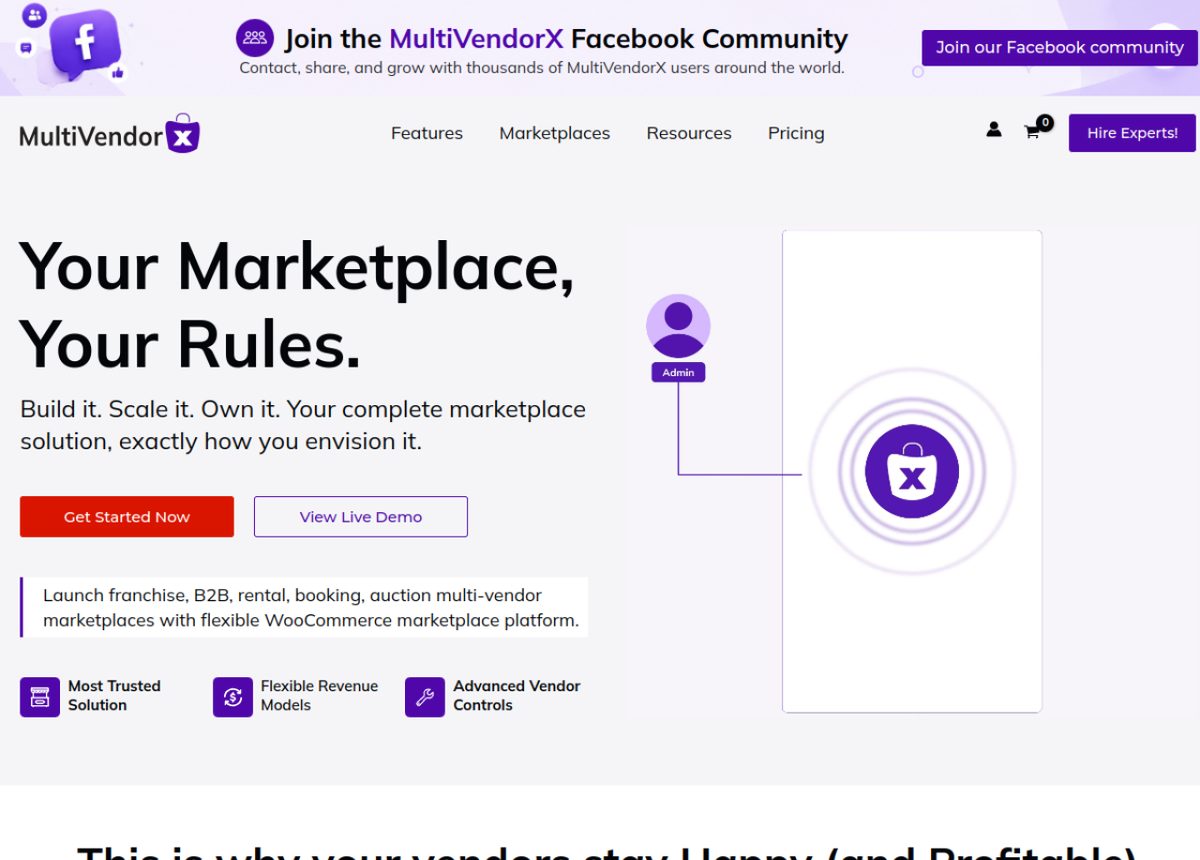
Where it shines. The free version handles global, per-vendor, per-product, and per-category commissions, which is rare. It also ships a setup wizard, a clean vendor dashboard, and vendor reply on reviews.
Where it falls short. Real-time Stripe and PayPal payouts, advanced analytics, and some extra product types sit in the Pro version. Store SEO controls are lighter than the top two. We cover the trade-offs in our Dokan vs MultiVendorX breakdown.
Best for. Budget-minded owners who still want flexible commissions.
Price. Free core with a paid Pro upgrade. It earns the highest rating of the popular tools at 4.8, across more than 430 reviews.
4. YITH WooCommerce Multi Vendor, Score 16 / 20
YITH WooCommerce Multi Vendor is a solid pick if you already run other YITH plugins. It covers the core marketplace jobs with a tidy, clear setup.
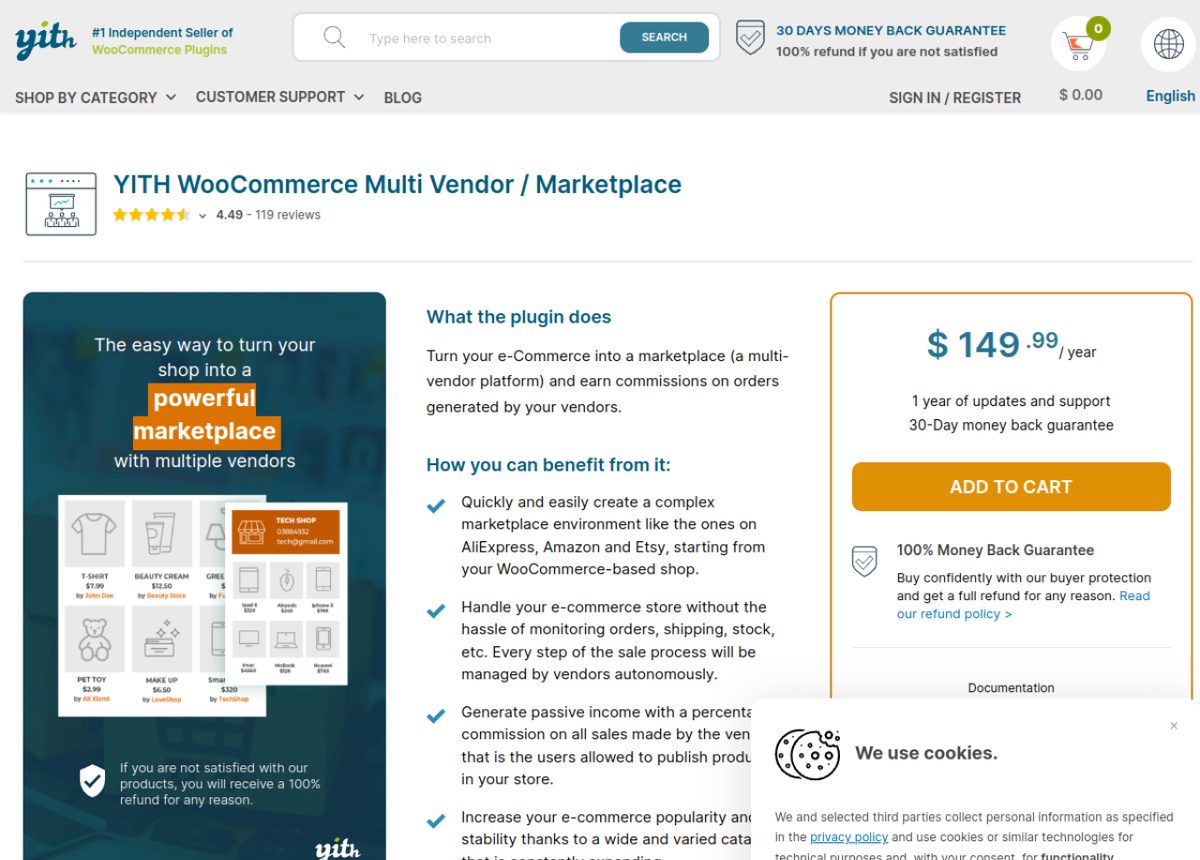
Where it shines. It handles global, per-vendor, and per-product commissions, automatic payouts through Stripe Connect and PayPal, and vendor-managed shipping zones. It fits neatly into the wider YITH ecosystem.
Where it falls short. The free plugin on WordPress.org was closed in 2021, so this is premium only now. Vendor reviews and membership features lean on companion products rather than one module.
Best for. Stores already invested in YITH that want everything from one vendor.
Price. $149.99 per year, verified on the YITH site in October 2026, with a 4.5 rating across about 119 reviews.
5. WC Vendors, Score 14 / 20
WC Vendors is the lightest and most stable option, and it has run marketplaces since 2013. It gets a small store live fast without a heavy footprint.
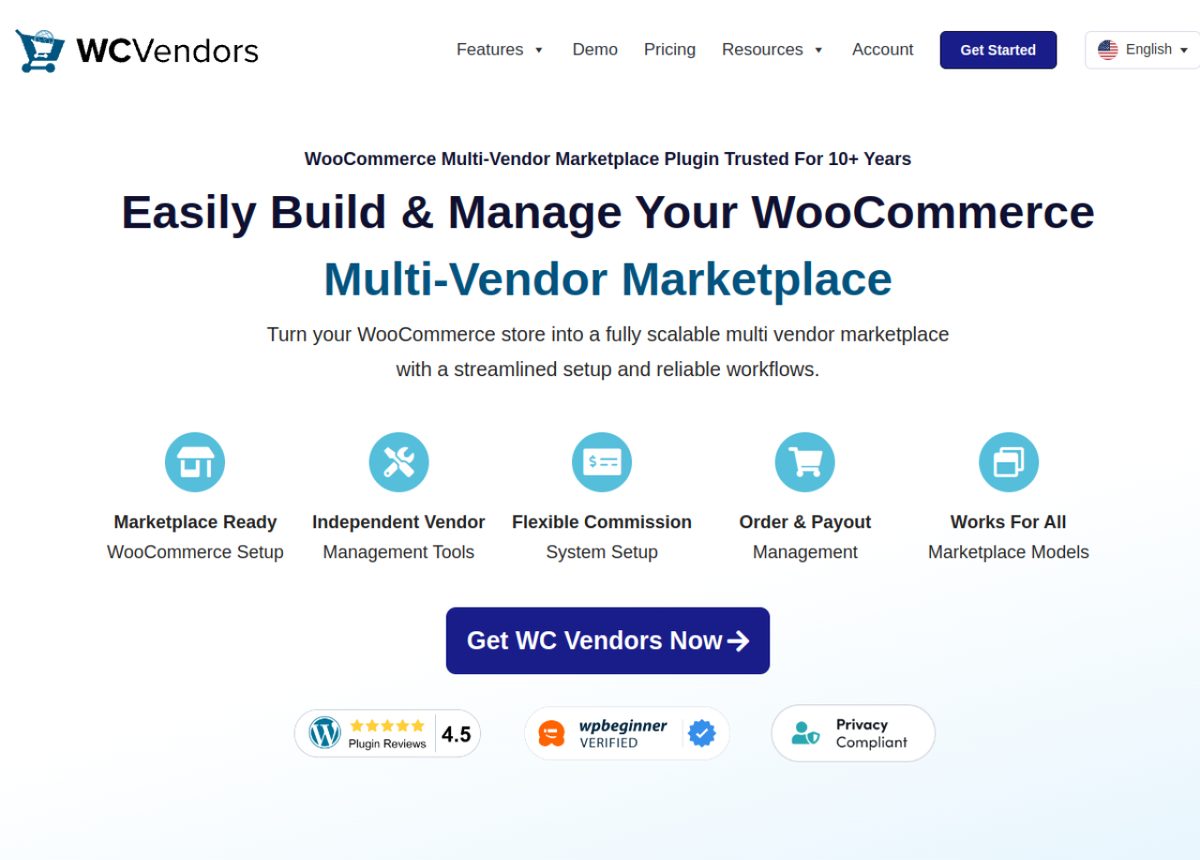
Where it shines. The free tier includes registration, individual vendor stores, percentage commissions, and a frontend reports dashboard. The codebase is mature and easy on server resources.
Where it falls short. Automatic split payouts, advanced shipping, reviews, and extra product types all need paid add-ons. Shipping in particular is a known weak spot, so read our guide on vendor-specific shipping rates before you build around it.
Best for. Small marketplaces that value speed and stability over deep features.
Price. Free core with WC Vendors Pro and separate add-ons. It holds a 4.5 rating and sits around 3,000 active installs.
6. MarketKing, Score 14 / 20
MarketKing has the most modern vendor dashboard of any newer plugin, and reviewers love it. It packs a surprising amount into its free tier.
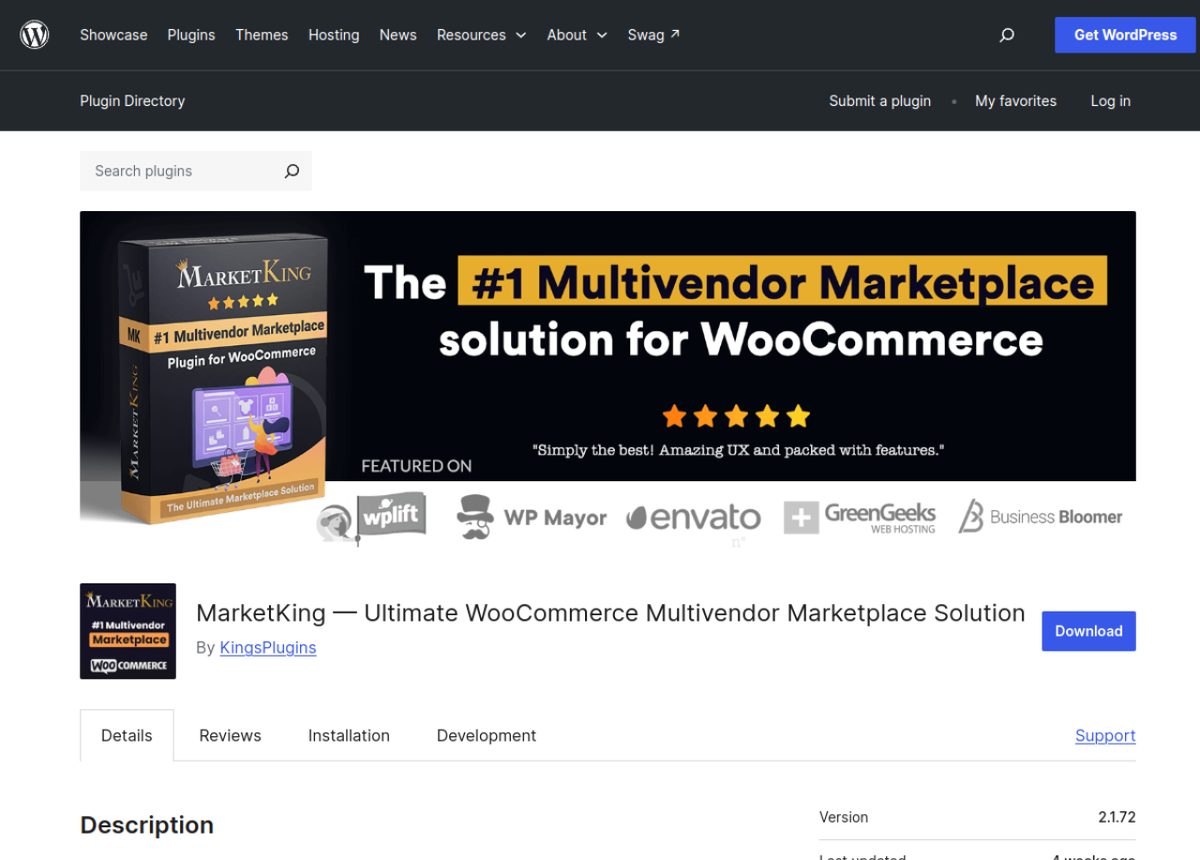
Where it shines. The free version gives you a polished dashboard, custom registration forms, and global commissions. Premium adds Stripe Connect payouts, per-category commissions, memberships, and detailed charts.
Where it falls short. It is young, so the install base is small and the ecosystem is thin next to Dokan or WCFM. Many power features sit in Premium.
Best for. New marketplaces that want a great seller experience from day one.
Price. Free core with a paid Premium tier. It carries a perfect 5.0 rating, though from a smaller pool of 19 reviews, and sits around 700 active installs.
7. Webkul Multivendor Marketplace, Score 14 / 20
Webkul Multivendor Marketplace stands out for its one-time price, which no other tool here matches. It covers the core marketplace jobs and adds a wide library of paid extensions.
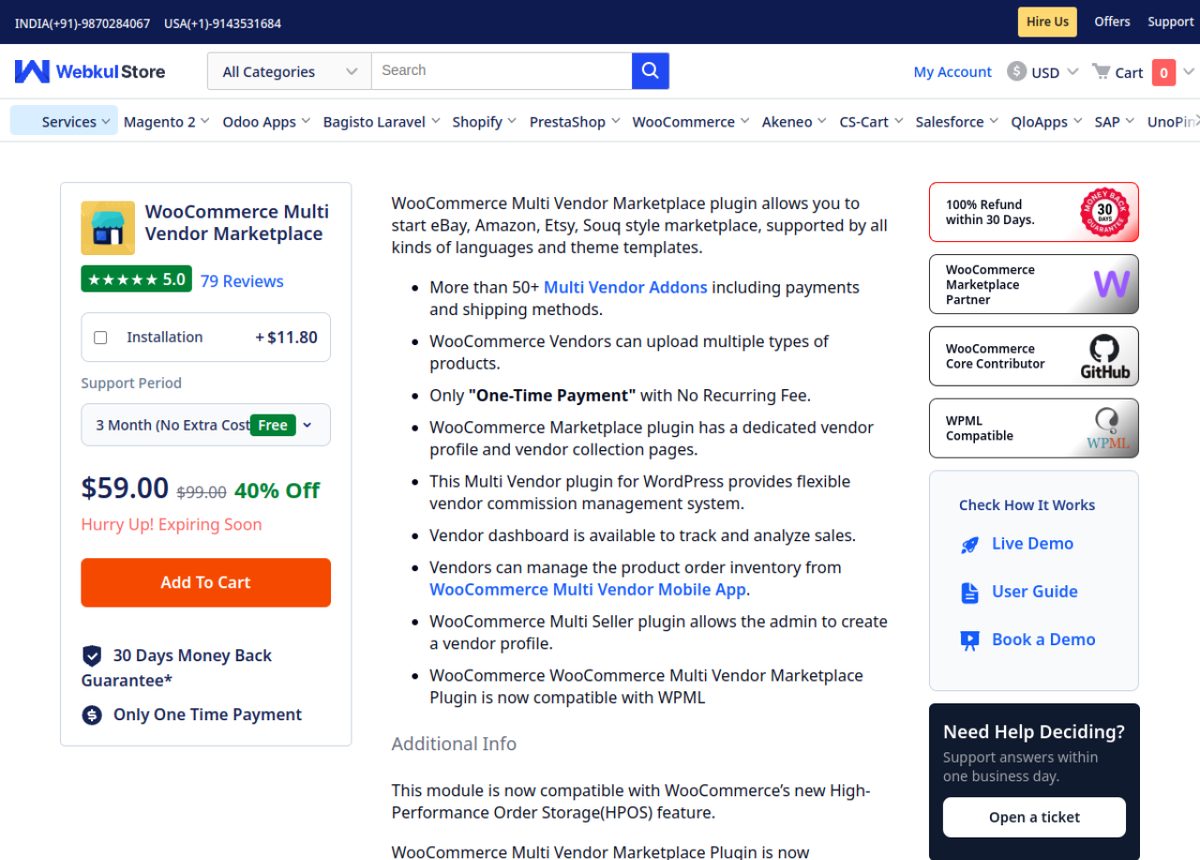
Where it shines. You get a seller dashboard, global and per-vendor commissions, vendor shipping zones, store reviews, and an admin news and messaging system. It also works with HPOS and WPML.
Where it falls short. Payouts run through manual bank, UPI, and PayPal transfers rather than automatic splitting. Per-category commissions, subscriptions, and memberships need separate add-ons.
Best for. Budget owners who prefer a single payment over a yearly renewal.
Price. $59 one time, down from $99, with a 5.0 rating across 79 reviews on the Webkul store.
8. Product Vendors for WooCommerce, Score 11 / 20
Product Vendors is the official WooCommerce extension, so it is the safest bet for pure compatibility. It is also the most basic tool on this list.
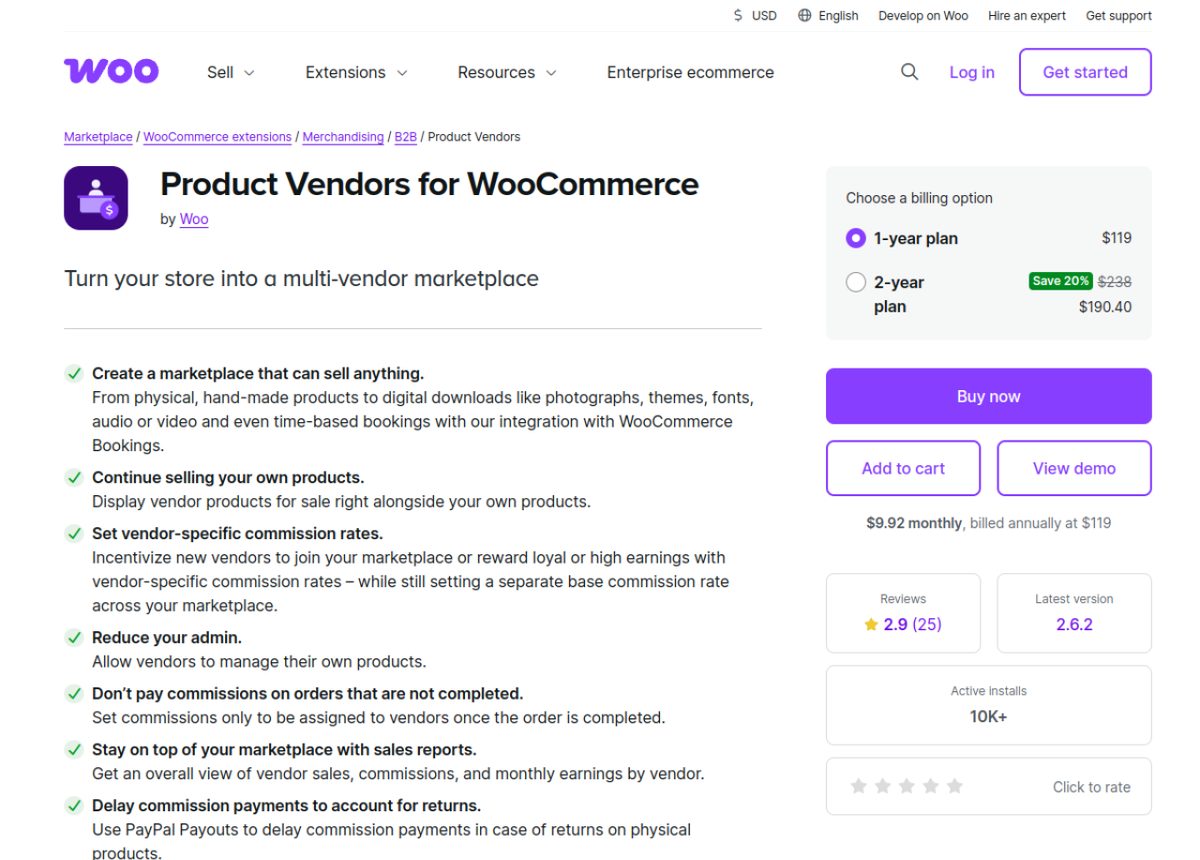
Where it shines. Commissions can be set per vendor, per product, or per store, and it fits neatly into standard WooCommerce reports. As a first-party extension, updates track WooCommerce closely.
Where it falls short. Payouts rely on PayPal only, there is no membership system, and the vendor experience leans on the WordPress backend. Its 2.9 rating reflects support and feature gaps that larger plugins already solved.
Best for. Simple stores that want an official extension and little else.
Price. $119 per year, verified on the WooCommerce marketplace in October 2026, with a 2.9 rating.
The Full Feature Matrix
This is the scoring in full. Read each cell as 2 for full support, 1 for basic or paid add-on only, and 0 for missing. The total column is the sum, and it drives the ranking above.
| Plugin | Dashboard | Vendors | Commission | Payouts | Shipping | Products | Reviews | Membership | Admin | Branding | Total |
|---|---|---|---|---|---|---|---|---|---|---|---|
| Dokan | 2 | 2 | 2 | 2 | 2 | 2 | 2 | 2 | 2 | 2 | 20 |
| WCFM Marketplace | 2 | 2 | 2 | 2 | 2 | 2 | 2 | 2 | 2 | 2 | 20 |
| MultiVendorX | 2 | 2 | 2 | 2 | 2 | 1 | 2 | 2 | 2 | 1 | 18 |
| YITH Multi Vendor | 2 | 2 | 2 | 2 | 2 | 1 | 1 | 1 | 2 | 1 | 16 |
| WC Vendors | 2 | 2 | 2 | 1 | 1 | 1 | 1 | 1 | 2 | 1 | 14 |
| MarketKing | 2 | 2 | 2 | 1 | 1 | 1 | 1 | 1 | 2 | 1 | 14 |
| Webkul Marketplace | 2 | 2 | 1 | 1 | 2 | 1 | 2 | 0 | 2 | 1 | 14 |
| Product Vendors | 1 | 1 | 2 | 1 | 1 | 1 | 2 | 0 | 1 | 1 | 11 |
Scoring verified against each plugin documentation and website, October 2026.
What the Feature Score Does Not Capture
A feature count tells you what a plugin can do, not how well it does it. Four things sit outside the matrix, and they often decide whether you stay happy a year from now.
- Support quality. Fast, real answers matter when a payout fails on a Friday. Paid tiers from Dokan and WCFM include priority support that free tools rarely match.
- Performance cost. Feature-heavy plugins run more database queries. WCFM is powerful but heavier, while WC Vendors stays light, so your hosting and traffic should steer the pick.
- Ecosystem maturity. A big plugin brings more themes, add-ons, and tutorials. That depth is hard to score but easy to feel when you hit a problem at 2am.
- Migration cost. The first choice tends to stick, because moving vendors and commission history between plugins is slow work. Choosing well now saves a rebuild later.
How to Choose the Right Plugin for Your Marketplace
The highest score is not always your answer. Work through these questions in order, and the right tool usually picks itself.
- Do vendors need to be paid automatically. If yes, shortlist Dokan, WCFM, MultiVendorX Pro, or YITH, since they split payouts on their own.
- What does your budget look like. If you want to start free, lean toward MultiVendorX or Dokan. If you prefer one payment, Webkul fits.
- What are you selling. Digital goods, bookings, or subscriptions narrow the field to the tools that score 2 on product range.
- How big will this get. A handful of sellers runs fine on WC Vendors. Hundreds of vendors want Dokan or WCFM and their larger ecosystems.
- How much control over commissions do you need. If you want per-category or tiered rates, WCFM and MultiVendorX lead here.
If you are still mapping the whole project, our guide on how to build an online marketplace from scratch walks through hosting, theme, and launch steps around whichever plugin you choose.
Frequently Asked Questions
Do I need to know how to code to run a multi-vendor marketplace?
No. Every plugin here is built for non-developers, with setup wizards and point-and-click settings. Vendors register, add products, and set shipping from a front-end dashboard without any admin help.
Can I start on a free plugin and upgrade later?
Yes, and most owners do exactly that. Dokan, WCFM, WC Vendors, MultiVendorX, and MarketKing all run a free core you can grow into, then unlock Pro features when revenue justifies the cost. Your vendor and product data carries over when you upgrade the same plugin.
How many vendors can WooCommerce actually handle?
Thousands, as long as your hosting keeps up. The plugin is rarely the bottleneck. Object caching, a tuned database, and performant hosting matter far more once you pass a few hundred active sellers and heavy order volume.
Is it easy to switch plugins later if I pick wrong?
Switching is possible but not painless. Vendor accounts, commission history, and store settings do not map cleanly between plugins, so a move usually needs careful data work. That is why the payout and commission check matters so much up front.
Do vendors get their own WordPress login?
They get a seller account, but the better plugins keep them out of wp-admin entirely. Dokan and WCFM give vendors a front-end dashboard only, which is safer for you and simpler for them.
Can vendors sell digital products or subscriptions?
Yes, with the right plugin. Downloadable products work almost everywhere, while bookings and subscriptions need a tool that scores 2 on product range, such as Dokan, WCFM, or MultiVendorX with the matching module.
The Bottom Line
The best multi-seller plugins for WordPress are the ones whose features match the marketplace you are actually building, not the ones with the longest claims.
Dokan and WCFM lead on raw capability, MultiVendorX wins on free-tier value, and WC Vendors keeps things light. Start with the payout question, check the matrix against your budget, and you will land on the right tool. When you are ready, spin up a test store and try your top two side by side before you launch.
Subscribe to
Dokan blog
We send weekly newsletters, no spam for sure!





Leave a Reply