
The Helper Plugin “App Bridge” will help you connect your marketplace with the vendor app.
In this guide, we will show you how to install and configure this plugin on your marketplace.
After you purchase the Vendor App (IOS & Android), you will be redirected to your dokan account.
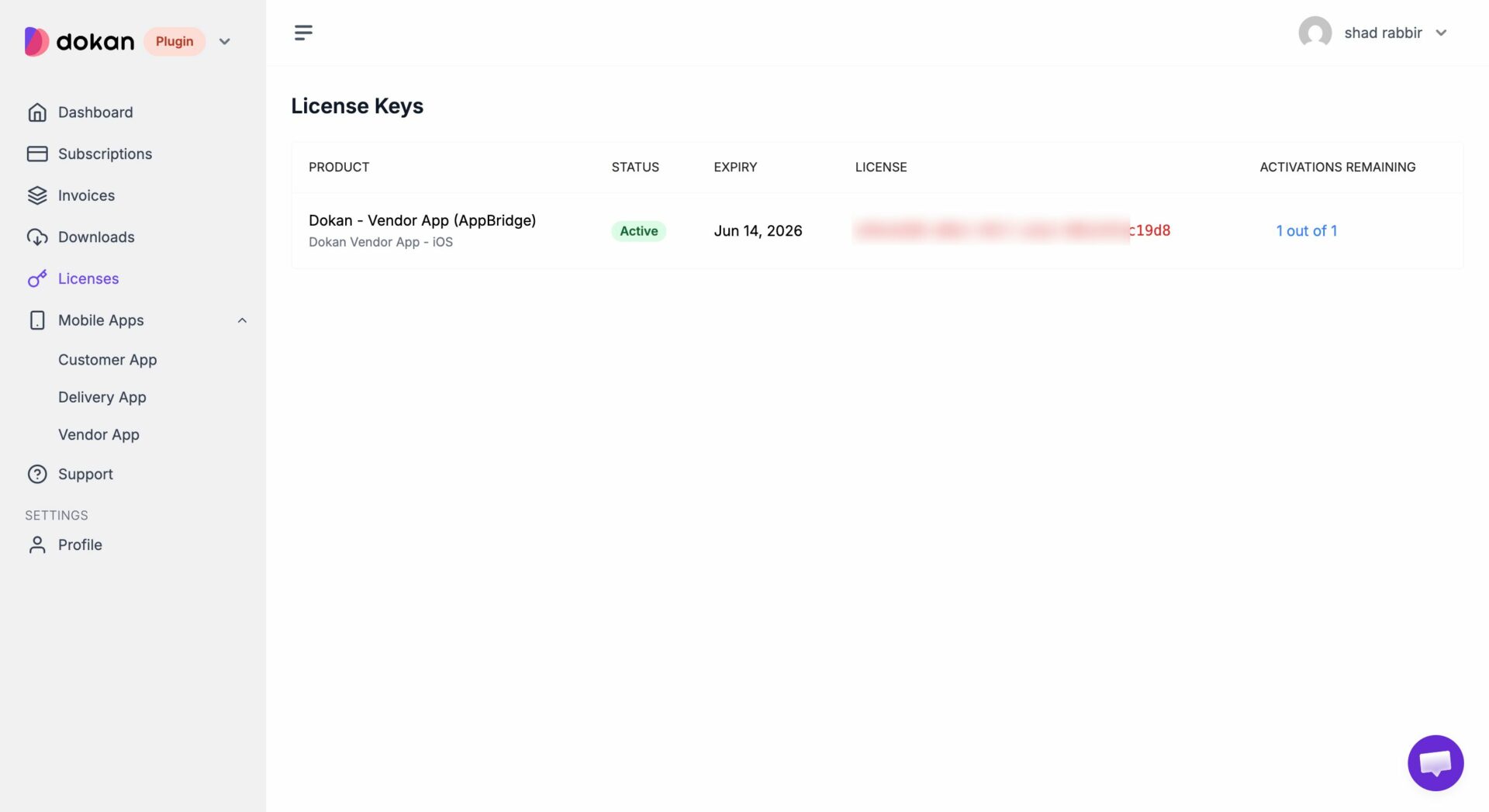
Then go to the Licenses section to find your app license, copy that-
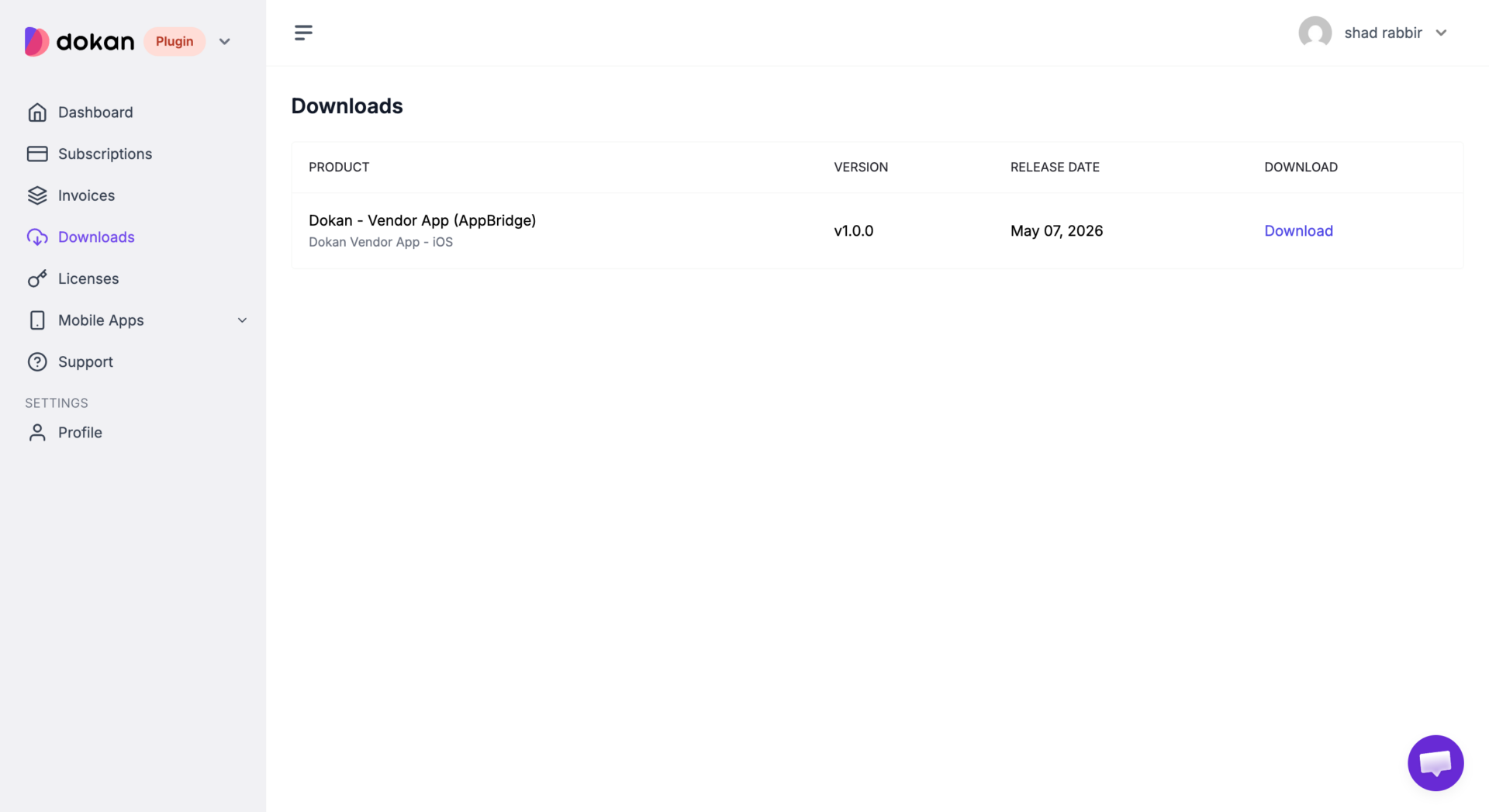
You will also find the App Bridge plugin in the download section-
Also, to get your customized app, you need to fill out a form from Mobile Apps–> Vendor App-
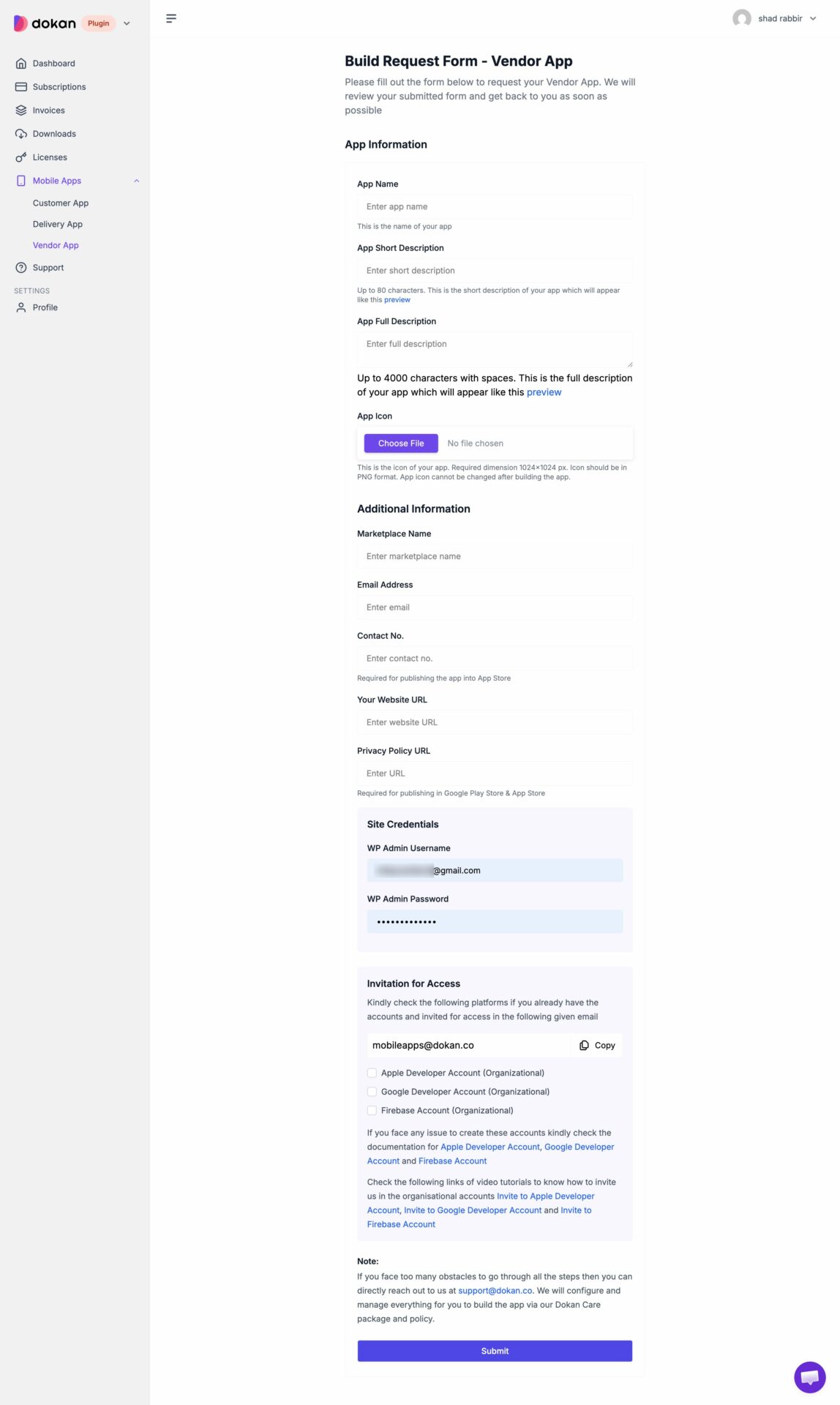
The form will be submitted to our team and you will get your customized app very soon.