
The Account section allows vendors to manage their personal profile, store information, app preferences, and account settings directly from the mobile app.
This section is designed to give vendors quick access to important account-related controls in one place.
Store Information
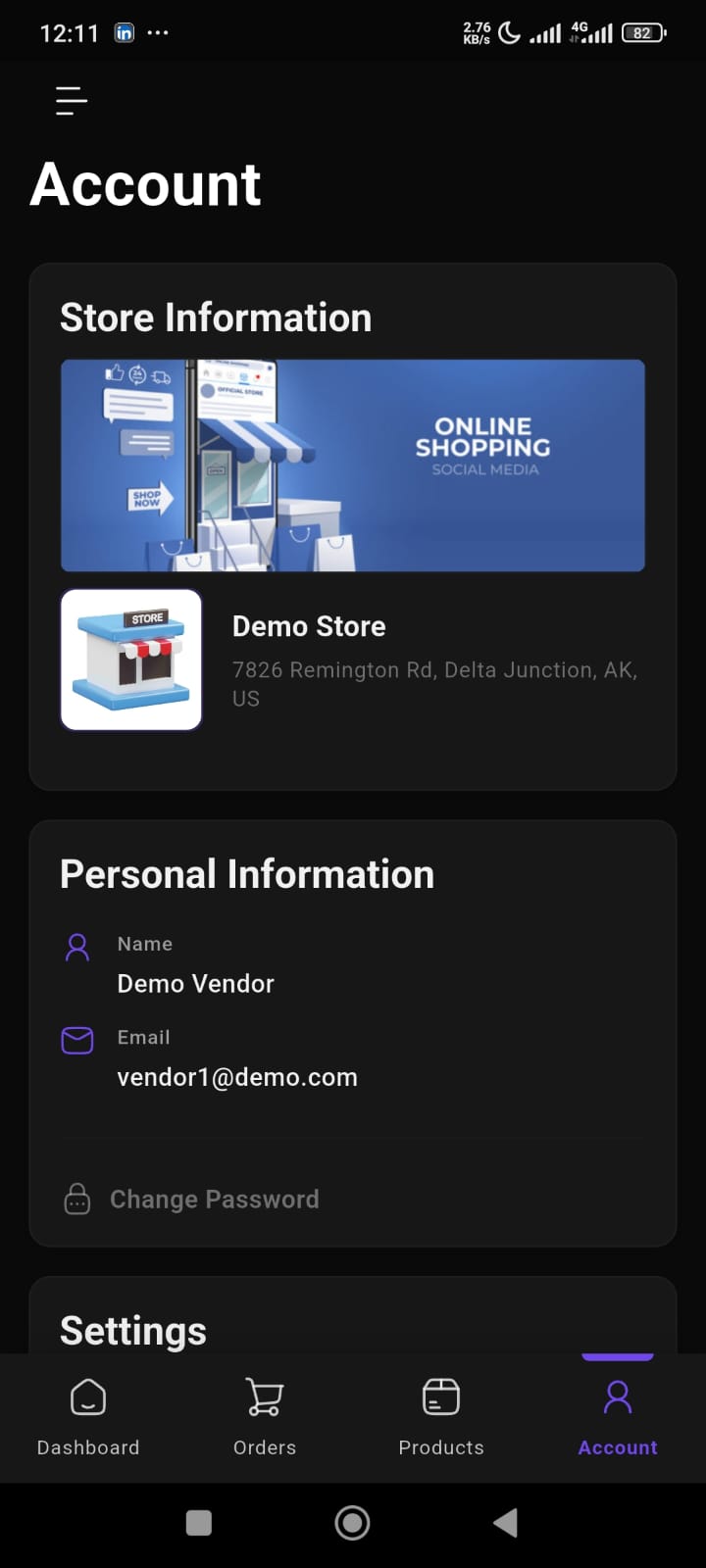
The Store Information section displays the vendor’s marketplace store details.
This includes:
- Store banner image
- Store logo
- Store name
- Store address
This helps vendors quickly verify their store identity and branding inside the app.
Personal Information
The Personal Information section contains the vendor’s account details.
Available information includes:
- Vendor name
- Email address
This section also provides access to:
- Change Password
Vendors can update their account security directly from the app.
App Settings
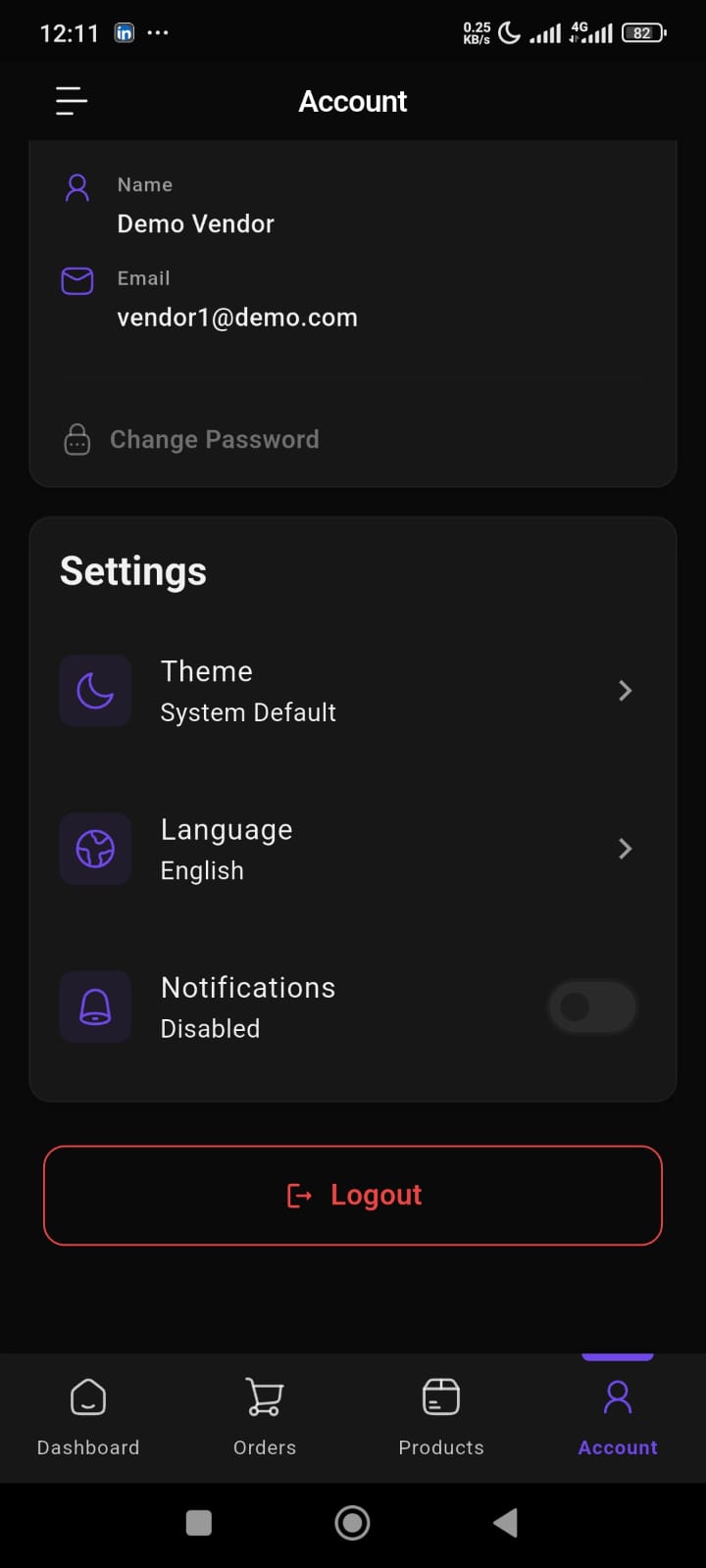
The Settings section allows vendors to personalize their app experience.
Available settings include:
Theme
Vendors can choose their preferred appearance mode.
Available options:
- Light mode
- Dark mode
- System default
This helps improve usability based on device preferences.
Language
Vendors can change the app language directly from the account settings.
This makes the app more accessible for different users and regions.
Notifications
Vendors can enable or disable app notifications.
This helps users control:
- order alerts
- store updates
- important notifications
- activity reminders
Logout
The Logout button allows vendors to securely sign out from the app.
This helps protect account access, especially on shared devices.