

The global retail market has shifted strongly toward online marketplaces. This model is leading the future of online business. Below, I’ve presented some recent statistics to help you understand the growth of the multivendor marketplace model.
Marketplaces now drive more than 60% of global online retail sales (Digital Commerce 360).
In 2025, over 65.12% of B2B buyers preferred purchasing through a marketplace over a direct supplier site because they value variety and price transparency. (Forbes).
But building a successful marketplace is not only about the idea. It also depends heavily on choosing the right platform. Some solutions are expensive. Some charge high transaction fees. Others limit scalability. A wrong choice can slow your growth.
Dokan is one of the most powerful multivendor marketplace builder solutions. But obviously, there are many other solutions as well. So, which one to choose! To help you out, I will compare Dokan in detail with the best multivendor marketplace platforms out there.
I will help you explore their key features, core values, pricing, flexibility, long-term value, and more, so you can confidently decide whether Dokan is the right choice for your marketplace or not. Therefore, stay with us until the end. I hope you will enjoy it.
What Is a Multivendor Marketplace Platform?
A multivendor marketplace platform is a system that allows many sellers (known as vendors) to sell their products on one single website. The website owner manages the whole marketplace, while vendors manage their own products and orders.
It has three main parts – the admin (who controls the platform), the vendors (who sell products), and the customers (who buy products). This model works through commissions or subscription fees. Such as Amazon, eBay, and Etsy.
Businesses prefer this model because they do not need to manage inventory themselves. They can grow faster by allowing many sellers to join. It also creates more product variety, which attracts more customers and increases overall revenue.
Key Features Every Multivendor Marketplace Platform Must Have
There are several mandatory features every multivendor marketplace platform must have. These features ensure smooth product management, vendor earnings, customer satisfaction, and long-term scalability. They are below:
a. Vendor Dashboard
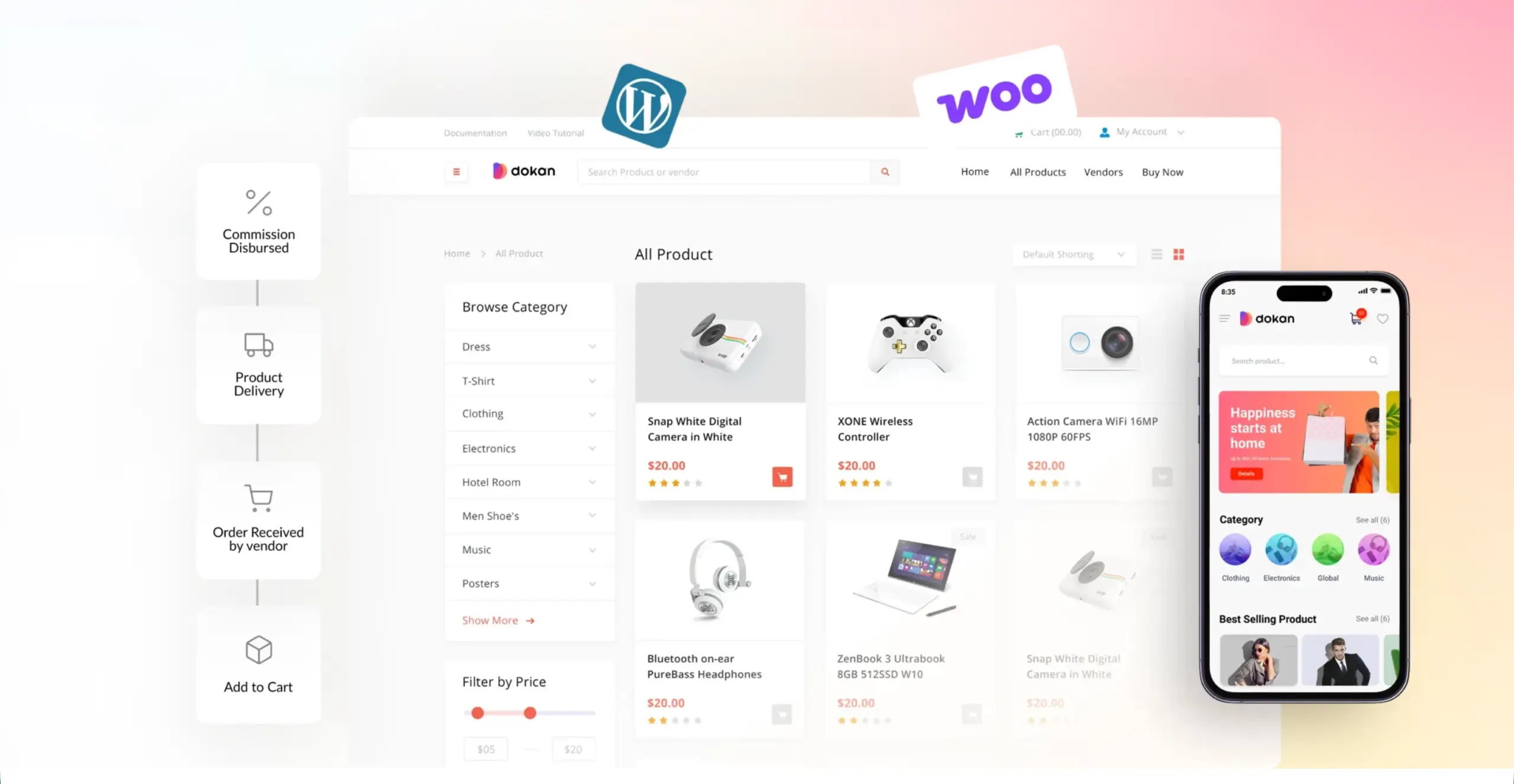
A vendor dashboard gives each seller a dedicated space to manage products, track orders, view earnings, and monitor performance. It simplifies everyday tasks and allows vendors to operate independently without depending on admins.
b. Commission Management
Commission management enables admins to set rules for earnings, including percentage, flat, or per-product commissions. It ensures fair revenue sharing, reduces disputes, and provides a clear record of how much the platform earns from each sale.
c. Product Management
Product management lets vendors add, edit, categorize, and organize items with details like images, descriptions, stock levels, and variations. This feature ensures products are presented accurately to customers for conversions and sales efficiency.
d. Order and Shipping Control
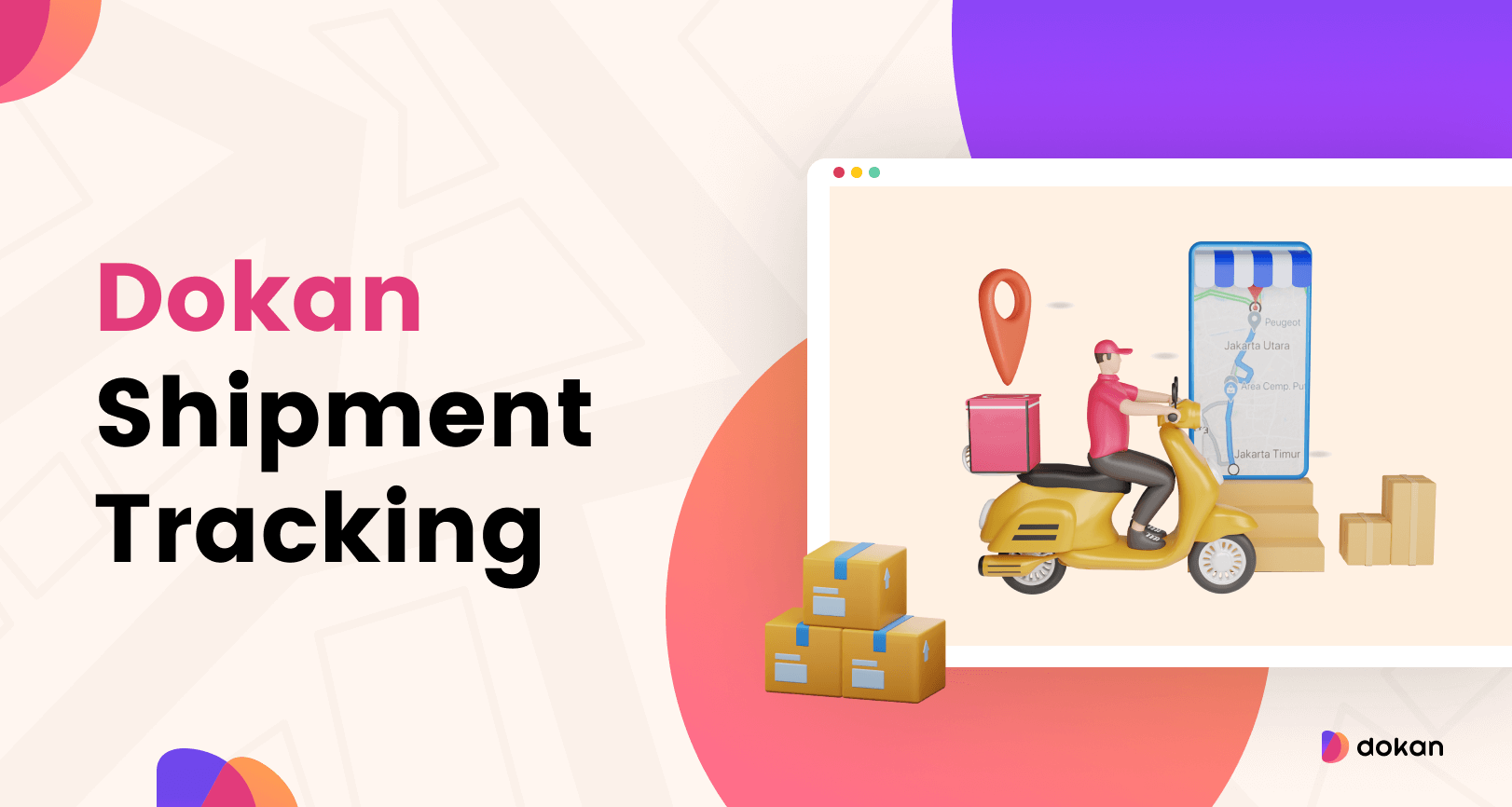
Order and shipping control lets vendors and admins track order status, manage shipments, set shipping rates, and handle returns. It simplifies the fulfillment process, avoids delays, and keeps customers informed with accurate delivery timelines.
e. Payment Gateway Integration
Payment gateway integration allows secure processing of online payments through methods like PayPal, Stripe, and credit cards. It ensures smooth transactions, supports multiple currencies, and protects sensitive customer and vendor financial data.
f. Withdrawal System
A withdrawal system enables vendors to request earnings transfers to bank accounts, e-wallets, or other payment methods. It automates payouts, sets minimum thresholds, and reduces manual work, ensuring timely and accurate vendor payments.
g. Review & Rating System
The review and rating system lets customers provide feedback on products and vendors. It improves transparency, builds trust, and helps future buyers make informed decisions while rewarding vendors who deliver quality products and service.
h. Store Customization
Store customization allows vendors to personalize their storefronts with logos, banners, themes, and layouts. It helps sellers establish a brand identity, improve customer engagement, and differentiate their stores from competitors within the same marketplace.
i. Mobile Responsiveness
Mobile responsiveness ensures the marketplace and vendor stores display correctly on smartphones and tablets. It provides a seamless browsing and shopping experience, which is crucial as a growing number of customers shop primarily on mobile devices.
j. SEO Features
SEO features optimize product pages, store URLs, metadata, and images to rank higher in search engines. This increases organic traffic, improves visibility, and attracts potential buyers without relying solely on paid marketing campaigns. Check this ultimate guide for improving the marketplace SEO.
k. Scalability
Scalability allows the platform to handle an increasing number of vendors, products, and customers without slowing down. It ensures the marketplace can grow over time, support high traffic volumes, and accommodate expansion into new markets.
l. Security & Compliance
Security and compliance protect customer and vendor data through encryption, secure payment processing, and GDPR adherence. It prevents fraud, builds trust, and ensures the platform meets legal standards for data protection and privacy. Learn how to ensure marketplace security.
In addition to these, there are many more features needed in a marketplace. For example: marketing & promotion, analytics & reporting, multilingual and multicurrency support, inventory alerts, integration flexibility, etc. However, I have explained the most demanded ones in the above discussion.
What Is Dokan? A Quick Overview

Dokan is the number-one multivendor marketplace builder plugin for WordPress. It works on top of WooCommerce. Although based on WordPress, due to various useful features and flexibility, Dokan is now considered comparable to any other eCommerce and multivendor marketplace builder platform.
Developed by weDevs, Dokan allows multiple vendors to sell their products from a single website while giving the admin full control over commissions, orders, and store management. It comes with an easy-to-use vendor dashboard, built-in payment options, and tools for managing products, shipping, and withdrawals.
It also supports digital and physical products, subscriptions, and bookings through its extensions, making it a complete solution for anyone looking to build a marketplace like Amazon or Etsy. Explore how to set up a multivendor marketplace with Dokan.
Dokan Compared with the Best Multivendor Marketplace Platforms
Now, it’s time to compare Dokan with the best multivendor marketplace platforms available online. I have done my best to ensure this section is accurate so you can make informed decisions immediately after reading this post. Keep reading it to the end!
1. Dokan vs WCFM Marketplace
When comparing multivendor marketplace platforms, WCFM Marketplace often comes up as Dokan’s closest competitor. Both are built on WordPress and WooCommerce. However, they differ in approach, features, and user experience. Take a look at them:
Overview of WCFM Marketplace
With 20,000+ active installations, WCFM (WooCommerce Multivendor Marketplace) is a feature-rich multivendor marketplace plugin for WordPress. It provides vendors with a detailed dashboard to manage products, orders, shipping, and commissions.
WCFM supports all product types, including physical, digital, subscription, and bookings, making it a versatile choice for different marketplace models. It is highly customizable and offers advanced controls over commissions, vendor verification, and store policies.
It comes with a free version that covers basic marketplace needs, but many advanced features require paid addons. The plugin provides detailed reporting, shipment tracking, and vendor management tools, but its interface can be overwhelming for beginners.
Feature Comparison Between Dokan and WCFM Marketplace
Comparisons are always best understood when presented in a table. The feature comparison between Dokan and WCFM is shown in the table below.
| Feature Category | Dokan Multivendor | WCFM Marketplace |
|---|---|---|
| Product Types | ✅ Simple, Variable, Grouped, External | ✅ Simple, Variable, Grouped, External |
| Advanced Product Types | ✅ Auction, Booking, Subscription | ✅ Auction, Booking, Subscription |
| Commission Types | ✅ Percentage, Flat, Combined (simple setup) | ✅ Percentage, Flat, Fixed, Tiered (advanced rules) |
| Vendor Interface | ✅ Clean, intuitive, easy for vendors | ⚠️ Powerful but technical, steep learning curve |
| AI Capabilities | ✅ Content and image generation | ❌ No native AI tools |
| Mobile App | ✅ High-performance native app | ⚠️ Feature-rich but basic UI |
| Withdrawal Methods | ✅ PayPal, Stripe, Bank Transfer, Skrill | ✅ PayPal, Stripe, Bank Transfer, Skrill |
| Shipping Management | ✅ Zone, Table Rate, Distance-based | ✅ Zone-wise, Weight, Shipping Class |
| Tax Management | ✅ Professional WooCommerce tax sync, automatic updates | ⚠️ Vendor-level Tax Management (requires careful configuration) |
| Coupon Management | ⚠️ Vendor-created (Limited/Standard) | ✅ Vendor-created (Highly Advanced) |
| Refund System | ✅ Clear frontend Refund API-based requests | ⚠️ Multi-step Manual Approval |
| Verification System | ✅ ID, Social, Phone | ✅ ID, Social, Address |
| Social Integration | ✅ Built-in Social Profile Linking | ⚠️ Plugin-Dependent Integration |
| Staff Management | ✅ Unlimited vendor staffs | ✅ Unlimited vendor staffs |
| Store Design | ✅ Elementor-ready, professional layout | ⚠️ Basic template customizer, limited flexibility |
| Wholesale / B2B | ✅ Clean integration | ✅ Built-in support |
| Global Sales | ✅ Multilingual & Currency Ready | ✅ Built-in schema and SEO controls (fewer integrations) |
| Live Chat | ✅ Integrates WhatsApp, Tawk.to, Facebook Messenger | ⚠️ Built-in internal chat only |
| SEO Management | ✅ Works with Yoast & Rank Math | ✅ Built-in schema and SEO controls, (fewer integrations) |
| Modules | ✅ 42+ modules | ⚠️ 20+ modules |
| Analytics & Reports | ✅ Clear-advanced reports | ⚠️ Detailed but less intuitive |
| Delivery Tracking | ✅ High-end real-time tracking | ⚠️ Standard tracking |
| Store Support | ✅ Ticketing options | ✅ Ticket system |
| Activity Logs | ✅ Detailed logs visible to admin | ⚠️ Full vendor ledger visible |
| Stability & Support | ✅ Fewer conflicts and faster premium support | ⚠️ High feature density can cause conflicts |
Pricing Comparison Between Dokan and WCFM Marketplace
Dokan has a clear subscription plan. It has two types of pricing plans: Annual and Lifetime. Each one has four tires: Starter, Professional, Business, and Enterprise. On the other hand, WCFM uses a modular system that makes it hard to estimate total costs.
Yet, I have covered a clear comparison of the pricing plans between Dokan and WCFM Marketplace in the table attached below.
| Dokan Multivendor Marketplace | WCFM Marketplace |
|---|---|
| Starter Plans > Annual – $149 > Lifetime – $708 (1 Site License and 4 Premium Modules) | $224/one year (2 websites and all modules) |
| Professional Plans > Annual – $249 > Lifetime – $1121 (3 Site Licenses and 23 Premium Modules) | $454/three years (2 websites and all modules) |
| Business Plans > Annual – $499 > Lifetime – $2121 (5 Site Licenses and 42+ Premium Modules) | $644/lifetime (2 websites and all modules) |
| Enterprise Plans > Annual – $999 > Lifetime – $3996 (10 Site Licenses and all Premium Modules) | $1044/lifetimes (Unlimited websites and all modules) |
# Comments on the Pricing Comparison
Compared with WCFM, Dokan appears cheaper, but in terms of features and flexibility, Dokan is clearly far ahead. No matter if you go with WCFM, you’ll definitely have to add more addons if you want to grow your marketplace over time.
But in Dokan, you get many features in one package, depending on the tier you choose. It offers you better value for money.
Pros & Cons Comparison Between Dokan and WCFM Marketplace
Now, it’s time to take a look at the pros and cons comparison between Dokan and WCFM marketplace platforms.
| Platform | Pros | Cons |
|---|---|---|
| Dokan | • Best-in-class UX • Reliability and rare conflicts • Large documentation library • Professional look | • Higher entry cost |
| WCFM | • Strong free version • Staff management tools • Frequent feature updates. • Almost every field and option is customizable | • Steep learning curve • Interface feels “busy” • Support can be slower |
For a more detailed comparison, explore this blog post on Dokan vs WCFM.
Final Verdict
Dokan is the best choice for business owners who want to focus on growth rather than managing too many plugins. Its pricing and design reflect a strategy built for simplicity. You pay once for a complete, professional marketplace, giving you peace of mind.
WCFM, on the other hand, suits technical users who have more time than money. Its modular system lets you build a marketplace cheaply, but setup and maintenance are more complex. Over time, you have to add many more plugins.
2. Dokan vs MultiVendorX (WC Marketplace)
MultiVendorX was previously known as WC Marketplace. In this section, I’ll cover a comparison between the Dokan and MultiVendorX plugins.
Overview of MultiVendorX
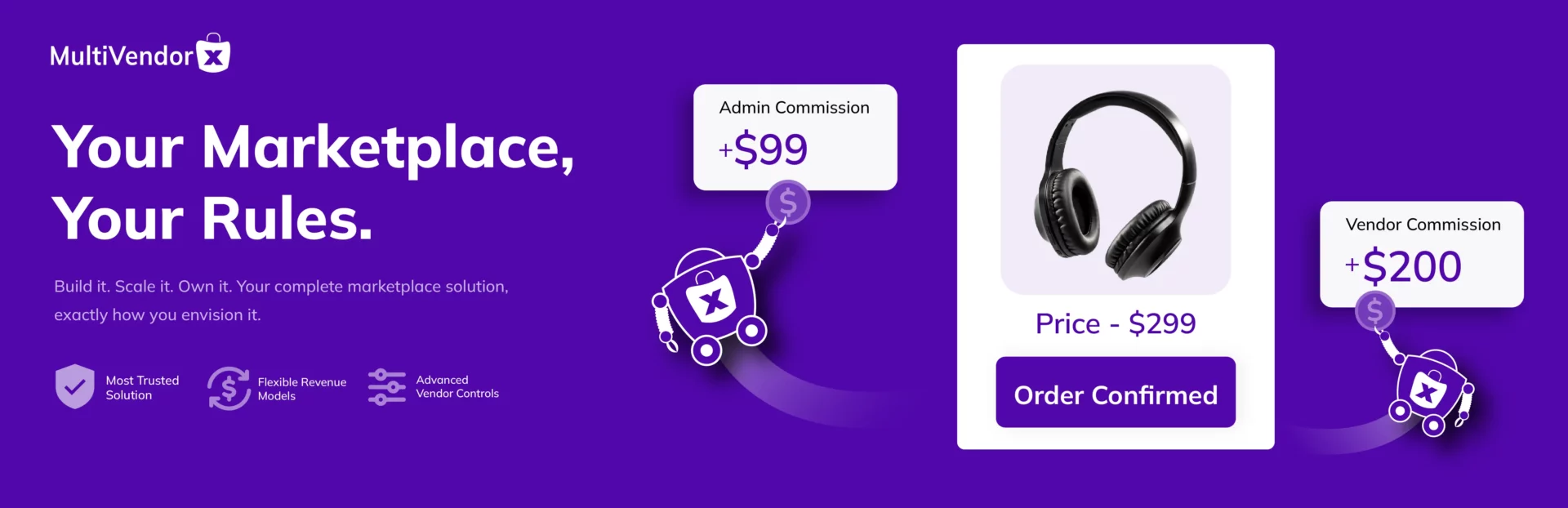
With 3,000+ active installations, MultiVendorX is a WooCommerce-based multivendor marketplace builder plugin. It allows multiple vendors to register, create stores, add products, and manage orders from the frontend. It offers a wide range of marketplace controls.
The plugin includes commissions, shipping rules, vendor permissions, and membership plans. It provides many built-in modules and configuration options. It is designed for users who want deep control over vendor capabilities and marketplace rules.
Feature Comparison Between Dokan and MultiVendorX
Although less popular, MultiVendorX has a handful of great features that could give tough competition to other multivendor marketplace tools.
| Feature Category | Dokan Multivendor | MultiVendorX |
|---|---|---|
| Product Types | ✅ Simple, Variable, Grouped, External | ✅ Simple, Variable, Grouped, External |
| Advanced Product Types | ✅ Auction, Booking, Subscription | ✅ Auction, Booking, Subscription |
| Commission Types | ⚠️ Modular, powerful, but more technical | ✅ Percentage, Flat, Fixed per Unit, Transaction-based |
| Vendor Interface | ✅ Clean, intuitive, business-focused UX | ⚠️ Modular & powerful, but more technical |
| AI Capabilities | ✅ Native AI for content & image generation | ❌ No built-in AI tools |
| Mobile App | ✅ Dedicated native mobile app (high performance) | ⚠️ Functional vendor app, simpler experience |
| Withdrawal Methods | ✅ PayPal, Stripe Connect, Bank Transfer, Skrill | ✅ PayPal, Stripe, Bank Transfer, Mangopay |
| Shipping Management | ✅ Zone-wise, Table Rate, Distance-based | ✅ Zone-wise, Weight-based, Per-product rules |
| Tax & Invoicing | ✅ WooCommerce tax sync with structured handling | ✅ Advanced tax and invoicing controls |
| Coupon Management | ⚠️ Standard WooCommerce-based vendor coupons | ✅ Granular coupon and rule-based control |
| Refund System | ✅ Frontend request with structured approval flow | ✅ Automated order status sync workflow |
| Verification System | ✅ Structured vendor verification module | ✅ Advanced KYC-style verification tools |
| Social Integration | ✅ Social profile linking in store | ✅ BuddyPress and extended social integration |
| Store Design | ✅ Deep Elementor integration with polished layouts | ⚠️ Elementor compatible with flexible styling |
| Wholesale / B2B | ✅ Integration-based B2B support | ✅ Built-in B2B marketplace features |
| Multicurrency | ✅ Built-in multicurrency support | ❌ No built-in multicurrency support |
| SEO Management | ✅ Works with Yoast & Rank Math | ✅ Built-in schema & SEO tools |
| Modules / Addons | ✅ 42+ structured modules | ✅ 50+ extensions ecosystem |
| Analytics & Reports | ✅ Clean executive-style dashboards | ⚠️ Detailed but more data-heavy interface |
| Delivery Tracking | ✅ Real-time tracking system | ✅ Native shipment tracking tools |
While MultiVendorX offers more ‘math options,’ Dokan wins on Revenue Strategy. Most professional marketplaces prefer Dokan’s Subscription Module.
Instead of chasing tiny per-unit fees, you charge vendors a monthly “membership” to sell on your site. This gives you guaranteed cash flow even if sales are slow. This is a professional edge that MultiVendorX’s commission-only focus misses.
For more data, explore this comparison on Dokan vs MultivendorX.
Pricing Comparison Between Dokan and MultiVendorX
Unlike WCFM, the MultiVendorX plugin has straightforward plans. However, MultiVendorX doesn’t have any lifetime plans, only annual plans. Take a look at the comparison below.
| Plans | Dokan Multivendor | MultiVendorX |
|---|---|---|
| Annual | • Starter – $149 (1 Site License and 4 Premium Modules) • Professional – $249 (3 Site Licenses and 23 Premium Modules) • Business – $499 (5 Site Licenses and 42+ Premium Modules) • Enterprise – $999 (10 Site Licenses and all Premium Modules) | • Starter – $229 (1 site and all features) • Growth – $399 (3 sites and all features) • Agency – $499 (10 sites and all features) |
| Lifetime | • Starter – $708 (1 Site License and 4 Premium Modules) • Professional – $1121 (3 Site Licenses and 23 Premium Modules) • Business – $2121 (5 Site Licenses and 42+ Premium Modules) • Enterprise – $3996 (10 Site Licenses and all Premium Modules) | —- |
# Comments on the Pricing Comparison
There are many users who prefer a lifetime solution. They don’t want to take the hassle of renewing the plan every year. So, MultiVendorX is never a good choice for them as it doesn’t have lifetime pricing plans.
On the flip side, Dokan is more flexible. No matter if you look for annual pricing or lifetime, you’ll get everything in it.
Pros & Cons Comparison Between Dokan and MultiVendorX
Let’s now take a look at the pros and cons comparison between these two plugins.
| Platform | Pros | Cons |
|---|---|---|
| Dokan | • Superior vendor UI experience • Load the modules that you use • Handles thousands of vendors easily | • Higher tiers are expensive • Priority support only for high tiers |
| WCFM | • Very fast and lean code • Proven track record of stability • Very quick to configure | • Fewer built-in marketing tools • Dashboard is less modern than Dokan |
Final Verdict
Dokan is the winner for anyone looking to build a high-conversion, professional marketplace where vendor satisfaction is key. If you want a platform that gives you freedom from taking too many technical hassles like SaaS but sits on WordPress, Dokan should be the perfect choice.
MultiVendorX is better suited for those who want a minimal, stable plugin and have the technical skill to customize the gaps.
3. Dokan vs CS-Cart Multi-Vendor
CS-Cart Multi-Vendor is currently owned by Bolide Network LLC. It’s a self-hosted multi-vendor marketplace builder solution. Let’s compare it with Dokan.
Overview of CS-Cart Multi-Vendor
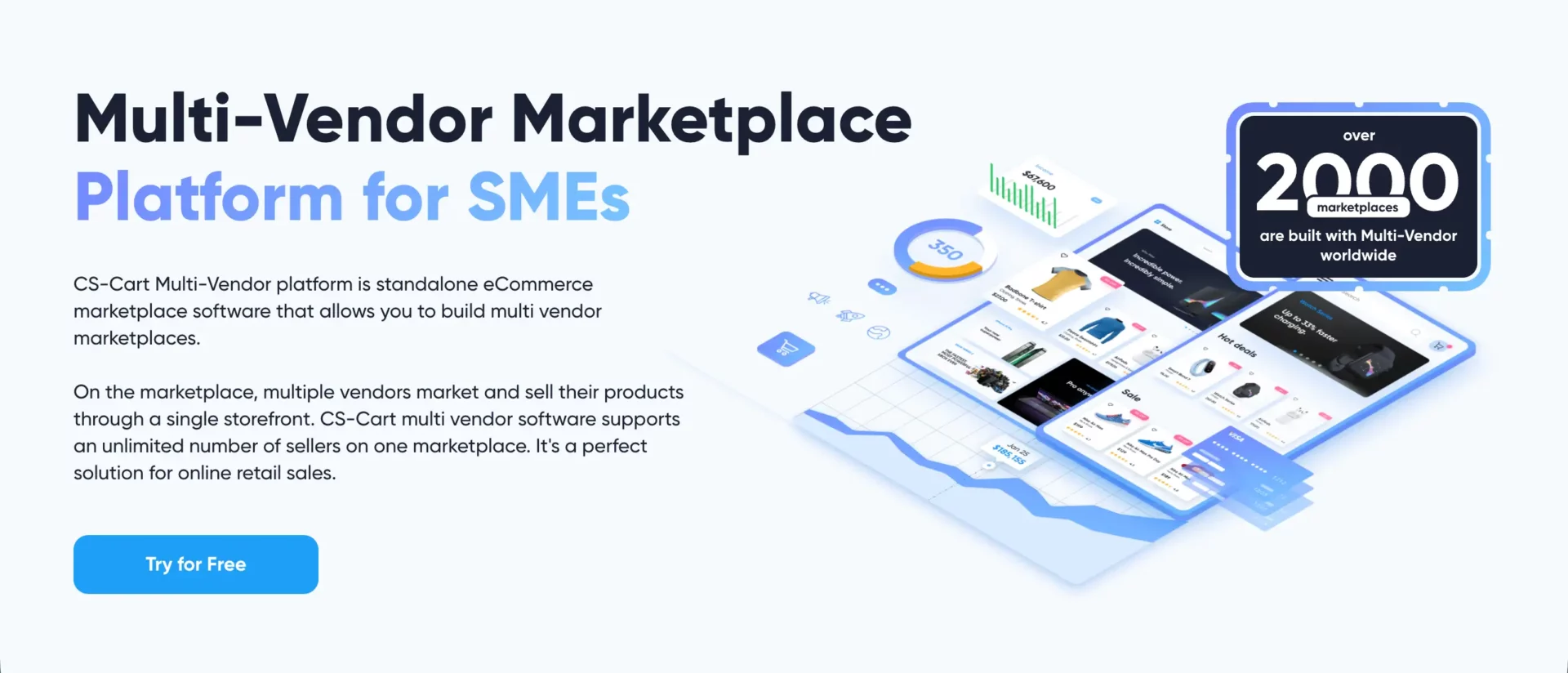
CS-Cart Multi-Vendor is a fully hosted solution. It does not require WordPress. It comes with built-in vendor management, product control, shipping tools, and order tracking. It is designed for businesses that want an all-in-one system without depending on plugins.
It offers strong built-in features for global sales, multi-store management, and advanced admin control. However, it requires a higher upfront investment. Customization often needs technical skills or developer support. It is powerful, but not as flexible as the WordPress ecosystem.
Feature Comparison Between Dokan and CS-Cart Multi-Vendor
Since CS-Cart Multi-Vendor uses a different technology to build a multi-vendor marketplace, unlike Dokan, there might be many distinguishable differences. Let’s check them.
| Feature Category | Dokan Multivendor | CS-Cart Multi-Vendor |
|---|---|---|
| Platform Type | ✅ WordPress + WooCommerce plugin | ✅ Standalone marketplace software |
| Basic Product Types | ✅ Simple, Variable, Grouped, External | ✅ Simple, Configurable, Digital |
| Advanced Product Types | ✅ Auction, Booking, Subscription | ⚠️ Requires addons for advanced models |
| Commission Types | ✅ Percentage, Flat, Combined | ✅ Percentage, Fixed, Category-based |
| Vendor Interface | ✅ Clean frontend dashboard for vendors | ⚠️ Backend-style vendor panel |
| AI Capabilities | ✅ Native AI content & image tools | ❌ No built-in AI assistant |
| Mobile App | ✅ Dedicated native mobile app | ⚠️ Mobile responsive, no official native app |
| Payment Gateways | ✅ Integrates 100+ payment gateways | ⚠️ 70+ built-in gateway integrations |
| Withdrawal Control | ✅ Vendor withdrawal request system | ⚠️ Admin-controlled payouts |
| Shipping Management | ✅ Zone, Table rate, Distance-based | ✅ Advanced real-time carrier integrations |
| Tax Management | ✅ WooCommerce automated tax sync | ✅ Built-in tax calculation system |
| Coupon Management | ⚠️ WooCommerce-based vendor coupons | ✅ Advanced promotion engine |
| Refund System | ✅ Structured frontend refund workflow | ⚠️ Admin-managed refund control |
| Vendor Verification | ✅ Structured verification module | ⚠️ Manual verification process |
| Store Design | ✅ Deep Elementor integration | ⚠️ Theme-based customization |
| Multi-Store / Multi-Vendor | ⚠️ Single marketplace per install | ✅ Multi-store from single admin |
| Global Sales | ✅ Multilingual & multi-currency ready | ✅ Strong multi-currency & localization tools |
| SEO Management | ⚠️ Depends on WordPress SEO plugins | ✅ Built-in SEO controls |
| Extensions Ecosystem | ✅ Large WordPress plugin ecosystem | ⚠️ Limited to CS-Cart add-ons |
| Analytics & Reports | ✅ Clear executive-style dashboard | ✅ Detailed built-in analytics |
| Delivery Tracking | ✅ Real-time tracking support | ✅ Integrated shipment tracking |
| Stability & Scalability | ✅ Flexible scaling via WordPress | ✅ Enterprise-grade scalability |
Pricing Comparison Between Dokan and CS-Cart Multi-Vendor
Dokan follows a clear subscription model. It offers Annual and Lifetime plans. Each plan includes four tiers: Starter, Professional, Business, and Enterprise.
CS-Cart Multi-Vendor has various license-based pricing models. I have shown them in the table below for your easy evaluation.
| Plans | Dokan Multivendor | CS-Cart Multi-Vendor |
|---|---|---|
| Annual | • Starter – $149 (1 Site License and 4 Premium Modules) • Professional – $249 (3 Site Licenses and 23 Premium Modules) • Business – $499 (5 Site Licenses and 42+ Premium Modules) • Enterprise – $999 (10 Site Licenses and all Premium Modules) | • Plus – $121 (Multi-level admin control) • Ultimate – $300 (Multiple storefronts management) • Business – $3,590 (Unlimited number of requests) |
| Lifetime | • Starter – $708 (1 Site License and 4 Premium Modules) • Professional – $1121 (3 Site Licenses and 23 Premium Modules) • Business – $2121 (5 Site Licenses and 42+ Premium Modules) • Enterprise – $3996 (10 Site Licenses and all Premium Modules) | • Plus – $3,590 (Multi-level admin control) • Ultimate – $7,990 (Multiple storefronts management) • Business – $19,990 (Unlimited number of requests) |
# Comments on the Pricing Comparison
CS-Cart Multivendor actually has two types of solutions: self-host and cloud. Above, I have listed pricing plans only for the self-host solution.
You can clearly see that the pricing for Shotorang’s self-hosted solution is much higher than Dokan’s.
This makes it very expensive for budget-conscious users. So, if you are just starting to build a marketplace and want a safer, more affordable option, you should try Dokan.
Pros & Cons Comparison Between Dokan and CS-Cart Multi-Vendor Marketplace
Let’s now take a look at the pros & cons comparison between Dokan and CS-Cart Multi-Vendor Marketplace builder solutions.
| Platform | Pros | Cons |
|---|---|---|
| Dokan | • Easy WordPress integration • Clean vendor dashboard • Lower starting cost • Large ecosystem | • Some advanced features depend on modules |
| CS-Cart | • Strong built-in promotion engine • Multi-store support • Enterprise-level scalability | • High upfront cost • Customization can require developers • Smaller ecosystem compared to WordPress |
Learn what the vertical vs horizontal marketplace is.
Final Verdict
Dokan is ideal for business owners who want flexibility and controlled investment. You can start small and grow step by step. It works perfectly if you prefer the WordPress ecosystem and want full control over customization.
CS-Cart Multi-Vendor is suitable for businesses that want a standalone, enterprise-style system from day one. It offers strong built-in tools, but it requires a higher budget and technical handling.
If your goal is scalable growth with flexibility and lower risk, Dokan gives a smoother path. If you want a heavy all-in-one solution and have a larger upfront budget, CS-Cart can be considered.
4. Dokan vs Webkul Multivendor Marketplace
Webkul is a well-known name in the eCommerce extension industry. It offers multivendor marketplace solutions for Magento, Shopify, WooCommerce, and many other platforms. If you want a solution that is usable on different platforms with flexibility, you must have known about Webkul at some point in your life.
Overview of Webkul Marketplace
Webkul Multivendor Marketplace is an extension that adds vendor functionality to platforms such as Magento, Shopify, WooCommerce, and more. Vendors can create profiles, add products, manage orders, and track earnings from a dashboard.
Webkul is known for offering many modules and custom solutions. It supports advanced workflows and integrates with multiple systems. However, many advanced features require separate addons. Setup and configuration may feel more technical compared to Dokan.
Feature Comparison Between Dokan and Webkul Multivendor Marketplace
As already said above, while Dokan is limited only to WordPress, Webkul is flexible to numerous platforms. So, you are supposed to notice many noticeable differences between these two platforms. Let’s take a look at them below.
| Feature Category | Dokan Multivendor | Webkul Multivendor Marketplace |
|---|---|---|
| Platform Base | ✅ WooCommerce plugin | ✅ Magento, Shopify, WooCommerce, and more |
| Setup Complexity | ✅ Guided onboarding wizard | ⚠️ Manual configuration required |
| Basic Product Types | ✅ Simple, Variable, Grouped, External | ✅ Simple, Variable, Grouped, External |
| Advanced Product Types | ✅ Booking, Subscription, Auction | ⚠️ Requires separate modules |
| Commission Types | ✅ Percentage, Flat, Combined | ✅ Percentage, Fixed, Category-based |
| Vendor Dashboard | ✅ Clean frontend dashboard | ⚠️ Functional but less polished |
| AI Capabilities | ✅ Built-in AI assistant | ✅ Built-in AI support |
| Mobile App | ✅ Dedicated native mobile app | ⚠️ No official native app |
| Withdrawal System | ✅ Automated request system | ⚠️ Manual admin approval workflow |
| Shipping Management | ✅ Zone, Table rate, Distance | ✅ Seller-wise shipping rules |
| Tax Management | ✅ WooCommerce tax automation | ✅ Magento Native Advanced Tax Rules |
| Refund System | ✅ Structured frontend refund requests | ⚠️ Seller-led Credit Memo (Refund) System |
| Verification System | ✅ ID, Social, Phone verification | ⚠️ Basic vendor approval tools |
| Store Design | ✅ Elementor integration | ✅ Magento Native Page Builder |
| Wholesale / B2B | ✅ Integration-ready | ✅ Enterprise B2B Marketplace Suite |
| SEO Management | ⚠️ Depends on SEO plugins | ⚠️ Depends on WooCommerce SEO |
| Analytics & Reports | ✅ Executive-level clarity | ✅ Advanced BI & SQL Reporting |
| Delivery Tracking | ✅ Real-time tracking support | ✅ Carrier API & Label Generation |
| Stability & Updates | ✅ Strong WordPress ecosystem support | ✅ Enterprise-Grade High-Traffic Stability |
When comparing both platforms feature by feature, Webkul offers flexibility through modular expansion, but many advanced capabilities depend on additional extensions. Dokan, on the other hand, delivers a more unified ecosystem with built-in structured modules, AI tools, and a refined vendor interface.
The difference becomes clear in usability and long-term maintainability. Dokan focuses on simplified operations, while Webkul often requires more configuration effort as the marketplace grows.
Take a look at the comparison of OpenCart for WordPress vs WooCommerce.
Pricing Comparison Between Dokan and Webkul Multivendor Marketplace
Since Webkul can be used on different platforms like Magento, Shopify, and WordPress, its pricing varies depending on the platform. So, here is a difference between Dokan and Webkul Multivendor Marketplace solutions in the table below.
| Plans | Dokan Multivendor | Webkul Multivendor |
|---|---|---|
| Annual | • Starter – $149 (1 Site License and 4 Premium Modules) • Professional – $249 (3 Site Licenses and 23 Premium Modules) • Business – $499 (5 Site Licenses and 42+ Premium Modules) • Enterprise – $999 (10 Site Licenses and all Premium Modules) | • For Shopify Basic plan – $180 Executive plan – $480 Pro plan – $720 • For Magento ——– (Webkul doesn’t have a monthly plan for Magento) • For WordPress ——– (Webkul doesn’t have a monthly plan for WordPress) |
| Lifetime | • Starter – $708 (1 Site License and 4 Premium Modules) • Professional – $1121 (3 Site Licenses and 23 Premium Modules) • Business – $2121 (5 Site Licenses and 42+ Premium Modules) • Enterprise – $3996 (10 Site Licenses and all Premium Modules) | • For Shopify —— (Webkul doesn’t have an annual plan for Shopify) • For Magento Only one annual plan $349.00 – $499.00 • For WordPress Pricing only once $99.00 |
# Comments on the Pricing Comparison
After looking at the table above, it may seem that Webkul is much cheaper and has a lower entry cost compared to Dokan. But the key point is that only Webkul’s base pricing is shown here. In many cases, you will also need to pay for the platform where you plan to use it.
For example, suppose you want to create a marketplace with Webkul on Shopify. Now, Webkul has three plans:
- Basic plan – $180/year
- Executive plan – $480/year
- Pro plan – $720/year
Besides, Shopify has three types of platform costs:
- Seller Membership – $300/year
- Global Product $180/year
- Slot Pricing – $120/year
So, your annual cost for running a multivendor marketplace with Webkul on Shopify will range from $300 – $1100.
In addition to this, the total cost will go high if you add more extensions to the platform, which surely will be the case if you really want to scale your marketplace’s functionalities.
Pros & Cons Comparison Between Dokan and Webkul Multivendor Marketplace
Let’s now take a look at the differences between Dokan and Webkul Multivendor Marketplace in the table covered below.
| Platform | Pros | Cons |
|---|---|---|
| Dokan | • Clean vendor experience • AI tools included • Structured modules • Mobile app support • Strong documentation | • Higher entry cost |
| Webkul | • Strong multi-platform experience • Flexible commission control • Wide integration support | • Requires lots of addons • Add-ons increase cost • Interface is less refined • Need more configuration effort |
Final Verdict
Dokan is ideal for marketplace owners who want a polished vendor experience with structured growth tools. It reduces complexity and offers better onboarding for non-technical users.
Webkul is better suited for businesses that need custom workflows and do not mind managing multiple modules. However, long-term cost and maintenance can increase as more features are added.
If you want simplicity with professional scalability, Dokan provides a more balanced solution.
5. Dokan vs Sharetribe
You might be looking for a SaaS alternative where you don’t have to worry about hosting solutions. Sharetribe is such a solution where you’ll get the hosting solution integrated. So you don’t have to take the hassle of managing hosting, plugins, and server setup separately.
The real difference lies in control and flexibility. Dokan gives full ownership and customization through WordPress. Sharetribe offers simplicity, but within platform limits. Let’s break it down clearly.
Overview of Sharetribe

Sharetribe is a cloud-based marketplace platform. It allows you to build service, rental, or product marketplaces without technical setup. Everything runs on Sharetribe’s own infrastructure. You do not need WordPress or separate hosting.
It is designed for startups that want a fast launch with minimal development work. However, customization is limited unless you move to Sharetribe Flex (developer version). Advanced design changes, feature extensions, and scaling often require API development or higher pricing tiers.
Feature Comparison Between Dokan and Sharetribe
As Sharetribe uses a different or self-organized technology for allowing users to create marketplaces, there are obviously a large number of differences between these two marketplace builder platforms. Take a look at them below.
| Feature Category | Dokan Multivendor | Sharetribe |
|---|---|---|
| Platform Type | ✅ WordPress + WooCommerce plugin | ✅ Fully hosted SaaS platform |
| Hosting Control | ✅ Full hosting ownership | ❌ No server-level control |
| Setup Complexity | ✅ WordPress-based installation | ✅ Instant SaaS setup |
| Basic Product Types | ✅ Physical & Digital products | ⚠️ Focused on services & rental listings |
| Advanced Product Types | ✅ Booking, Subscription, Auction | ✅ Booking, Negotiation, Quote Request |
| Commission Types | ✅ Percentage, Flat, Combined | ✅ Flexible transaction fee settings |
| Vendor Dashboard | ✅ Dedicated frontend vendor panel | ⚠️ Basic provider dashboard |
| AI Capabilities | ✅ Built-in AI assistant tools | ✅ AI-driven search & predictive UX |
| Mobile App | ✅ Native mobile app option | ✅ No-code & custom app templates |
| Payment Processing | ✅ Stripe, PayPal, Bank, Skrill | ⚠️ Primarily Stripe-based |
| Withdrawal System | ✅ Structured withdrawal request flow | ⚠️ Automated via Stripe payout only |
| Shipping Management | ✅ Advanced zone-based controls | ✅ Shipping & Local pickup support |
| Tax Management | ✅ WooCommerce tax sync | ⚠️ Basic tax configuration |
| Refund System | ✅ Admin/vendor workflow support | ✅ Native Stripe-based refunding |
| Store Customization | ✅ Full WordPress theme control | ⚠️ Template-based customization |
| SEO Management | ✅ Full SEO plugin compatibility | ✅ Dedicated built-in SEO settings |
| Extensions Ecosystem | ✅ Massive WordPress ecosystem | ⚠️ Integration-based (Zapier/Webhooks) |
| Scalability | ✅ Scale with hosting upgrades | ✅ Scale with dedicated infra (SaaS) |
| Data Ownership | ✅ Full database ownership | ❌ Platform takes a percentage fee |
| Transaction Fees | ✅ No platform transaction fee | ❌ Platform takes percentage fee |
| Stability & Maintenance | ⚠️ Requires hosting management | ✅ Fully managed infrastructure |
When comparing Dokan and Sharetribe side by side, the difference becomes clear. Dokan provides deeper control over products, shipping, customization, and long-term scalability. Sharetribe focuses more on simplicity and hosted convenience.
It works well for service-based startups but offers limited flexibility for complex product marketplaces. If ownership, customization, and cost control matter, Dokan offers stronger long-term value.
Take a look at this detailed comparison of Shopify vs WordPress for eCommerce.
Pricing Comparison Between Dokan and Sharetribe
Let’s now take a look at the differences between Dokan and Sharetribe marketplace builder solutions in terms of their pricing plans.
| Plans | Dokan Multivendor | Sharetribe |
|---|---|---|
| Annual | • Starter – $149 (1 Site License and 4 Premium Modules) • Professional – $249 (3 Site Licenses and 23 Premium Modules) • Business – $499 (5 Site Licenses and 42+ Premium Modules) • Enterprise – $999 (10 Site Licenses and all Premium Modules) | • Build – $39 (To build a marketplace with no-code or custom code) • Lite – $99 (To launch a marketplace to test your idea) • Pro – $199 (To launch a professional marketplace business) • Extend – $299 (To launch a unique marketplace with custom code) |
| Lifetime | • Starter – $708 (1 Site License and 4 Premium Modules) • Professional – $1121 (3 Site Licenses and 23 Premium Modules) • Business – $2121 (5 Site Licenses and 42+ Premium Modules) • Enterprise – $3996 (10 Site Licenses and all Premium Modules) | —— |
# Comments on the Pricing Comparison
Since Sharetribe is a SaaS multivendor marketplace builder solution, it doesn’t have a lifetime plan. It has only monthly and annual pricing plans. Actually, they are only the platform cost.
But to scale over time, you’ll have to pay more for various modules to make the marketplace fully functional. For example, to customize the marketplace, you may have to pay from $5,000-$10,000 for developers.
So, though they might seem to be cheap, over time, they won’t stay cheap. If you don’t want to take this hidden cost hassle, why don’t you choose Dokan that offers straightforward pricing?
Pros & Cons Comparison Between Dokan and Sharetribe
Below, I have listed the pros and cons comparisons between Dokan and Sharetribe. Keep reading!
| Platform | Pros | Cons |
|---|---|---|
| Dokan | • Full ownership & control • No platform transaction fee • Deep WooCommerce flexibility • Large plugin ecosystem • Built-in AI tools | • Requires hosting management • WordPress learning curve |
| Sharetribe | • Fast launch setup • No server management • Simple interface • Built-in hosting | • No lifetime plan • Platform transaction fees • Limited customization • Stripe dependency |
Final Verdict
Dokan is ideal for marketplace owners who want full ownership, strong customization, and long-term scalability without paying platform transaction fees. It is suitable for product-based marketplaces and businesses that plan to grow steadily.
Sharetribe is better for founders who want a quick launch and prefer a fully managed system. However, as the marketplace grows, recurring subscription and transaction fees can increase the total cost.
6. Dokan vs Mirakl
Mirakl is often mentioned when large enterprises talk about marketplace infrastructure. But it operates in a very different segment compared to Dokan. Dokan is a WordPress-based multivendor plugin built for startups, SMEs, and growing businesses.
Mirakl is an enterprise SaaS marketplace solution used by global brands. So this comparison is not about small differences. It is about business scale, budget, and technical capacity.
Overview of Mirakl
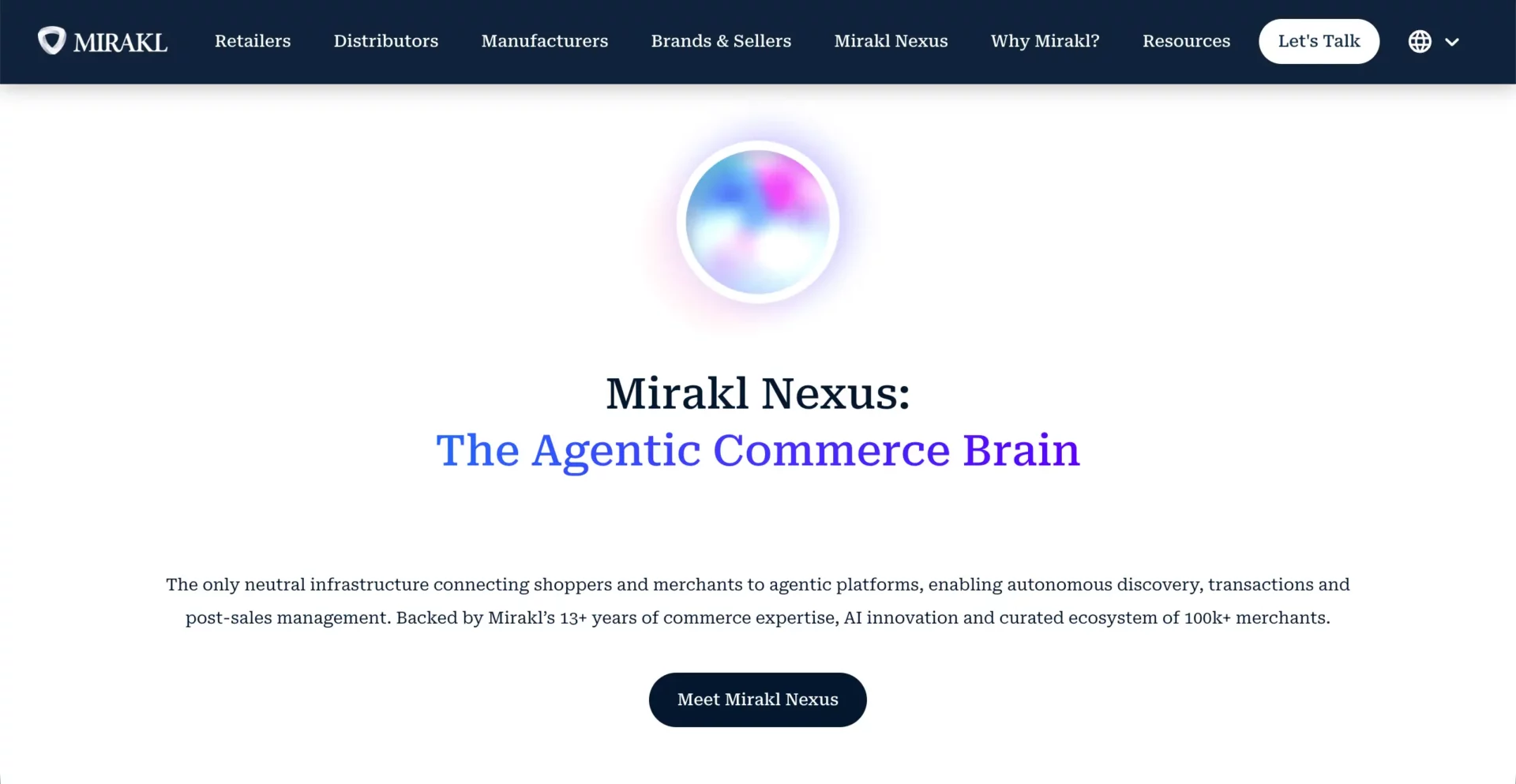
Mirakl is a cloud-based enterprise marketplace platform. It allows large retailers and B2B companies to launch and manage third-party seller ecosystems. Many global brands use Mirakl to expand product catalogs without managing inventory.
It is designed for enterprise operations with high transaction volume and complex integrations. Mirakl offers advanced automation, API-based architecture, and strong compliance systems. However, it is not built for small businesses.
Feature Comparison Between Dokan and Mirakl
Hope you have got a basic idea about the Mirakl platform from the overview above. Let’s now compare Dokan with Mirakl below.
| Feature Category | Dokan Multivendor | Mirakl |
|---|---|---|
| Platform Type | ✅ WordPress + WooCommerce plugin | ✅ Enterprise SaaS marketplace platform |
| Target Audience | ✅ Startups, SMEs, growing brands | 📈 Mid-to-large enterprises |
| Setup Complexity | ✅ WordPress-based setup | ❌ Enterprise implementation required |
| Basic Product Types | ✅ Physical & Digital products | ✅ Physical & Digital products |
| Advanced Product Types | ✅ Booking, Subscription, Auction | ✅ Service & B2B marketplace models |
| Commission Types | ✅ Percentage, Flat, Combined | ✅ Contract-based commission logic |
| Vendor Dashboard | ✅ Dedicated frontend vendor panel | ✅ Enterprise-grade vendor portal |
| AI Capabilities | ✅ Built-in AI assistant tools | ✅ Native AI for Catalog & Mapping |
| Mobile App | ✅ Dedicated native mobile app option | ❌ No native app (Headless API only) |
| Payment Processing | ✅ Stripe, PayPal, Bank, Skrill | ⚠️ Enterprise payment integrations |
| Withdrawal System | ✅ Structured vendor withdrawal system | ⚠️ ERP-integrated payout systems |
| Shipping Management | ✅ Zone, Table rate, Distance | ✅ Advanced enterprise logistics APIs |
| Tax & Compliance | ✅ WooCommerce tax sync | ✅ Enterprise-grade compliance controls |
| Refund System | ✅ Admin/vendor workflow | ✅ Automated enterprise return workflows |
| Store Customization | ✅ Full WordPress design control | ❌ Custom development required |
| SEO Management | ✅ Compatible with leading SEO plugins | ⚠️ Enterprise SEO via development |
| Extensions Ecosystem | ✅ Large WordPress ecosystem | ⚠️ API-based integration ecosystem |
| Scalability | ⚠️ Hosting-dependent scalability | ✅ Built for massive enterprise scale |
| Transaction Fees | ✅ No platform transaction fee | ❌ Platform takes percentage of GMV |
| Maintenance Responsibility | ⚠️ Managed by site owner | ✅ Fully managed SaaS infrastructure |
| Ownership & Control | ✅ Full data ownership | ⚠️ SaaS-controlled infrastructure |
When comparing Dokan and Mirakl, the difference is mainly about scale and cost. Mirakl delivers enterprise-level automation and integration. However, it requires enterprise budget and technical resources. Dokan focuses on flexibility, ownership, and manageable cost for growing marketplace businesses.
Check the best eCommerce marketplace software.
Pricing Comparison Between Dokan and Mirakl
Dokan has both annual and lifetime pricing plans. But Mirakl has only monthly and annual plans, no lifetime plans. Let’s see the differences between their pricing plans below.
| Plans | Dokan Multivendor | Mirakl |
|---|---|---|
| Annual | • Starter – $149 (1 Site License and 4 Premium Modules) • Professional – $249 (3 Site Licenses and 23 Premium Modules) • Business – $499 (5 Site Licenses and 42+ Premium Modules) • Enterprise – $999 (10 Site Licenses and all Premium Modules) | • Growth – $8388 (Yearly GMV up to $600,000) • Pro – $27588 (Yearly GMV up to $2,400,000) • Enterprise – Custom (Custom volumes) |
| Lifetime | • Starter – $708 (1 Site License and 4 Premium Modules) • Professional – $1121 (3 Site Licenses and 23 Premium Modules) • Business – $2121 (5 Site Licenses and 42+ Premium Modules) • Enterprise – $3996 (10 Site Licenses and all Premium Modules) | —— |
# Comments on the Pricing Comparison
No doubt that Mirakl is one of the best multivendor marketplace builder solutions. Once you have the platform, you probably won’t have to pay any additional cost for adding new addons. However, the cost of maintaining this platform is extremely high.
Besides, you have a GMV limit. For example, if you have the Pro – $27588 package, your marketplace is allowed to make up to $2,400,000 total sales a year. To go over that, you have to pay more and get to the Enterprise plan.
But in Dokan, you don’t have any such limitation. You will have more freedom and flexibility.
Pros & Cons Comparison Between Dokan and Mirakl
Now, it’s time to take a look at the pros and cons comparison between Dokan and Mirakl. Read them in the table below.
| Platform | Pros | Cons |
|---|---|---|
| Dokan | • Affordable entry cost • Full WordPress flexibility • No platform transaction fee • Built-in AI tools • Strong vendor UX | • Depends on hosting quality • Enterprise-level automation limited |
| Mirakl | • Enterprise automation • Advanced B2B capability • Fully managed SaaS • Global brand adoption | • Depends on hosting quality • Enterprise-level automation is limited |
Final Verdict
Dokan is ideal for entrepreneurs and growing companies that want full control, predictable cost, and scalable growth without enterprise complexity.
Mirakl is designed for global enterprises that need advanced automation, ERP integrations, and large-scale seller networks. It is powerful but financially and technically demanding.
7. Dokan vs Yo!Kart
Yo!Kart is a standalone multivendor marketplace software designed for startups and SMEs who want a ready-to-go solution without relying on WordPress. It targets businesses that prefer a self-hosted system with pre-built features for product, order, and vendor management.
Dokan, on the other hand, is a WordPress/WooCommerce plugin. It allows more customization, full ownership, and integration flexibility. While Yo!Kart focuses on quick deployment, and Dokan focuses on long-term scalability and control.
Overview of Yo!Kart
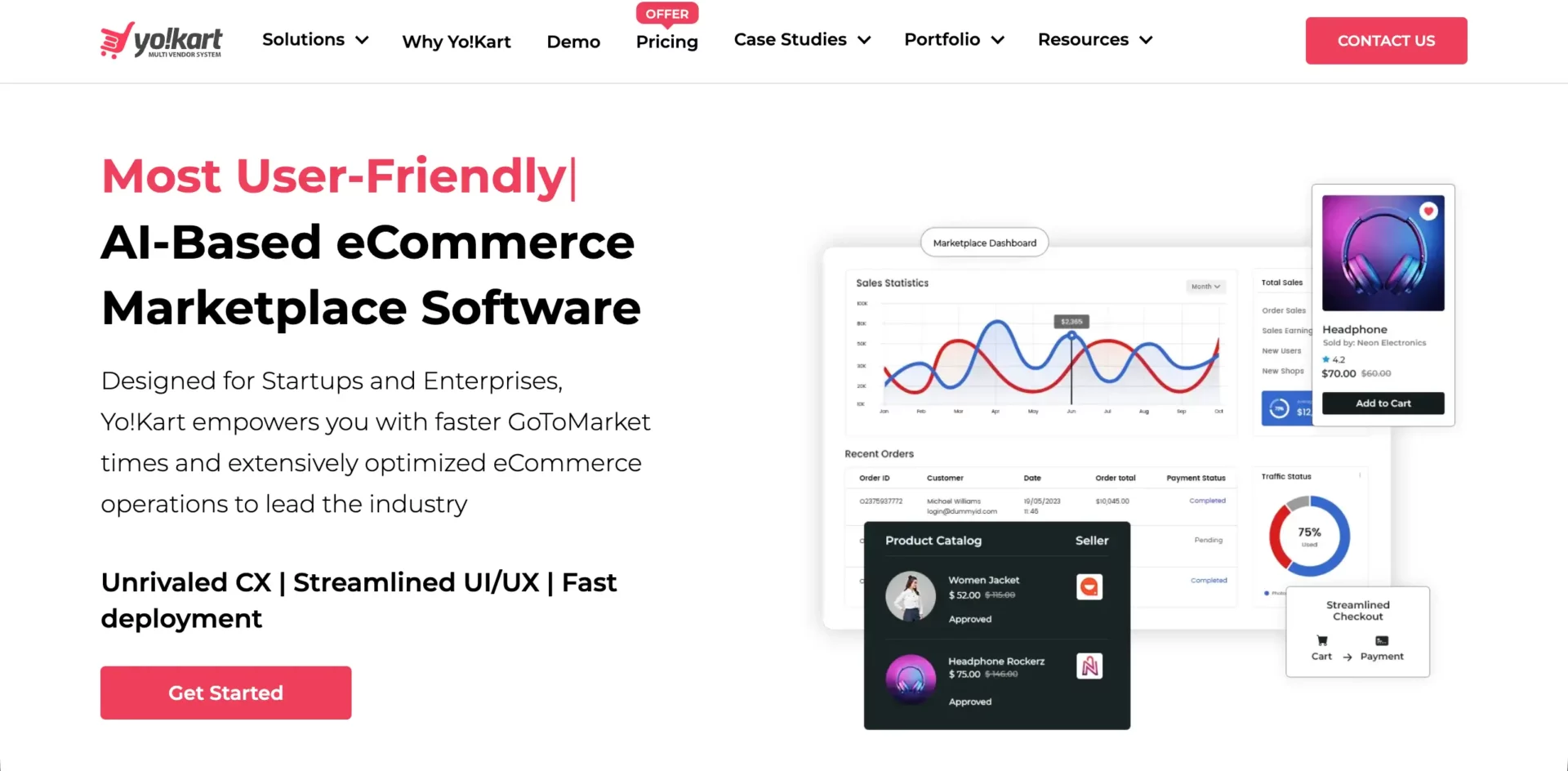
Yo!Kart is a PHP-based marketplace platform. It comes with pre-built modules for product management, order handling, shipping, and vendor dashboards. It also supports multi-currency and multilingual capabilities.
The platform is designed for small to medium marketplaces. While it provides strong out-of-the-box features, customizations often require developer support. Updates and scaling are tied to the software’s architecture and hosting environment.
Feature Comparison Between Dokan and Yo!Kart
Yo!Kart is still a promising multivendor marketplace builder platform. Take a look at the differences between Yo!Kart and Dokan in terms of their key features.
| Feature Category | Dokan Multivendor | Yo!Kart Multivendor |
|---|---|---|
| Platform Type | ✅ WordPress + WooCommerce plugin | ✅ Self-hosted PHP-based software |
| Setup Complexity | ✅ Simple WordPress installation | ⚠️ Moderate setup, developer help recommended |
| Basic Product Types | ✅ Physical & Digital products | ✅ Physical & Digital products |
| Advanced Product Types | ✅ Booking, Subscription, Auction | ✅ Rental, Subscription, & Bundling |
| Commission Types | ✅ Percentage, Flat, Combined | ✅ Percentage, Fixed, Tiered |
| Vendor Dashboard | ✅ Dedicated frontend panel | ⚠️ Functional but less intuitive |
| AI Capabilities | ✅ Native AI tools | ✅ Many native AI features |
| Mobile App | ✅ Optional native app | ✅ Native app available |
| Payment Processing | ✅ 100+ WooCommerce gateways | ⚠️ 20+ Pre-integrated gateways |
| Withdrawal System | ✅ Structured request flow | ✅ Auto-payouts (Stripe Connect/PayPal) |
| Shipping Management | ✅ Zone, Table rate, Distance | ✅ Built-in shipping rules |
| Tax Management | ✅ WooCommerce automated sync | ✅ Predefined tax settings |
| Refund System | ✅ Vendor & admin workflow | ✅ Dedicated buyer/seller resolution center |
| Store Customization | ✅ Elementor & WordPress design control | ⚠️ Template-based customization |
| Wholesale / B2B | ✅ Integration-ready | ✅ Native Bulk Pricing & RFQ system |
| SEO Management | ✅ Supports Yoast, Rank Math | ✅ Native SEO (Rewritable URLs & Meta) |
| Analytics & Reports | ✅ Executive dashboards | ✅ Advanced internal stats & Google Analytics |
| Extensions / Modules | ✅ Large WordPress ecosystem | ⚠️ Limited to Yo!Kart addons |
| Scalability | ⚠️ Hosting-dependent | ✅ Supports moderate growth; enterprise may need upgrades |
| Stability & Support | ✅ WordPress-tested ecosystem | ✅ Commercial support available |
Dokan focuses on flexibility and vendor experience. Yo!Kart offers pre-built modules but is less flexible. Businesses needing long-term growth and customization may prefer Dokan, while Yo!Kart suits those who want a ready-made solution.
Pricing Comparison Between Dokan and Yo!Kart
As usual, Dokan offers flexible pricing plans, both annual and lifetime. On the other hand, Yo!Kart has no annual plans but lifetime plans at a flat rate. Take a look at them below.
| Plans | Dokan Multivendor | Mirakl |
|---|---|---|
| Annual | • Starter – $149 (1 Site License and 4 Premium Modules) • Professional – $249 (3 Site Licenses and 23 Premium Modules) • Business – $499 (5 Site Licenses and 42+ Premium Modules) • Enterprise – $999 (10 Site Licenses and all Premium Modules) | ——— |
| Lifetime | • Starter – $708 (1 Site License and 4 Premium Modules) • Professional – $1121 (3 Site Licenses and 23 Premium Modules) • Business – $2121 (5 Site Licenses and 42+ Premium Modules) • Enterprise – $3996 (10 Site Licenses and all Premium Modules) | • GoQuick Lite – $499 (License Type – Non-Whitelabel Solution) • GoQuick – $1249 (Default Design Whitelabel Web Solution) • GoQuick Boost – $2499 (Whitelabel Web Solution) • GoQuick Ultra – $6449 (Whitelabel Web Solution) • GoCustom – $6249 (Marketing Services and Tech Support (12 Months)) |
# Comments on the Pricing Comparison
Yo!Kart’s target audience, from what I studied, is small and medium-sized businesses and enterprises. But many small and medium businesses open marketplaces for experimental purposes, for which annual plans are very helpful that Yo!Kart doesn’t offer.
Also, their lifetime plans are quite expensive. From this perspective, Dokan is really a better choice.
Pros and Cons Comparison Between Dokan and Yo!Kart
Like any other tool, Yo!Kart also has many standout sides and limitations. I have presented them below while comparing with Dokan.
| Platform | Pros | Cons |
|---|---|---|
| Dokan | • Clean vendor UX • Full WordPress flexibility • Predictable pricing • Built-in AI tools • Large plugin ecosystem | • Hosting management required • Enterprise features require higher tiers |
| Yo!Kart | • Ready-to-go platform • Self-hosted license • Integrated vendor management • Multi-currency & multilingual support | • Less flexible design • Limited advanced products • Mobile app requires an extra purchase |
Final Verdict
Dokan is ideal for marketplace owners who want a customizable, scalable, and controlled platform with predictable costs. Its WordPress foundation allows flexibility and integration options.
Yo!Kart suits businesses that want a self-hosted, pre-built marketplace solution. It is best for users who prioritize speed of deployment over deep customization. Visit this detailed post on Magento vs WordPress for eCommerce.
8. Dokan vs YITH Multivendor Marketplace
YITH is a well-known WooCommerce extension company. Its multivendor plugin is designed to convert a WooCommerce store into a marketplace with vendor registration and product control. Since both Dokan and YITH run on WooCommerce, this comparison becomes more practical and direct.
The difference appears in ecosystem depth, vendor experience, and scalability. Dokan positions itself as a full marketplace framework. YITH provides marketplace functionality but often depends on additional YITH plugins for extended capability.
Overview of YITH Multivendor Marketplace
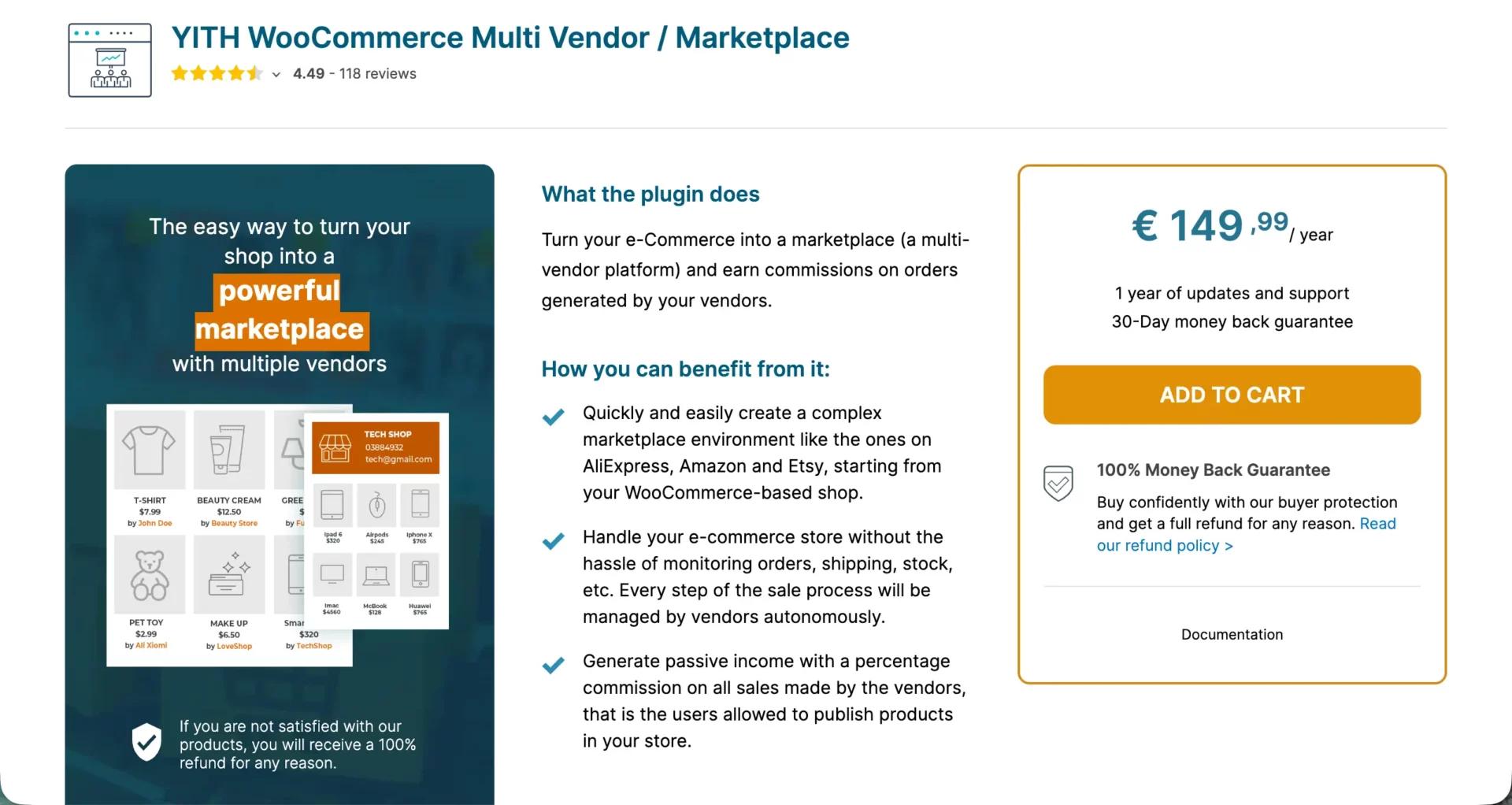
YITH Multivendor is a WooCommerce-based plugin that allows multiple vendors to sell through one store. Vendors can manage products and commissions from a dashboard. The admin controls approval, commissions, and store policies.
YITH is known for its wide plugin portfolio. Many advanced marketplace needs, such as booking, subscriptions, memberships, and advanced shipping, require combining multiple YITH plugins. This creates flexibility, but it can increase configuration complexity.
Feature Comparison Between Dokan and YITH Multivendor Marketplace
Since both these tools work on a similar platform, you will surely witness many similarities between Dokan and YITH in terms of their key features. Take a look at them below.
| Feature Category | Dokan Multivendor | YITH Multivendor Marketplace |
|---|---|---|
| Platform Base | ✅ WooCommerce plugin | ✅ WooCommerce plugin |
| Setup Experience | ✅ Guided onboarding wizard | ⚠️ Manual configuration setup |
| Basic Product Types | ✅ Simple, Variable, Grouped, External | ✅ Simple, Variable, Grouped, External |
| Advanced Product Types | ✅ Booking, Subscription, Auction | ⚠️ Requires separate YITH plugins |
| Commission Types | ✅ Percentage, Flat, Combined | ✅ Percentage, Fixed, Category-based |
| Vendor Dashboard | ✅ Dedicated frontend dashboard | ⚠️ Backend-oriented interface |
| AI Capabilities | ✅ Built-in AI tools | ❌ No native AI features |
| Mobile App | ✅ Dedicated native app option | ✅ Native App (via YITH Mobile App) |
| Withdrawal System | ✅ Structured withdrawal requests | ⚠️ Admin-controlled payout system |
| Shipping Management | ✅ Zone, Table rate, Distance | ⚠️ Depends on WooCommerce + add-ons |
| Tax Management | ✅ WooCommerce tax automation | ✅ WooCommerce-based tax handling |
| Refund System | ✅ Vendor & admin workflow | ⚠️ Admin-driven refund process |
| Store Design | ✅ Elementor integration | ⚠️ Limited design flexibility |
| Wholesale / B2B | ✅ Integration-ready | ⚠️ Requires additional plugins |
| SEO Management | ✅ Compatible with Yoast & Rank Math | ⚠️ Standard WooCommerce SEO only |
| Analytics & Reports | ✅ Executive-level clarity | ⚠️ Basic vendor reports |
| Modules / Extensions | ✅ 40+ structured modules | ⚠️ Depends on multiple YITH plugins |
| Scalability | ⚠️ Hosting-dependent | ⚠️ Hosting-dependent |
| Ecosystem Strength | ✅ Large WordPress ecosystem | ✅ Strong YITH plugin ecosystem |
| Stability & Updates | ✅ Mature marketplace framework | ✅ Actively maintained plugin |
When comparing Dokan and YITH, both share WooCommerce as their foundation. However, Dokan offers a more unified marketplace framework with built-in modules.
YITH often requires combining several plugins to achieve a similar depth. This increases flexibility but also increases dependency. Here is a more detailed comparison of Dokan vs YITH.
Pricing Comparison Between Dokan and YITH Multivendor Marketplace
Dokan follows a clear Annual and Lifetime pricing model with four tiers. Features are bundled based on plan level. Scaling is structured and predictable.
YITH Multivendor offers annual licensing. However, advanced features often require purchasing additional YITH plugins separately. The total cost depends on how many extensions are needed.
| Plans | Dokan Multivendor | Mirakl |
|---|---|---|
| Annual | • Starter – $149 (1 Site License and 4 Premium Modules) • Professional – $249 (3 Site Licenses and 23 Premium Modules) • Business – $499 (5 Site Licenses and 42+ Premium Modules) • Enterprise – $999 (10 Site Licenses and all Premium Modules) | • Premium – $249 (All features of the plugin) |
| Lifetime | • Starter – $708 (1 Site License and 4 Premium Modules) • Professional – $1121 (3 Site Licenses and 23 Premium Modules) • Business – $2121 (5 Site Licenses and 42+ Premium Modules) • Enterprise – $3996 (10 Site Licenses and all Premium Modules) | —– |
# Comments on the Pricing Comparison
Although the price of the YITH plugin looks very cheap and affordable, you have to depend on numerous extensions and addons to grow your marketplace’s functionalities. Each of them will definitely add an additional layer of cost to your marketplace.
For example, I have listed the pricing of two mandatory addons you will need with the YITH multivendor marketplace plugin.
- YITH WooCommerce Booking: ~$199.99/year
- YITH WooCommerce Subscription: ~$199.99/year
Pros and Cons Comparison Between Dokan and YITH Multivendor Marketplace
Now, it’s time to explore the comparison between Dokan and the YITH multivendor marketplace plugin, in terms of their pros and cons.
| Platform | Pros | Cons |
|---|---|---|
| Dokan | • Clean vendor UX • AI tools included • Structured module system • Mobile app support • Strong documentation | • Higher tiers unlock advanced modules |
| YITH | • Strong WooCommerce ecosystem • Flexible plugin combinations • Reliable brand reputation | • Multiple plugin dependency • No native AI tools • Limited vendor UI polish |
Final Verdict
Dokan is ideal for marketplace owners who want a structured, unified system with modern vendor experience and built-in tools. It reduces plugin stacking and keeps management simpler.
YITH Multivendor suits businesses already using several YITH plugins and comfortable managing multiple extensions. It offers flexibility but may require more configuration effort.
9. Dokan vs Arcadier
Arcadier is a SaaS marketplace builder that allows users to launch marketplaces without handling hosting or server management. It focuses on simplicity and ready-made templates. Dokan, on the other hand, runs on WordPress and WooCommerce, giving full control and ownership.
Overview of Arcadier
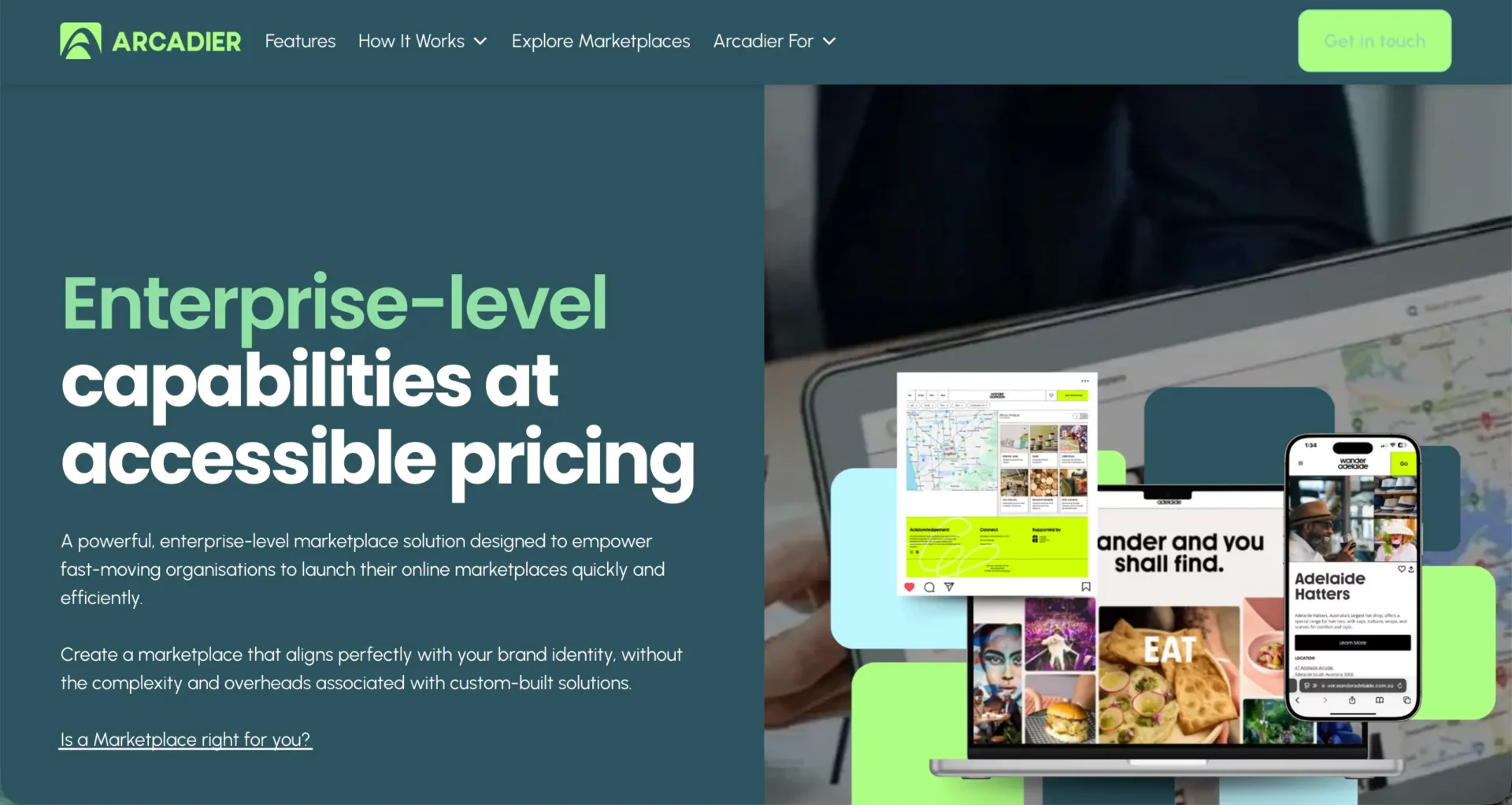
Arcadier is a cloud-based marketplace software. Users can create product, service, booking, or rental marketplaces through its hosted environment. The system includes vendor management, commission handling, and payment processing tools.
Arcadier does not require WordPress or external hosting. Everything runs on its own servers. However, customization is limited unless you move to higher plans with API access. Advanced feature control depends on the subscription tier.
Feature Comparison Between Dokan and Arcadier
As Arcadier is developed with a different technology, you can be sure that you will see many noticeable differences between this and Dokan. Let’s see.
| Feature Category | Dokan Multivendor | Arcadier |
|---|---|---|
| Platform Type | ✅ WordPress + WooCommerce plugin | ✅ Hosted SaaS marketplace |
| Hosting Control | ✅ Full hosting ownership | ❌ No server-level control |
| Setup Complexity | ✅ WordPress-based installation | ✅ Instant SaaS setup |
| Basic Product Types | ✅ Physical & Digital products | ✅ Physical, Service, Rental |
| Advanced Product Types | ✅ Booking, Subscription, Auction | ✅ B2B, Rental & Booking tiers |
| Commission Types | ✅ Percentage, Flat, Combined | ✅ Percentage & Transaction fee |
| Vendor Dashboard | ✅ Dedicated frontend vendor panel | ✅ Full-featured merchant portal |
| AI Capabilities | ✅ Built-in AI assistant | ✅ AI-powered Search & Analytics |
| Mobile App | ✅ Dedicated native mobile app | ✅ Native iOS & Android app options |
| Payment Gateways | ✅ 100+ WooCommerce Gateways | ⚠️ Stripe, PayPal, Omise, Adyen |
| Withdrawal System | ✅ Structured withdrawal request flow | ✅ Automated split-payouts |
| Shipping Management | ✅ Zone, Table rate, Distance | ✅ Built-in shipping & weight rules |
| Tax Management | ✅ WooCommerce tax sync | ⚠️ Basic tax calculation rules |
| Refund System | ✅ Admin/vendor workflow | ✅ Integrated refund management |
| Store Customization | ✅ Full WordPress theme control | ⚠️ Template-based design editor |
| SEO Management | ✅ Supports leading SEO plugins | ✅ Basic built-in SEO settings |
| Extensions Ecosystem | ✅ Large WordPress plugin ecosystem | ❌ Closed SaaS extension store |
| Scalability | ⚠️ Hosting-dependent | ✅ Enterprise-ready infrastructure |
| Transaction Fees | ✅ No platform transaction fee | ❌ Platform transaction fee applies |
| Data Ownership | ✅ Full database ownership | ⚠️ SaaS-controlled data environment |
| Maintenance Responsibility | ⚠️ Managed by site owner | ✅ Fully managed hosting |
When comparing Dokan and Arcadier, the difference becomes clear. Dokan gives deeper customization, plugin flexibility, and full ownership. Arcadier simplifies launch but limits control based on subscription plan. Businesses focused on long-term scalability may prefer Dokan.
| Plans | Dokan Multivendor | Arcadier |
|---|---|---|
| Annual | • Starter – $149 (1 Site License and 4 Premium Modules) • Professional – $249 (3 Site Licenses and 23 Premium Modules) • Business – $499 (5 Site Licenses and 42+ Premium Modules) • Enterprise – $999 (10 Site Licenses and all Premium Modules) | • Basic – $816 (Best for New startups and MVPs) • Growth – $1800 (Best for scaling stores needing custom JS) • Scale – $4500 (High-volume marketplaces) • Enterprise – $18000 (B2B & Large Corporations) |
| Lifetime | • Starter – $708 (1 Site License and 4 Premium Modules) • Professional – $1121 (3 Site Licenses and 23 Premium Modules) • Business – $2121 (5 Site Licenses and 42+ Premium Modules) • Enterprise – $3996 (10 Site Licenses and all Premium Modules) | —– |
# Comments on the Pricing Comparison
Arcadier doesn’t have a lifetime plan. Due to being a SaaS platform, they offer only monthly and annual plans. Hope you saw them above.
If you already have experience in marketplace creation and management, you can choose Arcadier. But you are a newbie in this industry, so you must try Dokan to stay on the safe side.
However, that doesn’t mean Dokan is only good for beginners. It works great for experienced users as well. Still, you won’t find many beginner-friendly marketplace builder platforms where Dokan truly stands out.
Pros and Cons Comparison Between Dokan and Arcadier
Hope you got a detailed idea about Dokan and Arcadier from the feature and pricing comparisons as covered above. Now, it’s high time to take a look at their pros and cons. Keep reading.
| Platform | Pros | Cons |
|---|---|---|
| Dokan | • Full ownership & flexibility • No platform transaction fee • Built-in AI tools • Deep WooCommerce integration • Large plugin ecosystem | • Hosting management required • WordPress learning curve |
| Arcadier | • No hosting management • Quick launch setup • Simple interface • Managed infrastructure | • Monthly subscription cost • Transaction fees • Limited customization control |
FAQ on Dokan vs The Best Multivendor Marketplace Platforms
Now, in this section, we’ll list and discuss some frequently asked questions related to today’s topic that are often found in online forums and communities.
Which platform is best for beginners starting a marketplace for the first time?
Dokan is widely considered the most beginner-friendly multivendor marketplace platform due to its polished frontend dashboard and flawless integration with WordPress.
Can I migrate from another multivendor platform to Dokan?
You cannot migrate from every multivendor platform to Dokan. Migration works only with platforms that have proper integration. For example, Dokan offers a WC Vendors Migrator and import tools for products and vendors. Always check compatibility before planning your marketplace migration.
Check this detailed comparison of Dokan vs WC Vendors.
Does Dokan support mobile apps like Yo!Kart or Sharetribe?
Yes, Dokan offers a dedicated customer and delivery driver app, putting it on par with “app-first” platforms like Yo!Kart for mobile commerce.
Which platform is best for B2B or Wholesale marketplaces?
Dokan has a dedicated Wholesale module for B2B transactions, though Webkul is also a strong contender for complex B2B needs across multiple CMS platforms.
How does Dokan’s scalability compare to Mirakl or CS-Cart?
Dokan is excellent for small-to-mid-sized businesses, but for massive, enterprise-level global marketplaces, CS-Cart or Mirakl offer more robust independent architectures that don’t rely on WordPress performance limits.
Final Words!
Finally, choosing the right multivendor marketplace platform is not only about features. It is about control, cost structure, growth flexibility, and vendor experience. Some platforms focus on enterprise power. Some focus on a quick SaaS launch. Others offer modular flexibility.
But when you compare pricing clarity, customization depth, ownership, ecosystem strength, and long-term scalability together, the difference becomes clear. A marketplace is not just software. It is the foundation of your business model.
Across all comparisons, Dokan stands out because it balances usability and power. It offers a clean vendor dashboard, structured commission system, flexible product handling, and strong integration with WooCommerce.
It does not lock you into platform transaction fees. It allows design freedom through WordPress themes and builders. At the same time, it provides advanced modules for booking, subscription, B2B, delivery, and more. This makes it practical for startups and scalable for growing businesses.
If you have any questions regarding today’s post, mention them in the comment box below. We’ll get back to you very soon with informative answers.
Subscribe to
Dokan blog
We send weekly newsletters, no spam for sure!





Leave a Reply