
With the Dokan Pro, you can activate a single seller mode in your multivendor marketplace. This mode will enable the customer to only buy from one vendor at a time.
Let’s check how to restrict your customers from buying from multiple vendors in a single order.
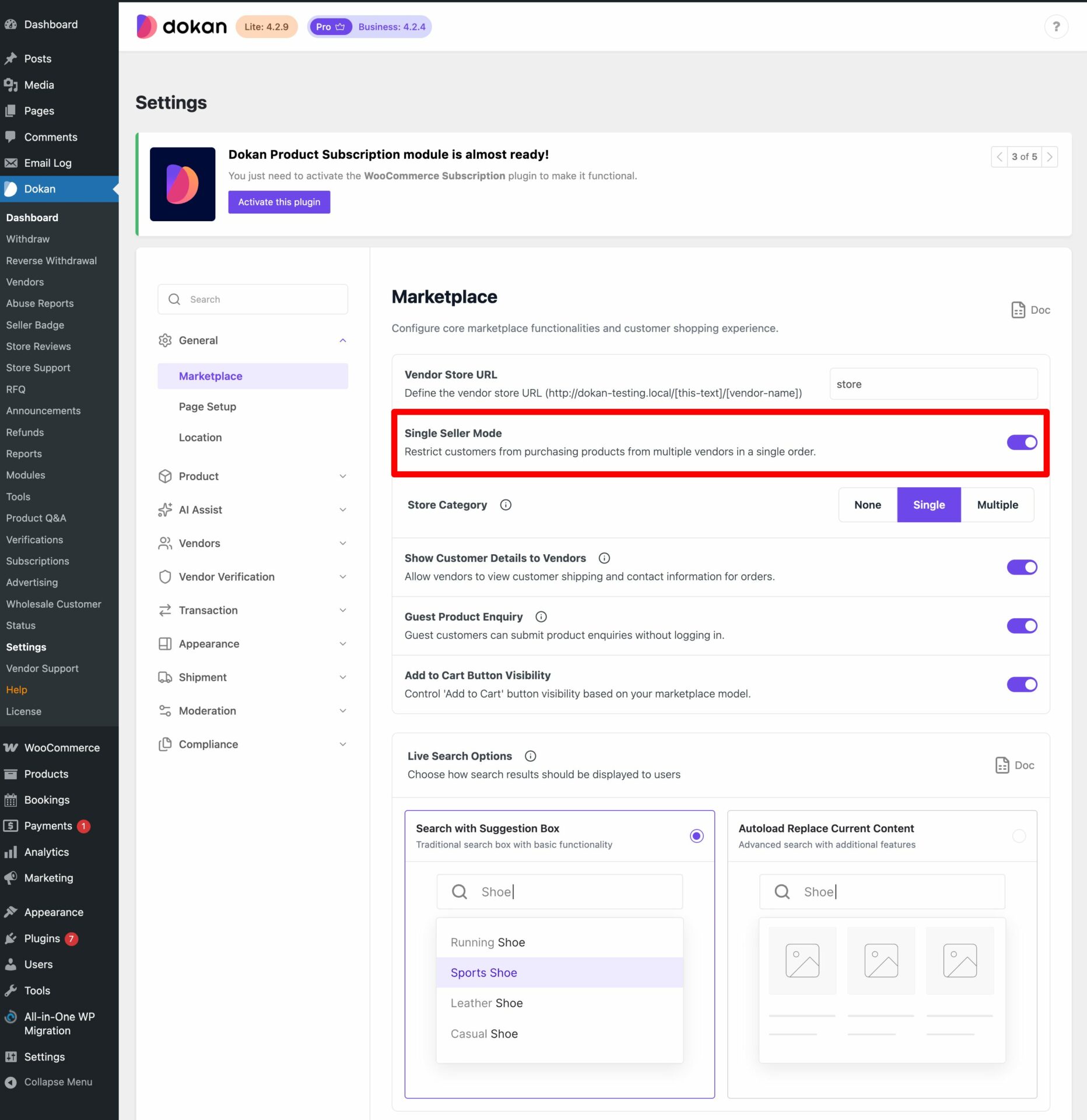
To enable this option, go to WP Admin Dashboard→ Dokan→ Settings→General→Marketplace.
There select the single seller mode option.
So, when the customer try to add products from more than one vendor, they will get a message like this-
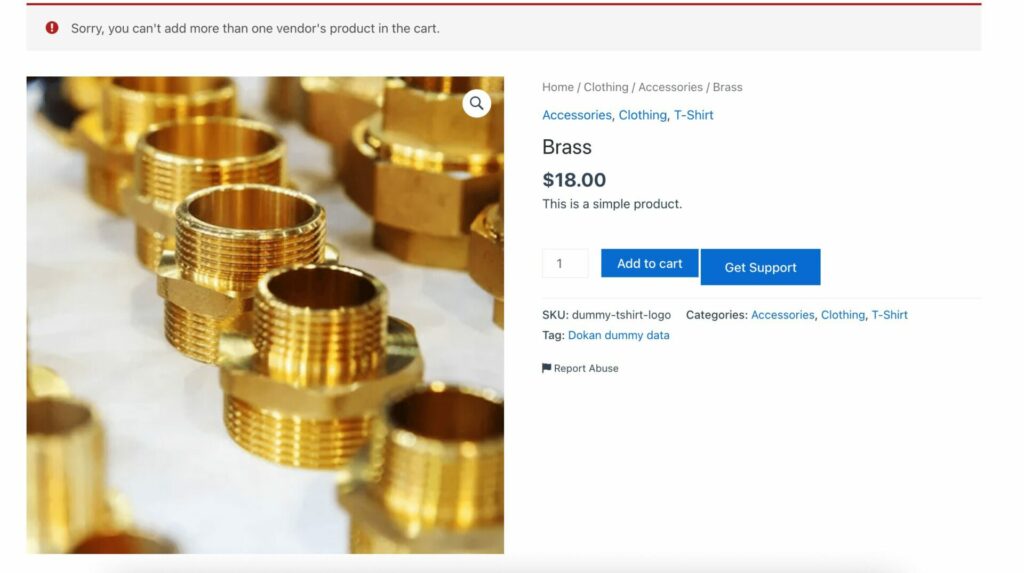
This is how the single seller mode in Dokan multivendor.
Check out this video to know how it works
That’s all.